The Easiest Touchscreen Solution




Live Example: Rocket Alumni Solutions Touchscreen Display
Interact with a live example (16:9 scaled 1920x1080 display). All content is automatically responsive to all screen sizes and orientations.
Intent: research — a trophy case opening closing checklist gives school administrators, athletic directors, hall-of-fame committees, and facilities staff a brief, repeatable daily routine for confirming that doors are locked, lighting is operational, objects are in undisturbed condition, and any incidents are recorded before the building opens and after it closes each day. Without this routine, the gap between scheduled maintenance checks is where undetected vandalism, lighting failures, and shifting display items accumulate. This guide delivers a practical two-column daily checklist, an incident log template, and guidance on what to do when a daily check reveals something physical cases alone cannot solve.
A trophy case sitting in a main school hallway is not a sealed vault. Every school day, hundreds of students and visitors walk past it. Some touch the glass. Some set bags against the frame. A power surge or thermostat cycle changes the ambient temperature of the corridor. A cleaning crew passes through before dawn. A coach unlocks the case to add last night’s championship plaque. An unknown person tries a door handle that should have been locked.
None of these interactions leave a visible mark on the record — unless someone is checking. A structured daily opening and closing routine creates that record. It takes five to ten minutes total and turns a passive display into a managed asset.

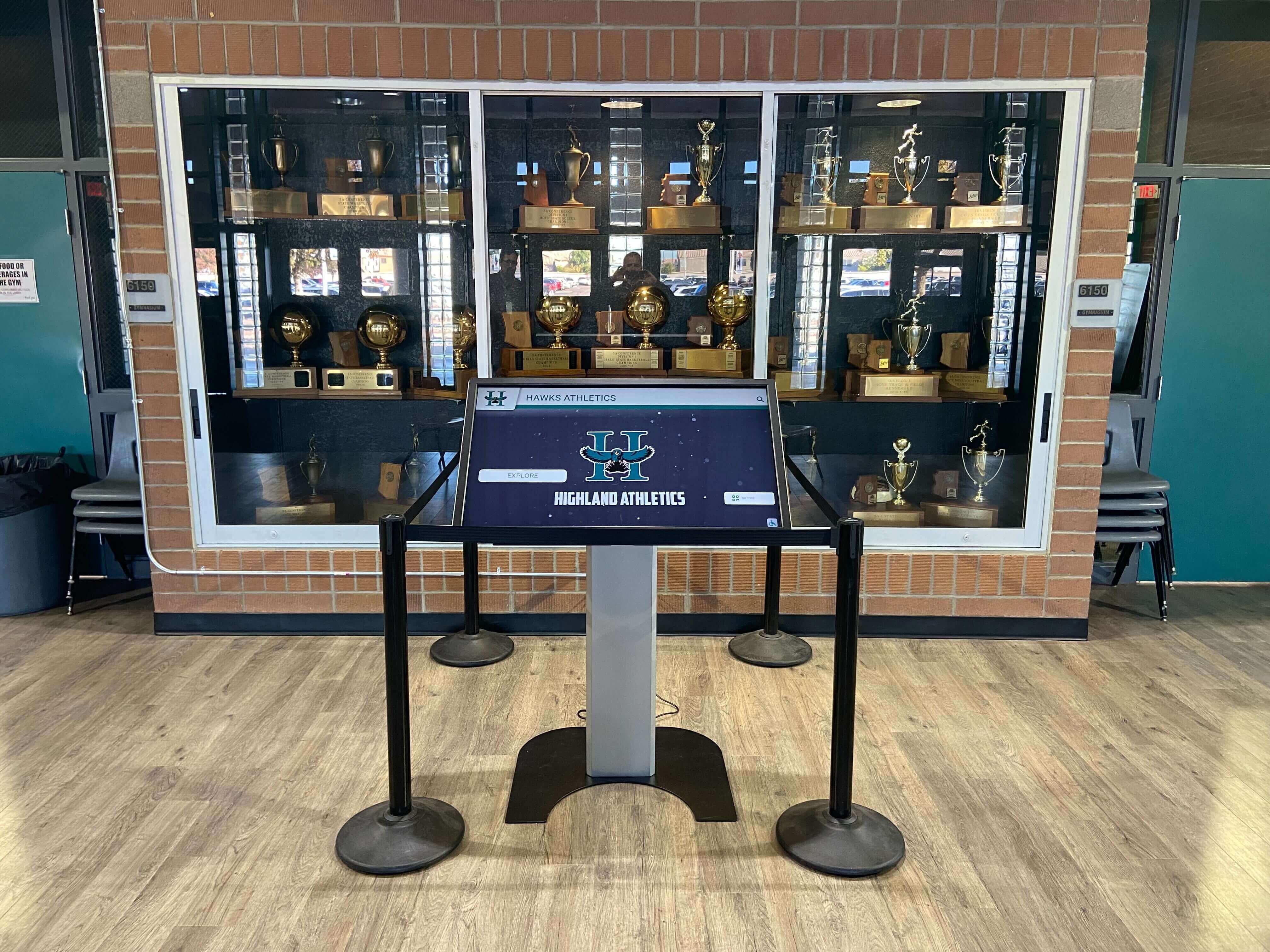
A daily walkthrough covers the full trophy case area — from the physical case itself to any adjacent digital recognition displays
Why a Daily Trophy Case Check Belongs in Every School Routine
The most common reason schools lack a daily check is the assumption that nothing notable can happen overnight or during a standard school day. This assumption is mistaken in practice. Schools that begin daily logging consistently find in the first few weeks that minor issues had been accumulating unnoticed for months — a door hinge that was loose for an unknown period, a light fixture that had been intermittently flickering, a base plate that shifted gradually until it was clearly off-center.
The value of daily documentation compounds over time. When a trophy is reported missing, a log showing it was present at the 3:30 p.m. closing check but absent at the 7:45 a.m. opening check narrows the incident window immediately. When a glass panel develops a crack, a log confirming no impact was recorded helps distinguish between vandalism and thermal stress — which affects both the repair approach and any insurance documentation.
Schools building active recognition programs — with athletics, academics, and community honors represented across hallways — find that consistent daily checks at each display location create the institutional discipline that keeps recognition infrastructure functional and credible. For athletic programs thinking through how physical displays connect to long-term historical records, the guide to athletic history display programs offers context on why maintenance culture matters from day one of any new installation.
The Trophy Case Opening and Closing Checklist
The checklist below is organized as two parallel columns: the morning opening check on the left and the end-of-day closing check on the right. Many tasks appear in both columns because a consistent reference point at opening and at closing is what makes condition changes detectable — you need both data points to know whether anything changed during the school day.
Assign a specific person to each check. Post the checklist in the athletic office, facilities office, or at the display location itself. A checklist that requires searching for the template is a checklist that will not be completed.
Morning Opening Check
Security Walkthrough
- Confirm all case doors are latched and locked — test each door handle
- Confirm no evidence of forced entry on door frames, hinges, or lock hardware
- Check that case glass shows no new cracks, chips, or impact marks
- Confirm the display area is clear of debris, bags, or items left against the case overnight
Lighting
- Confirm all interior case lights are on and operating (if set to auto-on at building open)
- Confirm no bulbs are burned out or visibly flickering
- Note whether any interior section appears noticeably darker than adjacent sections
Condition Spot Check
- Visually scan each visible shelf — confirm all items are upright and in their last-logged positions
- Check that no items appear to have shifted, fallen, or been moved since the previous closing check
- Verify that identification labels are still attached and legible on items near the door seams
Keys and Access
- Confirm case keys are accounted for in the key log (record holder name and key location)
- Note any unscheduled key checkouts that occurred since the previous closing check
- If a combination lock is used, confirm the dial was not left in an open position overnight
Log Entry
- Record date, time, and name of staff member completing the opening check
- Note any findings that differ from the prior day’s closing log
- Flag any items for follow-up before the school day ends
End-of-Day Closing Check
Security Walkthrough
- Confirm all case doors are latched and locked — test each door handle deliberately, not by visual inspection alone
- Confirm that any case opened during the school day has been properly relocked
- Check door frame and hinge condition for any new damage not present at the morning opening
- Confirm no objects have been placed on top of, against, or leaning on the case exterior
Lighting
- Confirm interior case lights are off or set to overnight standby mode per your facility schedule
- Check that any dedicated overhead spotlights serving the display area are off or on a verified timer
- Flag any burned-out bulbs discovered during the day for maintenance replacement before the next school day
Condition Check
- Scan all visible shelves for position changes since the morning opening check
- Confirm all items remain undisturbed; note any that appear to have been touched, moved, or are missing
- Check glass panels for any new fingerprint clusters, smudges, or surface contact marks requiring cleaning
Incident Review
- Confirm whether any incidents involving the trophy case were reported during the school day
- If an incident was reported, confirm it is entered in the incident log before the building is secured
- Note any items that require follow-up maintenance — loose labels, shifted hardware, or lighting issues observed during the day
Log Entry
- Record date, time, and name of staff member completing the closing check
- Confirm the case is secure before leaving the display area
- Leave the log in the designated location for the next morning’s opener
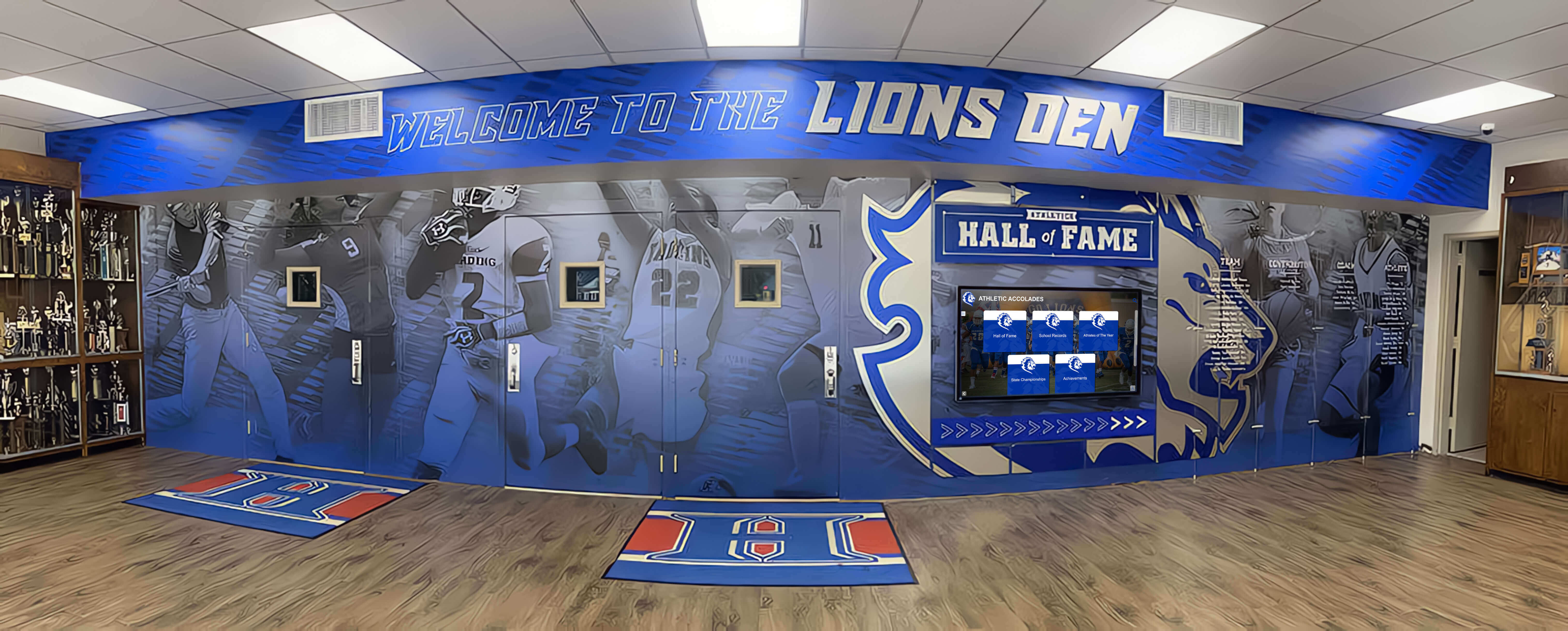
A daily two-column routine — morning opening and end-of-day closing — creates the reference baseline that makes condition changes immediately detectable
Incident Log: Fields Every Trophy Case Log Should Include
The daily checklist confirms whether the case is secure and items are in condition. An incident log captures the details when they are not. A well-structured incident log does two things: it creates a factual record that supports insurance claims, police reports, or internal investigations, and it surfaces patterns over time — recurring lighting failures, a specific door that requires repeated attention, or a time window when access irregularities tend to occur.
Keep the incident log in the same location as the daily checklist, and ensure every log entry references the specific check (opening or closing) during which the incident was first observed.
| Field | What to Record |
|---|---|
| Date and Time Observed | The date and specific time the issue was first noticed; note whether it was observed at the opening check, closing check, or reported mid-day |
| Observed By | Name and role of the staff member who identified the issue |
| Location | Which case (if multiple) and which section or shelf within the case; a simple numbered diagram posted with the log makes this faster to complete accurately |
| Incident Type | Choose from: Security (unauthorized access attempt or forced entry), Condition (item moved, damaged, or missing), Lighting (bulb failure or fixture damage), Structural (glass crack, hinge failure, frame damage), Other |
| Description | Brief factual description of what was observed; describe exactly what was seen without interpretation or conclusions |
| Item(s) Affected | Specific trophy, plaque, jersey, or hardware involved; reference the item's catalog number if your school maintains an inventory |
| Photo Taken | Yes / No; attach the photo to the log or note the file location if stored digitally |
| Reported To | Name and role of the administrator, facilities contact, or security staff notified |
| Follow-Up Required | Specific action needed (repair, replacement, police report, insurance notification) and the person assigned to complete it |
| Resolution Date | Date the follow-up action was completed; leave blank until the issue is resolved and verified |
For schools managing recognition displays across multiple hallway locations — including donor recognition walls and academic achievement boards — a standardized incident log format applied consistently across all displays simplifies end-of-year audits and facilities reporting. The capital campaign and recognition program management overview illustrates how documentation discipline in recognition programs supports broader institutional governance goals that go well beyond the trophy case itself.
Schools wanting to align their daily trophy case process with a wider approach to standardized display management across all athletic record units will find the athletic record units standardization guide useful alongside this daily checklist, particularly for institutions where trophy cases, record boards, and other recognition hardware share the same hallway zone.
Who Should Own the Daily Checklist
A checklist without a named owner is a checklist that gets skipped. Assign the following roles clearly, and document the assignments in writing in both the athletic office and the facilities office so that staff transitions do not erase the system.
Morning Opening Check In most schools, the morning check aligns with whoever opens the athletic hallway or building wing containing the trophy case. This is often custodial or facilities staff, an athletic department staff member who arrives early, or a designated student aide under athletic department supervision during the regular school year. Whoever holds the key to the building wing should hold responsibility for the morning check.
End-of-Day Closing Check The closing check belongs to whoever conducts the final walkthrough of the athletic hallway or facilities zone at end of day. In schools where the athletic director or a coach reliably stays later than custodial staff, the closing check naturally falls to that role. In schools where custodial staff are last out, they should be trained and equipped to complete the closing check before securing the area.
Incident Escalation The daily checklist identifies incidents; escalation protocol determines what happens next. Document the escalation chain clearly: daily check staff escalate to the athletic director, who escalates to the building principal or facilities director for structural or security matters. For incidents with potential law enforcement implications, the principal or administrator is the appropriate first call.
Separating the observation role from the escalation role prevents incidents from being quietly resolved without a documented record, which creates both accountability gaps and institutional risk.
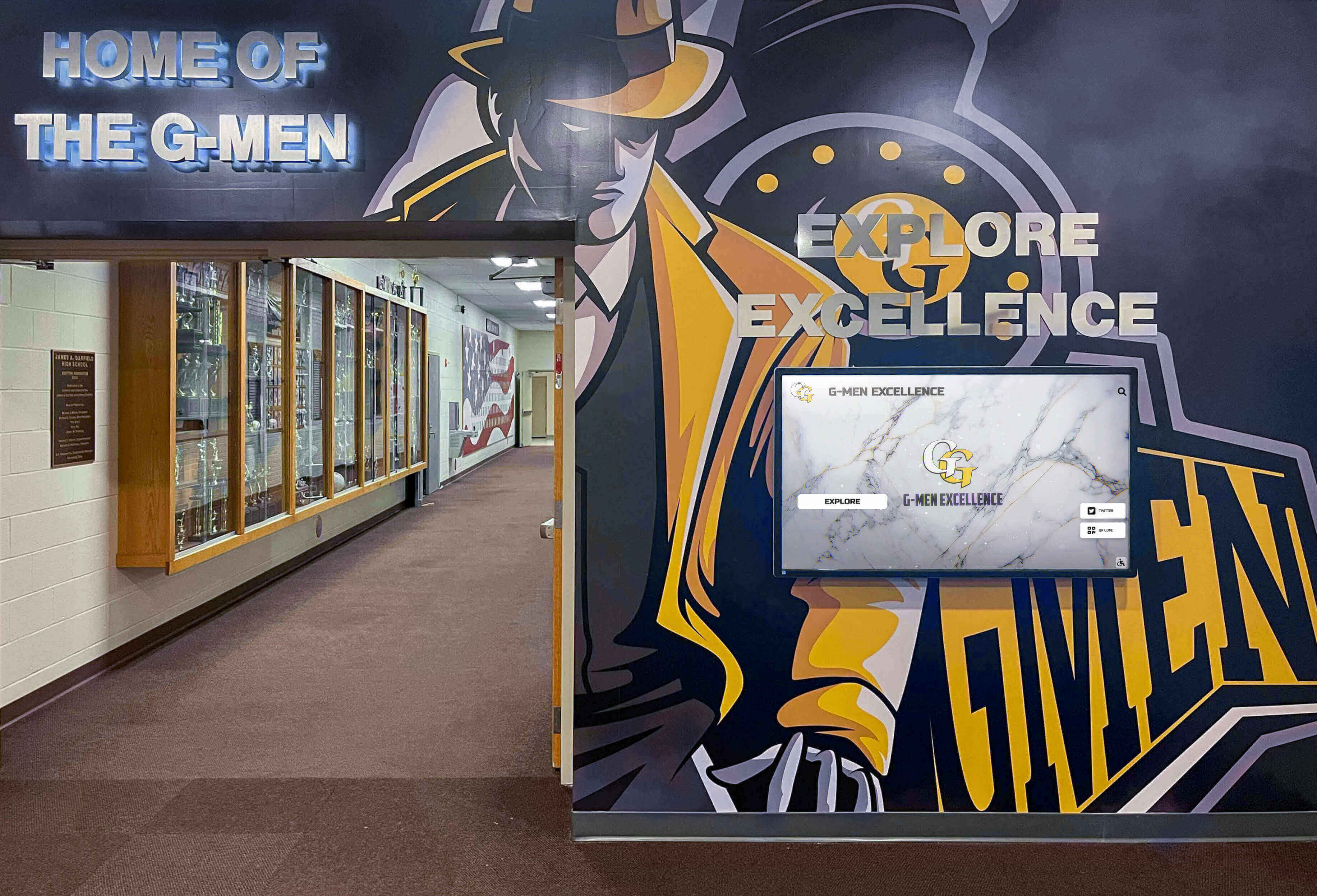
In schools with digital displays alongside physical cases, the daily opening and closing routine covers both — a single walkthrough protects the full recognition zone
Adapting the Checklist Across the School Calendar
The core daily checklist works the same way throughout the academic year, but several calendar points require expanded attention.
Before and After School Events On days with evening games, banquets, award ceremonies, or school events that bring large groups through the athletic hallway, add a post-event check to the standard closing routine. High-traffic periods are when unintentional contact with trophy case exteriors most commonly occurs. A brief five-minute walk-through after the crowd clears confirms that nothing shifted and no glass was impacted.
School Break Periods When the building closes for a break of more than two school days, complete a documented pre-break closing check that goes beyond the standard daily routine. Photograph every shelf, confirm all lighting is off or on standby, and verify that the key log shows no outstanding checkouts. On return from break, compare the first-day-back opening check against the pre-break photographs.
After Any Facilities Work Any time a maintenance crew, cleaning contractor, or facilities team works in the hallway containing the trophy case, complete a post-work condition check before the next student day begins. Cleaning chemical residue, equipment contact, and incidental vibration from adjacent work can all affect case contents without the crew being aware.
For schools managing recognition displays across multiple buildings or campuses, the guidance on interactive display installation timing for school gymnasiums and athletic facilities covers how to coordinate facilities work around existing recognition infrastructure — relevant for any school adding new display components to an area that already has a physical trophy case in daily use.
When the Daily Check Reveals What Physical Cases Cannot Fix
A daily routine is effective at detecting condition changes. It surfaces what has moved, what has failed, and when it happened. But some of what a daily check reveals points to structural limitations of the physical case itself — limitations that daily monitoring manages but cannot eliminate.
Access Control Gaps If daily log entries regularly show evidence of door testing, unrecorded key checkouts, or lock tampering, the case may need upgraded hardware — better locks, a key management protocol, or a redesigned access procedure. The daily checklist documents the pattern; resolving it requires an investment decision.
Recurring Lighting Failures If a specific fixture requires repeated attention — bulbs cycling faster than expected, flickering that returns after replacement — the fixture likely has an underlying wiring or driver issue that routine bulb replacement will not resolve. This belongs to a qualified electrician, not the next monthly maintenance cycle.
Volume and Visibility Limitations If daily log entries regularly note that significant items are difficult to see due to overcrowding or poor positioning — and you are already maintaining clean glass and proper lighting — the underlying problem is physical space. No amount of daily maintenance creates more shelf space in a glass case.
Schools that have reached physical capacity in their display infrastructure increasingly complement existing cases with digital recognition systems. For institutions looking to extend recognition beyond athletics to include academic honor rolls, AP scholars, and service recognition, the overview of AP scholar and academic digital recognition programs demonstrates how cloud-managed platforms expand the recognition footprint without requiring additional physical space.
Schools using campus-wide recognition displays — across residence halls, instructional buildings, and athletic facilities — find that digital systems make consistent recognition management practical across all locations. The college residence hall informational and interactive display resource covers how institutions manage multi-location display programs effectively, including the access control and documentation practices that parallel a physical trophy case routine.
Recognition programs spanning staff and employee accomplishments alongside student achievement face similar daily maintenance questions at scale. The overview of employee recognition program formats provides practical framing for institutions managing a broader recognition portfolio across campus locations.
A cloud-managed digital recognition platform enables remote content updates in minutes, holds unlimited records without physical space constraints, meets ADA WCAG 2.1 AA accessibility standards, and generates QR codes that give alumni and remote visitors access to the same records on any mobile device. Scheduled publishing means newly earned championships appear on the display at a time you choose — without an IT ticket or a physical visit to the case. You can explore what this infrastructure looks like at the full recognition platform overview.
Frequently Asked Questions
What should a trophy case opening and closing checklist include? At minimum, a daily trophy case checklist should cover four areas at both opening and closing: security (doors latched and locked, no evidence of forced entry), lighting (all fixtures operational), condition (items in undisturbed position), and documentation (a log entry with date, time, and observer name). The opening check establishes the baseline for the day; the closing check confirms whether anything changed. An incident log captures the details when either check reveals an issue.
How often should you check a school trophy case? A brief security and condition check should occur at the start and end of each school day — five to ten minutes total. This daily check supplements the deeper maintenance routine that should occur weekly (exterior cleaning), monthly (interior cleaning, lighting inspection, and label audit), and annually (full inventory reconciliation and structural safety inspection). Each frequency tier catches different categories of problems.
Who should be responsible for the daily trophy case check? Assign the morning opening check to whoever first accesses the hallway or zone containing the case — typically facilities or custodial staff, or an early-arriving athletic department staff member. Assign the closing check to whoever conducts the final walkthrough of that zone. Both roles should be named in writing and documented in both the athletic and facilities offices so that staff transitions do not break the system.
What should a trophy case incident log record? A complete incident log entry includes: the date and time the issue was observed, the name and role of the observer, the location within the case, the incident type (security, condition, lighting, structural, or other), a factual description of what was observed, which items were affected, whether a photograph was taken, who was notified, what follow-up action was assigned, and the date the follow-up was completed.
What should you do if a trophy appears missing after a daily check? Compare the current check against the most recent log entries showing the item present. Note the last confirmed date and time the item was documented in place. Report the discrepancy to the building principal or administrator immediately, following your institution’s existing procedures for missing or damaged property. Do not defer to the next scheduled maintenance review — the daily log exists precisely to enable rapid response.
Does the daily checklist process differ during school breaks? Yes. When the building is closed for an extended period, complete a documented pre-break closing check with photographs of every shelf position, and complete a first-day-back opening check that compares current state against the pre-break images. Any discrepancies observed on return require an incident log entry and escalation before the facility reopens to students.
Ready to Complement Your Daily Checklist with a Digital Record?
Rocket Alumni Solutions builds interactive digital trophy cases and halls of fame for schools nationwide. Unlimited record capacity, cloud-managed updates, ADA WCAG 2.1 AA compliant touchscreens, and QR code access — so your complete recognition history is preserved, accessible, and secure regardless of what your daily checks reveal about your physical display. See how schools are protecting decades of achievement with modern recognition infrastructure.
Book A DemoLive Example: Rocket Alumni Solutions Touchscreen Display
Interact with a live example (16:9 scaled 1920x1080 display). All content is automatically responsive to all screen sizes and orientations.