The Easiest Touchscreen Solution




Live Example: Rocket Alumni Solutions Touchscreen Display
Interact with a live example (16:9 scaled 1920x1080 display). All content is automatically responsive to all screen sizes and orientations.
Intent: define. Trophy case LED diffuser yellowing occurs when the polycarbonate or acrylic lens covering an LED fixture discolors from clear to amber over months of heat exposure and UV degradation, casting a warm tint over every trophy, plaque, and banner inside the case. The shift is gradual enough that facilities staff working near the case daily rarely notice it — but visitors, families attending recognition ceremonies, and photographers who have a reference point from years past see the difference immediately. This guide explains how to inspect for diffuser yellowing, grade its severity, decide which fixtures need replacement, and document findings in a format that supports future procurement planning.
A diffuser that was factory-clear on the day of installation can produce light several hundred kelvins warmer than its rated color temperature after one to three years of continuous operation inside an enclosed trophy case. Gold trophy finishes absorb that warm shift first, appearing more orange than gold. Silver hardware loses the cool neutral quality that makes engraving legible. White plaque backgrounds develop a faint cream cast. None of these changes cross an obvious threshold on any single day — they accumulate incrementally until the display that once looked polished now looks aged.
School athletic directors, facilities coordinators, and administrators who schedule recognition events in front of trophy cases often notice the downstream effects before they identify the cause: photographs from this year’s banquet look different from last year’s, the photographer mentions the light “feels warm,” or a parent asks whether the case used to look brighter. Diffuser yellowing is almost always the answer.

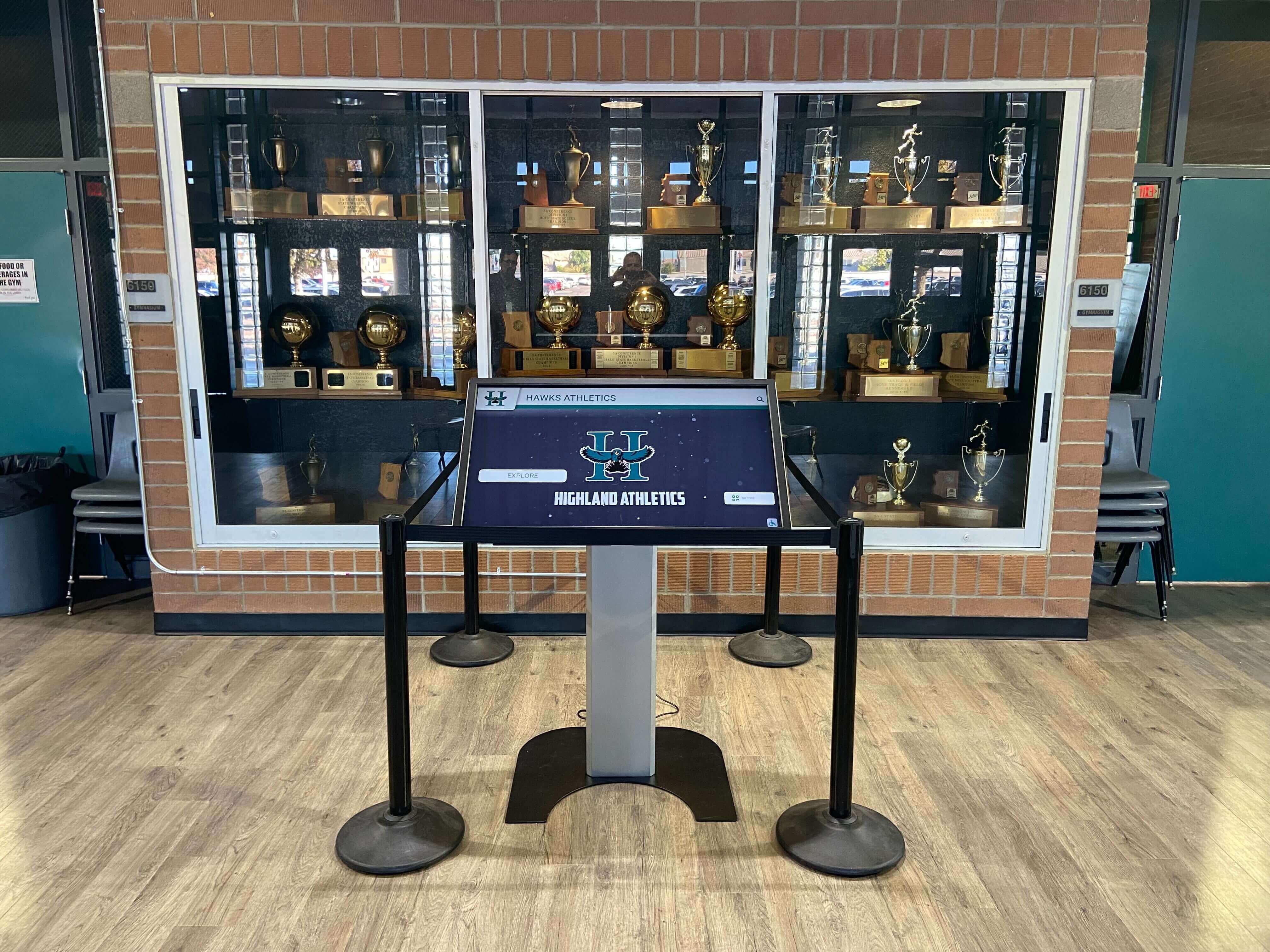
Trophy cases illuminated by aging LED diffusers cast an uneven warm tint across both physical hardware and adjacent digital displays — the color shift is invisible day-to-day but clearly visible in side-by-side comparison photographs
What LED Diffuser Yellowing Is and Why It Happens
LED fixtures designed for enclosed applications — including the LED strips and puck lights commonly installed in school trophy cases — typically include a diffuser: a translucent lens made from polycarbonate (PC) or acrylic (PMMA) material that softens and spreads the LED point source into even illumination across the display surface. The diffuser also protects the LED chips themselves from dust and physical contact.
Both polycarbonate and acrylic are susceptible to two independent degradation mechanisms that produce yellowing:
Thermal yellowing: LED chips generate heat at their junction. Inside an enclosed trophy case with limited airflow, that heat accumulates in the enclosure and elevates the ambient temperature surrounding the fixture. Polycarbonate and acrylic are sensitive to sustained elevated temperature — the polymer chains undergo chemical changes that produce chromophores (light-absorbing molecular structures) responsible for the yellow discoloration. The higher the enclosure temperature and the longer the fixture runs, the faster this process advances. Fixtures that operate 10 to 12 hours daily, 200 or more days per year, accumulate significant thermal exposure within two to three years.
UV-induced yellowing: Although LEDs emit far less UV radiation than fluorescent or metal halide sources, standard polycarbonate undergoes UV-induced polymer degradation when continuously exposed to the near-UV component of LED output (typically 380–400 nm wavelength range). UV-stabilized polycarbonate formulations resist this mechanism, but standard commercial-grade diffusers do not always carry UV stabilizers. In cases illuminated with high-output LED strips — where the fixture-to-diffuser distance is small and exposure is continuous — UV degradation begins contributing to yellowing within the first year of operation.
The two mechanisms compound each other. A fixture running hot inside a sealed enclosure yellows faster because thermal stress softens the polymer matrix, making it more susceptible to the UV component. A fixture with an underpowered driver that runs hotter than rated may yellow in under 12 months in a poorly ventilated case — a timeline that catches facilities teams off guard if they are not tracking diffuser condition alongside other trophy case lighting parameters.
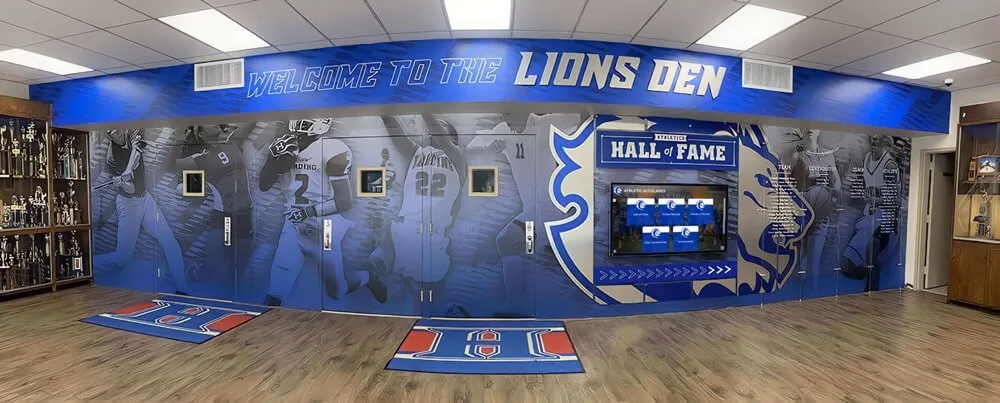
Trophy case corridors with dense recognition displays depend on accurate LED color rendering — yellowed diffusers shift the apparent color of every award, banner, and plaque visible through the case glass
Why Diffuser Yellowing Matters Specifically for School Recognition Displays
Diffuser yellowing is a quality problem that disproportionately affects the specific categories of objects displayed in school trophy cases:
Championship trophy hardware: Gold-finish trophies are designed to render at a specific color point under neutral white illumination. A diffuser adding 200–400K of warm tint shifts gold toward orange-gold, a change that becomes especially visible in photographs taken under other light sources for comparison. Silver-finish hardware loses its neutral cool quality and appears slightly gold-tinted.
Engraved award plaques: Brass and aluminum plaques rely on the contrast between engraved lettering and the background plate to remain legible. A warm light tint reduces this contrast on warm-toned metals, making text harder to read at case-browsing distances.
School color banners and retired jerseys: School colors are among the first elements where a warm color shift is perceptible. A royal blue jersey displayed under yellowed diffusers may appear slightly purple; a white jersey develops a cream cast. Visitors who attended school events years earlier and remember specific colors often notice the shift even without being able to name its cause.
Portrait photography and honor roll displays: Photographs printed for display purposes are calibrated to render accurately under neutral illumination. Warm-shifted light pushes the apparent color temperature of portrait backgrounds and skin tones, producing a dated appearance that some visitors incorrectly attribute to poor print quality rather than degraded fixture color.
Digital recognition panels adjacent to physical cases: When schools have integrated interactive digital displays alongside physical trophy cases — combining touchscreen recognition platforms with traditional hardware — the digital screen’s calibrated color output provides an involuntary comparison reference. A yellowed diffuser illuminating the adjacent physical case looks visibly warmer than the factory-calibrated display beside it, drawing attention to the degradation in a way that an isolated physical case would not.
Trophy Case LED Diffuser Yellowing Inspection: Step-by-Step
The following inspection requires no specialized equipment. A white paper reference card — a blank sheet from any printer — is the most useful tool because it gives you a neutral comparison surface against which to observe color shift. A smartphone camera in its default white-balance mode provides a secondary check that often reveals shifts invisible under adapted human vision.
Allow 30 minutes of operating warm-up before inspecting. Diffuser yellowing is a persistent physical change, not a temperature-dependent optical effect, but the fixture must be at steady-state output to assess color accurately. Cold-start color rendering is not representative.
Step 1: Visual Inspection Under Operating Conditions
Open the trophy case or position yourself at close range with the case illuminated. Hold a white paper reference card inside the illuminated zone and observe the paper color. A correctly functioning diffuser illuminating a fixture rated at 3000–4000K should render white paper as white or very slightly warm white — not visibly cream, ivory, or yellow. If the paper appears noticeably colored rather than white, note which fixtures are illuminating the area where color is most apparent.
What to look for directly on the diffuser surface:
- Visible amber or yellow discoloration on the lens surface itself when the fixture is switched off and viewed under corridor ambient light
- Uneven yellowing — discoloration concentrated near the ends of an LED strip (where heat from the driver is highest) or near the center (where LED density peaks)
- Surface crazing or fine surface cracks associated with thermal stress — these often accompany advanced yellowing and indicate polymer degradation beyond surface discoloration
- Condensation residue on the diffuser interior surface — moisture accumulation suggests the seal between diffuser and fixture housing has failed, which accelerates degradation
Step 2: Smartphone Camera Check
With the case illuminated and the corridor ambient lights dimmed if possible, photograph a white paper reference card positioned inside the case under full LED illumination. Switch off the case lighting and photograph the same card under corridor ambient (fluorescent or LED) illumination. Compare the two photographs without adjusting white balance.
A diffuser producing accurate color renders the card at a similar apparent color in both photographs, accounting for the difference in color temperature between the two light sources. A diffuser with significant yellowing produces a noticeably warmer — more orange or amber — result inside the case compared to corridor ambient. The camera records what human vision has adapted away from under extended exposure, making this a more objective indicator than visual inspection alone.
Step 3: Assess Each Fixture Position Individually
Examine each fixture position independently. Trophy cases typically illuminate shelves from a strip along the top, from individual puck lights at each shelf level, or from a combination. Each fixture type degrades at its own rate depending on its operating temperature, driver quality, and proximity to the case interior.
For each position, assess and record:
- Whether the diffuser lens appears clear, lightly yellowed, moderately yellowed, or deeply yellowed compared to new fixture reference color
- Whether yellowing is uniform across the lens or concentrated near specific points (driver end, high-density LED clusters)
- Whether any physical damage (crazing, cracking, deformation) accompanies the color change
- The approximate installation date or last replacement date if known from facility records
Step 4: Cross-Check Against a New Fixture Reference
If you have a spare fixture from the same product line — or can remove a fixture from a low-visibility area of the case as a reference — hold it beside each in-service fixture and observe the difference. New or minimally aged diffuser material appears noticeably clearer than a moderately yellowed lens under the same viewing conditions.
If no reference fixture is available, a photograph of the diffuser against a white background using a smartphone camera provides a baseline image for comparison at the next inspection cycle. Date-stamped photographs of each fixture position are the most practical documentation tool for tracking diffuser aging across inspection intervals.
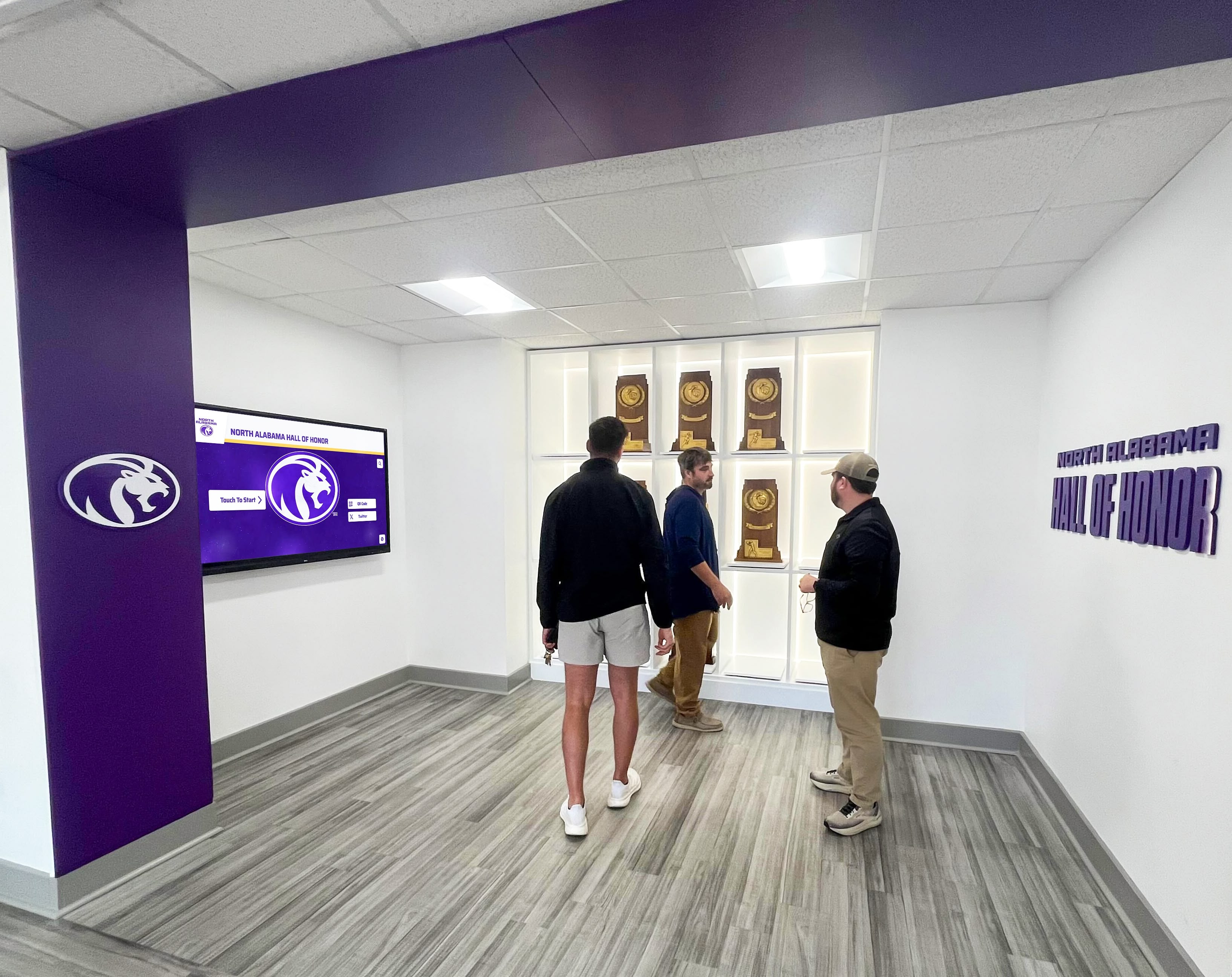
In-person inspection with a reference card and smartphone camera reveals diffuser color shift that day-to-day familiarity with the display makes invisible — comparing adjacent fixture positions to a fresh reference is the most efficient approach
Diffuser Yellowing Severity Decision Table
The table below provides a graded assessment framework for each fixture position. Grade each fixture on the basis of visual inspection, smartphone camera comparison, and any available installation history.
| Yellowing Grade | Visual Indicators | Color Shift Estimate | Action |
|---|---|---|---|
| Grade 0 — None | Diffuser appears clear or factory-white under ambient light; white paper appears white under illumination | Negligible (<50K apparent shift) | Pass — document inspection date and schedule next check in 12 months |
| Grade 1 — Slight | Faint ivory or light cream tone visible on diffuser lens surface; white paper appears barely warm under illumination | 50–150K apparent shift | Pass — flag for replacement at next planned fixture refresh; photograph for baseline comparison |
| Grade 2 — Moderate | Clear amber or pale yellow visible on diffuser; white paper appears noticeably warm under illumination; smartphone camera comparison confirms color shift | 150–300K apparent shift | Escalate — schedule replacement within 60 days; note position in procurement order |
| Grade 3 — Significant | Definite yellow to orange-yellow color on diffuser surface; trophies and plaques visibly color-shifted; color mismatch visible between adjacent fixture positions | 300–500K apparent shift | Replace before next recognition event — color shift is visible to guests and in photographs |
| Grade 4 — Advanced | Deep yellow or amber lens; severe color shift over displayed items; crazing or surface damage likely; obvious mismatch across case positions | >500K apparent shift; possible uneven illumination | Replace immediately — consider full batch replacement of all fixtures in the case |
Notes on applying this table:
- Grade estimates assume fixture and ambient light are both at steady state (30 minutes minimum warm-up).
- Color shift estimates are approximations based on typical polycarbonate and acrylic degradation behavior. Actual shift depends on fixture design, operating hours, enclosure temperature, and driver quality.
- When two or more adjacent positions show different grades, consider whether a full batch replacement addresses consistency as well as individual fixture replacement. A Grade 1 fixture beside a Grade 3 fixture creates a visible lateral color mismatch that replacing only the Grade 3 unit does not fully resolve.
Root Causes That Accelerate Trophy Case Diffuser Yellowing
Understanding what drives yellowing in your specific cases helps predict which fixture positions will degrade fastest and informs procurement decisions for replacement fixtures.
Inadequate enclosure ventilation: The single most significant accelerant for thermal yellowing is an enclosure that traps heat from the LED driver and fixture housing. Trophy cases sealed for dust control accumulate internal ambient temperatures well above corridor ambient during operating hours. Every degree of additional ambient temperature increases the rate at which polycarbonate undergoes thermal degradation. The school trophy case LED heat assessment process at Digital Warming provides a temperature measurement procedure that identifies exactly how much heat your specific enclosure is accumulating — this data directly predicts diffuser yellowing rate.
Driver overcurrent or undersized driver: A driver operating above its rated load runs hotter than designed, heating both the LED string and the immediate enclosure environment beyond the fixture’s thermal specification. Polycarbonate diffusers in close proximity to an overloaded driver show concentrated yellowing at the driver end of the strip — a diagnostic pattern that points to driver replacement rather than diffuser replacement alone.
Standard rather than UV-stabilized diffuser material: Many commercial LED fixture diffusers use standard optical-grade polycarbonate without UV-stabilizing additives. UV-stabilized formulations are available and meaningfully extend service life in fixtures where near-UV output is a contributing factor. When replacing diffusers, specifying UV-stabilized polycarbonate or acrylic adds nominal cost per fixture and extends replacement intervals.
Continuous operation during unoccupied periods: Trophy case lighting that runs on the building’s general illumination schedule — including evenings, weekends, and school closure periods — accumulates operating hours two to three times faster than cases controlled by a timer or occupancy sensor. A simple timer limiting operation to school hours extends diffuser life proportionally.
High-density LED strip installations: LED strips with closely spaced LED chips produce more heat per linear foot than lower-density strips at equivalent brightness. Dense strips installed in enclosed trophy cases where heat cannot dissipate reach higher steady-state temperatures at the diffuser than lower-density alternatives providing similar illuminance. The LED options for trophy display cases at TouchscreenWebsite covers fixture density trade-offs in the context of different display environments including school athletic cases.
Compare Physical LED Maintenance With Digital Recognition
While your team tracks diffuser yellowing across case positions, it is worth knowing how schools using digital recognition displays approach the same problem. Cloud-managed interactive trophy cases from Rocket Alumni Solutions use factory-calibrated commercial screens that maintain consistent color across their full rated lifespan — with no diffuser inspection cycle, no UV-stabilization specifications, and no color drift between adjacent positions. Explore the full recognition platform to see how schools display unlimited awards without the physical maintenance cycle.
Book a DemoSelecting Replacement Diffusers Compatible With Trophy Case Fixtures
Not all LED diffuser replacements are equivalent. When a diffuser requires replacement, the material specification and physical compatibility with the existing fixture determine whether the replacement performs better than what it replaces.
Material choices:
- Standard polycarbonate (PC): The most widely available and lowest-cost option. Provides good optical clarity at installation but degrades at the same rate as the original if enclosure thermal conditions are unchanged. Appropriate when the root cause of yellowing is driver overcurrent or circuit load that will be addressed in the same maintenance action.
- UV-stabilized polycarbonate: Contains additives that absorb UV radiation before it reaches the bulk polymer, reducing UV-induced yellowing. Adds a modest cost premium at purchase and extends replacement intervals in fixtures where near-UV output is a contributing factor.
- Acrylic (PMMA): Naturally more UV-resistant than standard polycarbonate and available in optical-grade formulations. Acrylic is more brittle than polycarbonate and may crack under thermal stress in highly enclosed installations, but performs better than standard PC in applications where UV is the primary yellowing driver.
- Silicone diffusers: Found in higher-specification commercial display fixtures. Silicone is inherently UV-stable and thermally robust but is not a drop-in replacement for polycarbonate or acrylic lenses in standard LED strips — confirm compatibility with the fixture manufacturer before specifying.
Physical compatibility considerations:
- Confirm the replacement diffuser’s attachment method (press-fit, snap-fit, screwed endcap) matches the existing fixture channel. Strip channel profiles are not standardized across manufacturers.
- Confirm optical transmittance matches the original — replacing a frosted diffuser with a clear lens or a heavily diffused lens with a lightly frosted one changes the light distribution pattern and may create hotspots or visible LED chip images on the display surface.
- Verify the replacement is rated for the fixture’s operating temperature range. This is especially relevant in trophy cases with limited ventilation, where internal ambient temperatures can exceed the rating of consumer-grade diffuser materials.
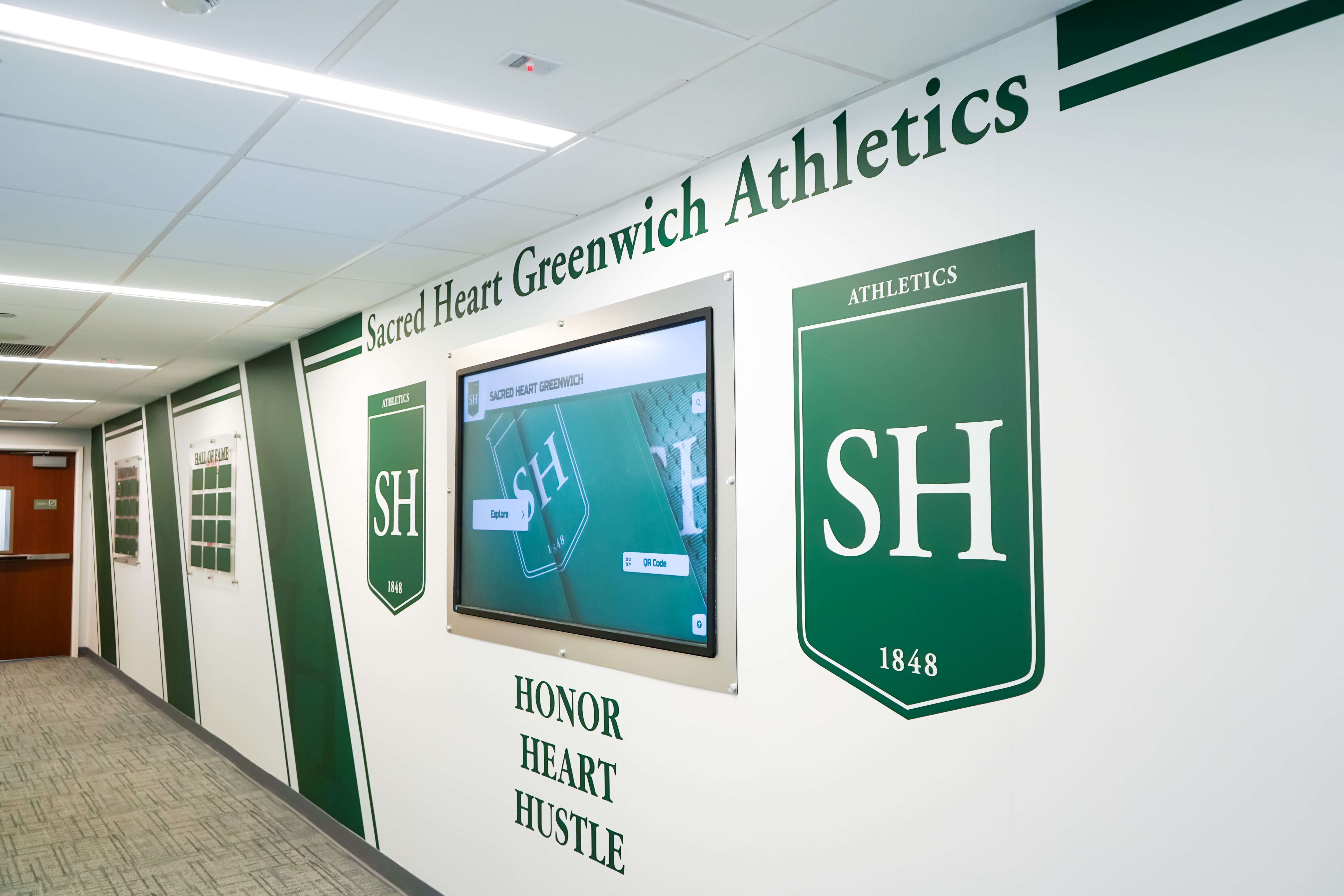
Athletic corridors displaying shield-format awards and recognition plaques share the same enclosed LED lighting environment as standard trophy cases — diffuser inspection applies across every enclosed fixture type in the recognition corridor
Planning Diffuser Inspections Alongside Other LED Maintenance Checks
Diffuser yellowing inspection slots naturally into a broader LED quality program for school trophy cases. The same 30-minute warm-up period and fixture-level documentation format used for diffuser checks applies to companion measurements that a complete lighting quality program includes.
Schools that have already established an annual inspection cycle for LED thermal conditions can add the diffuser yellowing visual assessment to the same walkthrough without adding significant time. The same fixture map — a labeled diagram or photograph series documenting each fixture position — serves both the thermal check and the diffuser inspection, and findings from each check provide cross-reference context:
- A fixture showing Grade 2 diffuser yellowing alongside elevated case ambient temperature points to inadequate ventilation as the primary driver — both the diffuser and the root cause need attention.
- A fixture with Grade 0 yellowing but elevated Flicker Index points to driver degradation rather than diffuser aging — the diffuser can remain while the driver is addressed.
- A fixture with Grade 3 yellowing and normal operating temperature suggests UV degradation is the primary mechanism — the replacement should specify UV-stabilized material even if ventilation improvements are also planned.
The trophy case LED thermal management check provides the temperature measurement procedure that pairs with diffuser inspection to explain why yellowing is occurring at a given rate in your specific enclosures.
For facilities teams developing a complete documentation system, the trophy case glass edge damage inspection guide at AwardsDisplay covers the inspection process for the glass components of the case enclosure — a parallel maintenance task that is physically adjacent to the LED diffuser inspection and uses a similar position-by-position assessment format.

Athletic honor boards and display cases share the same enclosed LED lighting environment — maintaining consistent diffuser quality across every fixture in the recognition corridor requires tracking each position individually
Connecting Diffuser Yellowing to the Broader Trophy Case Maintenance Picture
Diffuser yellowing exists alongside other visible and measurable degradation modes in school trophy case lighting. A complete maintenance program tracks each independently because they have different root causes, different detection methods, and different replacement implications:
- Color temperature drift at the chip level: Occurs through phosphor degradation, independent of diffuser condition. A yellowed diffuser adds an additional warm shift on top of any chip-level drift — the two effects compound rather than cancel.
- Lumen depreciation: LED brightness declines gradually over operating life. A yellowed diffuser reduces effective illuminance by absorbing some of the fixture’s output, compounding lumen depreciation with a color quality problem.
- Flicker index increase: Driver capacitor aging produces elevated flicker over time. Flicker and diffuser yellowing often appear together in older fixture populations because both are driven by accumulated operating hours and thermal stress.
When diffuser yellowing inspection identifies Grade 2 or higher conditions in multiple fixture positions, it is worth reviewing all related maintenance parameters before ordering replacement diffusers alone. Replacing the diffuser in a fixture with a severely degraded driver and elevated enclosure temperature produces a new diffuser that will yellow at the same accelerated rate as the one it replaced.
The relationship between physical trophy case maintenance and what schools can achieve with digital recognition is worth understanding alongside the physical maintenance picture. The comparison of high school trophy case traditional vs. digital formats at Best Touchscreen provides a grounded look at how the two formats compare on visual consistency, maintenance demands, and recognition capacity — useful context when planning a multi-year recognition program that includes both physical and digital elements.
For facilities teams weighing display options for a growing award collection, the trophy display shelf organization ideas for schools at TouchWall covers the physical case planning side, while a digital recognition platform handles everything that cannot fit on a shelf — historical archives, dynamic ranking updates, and recognition additions that arrive after the physical case is full.
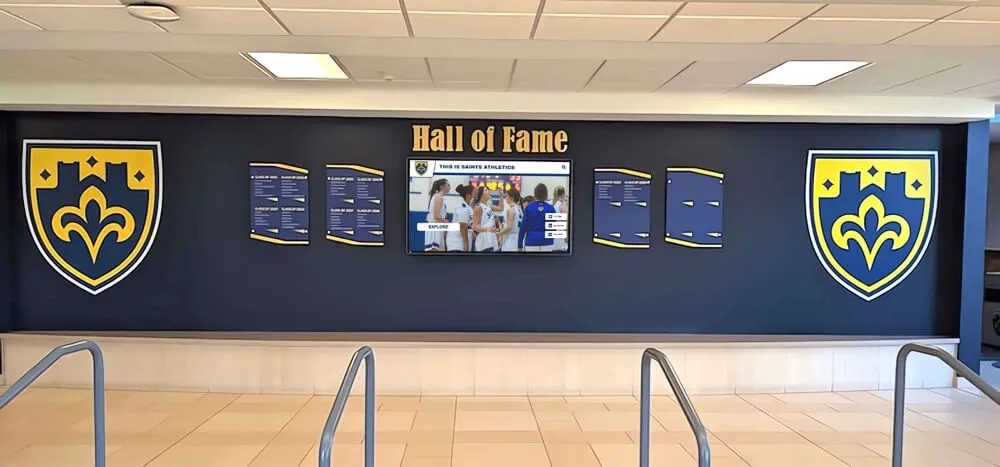
Recognition environments that integrate physical trophy displays with digital screens benefit from consistent LED quality across both elements — a yellowed diffuser creates visible contrast against the factory-calibrated color of an adjacent interactive display
Comparing Physical LED Maintenance With Digital Recognition for School Trophy Cases
The LED diffuser yellowing cycle — inspect, grade, specify replacement material, procure, replace, track, inspect again — is manageable for schools with established facilities programs. It becomes more resource-intensive when the same cycle repeats across multiple cases, when staff turnover interrupts documentation continuity, or when procurement decisions made without UV-stabilization specifications simply reproduce the same problem on a shorter cycle.
Schools considering how to extend recognition capacity while managing physical trophy case maintenance can look at what digital recognition platforms offer alongside the physical cases. A cloud-managed interactive trophy case platform integrates with physical displays, allows unlimited additional recognition to be added and updated remotely, and maintains consistent color rendering without an annual diffuser inspection cycle.
Rocket Alumni Solutions builds interactive touchscreen recognition displays that complement existing trophy case environments rather than replacing them — adding unlimited recognition capacity, remote content updates, and consistent display quality independent of diffuser condition or procurement cycles. For facilities teams managing LED maintenance alongside a recognition program that is growing faster than physical shelf space allows, the school display cases traditional vs. modern recognition comparison at Digital Warming lays out the key differences in maintenance structure, recognition capacity, and visitor engagement between physical and digital formats.
Frequently Asked Questions
What does LED diffuser yellowing look like in a trophy case? The most visible sign is a warm amber or ivory tint cast across all objects inside the illuminated section of the case. White paper held inside the case appears cream or warm white rather than neutral white. The diffuser lens itself, when examined under corridor ambient light with the fixture switched off, shows amber or yellow discoloration rather than the clear or translucent-white appearance it had when new. Advanced yellowing may also produce crazing — a fine network of surface cracks — on the lens material.
How fast do trophy case LED diffusers yellow? Rate depends on enclosure temperature, operating hours, fixture design, and diffuser material. Polycarbonate diffusers in poorly ventilated trophy cases running 10 or more hours daily may show Grade 2 yellowing (moderate, visible to a careful observer) within 18 to 24 months. Cases with better ventilation, lower-density LED strips, and correctly sized drivers may show only Grade 1 discoloration after three or more years. UV-stabilized polycarbonate formulations degrade more slowly than standard PC, particularly in cases where near-UV LED output is a contributing factor.
Can I clean a yellowed LED diffuser back to its original color? No. Diffuser yellowing is a chemical change in the polymer matrix — chromophores formed through thermal or UV degradation alter the material’s light absorption properties permanently. Cleaning removes surface contamination (dust, fingerprints, residue) but has no effect on yellowing that originates within the polymer bulk. Polishing compounds that claim to restore plastic clarity can reduce surface crazing on advanced specimens but cannot reverse the underlying color change. Replacement is the only corrective action.
Should I replace the diffuser alone or the entire fixture? This depends on the driver’s condition and the root cause of yellowing. If the driver is within its expected service life, sized correctly for the LED string, and the enclosure temperature is within the fixture’s thermal specification, diffuser-only replacement with UV-stabilized material is appropriate. If elevated enclosure temperature, driver overcurrent, or driver aging is the primary driver of yellowing, replacing only the diffuser reproduces the same problem on the same timeline. Assess driver condition and enclosure thermal state as part of the same maintenance action rather than as separate sequential decisions.
How does diffuser yellowing compare to LED chip color shift? Both affect the apparent color temperature of trophy case illumination but through different mechanisms. LED chip color shift occurs at the phosphor layer — the phosphor that converts blue LED emission to white light degrades over operating life, often shifting output slightly warmer or cooler depending on phosphor chemistry. Diffuser yellowing adds an additional warm shift on top of whatever the chip is producing, compounding the overall color change. A fixture with phosphor-related cooler shift and a yellowed diffuser may appear approximately neutral — masking both problems — until the diffuser is replaced and the chip’s actual color shift becomes apparent.
How should I document diffuser yellowing findings for future reference? Record the inspection date, fixture position identifier, yellowing grade (0–4 from the table above), any physical damage observed, and the installation or last replacement date if known. A dated smartphone photograph of each diffuser surface — taken consistently under the same ambient lighting condition — provides a visual comparison baseline for the next inspection. Store records in a shared facilities folder alongside thermal management and flicker index findings so that whoever conducts the next inspection has a complete picture of each fixture’s maintenance history.
Is diffuser yellowing a concern for schools that also use digital recognition displays? Schools that add digital recognition platforms alongside physical trophy cases will notice that the digital screen’s factory-calibrated color output provides a visible reference against any yellowed LED diffuser illuminating adjacent physical cases. The contrast often makes diffuser degradation more obvious in combined environments than in a purely physical case installation. This is a practical reason to include diffuser inspection on the maintenance schedule when integrating physical and digital recognition elements — the quality standard the digital display sets makes inconsistencies in the physical case more apparent to every visitor.
Physical trophy cases house recognition that represents years of student achievement. The LED fixtures illuminating them are invisible when they are working correctly — they render championship hardware, athletic jerseys, and honor plaques with accurate color and appropriate brightness, framing each item as it was meant to be seen.
Diffuser yellowing is the most common cause of gradual color degradation in enclosed trophy case lighting, and it is correctable. A visual inspection using a white paper reference card and a smartphone camera, graded against the severity table in this guide, gives facilities teams the information they need to make documented, prioritized replacement decisions rather than waiting for complaints or failed event photographs to reveal the problem.
Inspect each fixture position at least annually, document the grade and date, specify UV-stabilized replacement material when procurement follows, and address the thermal and driver root causes alongside the diffuser replacement. Doing so ensures that the trophies inside the case look the way they are supposed to look — for every visitor, at every recognition event, across the full service life of the fixture.
See How Schools Display Recognition Without the Maintenance Cycle
If your facilities team is managing LED diffuser yellowing, thermal checks, and procurement specifications across multiple trophy cases, Rocket Alumni Solutions shows you a different model: cloud-managed digital recognition displays that maintain factory-calibrated color quality across their full rated lifespan, with no diffuser replacement cycle and no annual inspection requirement. See how schools build recognition programs that showcase unlimited achievements — alongside or instead of physical trophy cases.
Schedule Your DemoLive Example: Rocket Alumni Solutions Touchscreen Display
Interact with a live example (16:9 scaled 1920x1080 display). All content is automatically responsive to all screen sizes and orientations.