



Intent: research — a trophy case environmental monitoring log gives schools a structured, repeatable record of the temperature, relative humidity, light levels, and visible condition changes inside and around their display cases, connecting environmental data to inventory entries so that deterioration trends become visible before irreversible damage occurs. This guide delivers target environmental ranges, a ready-to-use log template, a material-specific risk reference table, and a workflow for linking physical condition notes to a digital inventory.
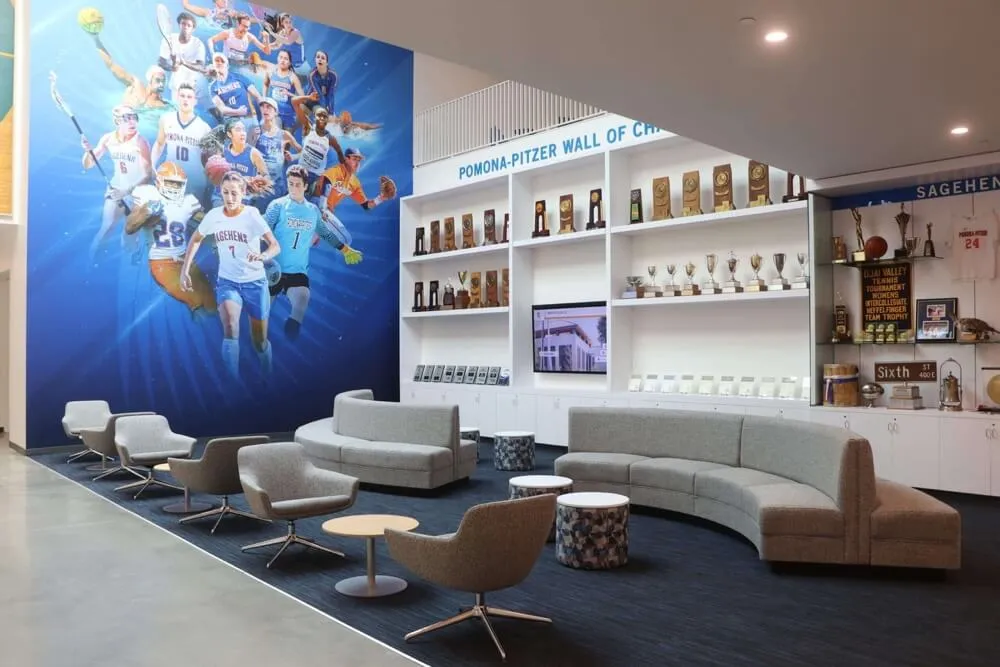
Physical trophies, paper championship programs, historical photographs, retired jerseys, and game balls share one weakness: they deteriorate faster when their environment is poorly managed. A trophy case that faces a south-facing window, sits above a heating vent, or occupies a corridor with swinging exterior doors may be exposing decades of institutional history to conditions that accelerate fading, corrosion, and textile breakdown — without any visible sign of trouble until significant damage has already occurred.
A trophy case environmental monitoring log converts that invisible risk into a visible, manageable record. Schools that maintain one can identify patterns — seasonal humidity spikes, lighting exposure exceeding safe thresholds, temperature fluctuations tied to HVAC schedules — and address them before the collection is affected. Schools that do not maintain one often discover problems only when a photograph has faded beyond recovery or a plaque finish has corroded.

A trophy case environmental monitoring log documents conditions over time — the tool that turns invisible risk into a managed record
What an Environmental Monitoring Log Tracks
A complete trophy case environmental monitoring log covers four primary variables and one ongoing condition record:
| Variable | What It Measures | Why It Matters for Trophy Cases |
|---|---|---|
| Temperature | Air temperature inside or adjacent to the display case | Metal corrosion rates increase with heat; thermal cycling causes expansion and contraction that stresses joints, adhesives, and frames |
| Relative Humidity (RH) | Moisture content of the air as a percentage of maximum capacity at that temperature | High humidity promotes mold, corrosion, and paper cockling; low humidity causes textile fiber brittleness and wood cracking |
| Light Level | Illuminance (lux) and, ideally, ultraviolet (UV) output of display and ambient light sources | UV radiation bleaches dyes, fades print surfaces, and degrades polymer materials; excessive visible light accelerates the same processes more slowly |
| Temperature Stability | Day-to-night or seasonal variation in temperature | Frequent temperature swings cause more material stress than a stable high or low temperature |
| Visible Condition | Observed changes in artifacts — tarnish, fading, mold, cracks, delamination — noted at each monitoring session | Connects environmental data to actual outcomes on specific items |
Facilities managers, athletic directors, and archivists familiar with trophy display case requirements for schools note that display case design — glass UV filtration, ventilation, lighting type — directly shapes the environmental conditions these logs need to track.
Target Environmental Ranges for School Trophy Cases
These ranges reflect broadly accepted preservation guidance for mixed-collection institutional display environments. Schools with items of significant historical or monetary value should have those items assessed by a conservator, who may recommend tighter tolerances for specific materials.
| Parameter | General Target Range | Risk Below Range | Risk Above Range |
|---|---|---|---|
| Temperature | 60–72°F (15–22°C) | Condensation risk when items warm; brittle polymers | Accelerated corrosion; adhesive degradation; faster fading |
| Relative Humidity | 35–55% RH | Textile brittleness; paper cracking; wood shrinkage | Metal corrosion; mold growth; paper cockling; photograph delamination |
| Daily Temperature Swing | Less than 5°F (3°C) | — | Repeated stress cycles damage joints, finishes, and adhesives |
| Ambient Light | 50–200 lux depending on material sensitivity | Insufficient visibility for condition checks | Fading of paper, photographs, and dyed fabrics |
| UV Component | Below 75 microwatts per lumen | — | Bleaching of dyes and printed surfaces; polymer degradation |
Not every school can achieve all of these targets in every location. The value of the monitoring log is not meeting a threshold on every reading — it is building a record that reveals which parameters are consistently out of range and where corrective action (relocating a case, adding UV-filtering film to glass, adjusting HVAC schedules) would have the greatest effect.
How to Set Up a Trophy Case Environmental Monitoring Log
Step 1: Identify What You Are Monitoring and Why
Before logging anything, walk through each display case and note:
- The physical location relative to windows, HVAC vents, exterior doors, and artificial lighting
- The types of materials present: metals, paper documents, photographs, textiles, wood, glass, resin
- Any items of known historical significance that would be difficult or impossible to replace
This initial survey tells you where to focus monitoring effort and which material-specific risk thresholds matter most for your collection.
Step 2: Choose Your Measurement Equipment
Thermometer and hygrometer (combined units): A digital thermo-hygrometer placed inside or immediately adjacent to each case provides temperature and humidity readings. Data-logging models that record readings at set intervals (hourly or every four hours) are more useful than units requiring manual readings, because they capture overnight and weekend conditions that manual monitoring misses.
Light meter: A basic lux meter allows periodic measurement of light levels reaching display surfaces. UV meters are available but less common in school settings; as a practical alternative, confirm that display lighting uses LED sources with low UV output, and note the watt-equivalent and fixture type in the log.
Photographic reference: A smartphone camera provides a low-cost condition documentation tool that connects environmental data to visible outcomes on individual items.
Schools considering the broader trade-offs between static physical display cases and digitally managed archives — including how each approach handles the environmental challenge differently — may find the comparison at medal and trophy display cabinets: static case or digital archive a useful starting point for understanding the full scope of the decision.
Step 3: Create Your Log Template
A usable environmental monitoring log has two components: a recurring environmental readings record and a condition observation record tied to inventory items.
Environmental Readings Log — Recommended Fields:
| Field | Format | Notes |
|---|---|---|
| Date | MM/DD/YYYY | Record date of reading |
| Time | HH:MM AM/PM | Consistent time of day improves comparability |
| Location / Case ID | Text | Identify which case or corridor section |
| Temperature (°F or °C) | Numeric | Note if measured inside case or at room level |
| Relative Humidity (% RH) | Numeric | Note if measured inside case or at room level |
| Light Level (lux) | Numeric | Measured at the display surface |
| Lighting Type | LED / Fluorescent / Incandescent / Natural | Note dominant light source |
| UV Filtration Present? | Yes / No / Unknown | UV-filtering glass or film on fixtures |
| HVAC Status | Normal / Off / Maintenance | Flag days when systems were offline |
| Logged by | Name | Staff member recording readings |
| Notes | Text | Anything unusual: door left open, window repair, etc. |
Condition Observation Record — Recommended Fields:
| Field | Format | Notes |
|---|---|---|
| Date | MM/DD/YYYY | |
| Item ID | Matches inventory | Use your collection’s existing item numbering |
| Item Name | Text | Descriptive: “1994 State Basketball Trophy” |
| Observed Change | Text | Specific: “Light surface tarnish on cup rim” not “looks worse” |
| Change Type | Tarnish / Fading / Mold / Crack / Delamination / Moisture / Other | Categorize for trend analysis |
| Severity | Minor / Moderate / Significant / Urgent | Guide follow-up priority |
| Photo Reference | Filename | Link to condition photograph |
| Action Taken | Text | Cleaning, flagged for conservator, no action |
| Logged by | Name |
Step 4: Establish a Monitoring Schedule
Frequency should match risk level. Cases near windows or in corridors with temperature fluctuation benefit from more frequent observation than cases in climate-controlled interior hallways.
| Monitoring Frequency | Actions | Recommended For |
|---|---|---|
| Weekly | Record temperature and humidity; note any visible changes through the glass | High-risk locations: exterior walls, south-facing windows, near HVAC vents |
| Monthly | Record all environmental parameters; open case for brief visual inspection; photograph any items showing change | All active display cases |
| Quarterly | Full condition review: open case, inspect each item, update condition log | All collections; mandatory for cases containing photographs or textiles |
| Annually | Complete handling session with full condition documentation; update inventory; review full-year environmental log for trends | All collections |
| After Any Environmental Event | Immediate check after building flooding, HVAC failure, extended power outage, window breakage, or severe storm | Any case that may have been affected |
Step 5: Assign Responsibility
The monitoring log is only as useful as its consistency. Assign a named staff member to each case — typically the athletic director for athletics cases, the principal’s administrative assistant or a designated archivist for academic recognition cases — and set a calendar reminder for each monitoring frequency tier.
For multi-person athletics or advancement departments, consider assigning log review responsibility to a second person who confirms readings are being recorded and flags any gaps in documentation.
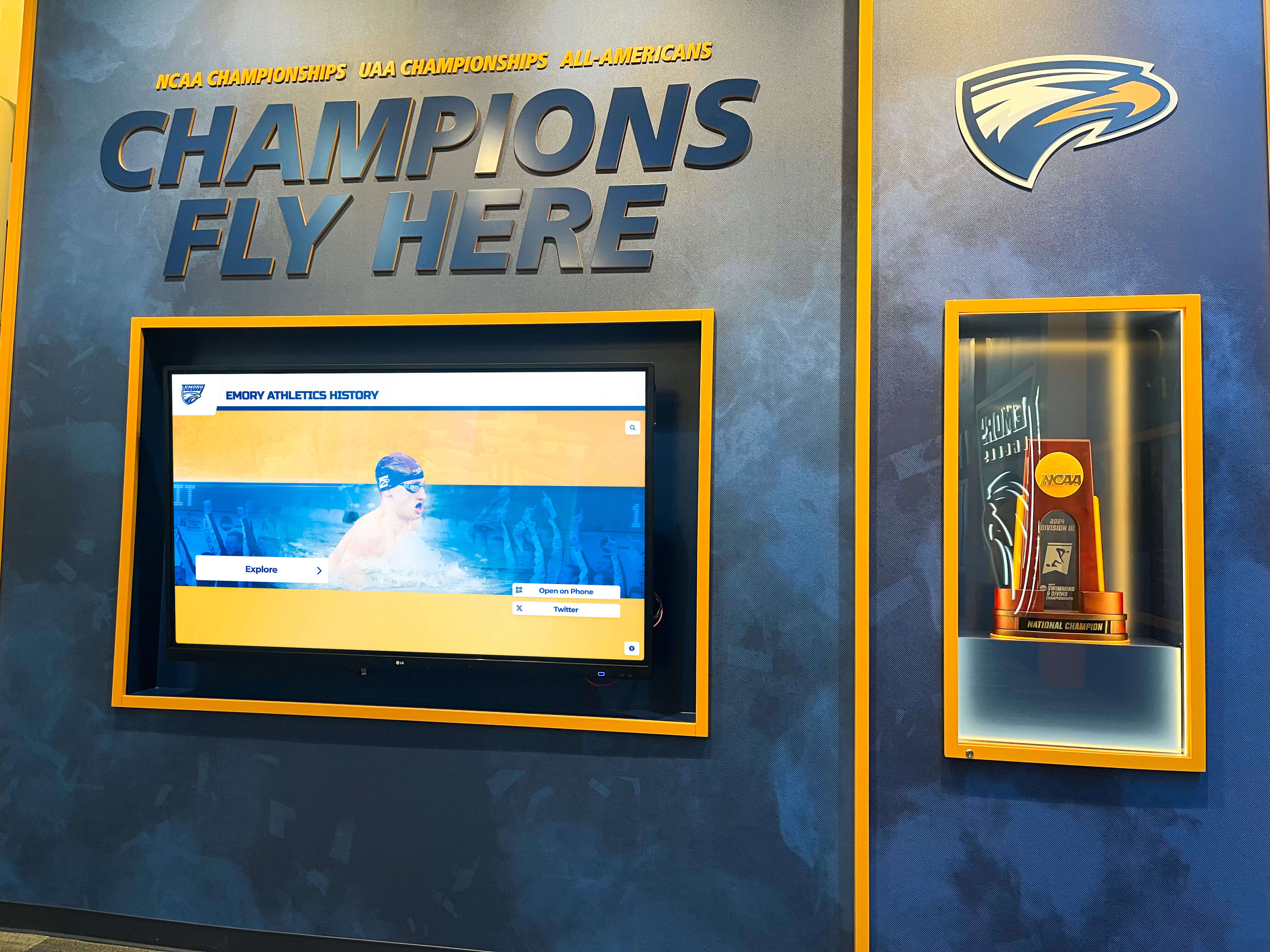
Connecting environmental readings to specific items in the case allows staff to trace condition changes back to the conditions that caused them
Material-Specific Environmental Risk Reference
Different materials in a school trophy case respond differently to the same environmental conditions. Use this table to prioritize monitoring attention for the most vulnerable items in your collection.
| Material | Primary Environmental Risk | Key Warning Signs | Monitoring Priority |
|---|---|---|---|
| Silver-plated or chrome trophy cups | High humidity (tarnish, corrosion); high temperature (accelerates corrosion) | Surface dulling, dark spots, pitting | Medium — visible changes accumulate slowly |
| Brass plaques | High humidity (patina, green-black corrosion); acidic off-gassing from nearby materials | Green or black spots on engraved surface | Medium-High — engraved text obscured by corrosion is difficult to reverse |
| Resin or acrylic awards | UV light (yellowing, surface hazing); high temperature (softening, distortion) | Yellow tint, hazy or milky surface | High if UV-exposed |
| Photographs (print) | UV light (fading); high humidity (mold, delamination); low humidity (emulsion cracking) | Color shift, fading, surface peel, mold spots | Very High — fading is irreversible |
| Paper documents and programs | High humidity (mold, cockling); UV light (yellowing, brittleness); low humidity (brittleness) | Yellowing, brittle edges, mold spots, foxing | Very High — deterioration is irreversible |
| Framed textiles (jerseys, banners) | High humidity (mold, fabric rot); UV light (dye fading); low humidity (fiber brittleness) | Color fading, fiber breakage, mold, embroidery separation | Very High — dye fading and fiber damage are irreversible |
| Leather items (game balls) | High humidity (mold); low humidity (cracking, seam failure); temperature cycling | Cracking at seams, surface mold, stiffening | High |
| Wood plaques and bases | High humidity (swelling, warping, mold); low humidity (cracking, splitting) | Warping, cracking, mold on surface or reverse | Medium-High |
| Glass and crystal awards | Temperature cycling (thermal stress cracking) | Hairline cracks, surface hazing | Low — temperature cycling must be extreme to damage glass |
For collections that include items from multiple eras across both athletics and academic recognition, the considerations that apply to digital hall of fame programs versus traditional trophy case schools are relevant to how environmental risk is distributed — physical collections concentrate risk, while digital archives distribute it.
Reading the Log: What Trends to Watch For
Raw environmental readings become useful when reviewed as a pattern rather than a single-point snapshot. Review your completed log quarterly for:
Consistent out-of-range readings. If humidity readings exceed 55% RH in the same case every spring, that is a structural issue — the case location, ventilation, or proximity to an exterior wall — not a temporary anomaly. Sustained high humidity warrants physical intervention: adding a small silica gel desiccant pack rated for the case volume, improving ventilation, or relocating the case.
Temperature swings tied to specific days. A log that shows 15°F swings on Mondays may reflect a weekend HVAC shutdown. That pattern — consistent during low-occupancy periods — is addressable through facilities scheduling rather than case relocation.
Condition changes on items near lighting. If the items showing the most rapid condition change are consistently those closest to overhead fluorescent fixtures, the log establishes the cause. UV-filtering film on fixture covers or switching to LED fixtures with low UV output addresses the root cause rather than treating symptoms.
Correlation between humidity readings and mold events. A mold observation entry that correlates with the previous four weeks of humidity readings above 60% RH gives facilities staff a specific threshold to manage toward. Without the log, the cause remains unknown.
Seasonal patterns. Many school buildings experience predictable seasonal humidity increases in late summer before HVAC systems catch up, and dryness spikes in winter. A log covering two or more years surfaces these patterns and allows preventive action — adjusting dehumidification schedules, placing temporary desiccant — before the vulnerable season arrives.
Protect the Record Beyond the Physical Case
Rocket Alumni Solutions builds cloud-managed digital trophy cases that preserve high-resolution photographs, achievement histories, and athlete profiles for every item in your collection — so the institutional record survives environmental events that physical artifacts cannot. ADA WCAG 2.1 AA compliant touchscreens, QR code mobile access, and remote updates without IT tickets. Explore the full recognition platform to see how digital and physical records work together.
Connecting Environmental Log Entries to Your Digital Inventory
A monitoring log used only as a standalone paper record has limited value. Its full utility emerges when environmental readings and condition observations are linked to specific items in a collection inventory — so that future handlers, administrators, or conservators can see not just what an item looks like today but what conditions it has experienced and when changes appeared.
Step 1: Assign Consistent Item IDs
Every item in the trophy case — every trophy, plaque, photograph, jersey, or document — should carry a unique item ID. This ID appears on a label affixed to the item’s base or mounting hardware (not on the artifact surface), and in every log entry, every condition photograph filename, and every inventory record.
Without consistent item IDs, log entries describing “the basketball trophy on shelf 2” become ambiguous as displays are reorganized. With IDs, every entry traces to a specific object regardless of where it moves.
Step 2: Structure Your Inventory to Accept Log-Sourced Entries
A school’s trophy case inventory — whether maintained in a spreadsheet, a document management system, or a dedicated digital trophy case platform — should include fields that accept log-sourced data:
| Inventory Field | Source | Purpose |
|---|---|---|
| Item ID | Assigned at intake | Links all records to this object |
| Item Name and Description | Intake documentation | Identifies the item |
| Display Location | Updated at each handling session | Tracks physical position |
| Last Condition Assessment Date | Environmental log | Shows when item was last evaluated |
| Condition Rating | Condition observation record | Excellent / Good / Fair / Poor |
| Active Condition Concerns | Condition observation record | List of open issues requiring follow-up |
| Environmental Exposure Notes | Environmental readings log | Summary of sustained out-of-range conditions this item has experienced |
| Digital Record Status | Content management system | Whether item has a corresponding digital entry with photograph and achievement data |
Step 3: Link Condition Photographs to Inventory Entries
Each condition photograph taken during a monitoring session should be filed with a consistent naming convention: [ItemID]_[Date]_[ConditionType].jpg. For example: ATH-047_20260726_tarnish.jpg.
This naming convention allows photographs to be sorted by item, by date, or by condition type — and ensures that when a staff member opens an inventory record, they can locate every condition photograph for that item in chronological order without searching through unstructured folders.
Schools working toward a more complete digital recognition program find that this same photograph and data discipline — consistently named files, inventory IDs linking physical and digital records — forms the foundation of a digital trophy case implementation. Comparing traditional trophy case approaches to digital hall of fame solutions helps teams understand how the investment in physical record-keeping translates directly into digital readiness.
Step 4: Schedule Inventory Reviews Alongside Environmental Log Reviews
Build a habit of reviewing open condition concerns — items flagged as Fair or Poor, items with noted active issues — at the same time as quarterly environmental log reviews. This pairing ensures that items flagged in the condition observation record receive follow-up and that deterioration trends visible in the environmental data are connected to the specific items most at risk.
For items with significant deterioration, the inventory review is the moment to escalate: contact a conservator, schedule a handling session for conservation treatment, or make the decision to retire a deteriorated physical item to archival storage while keeping its digital record active in the recognition display.
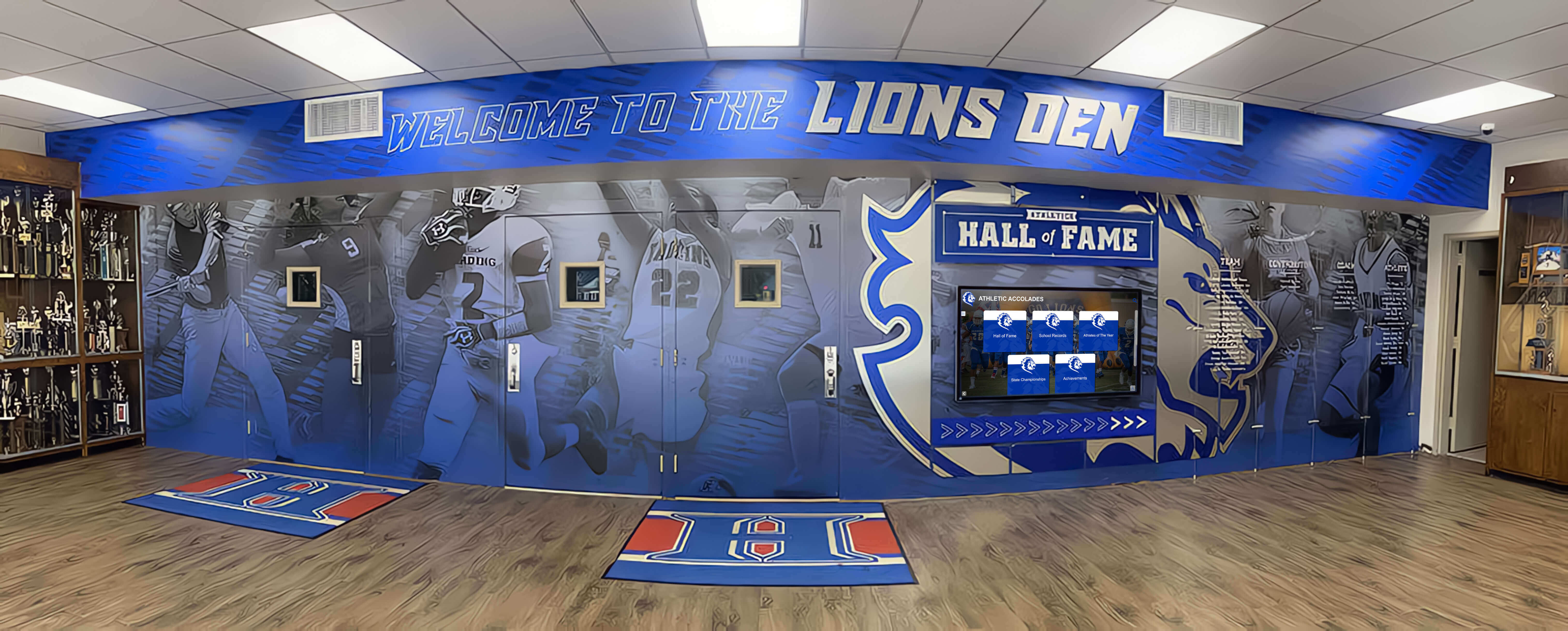
Schools with multiple display cases benefit from separate log entries per location — environmental conditions vary significantly across a single building
Environmental Monitoring During Special Situations
After a Building Emergency
HVAC failures, flooding, roof leaks, and extended power outages all create temporary conditions that may exceed normal risk thresholds significantly and rapidly. Immediately following any such event:
- Take readings at all case locations before reopening the building to normal traffic
- Document readings in the log with a notation of the event type and approximate duration
- Open cases and conduct a brief visual inspection of all items before returning to a normal monitoring schedule
- Photograph any items showing new or accelerated change
During Renovation or Construction
Construction activities near trophy cases introduce dust, humidity from newly applied concrete or drywall, chemical off-gassing, and vibration. Increase monitoring frequency to weekly (or more often) during any renovation in adjacent spaces, and consider whether cases should be emptied and items stored elsewhere for the duration.
Seasonal Transitions
The periods of greatest environmental stress in most school buildings are late summer (before air conditioning fully recovers from summer shutdowns) and mid-winter (during peak heating when indoor relative humidity drops). Add an extra monitoring check at the start of each academic semester to capture baseline readings before the season’s peak stress period arrives.
Schools exploring the broader question of when digital display technology offers meaningful advantages over traditional physical cases in terms of resilience to environmental events will find the analysis at digital hall of fame versus traditional trophy case and digital hall of fame display for school hallways useful context for facilities planning conversations.
How a Digital Trophy Case Reduces Environmental Risk for the Collection
A monitoring log addresses physical risk at the item level. A digital recognition system addresses institutional risk at the collection level.
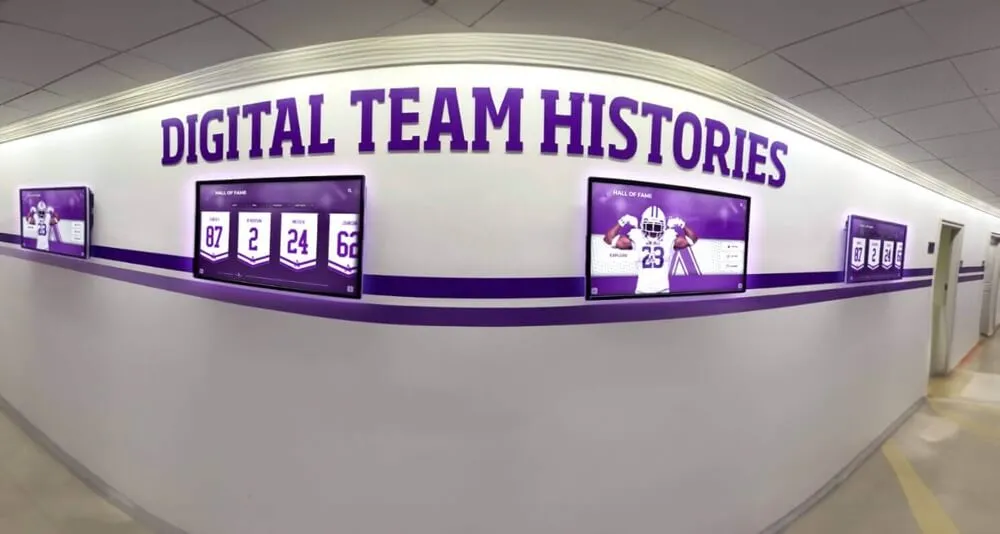
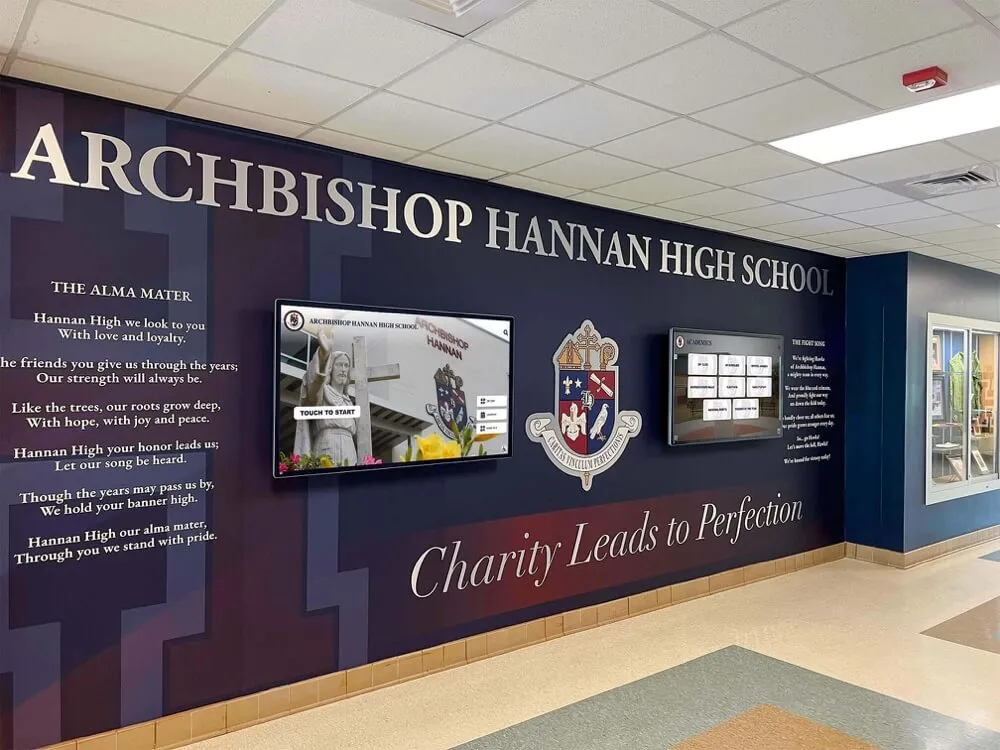
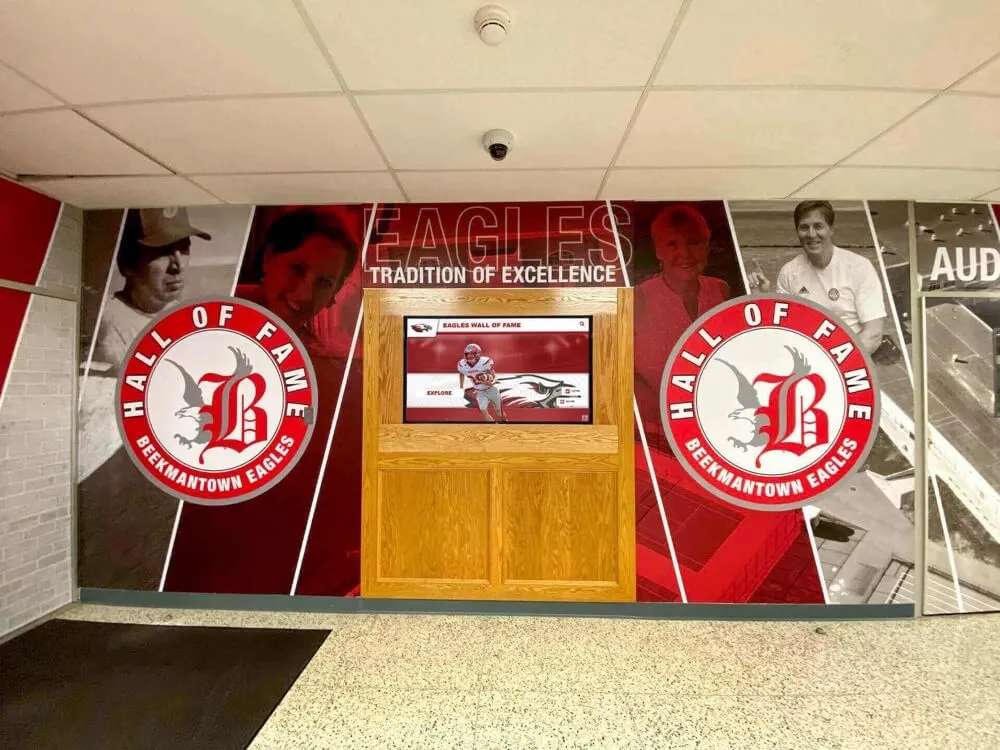
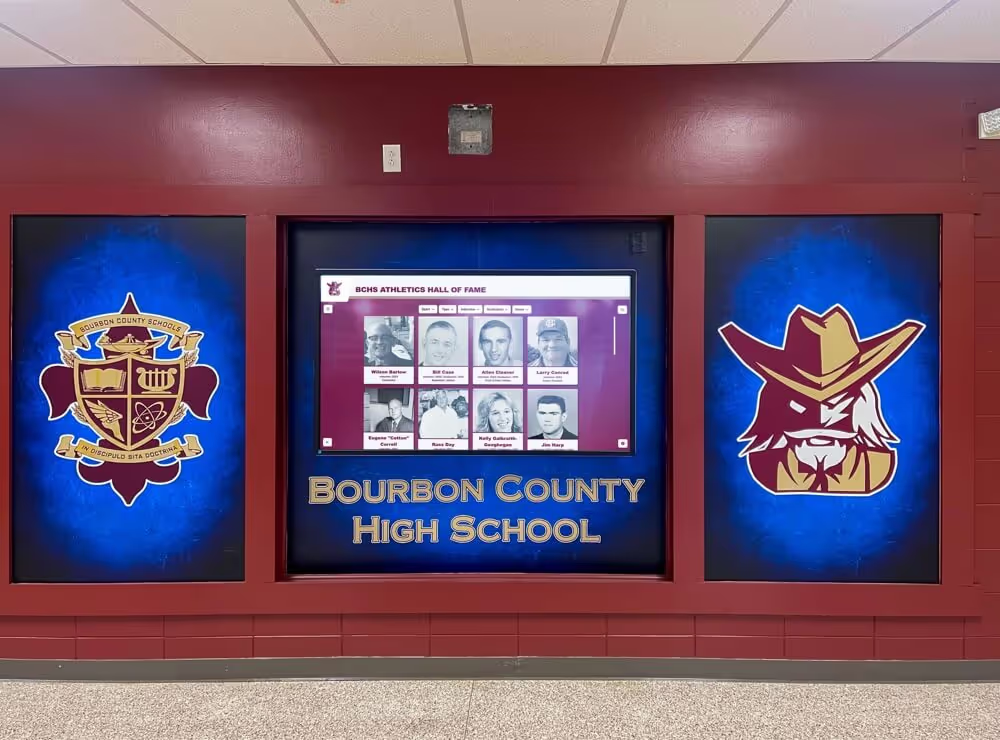
When schools photograph collection items and upload those photographs — along with achievement histories, athlete profiles, and team records — to a cloud-managed digital trophy case, the institutional record becomes independent of the physical objects. A state championship trophy from 1978 may fade, corrode, or eventually deteriorate beyond display condition. The record of that championship — the year, the athletes, the score, the coach, the photograph — lives in the digital system permanently, accessible on a touchscreen in the hallway and via QR code on any visitor’s smartphone.
This independence matters most during the events that monitoring logs are designed to prevent but cannot always stop: a flooding event that reaches the trophy case before staff can respond, an extended HVAC failure over a long holiday weekend, a building fire. Physical monitoring logs reduce the probability of these losses. A digital record ensures that even when physical losses occur, the institutional history they represent survives.
Schools that have built both practices — an environmental monitoring log for physical preservation and a digital trophy case for institutional record preservation — have a comprehensive recognition program that serves current students, honors past achievers, and protects the collection at every level of risk.
Frequently Asked Questions
What is a trophy case environmental monitoring log? It is a structured, recurring record of the temperature, relative humidity, light levels, and visible condition changes affecting a school’s trophy case and the artifacts inside it. The log connects environmental measurements to inventory entries so that deterioration trends become visible before irreversible damage occurs, and so that condition changes can be traced to the specific environmental conditions that caused them.
How often should a school log environmental conditions in its trophy cases? Most schools benefit from monthly readings as a minimum, with weekly readings for cases in higher-risk locations — near exterior walls, south-facing windows, or above HVAC vents. Data-logging thermometer/hygrometers that record readings automatically every few hours remove the dependence on manual readings and provide a more complete picture of conditions between visits.
What humidity level is safe for a school trophy case? A general target of 35–55% relative humidity suits most mixed-material school trophy case collections. Collections containing significant quantities of paper documents, historical photographs, or textiles benefit from staying closer to the lower end of that range (40–50% RH). Schools with items of high historical value should consult a conservator for material-specific guidance.
What kind of light is safest for trophy case displays? LED lighting with low ultraviolet output is the preferred option for trophy case interiors. Fluorescent lighting produces more UV radiation than LED and should be filtered if used in or near display cases. Natural light from windows is a significant UV risk and should be filtered with UV-blocking film or blocked entirely for cases containing photographs and paper documents.
Can a school use a regular thermometer and a household hygrometer for monitoring? Yes, as a starting point. Inexpensive digital thermo-hygrometer units work well for manual readings. For more comprehensive monitoring — capturing overnight and weekend conditions — data-logging units that record readings automatically at set intervals (typically available from specialty scientific supply or archival supply retailers) provide significantly more useful data, particularly for identifying the temperature swings and humidity peaks that occur outside school hours.
Who is responsible for maintaining the environmental monitoring log? Responsibility should be formally assigned rather than assumed. Athletic directors typically own logs for athletics trophy cases; school administrators or designated archivists own logs for academic recognition or historical collections. For schools without a dedicated archivist, assign the role to a named facilities staff member and include monitoring in their regular responsibilities with a written schedule.
What should a school do if it discovers mold inside a trophy case? Remove the affected items using gloves and document the mold with photographs and a log entry before any cleaning. Do not use household cleaning products on affected artifacts — particularly photographs, paper, or textiles. Address the humidity source causing the mold before returning items to the case. For significant mold growth on items with historical value, contact a conservator before attempting any treatment.
Does a digital trophy case eliminate the need for environmental monitoring? No — but it changes what is at stake. A digital trophy case preserves the institutional record (photographs, names, achievements) independently of the physical objects. Environmental monitoring remains valuable for protecting the physical artifacts themselves. Schools that maintain both a monitoring log and a digital record system have the most complete preservation program: the log protects the physical objects, and the digital system ensures the history survives regardless of what happens to the physical objects.
How long should environmental monitoring log records be retained? Condition observation records should be retained as long as the corresponding physical items remain in the collection, and ideally for a period after items are retired, to document their condition history. Environmental readings logs are most useful over a two-to-five-year period that reveals seasonal patterns; after that period, a summary record noting sustained out-of-range conditions and any corrective actions taken is typically sufficient.
Preserve Your School's Recognition History at Every Level
Rocket Alumni Solutions builds interactive digital trophy cases and halls of fame for schools nationwide. Cloud-managed updates without IT tickets, unlimited record capacity for every trophy and athlete your school has ever honored, ADA WCAG 2.1 AA compliant touchscreens, and QR codes that give alumni and remote visitors mobile access to the full collection. See how schools are building recognition archives that protect their history regardless of what the physical environment brings.
Book A Demo