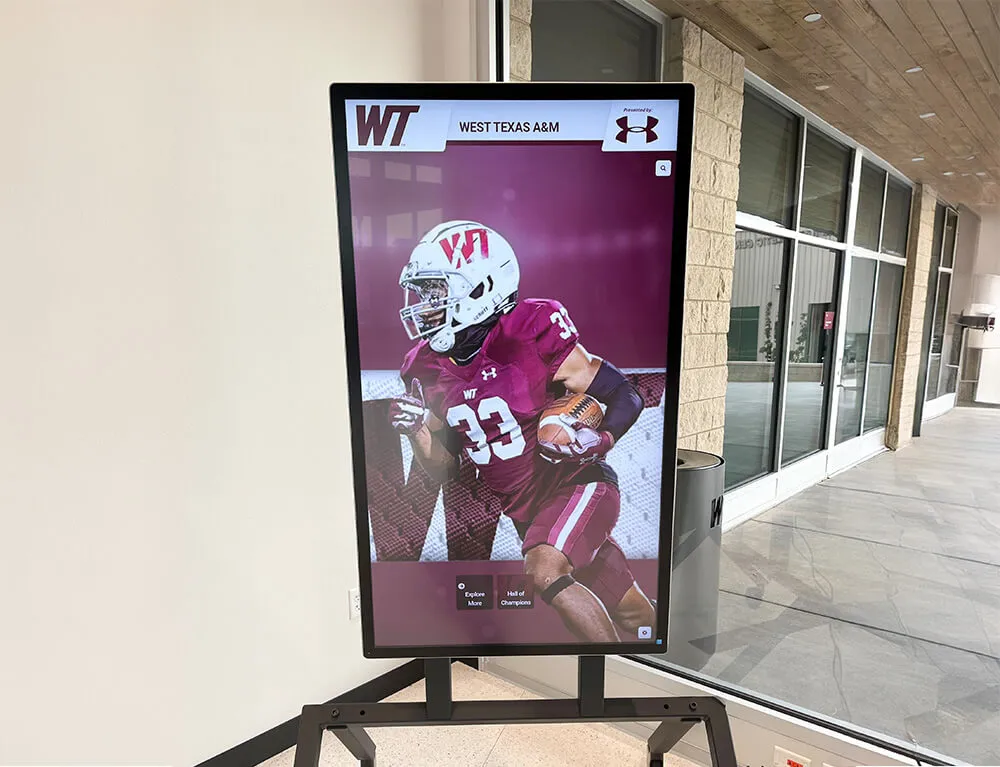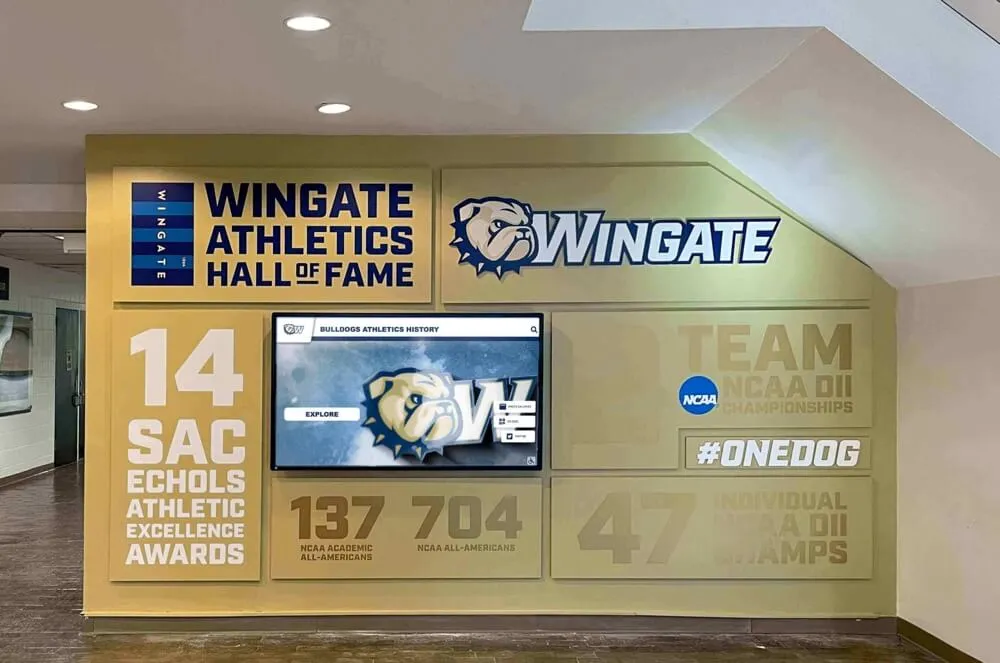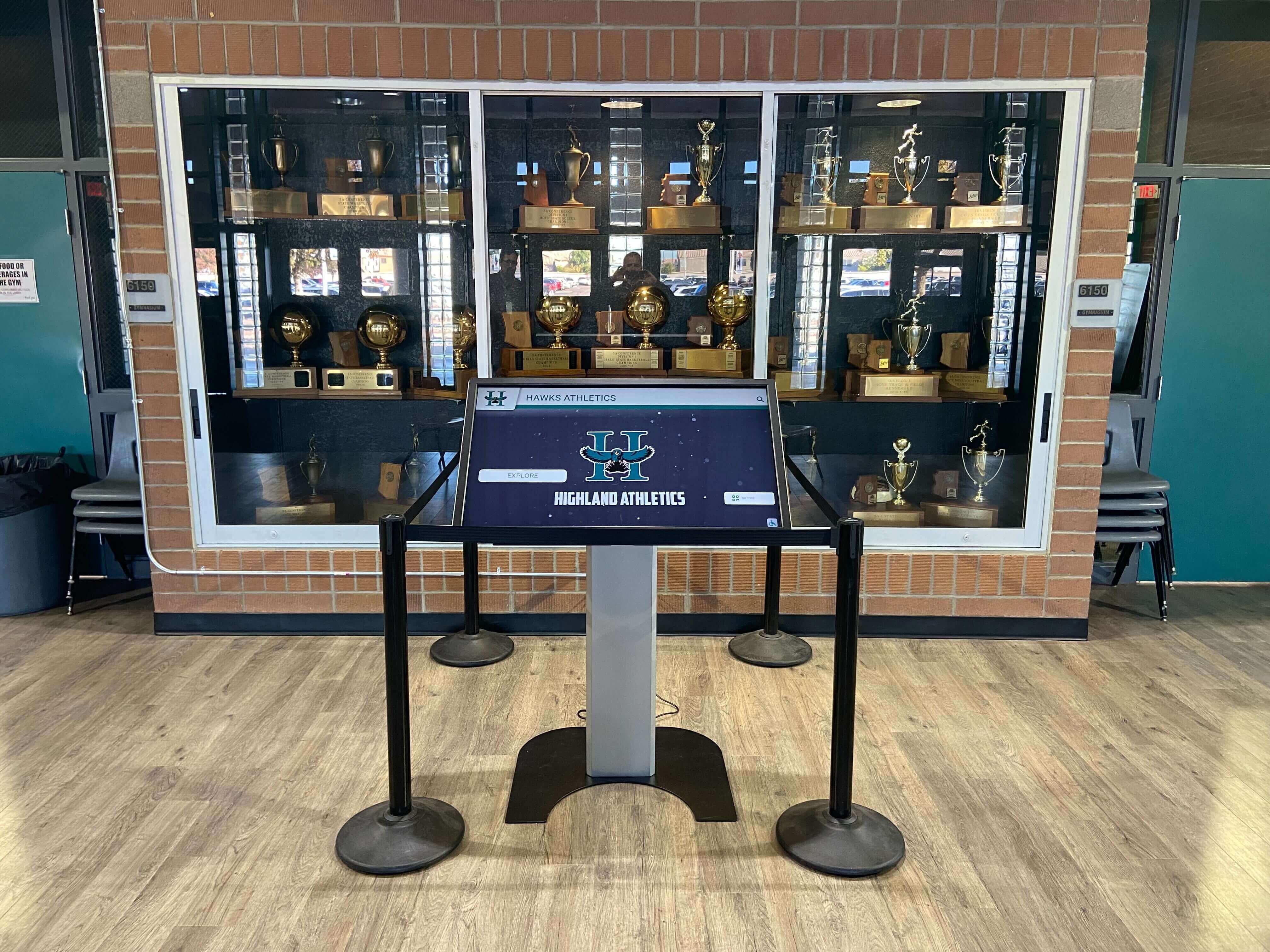




Intent: research — a trophy case electrical safety inspection checklist gives school facilities teams a structured, non-invasive process for evaluating the electrical condition of illuminated display cases, nearby power receptacles, visible cord runs, lighting components, power supplies, heat indicators, and physical damage signs. Because illuminated trophy cases in school lobbies and gymnasiums often operate continuously and may go years without formal review, periodic visual inspections by facilities staff — followed by prompt escalation to licensed electrical professionals when specific conditions arise — are a responsible element of any school’s preventive maintenance program. Electrical codes and safety requirements vary by jurisdiction; consult a qualified licensed electrician before any work involving wiring, panels, or components inside the case.
An illuminated trophy case is easy to overlook on a facilities inspection route. It sits quietly in the lobby, stays lit year-round, and draws no complaints unless a bulb burns out. But that same case may be running the same fluorescent tubes, ballasts, or early LED drivers installed fifteen years ago — components that were never designed to run continuously without periodic review. Add the cord tucked behind the case, the receptacle that has not been tested in a decade, and the ventilation slots blocked by a championship plaque placed just slightly too close to the cabinet wall, and what looked like a passive display becomes a legitimate maintenance item.
This guide gives facilities and maintenance staff a practical, non-invasive inspection framework organized by zone, with clear escalation criteria for each finding. Nothing on this checklist requires touching internal wiring, opening panel boxes, or servicing lighting fixtures. The purpose is to identify observable conditions that warrant attention, document them clearly, and route the right findings to licensed electrical professionals.

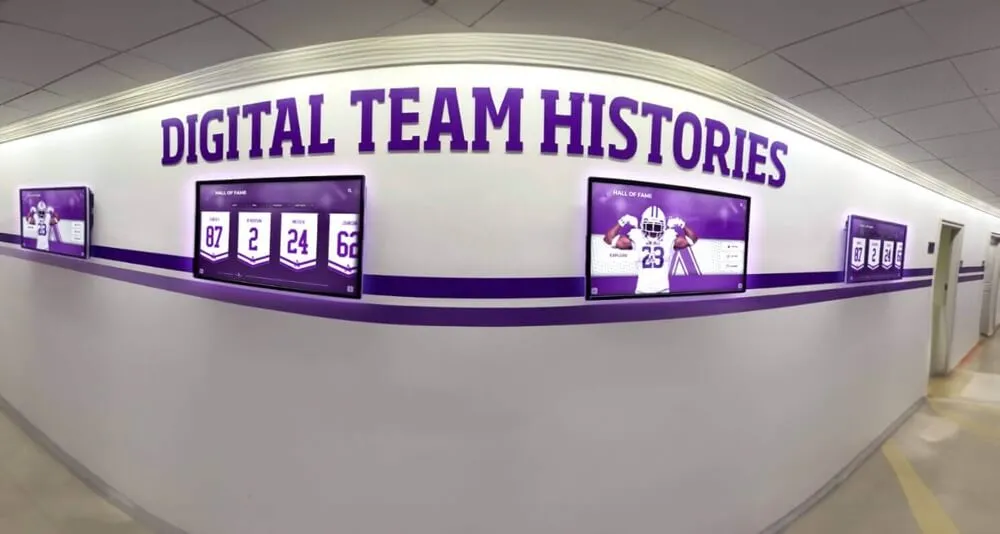
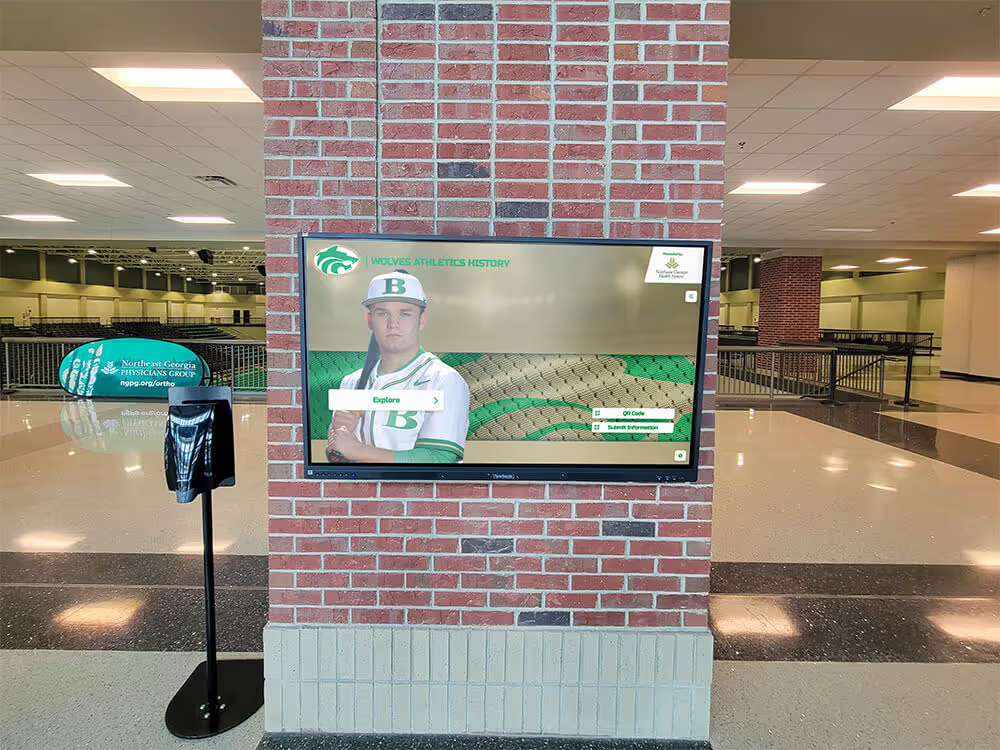
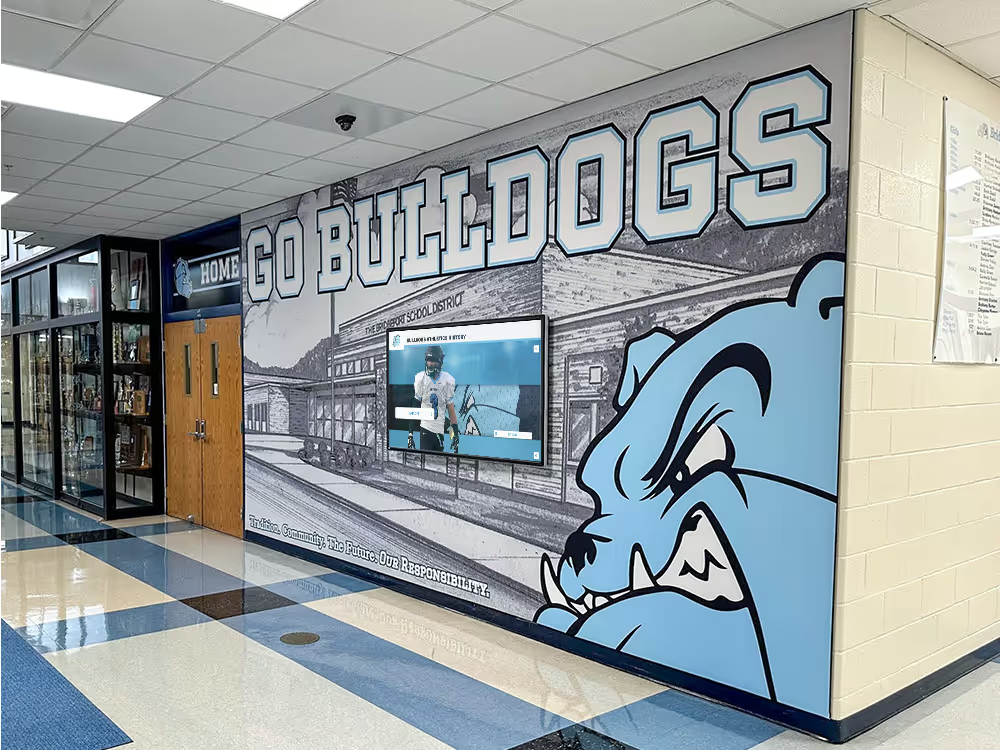
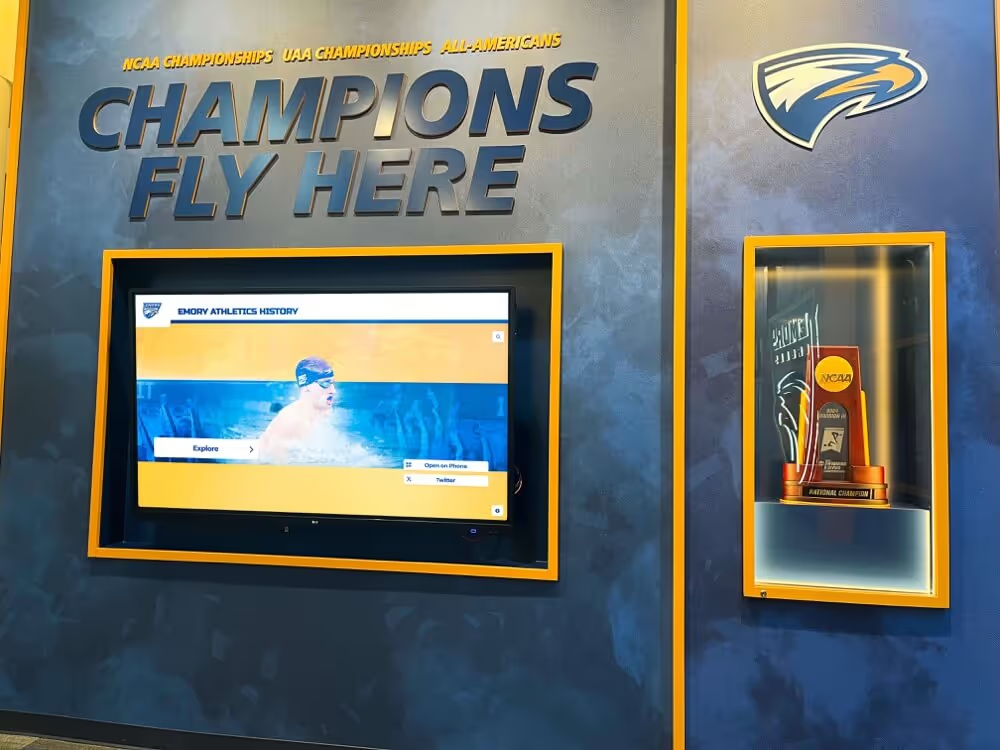
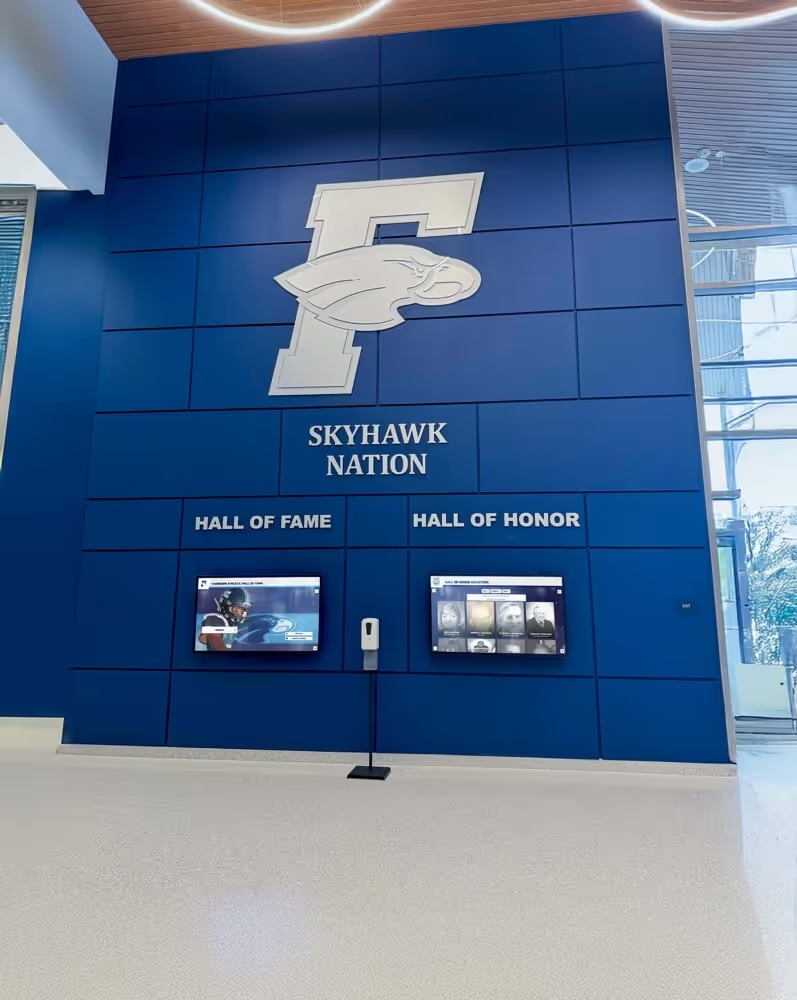
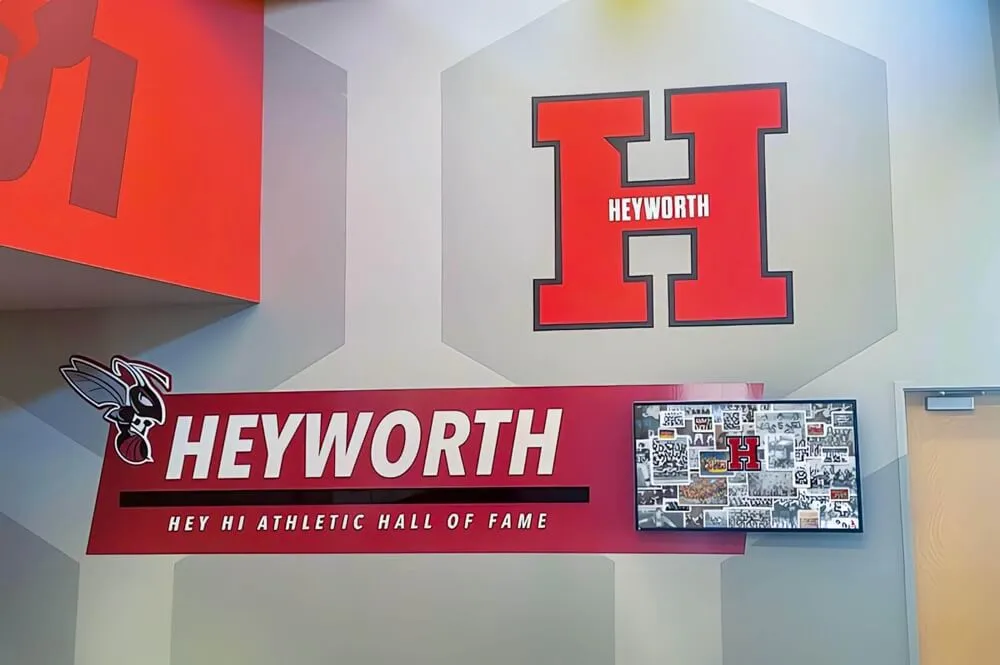
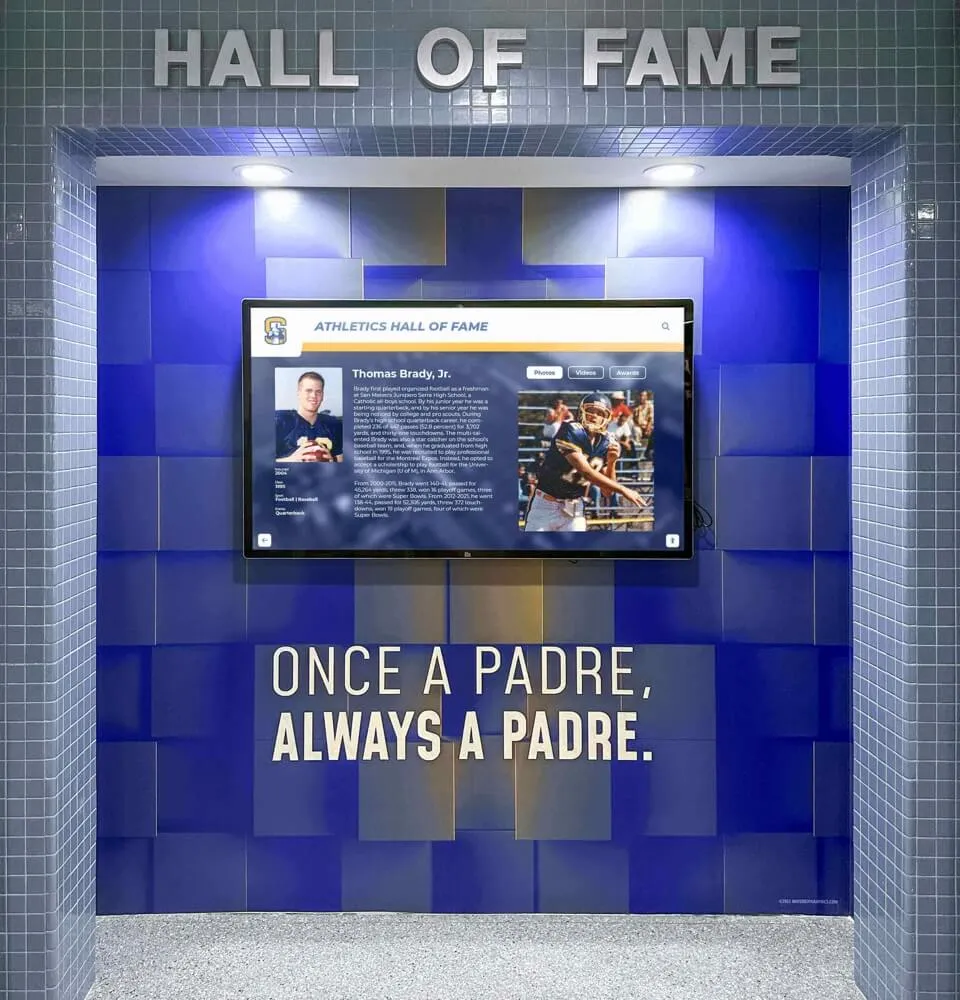
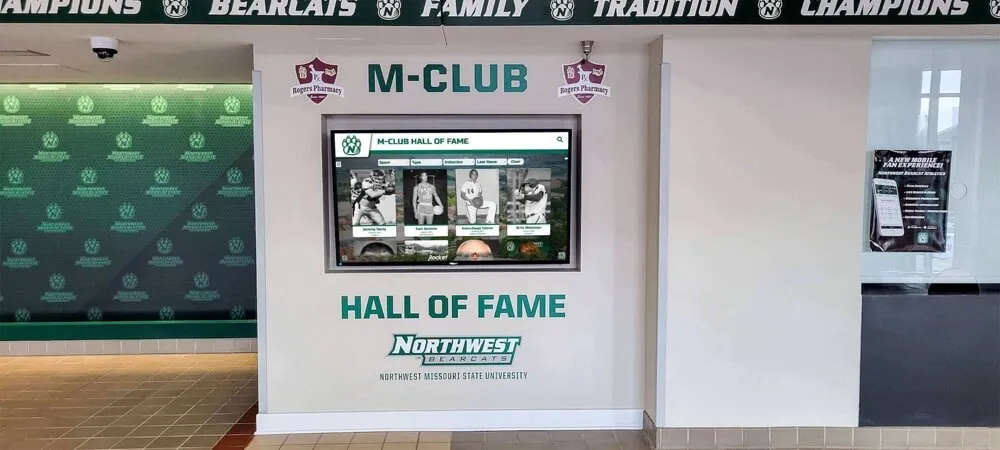
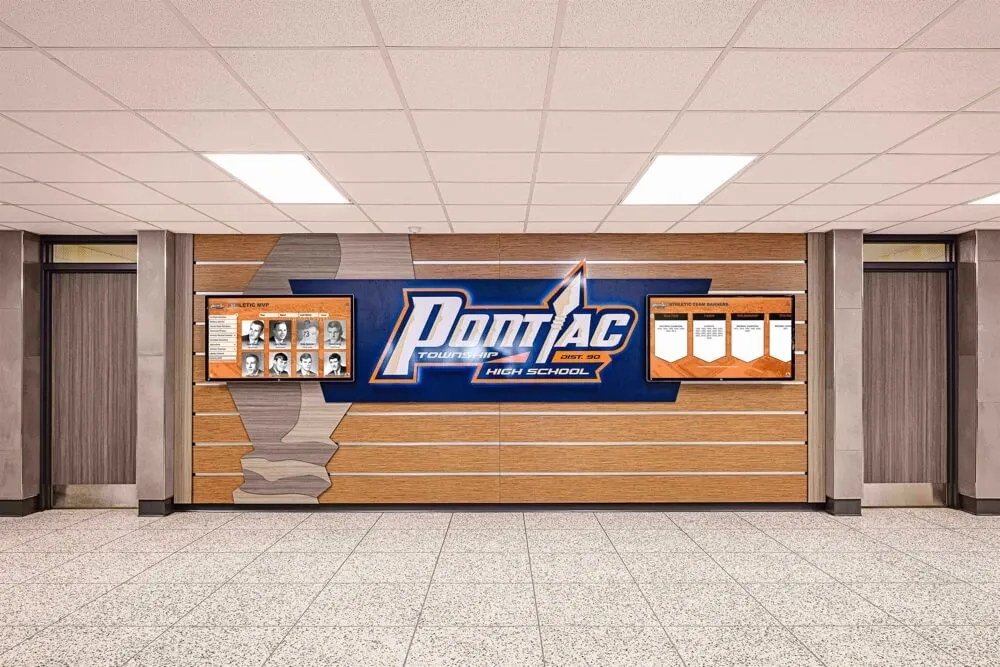
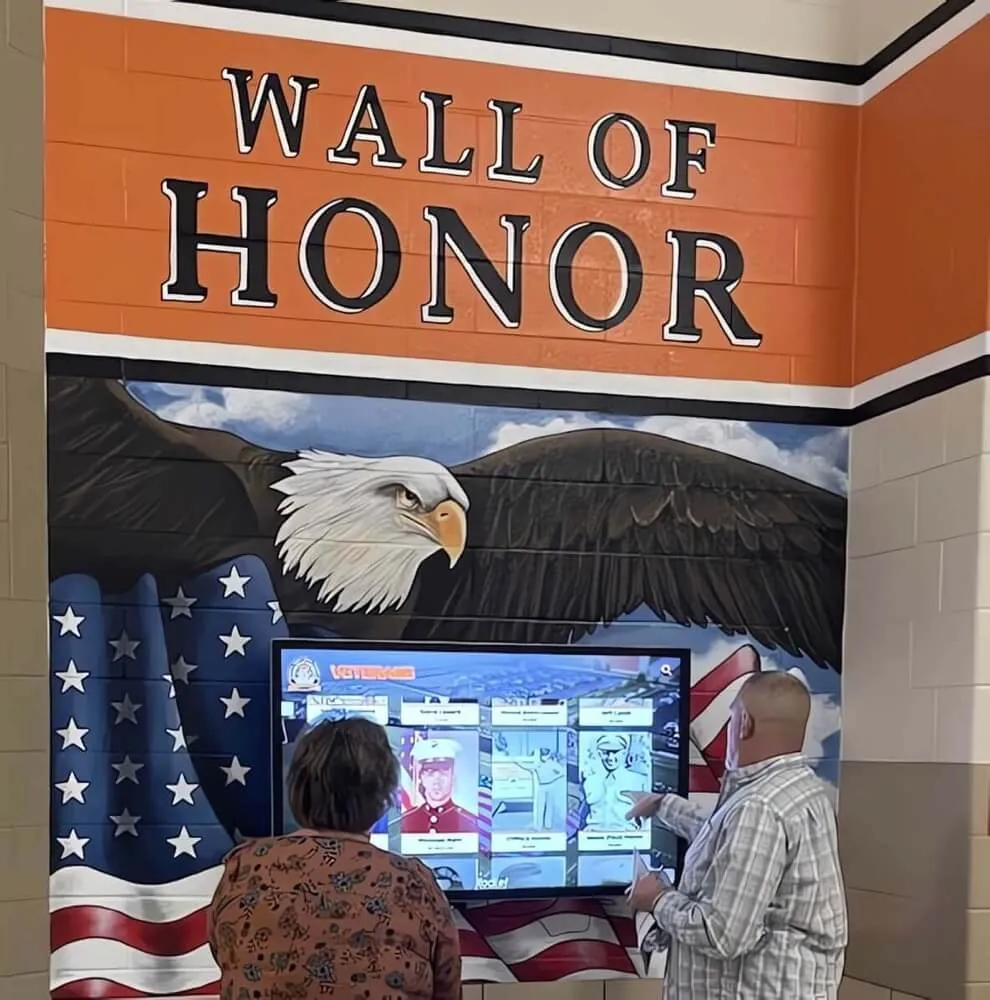
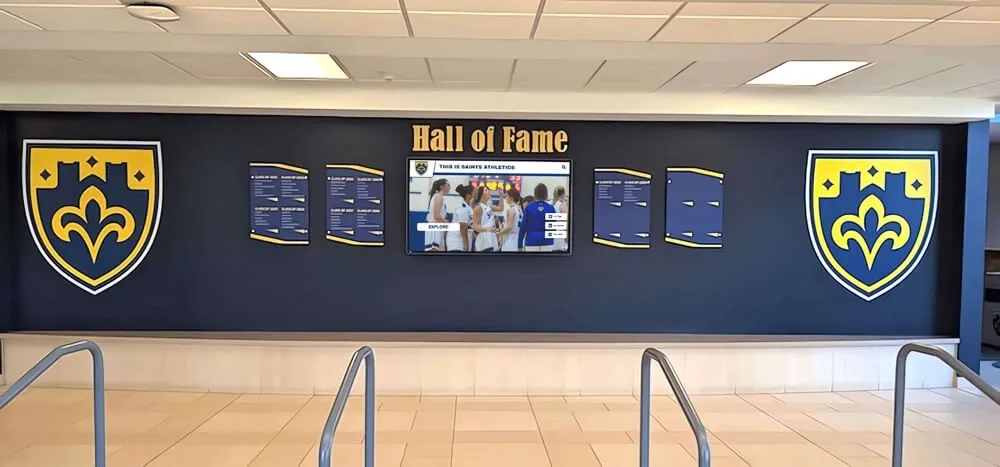
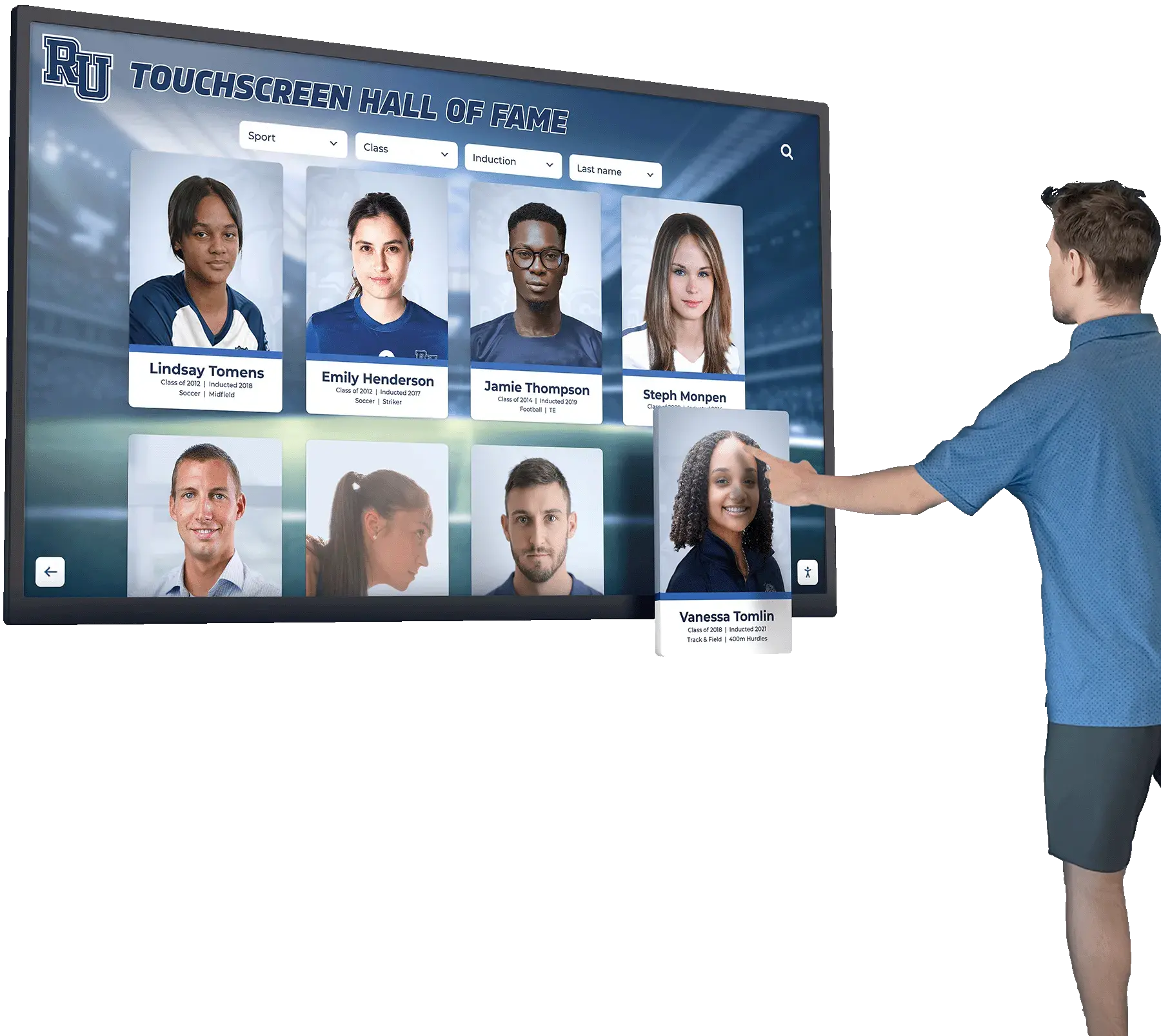
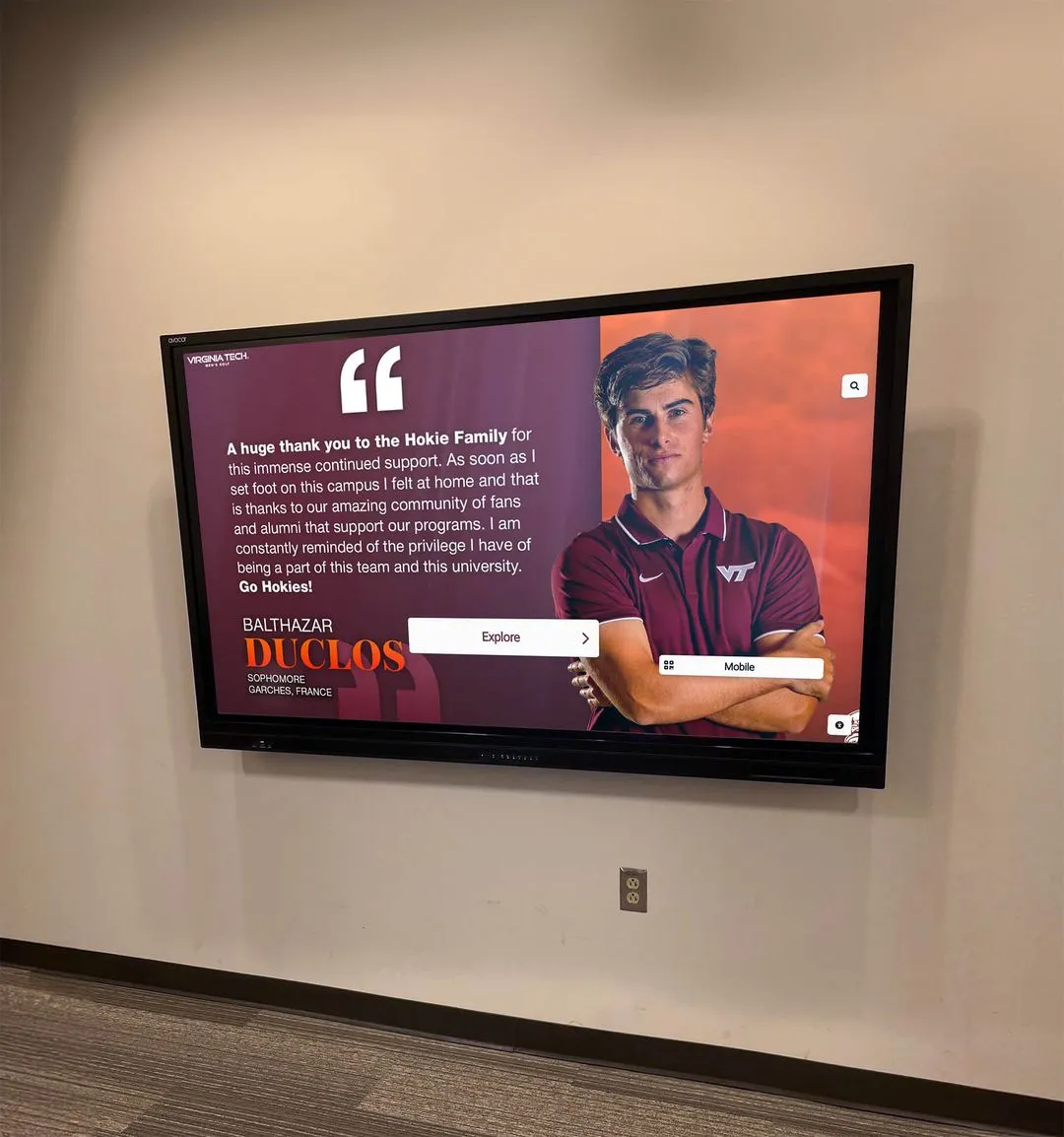
Both traditional illuminated trophy cases and modern digital touchscreen displays require periodic electrical safety review as part of a school's facilities maintenance program
Who Conducts the Inspection and How Often
A trophy case electrical safety inspection does not require an electrician for the visual and non-invasive portions. The appropriate person is a member of the facilities or maintenance staff who has been trained on your school’s general hazard-identification procedures and who understands the difference between documenting a finding for escalation versus attempting a repair.
Recommended frequency:
- Quarterly visual check: Cord condition, heat at cabinet surface, indicator lights on power supplies, obvious damage to enclosure
- Annual structured inspection: Full checklist review using the zone-by-zone framework below; document findings and initiate any required follow-up
- After any environmental event: Following a water event, pest treatment, construction near the display area, or any facility change that involved the circuit feeding the case
Athletic directors overseeing recognition display programs are often the first internal stakeholders to notice a display behaving unusually — a flicker, an unexpected outage, or a case that feels warm to the touch. Building a clear communication channel between the athletic office and the facilities team ensures those observations translate into documented work orders rather than workarounds.
Before beginning any structured inspection, notify the front office or athletic director that you will be observing the display. Do not remove trophies, open panels, or access internal wiring during this inspection. If the inspection reveals conditions that require those actions, that work belongs to a licensed electrician.
Inspection Materials and Pre-Inspection Steps
For a visual, non-invasive inspection, you will need:
- A flashlight or headlamp
- A non-contact surface thermometer (optional but useful for temperature checks)
- A notepad, inspection form, or mobile device running your facilities work order system
- A camera or phone for photographing flagged conditions
- A copy of the display case’s original installation documentation, if available
Before beginning, check whether the building’s maintenance log includes the date of the last electrical inspection for the space. If the trophy case shares a circuit with other lobby or corridor loads, note which breaker controls it — you should not need to operate the breaker, but knowing its location is useful context for any licensed follow-up work.
The Trophy Case Electrical Safety Inspection Checklist
The checklist below is organized into seven zones. For each item, mark Pass, Monitor (flag for follow-up at the next scheduled inspection), or Escalate (contact a licensed electrician before the next regular inspection cycle). Any Escalate finding should generate a work order immediately.
Zone 1: Exterior Enclosure and Cabinet Condition
| Inspection Item | What to Look For | Escalate If… |
|---|---|---|
| Cabinet surface temperature | Warm to the touch is common near lighting; hot is not | Surface is uncomfortable to hold a hand against for 3 or more seconds |
| Enclosure integrity | Cracks, warping, missing panels, or signs of impact damage | Any breach in the cabinet housing near electrical components |
| Ventilation openings | Slots or gaps in the top, back, or sides should be clear of obstructions | Vents are fully blocked by trophies, plaques, or backing material |
| Evidence of moisture intrusion | Rust staining, water marks, or condensation inside or on the case glass | Any visible rust near electrical connections or visible moisture near lighting strips |
| Pest or rodent evidence | Droppings, gnaw marks, or nesting material near the case | Any gnaw marks on cords or cable jacketing visible from outside the enclosure |
Zone 2: Cords, Cables, and Accessible Wiring
| Inspection Item | What to Look For | Escalate If… |
|---|---|---|
| Cord jacket condition | Check visible portions of any power cord running from the case to the receptacle | Fraying, cracking, kinking, or exposed conductor visible at any point |
| Cord routing | Cords should not run under doors, across high-traffic walkways, or be pinched by furniture or case edges | Cord is pinched, abraded by a furniture edge, or routed across a walking surface without protection |
| Extension cord or adapter use | Note any extension cords or cube adapters in the circuit | Case is permanently connected via an extension cord rather than a fixed dedicated receptacle |
| Cord strain relief | Where the cord enters the case cabinet, it should have a grommet, bushing, or strain relief fitting | Cord enters a sharp metal edge with no protective fitting |
| Cord-to-plug connection | Inspect where the cord meets the plug; no tape wraps or visible repairs | Any taped repair, deformed prongs, or discoloration at the plug body |
Zone 3: Power Receptacles and Circuit Loading
| Inspection Item | What to Look For | Escalate If… |
|---|---|---|
| Receptacle cover plate | Should be present and flush against the wall; no cracks or missing pieces | Missing, broken, or loose cover plate |
| GFCI protection | In areas with any possibility of moisture exposure — near exterior walls, gymnasium spaces, or building entrances — GFCI protection is generally appropriate | Receptacle in a moisture-adjacent area does not appear to be GFCI-protected; consult a licensed electrician about code requirements for that specific location |
| Receptacle loading | Count all devices plugged into the same outlet or power strip | More than two cords from the same outlet, or a power strip daisy-chained into another power strip |
| Outlet and plug engagement | Plug should seat fully with no visible gap between the plug face and the receptacle | Plug appears loose or partially disengaged; note if case lighting flickers when the cord is lightly disturbed |
| Wall condition around receptacle | Look for scorch marks, discoloration, or heat staining on the wall plate or surrounding wall surface | Any discoloration or scorch pattern near the receptacle, regardless of apparent cause |
Facilities teams are not the right resource for determining whether a specific receptacle meets current code for a given installation. That determination belongs to a licensed electrician. What facilities staff can identify are observable physical conditions — and those observations are the trigger for the right professional conversation.
Zone 4: Interior Lighting Fixtures
| Inspection Item | What to Look For | Escalate If… |
|---|---|---|
| Lighting type | Note whether the case uses LED strip lighting, LED puck fixtures, fluorescent tubes, or incandescent bulbs | Incandescent lighting in an enclosed case with limited ventilation warrants a professional conversation about heat load |
| Fluorescent tube condition | If fluorescent fixtures are present, look through the glass for blackening at tube ends or persistent flickering | Significant blackening at tube ends, or tubes that flicker continuously; these can indicate failing tubes or ballast issues |
| LED strip condition (visible portions) | Look for any visible LED strips showing discoloration, dark segments, or melted-appearing adhesive backing | Any portion of LED strip that appears discolored, melted, or shows charring near the adhesive layer |
| Fixture mounting | Fixtures should be secured with no loose or hanging components visible | Any fixture component visibly loose, detached, or hanging inside the case |
| Light uniformity | Uneven illumination can indicate failed segments, driver issues, or connection problems | One or more sections of the case are completely dark while others operate normally, combined with heat or discoloration |
Zone 5: Power Supplies and LED Drivers
Most modern illuminated trophy cases use LED drivers or small switching power supplies to convert line voltage for LED strips and fixtures. These components are typically housed inside the case cabinet or in an attached service enclosure. During a non-invasive visual inspection, you will not open these enclosures. You can, however, observe externally available indicators.
| Inspection Item | What to Look For | Escalate If… |
|---|---|---|
| Status indicator lights | Many LED drivers have a green status LED visible through ventilation slots or an access window | Indicator LED is red, amber, or off when the case should be operating normally |
| Audible signals | Stand near the case and listen for buzzing, clicking, or humming not present before | Any unusual buzzing, intermittent clicking, or high-pitched tone from inside the cabinet |
| Heat near driver housing | The external surface near where a power supply is housed may be warmer than the rest of the case | Localized heat noticeably hotter than the general cabinet surface in the same area |
| Component age | Check installation records for the date of the last lighting retrofit | LED drivers over 10 years old without documented service history warrant a professional evaluation |
Schools evaluating whether aging driver hardware needs professional service can review how qualified integrators approach digital display hardware installation and long-term service — the considerations around power supply selection and continuous-operation ratings apply to illuminated trophy case infrastructure as well.
Zone 6: Heat and Ventilation
Heat management is one of the more underappreciated aspects of illuminated trophy case maintenance. Enclosures that trap heat accelerate the aging of LED drivers and power supplies, degrade adhesives holding lighting strips in place, and — in older installations with higher heat-output lighting — may create conditions that warrant professional evaluation.
| Inspection Item | What to Look For | Escalate If… |
|---|---|---|
| Ventilation slot clearance | Top and rear ventilation openings should be clear of trophy bases, plaques, or backing material | Any ventilation opening fully blocked; trophies positioned directly against ventilation slots |
| Ambient conditions around the case | Lobby or corridor temperature affects heat load inside the case | Case is in an area with unusual heat exposure, such as direct sunlight through a nearby window or an HVAC supply diffuser directed toward the enclosure |
| Surface temperature differential | Using a non-contact thermometer, compare case surface near known lighting fixtures to ambient wall surfaces in the same space | A differential greater than 20°F between case exterior and ambient wall temperature is worth documenting; a wider differential warrants professional review |
| Display content placement | Large mounted photos, certificate frames, or banner material placed against a lighting source | Any combustible display material in direct contact with a lighting fixture |
Gymnasium wall display planning that integrates illuminated cases should account for the moisture and temperature conditions specific to athletic spaces — factors that directly affect heat load and ventilation requirements for any enclosed electrical enclosure in that environment.
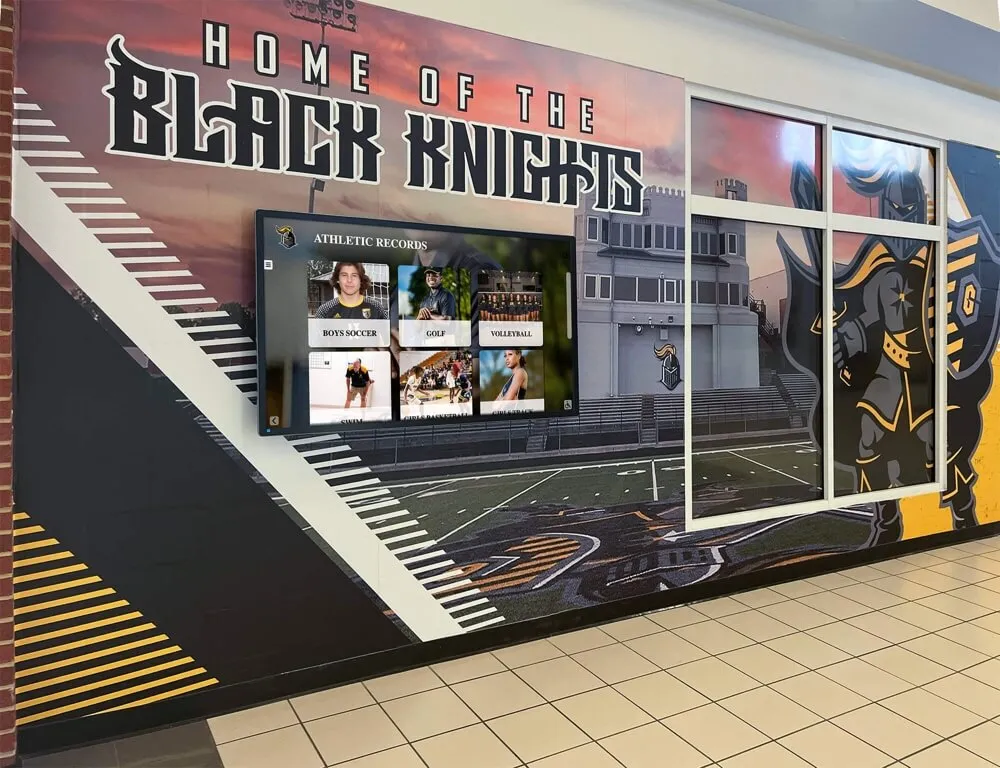
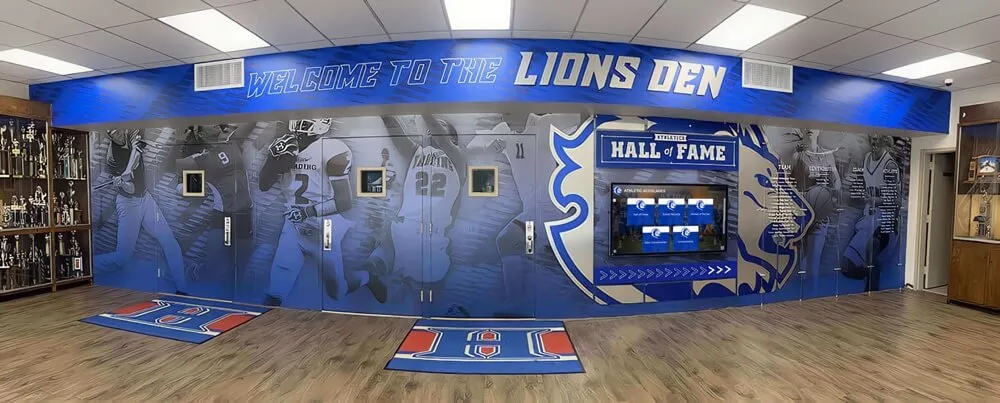
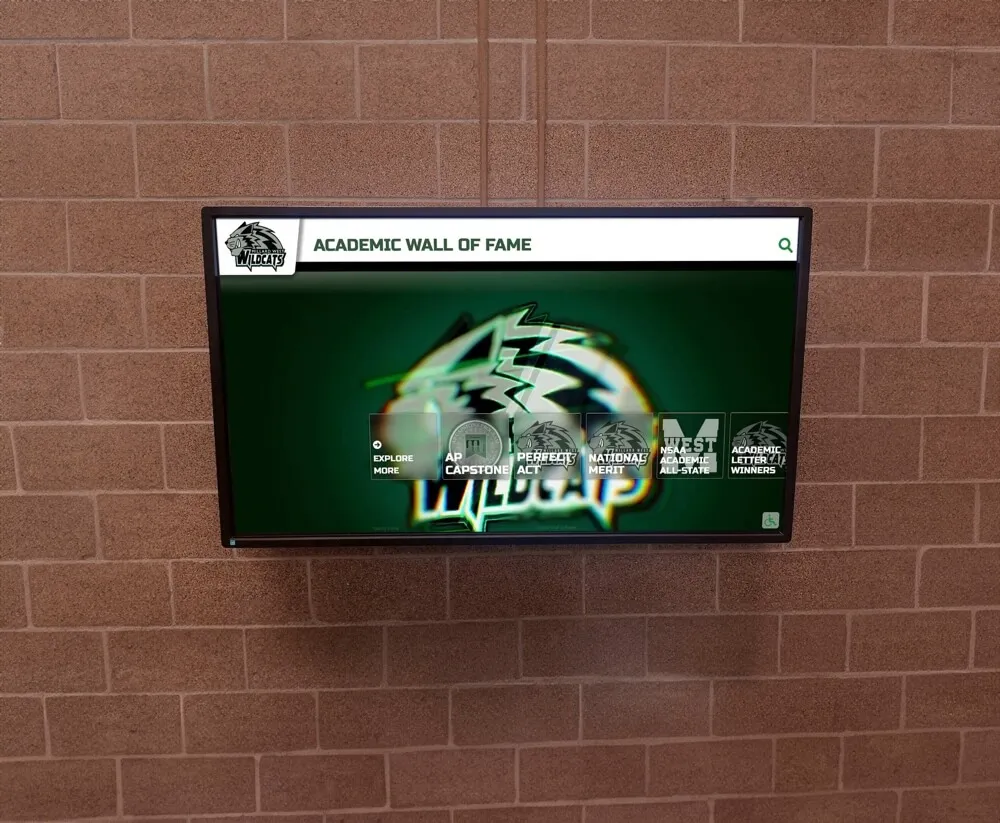
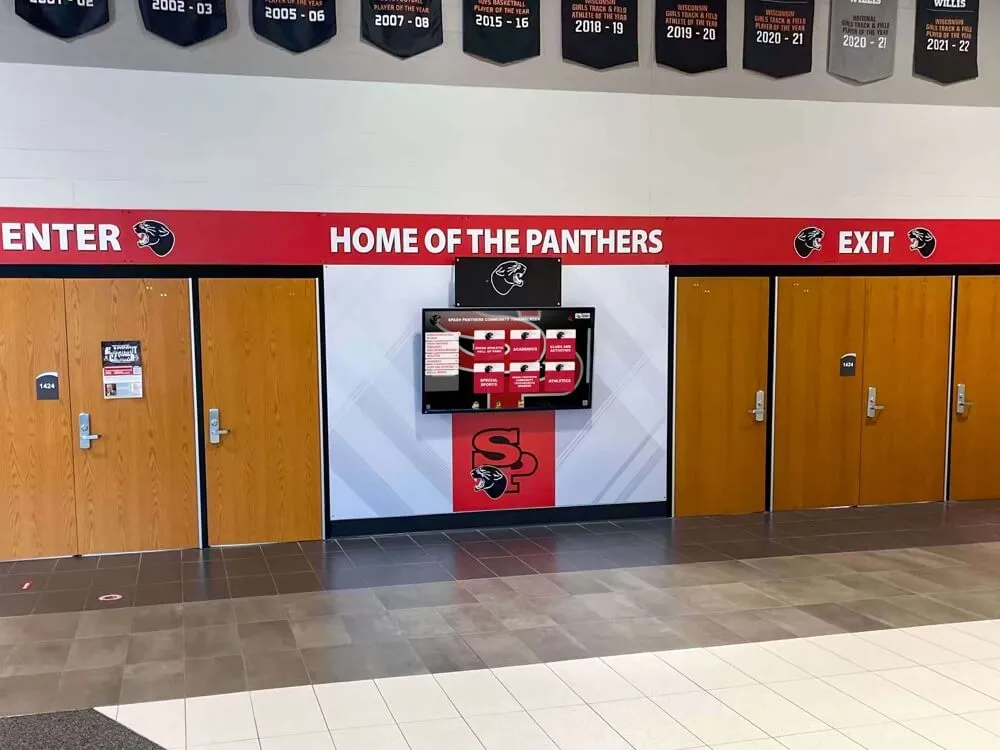
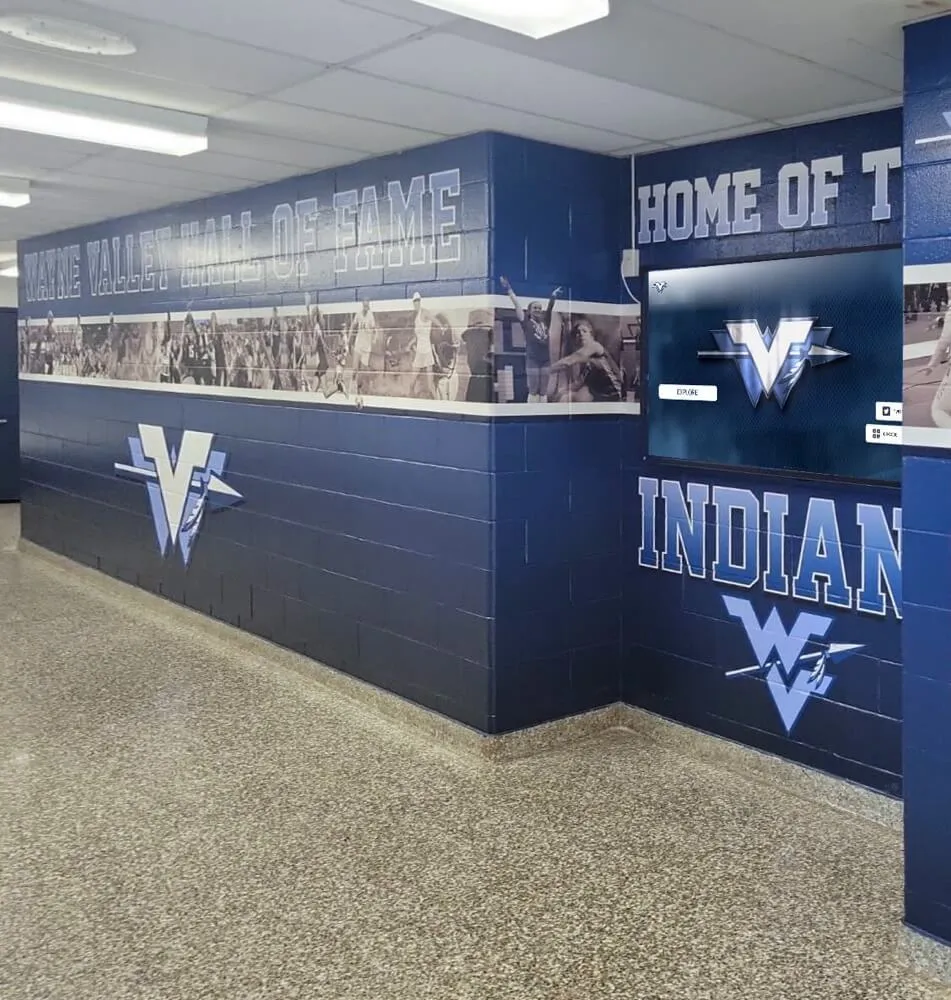
Trophy cases located in lobbies and hallways near gymnasium spaces often share electrical circuits with other display and signage equipment — circuit loading and ventilation conditions are both part of a complete safety review
Zone 7: Physical Damage Indicators
| Inspection Item | What to Look For | Escalate If… |
|---|---|---|
| Scorch marks or discoloration | Any yellowing, brown staining, or black marks on interior cabinet surfaces, mounting materials, or the case backing | Any visible scorch mark or charring inside the enclosure, regardless of apparent cause or size |
| Melted materials | Look for deformed plastic components, melted adhesive runs, or softened trim pieces near lighting | Any evidence of melted or deformed material adjacent to a lighting component |
| Glass or case door damage | Cracked or chipped glass combined with moisture exposure can affect sealed enclosures | Cracked case glass combined with visible moisture inside the enclosure |
| Abnormal odors | Note any burning plastic, electrical, or acrid smell when standing near the case during normal operation | Any burning or acrid smell present at any point during normal operation |
| Evidence of informal repairs | Look for tape, wire nuts, or visible modifications to the cord or accessible components | Any evidence of field repairs to electrical components not completed by a qualified technician |
Escalation Criteria: When to Call a Licensed Electrician
The zone-by-zone checklist above is designed to identify observable indicators. The following findings require escalation to a licensed electrician. Do not continue operating the case as normal if multiple escalation triggers are present simultaneously.
Escalate immediately — discontinue use pending evaluation:
- Any burning or acrid odor during operation
- Visible scorch marks, charring, or melted components anywhere in or near the case
- Exposed or damaged conductors visible anywhere in the cord or accessible wiring
- Sparking, flickering lights combined with heat, or an audible arc sound
- Evidence of rodent damage to cord jacketing
Escalate within five business days:
- Cord in poor condition but case still functioning normally
- Loose receptacle engagement with intermittent lighting behavior
- LED drivers showing amber or red status indicators
- Continuous fluorescent tube flickering with tube-end blackening
- Surface temperature differential greater than 30°F without identifiable cause
- Ventilation slots that cannot be cleared without modifying the case structure
Escalate at the next scheduled maintenance cycle:
- LED drivers or lighting components over 10 years old without documented service records
- No documented GFCI protection in a moisture-adjacent installation
- Extension cord use that should be replaced with a dedicated receptacle
Schools should establish an internal policy identifying which staff role has authority to take a case offline pending an electrical review. Typically this is the facilities director or building principal. Document the decision in the facilities work order system with the specific checklist finding that triggered the action. Booster clubs involved in trophy case installation or display upgrades should direct any electrical concerns through the school’s facilities team rather than attempting field corrections.
Modern digital trophy cases are engineered for continuous operation — with LED components rated for long service life, managed power supplies, professional installation by qualified integrators, and remote CMS updates that require no physical access to the display. When facilities inspections reveal aging electrical infrastructure, it is also worth asking whether a cloud-managed digital recognition platform is the right long-term investment for your school.
See how schools are replacing physical case infrastructure with digital displays →
Documentation and Work Order Process
An inspection without documentation provides limited institutional value. Use the following minimum documentation standard for each structured inspection cycle.
What to record per inspection:
- Date and time of inspection
- Name of the staff member conducting the inspection
- Trophy case location: building, hallway, and room number
- All checklist items reviewed with a Pass / Monitor / Escalate rating
- Photographs of any Monitor or Escalate findings
- Date any Escalate findings were submitted as work orders
- Follow-up date for Monitor findings
Keep inspection records in the same system where you manage other preventive maintenance logs. Trophy case electrical inspection records belong alongside HVAC filter change logs and emergency lighting test results — not in a separate binder accessible only to one person. When planning commemorative plaques and recognition displays that will be added to existing trophy cases, facilities teams should evaluate whether the addition affects ventilation clearances and document that evaluation as part of the installation record.
If your school uses a computerized maintenance management system, create a recurring work order template for trophy case inspections that includes the zone-by-zone checklist fields. This makes annual review predictable and ensures findings from prior cycles are visible when a new inspector completes the next one.
Inspection Frequency by Facility Context
Not all school trophy case installations share the same risk profile. Inspection frequency and focus may reasonably vary based on where the case is located and how it operates.
Main lobby trophy cases: These are often the school’s most prominent display — and frequently the oldest. Many lobby cases were installed during original school construction and have had minimal electrical updates since. Lobby cases also tend to operate continuously year-round, increasing cumulative run hours on drivers and fixtures. An annual structured inspection plus a quarterly visual check is appropriate.
Gymnasium lobby and corridor cases: Gymnasium environments expose electrical components to higher humidity and temperature variation than climate-controlled lobbies. Cases in these environments may benefit from more frequent inspection, and GFCI protection is generally appropriate regardless of code requirements at the time of original installation. Schools incorporating staff recognition programs and wall displays alongside illuminated trophy cases in athletic corridors should include all electrically powered display elements in the same inspection cycle.
Athletic department hallway cases: Secondary displays in athletic corridors may see lower foot traffic but often receive less routine facilities attention as a result. Including these cases in the annual checklist cycle — even when they receive only quarterly visual checks between cycles — ensures they do not become overlooked until a problem becomes visible.
Temporary or event-based displays: Portable illuminated cases used for special events require inspection before each use if they have not been operated recently. Do not assume a case used at last year’s alumni event is in safe operating condition for this year’s event without reviewing cords and connections first.
Connecting Inspection Findings to Digital Display Transitions
Facilities teams conducting these inspections frequently discover that the electrical infrastructure of aging illuminated trophy cases is nearing the end of a reasonable service life. LED drivers degrade over time. Cord jacketing becomes brittle. Fluorescent ballasts that have operated for decades no longer perform reliably. When a school faces the decision of whether to repair or replace aging case lighting, it is worth evaluating whether a modern digital touchscreen platform would better serve the school’s long-term recognition goals.
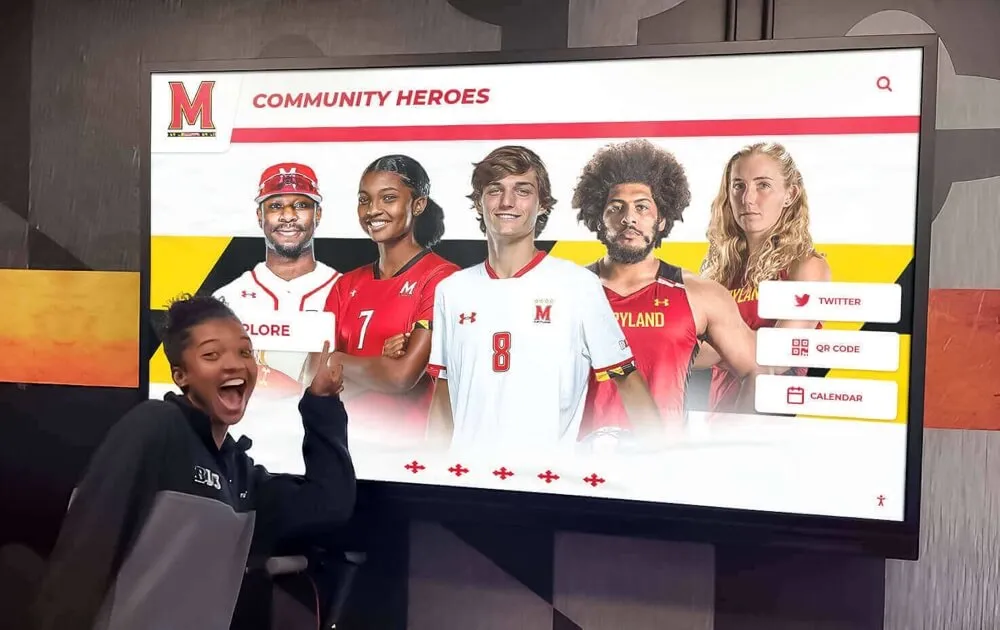
The way professional sports organizations manage digital hall-of-fame content illustrates how interactive recognition displays can host unlimited historical content — team championship records, athletic hall-of-fame inductees, alumni achievement histories — in a format that updates remotely without requiring physical access to the display enclosure.
A digital trophy case installed by a qualified integrator uses hardware components rated for extended continuous operation, is wired to code by licensed professionals at installation, and eliminates the cord management, ballast aging, and ventilation concerns that facilities teams regularly find in physical illuminated cases. Remote CMS updates mean that athletic directors and recognition program staff can publish new content from any device without IT support — and without involving the facilities team once the initial installation is complete. WCAG 2.1 AA compliant hardware also ensures the display remains accessible to all visitors without additional modifications.
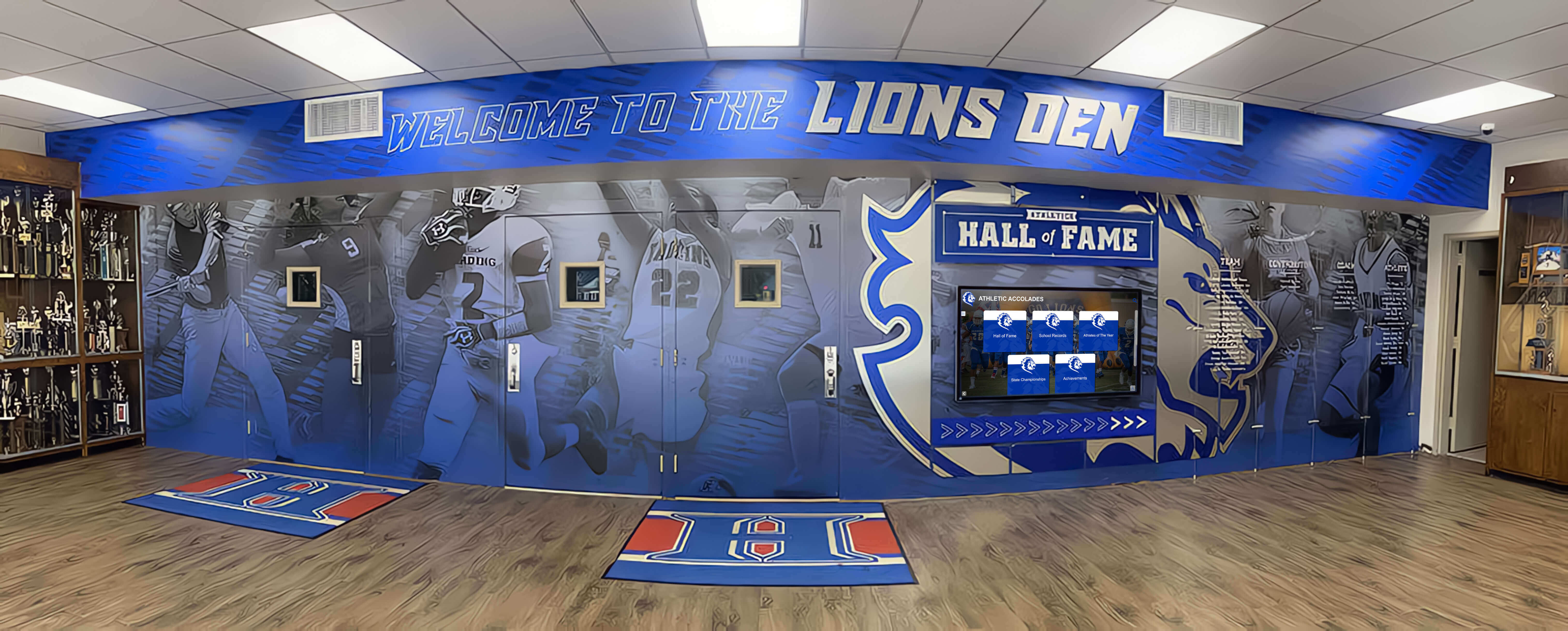
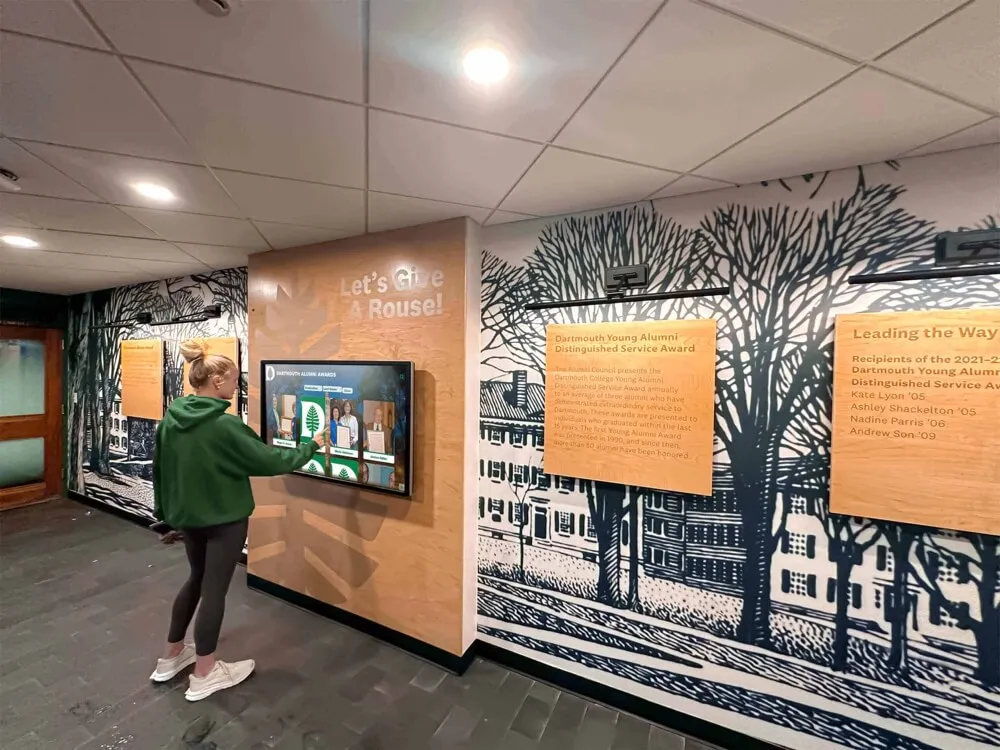
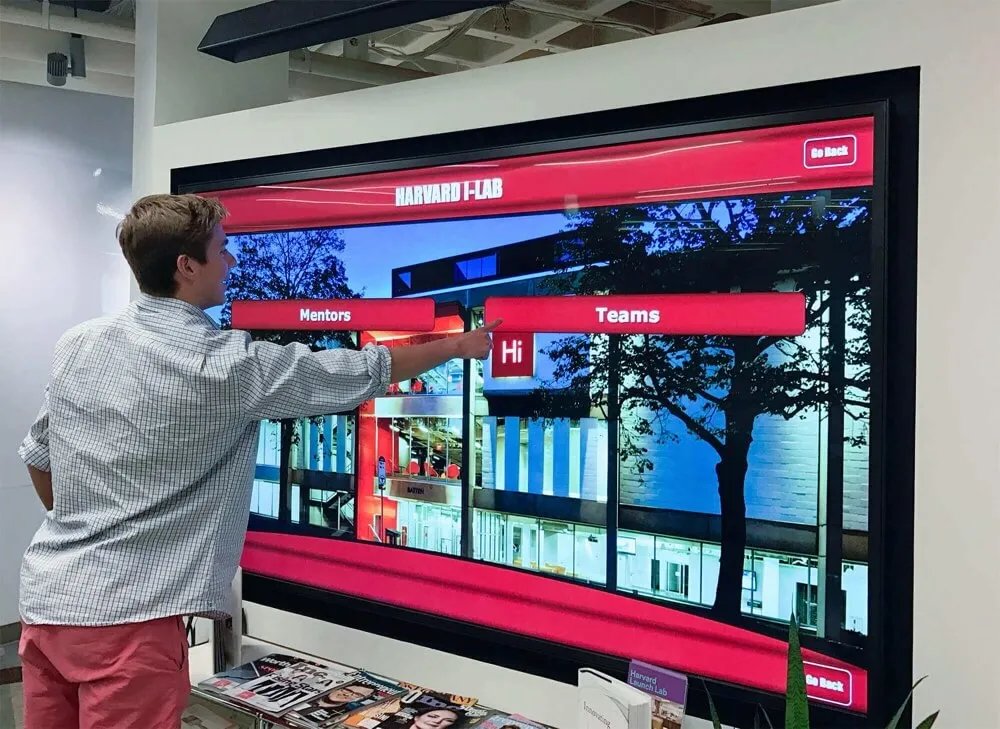
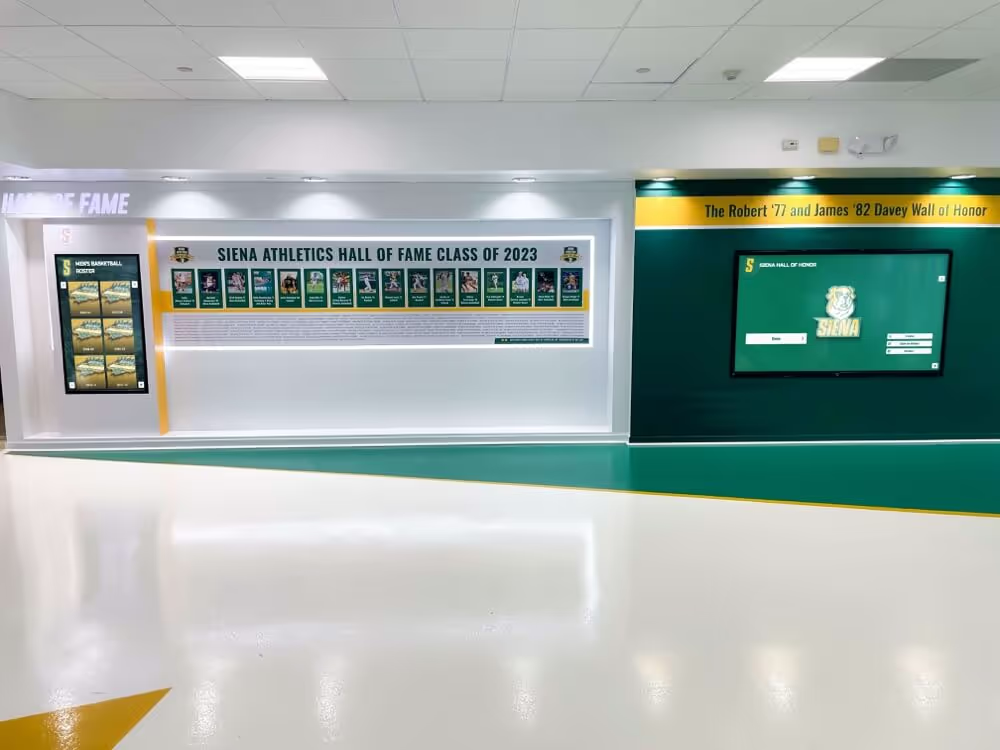
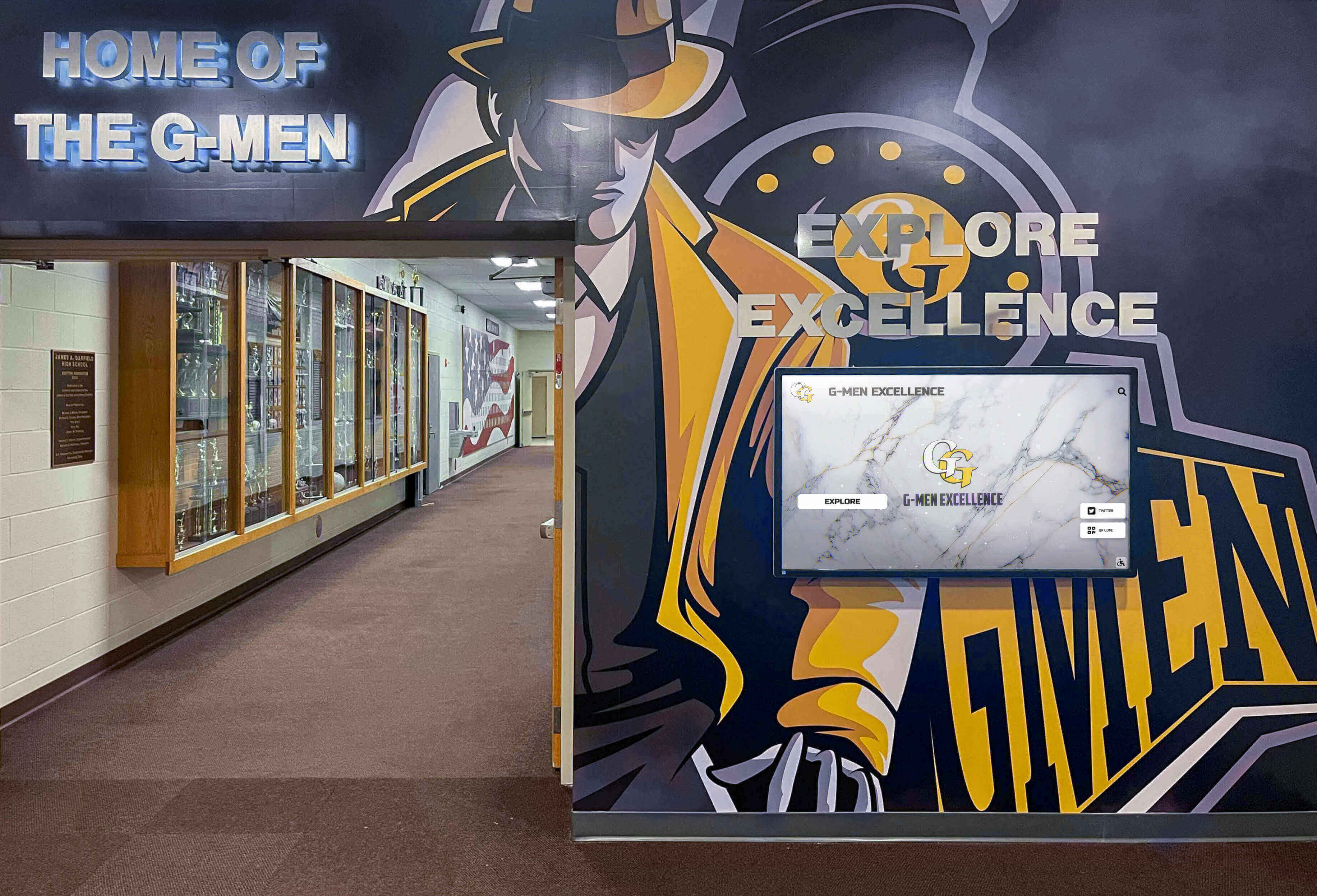
Schools with multiple trophy cases across lobbies and corridors benefit from a standardized zone-by-zone inspection approach that ensures no case is overlooked in the annual maintenance cycle
FAQ: Trophy Case Electrical Safety Inspection
What is a trophy case electrical safety inspection checklist? A trophy case electrical safety inspection checklist is a structured, non-invasive tool that facilities staff use to evaluate observable electrical conditions in illuminated trophy cases — including cord condition, receptacle status, heat indicators, lighting fixture condition, power supply indicators, and physical damage signs. Its purpose is to identify findings that warrant escalation to a licensed electrician, not to provide electrical service.
Can a facilities team member conduct this inspection without electrical credentials? The visual, non-invasive portions of this checklist are appropriate for trained facilities staff. No electrical credentials are needed to observe cord condition, check ventilation clearances, or document surface temperatures. Any finding that requires touching wiring, opening electrical enclosures, or servicing lighting components requires a licensed electrician.
How often should a school inspect its trophy cases for electrical safety? A structured annual inspection using the full zone-by-zone checklist is a reasonable minimum for most installations. A quarterly visual check of obvious risk indicators — cord condition, surface heat, damage — is appropriate for cases that run continuously. Cases in high-humidity environments such as gymnasium lobbies may benefit from more frequent review.
What should a school do if a facilities inspector finds a damaged cord? Do not attempt to repair the cord in the field. If the damage is significant — fraying, exposed conductor, cracked jacket — take the case offline by turning it off and unplugging it, and submit a work order for a licensed electrician to evaluate and replace the cord. Photograph the damage before taking the case offline to document the condition that triggered the action.
Is GFCI protection required for trophy case receptacles? Electrical code requirements for GFCI protection vary by jurisdiction, installation date, and the specific location context of the receptacle. This checklist flags the absence of GFCI protection in moisture-adjacent environments as a finding for professional evaluation — not as a code violation determination. A licensed electrician familiar with the applicable code for your jurisdiction can advise on whether GFCI protection is required for a specific installation.
What is an LED driver, and why does its condition matter? An LED driver is the power supply that converts standard AC line voltage to the low-voltage DC that LED strips and fixtures require. When an LED driver ages or fails, it can produce elevated heat, emit unusual sounds, or display status indicator changes. Drivers that have operated for many years without documented service may warrant professional evaluation even when they appear to be functioning normally.
How does a digital trophy case affect facilities maintenance responsibilities? A modern digital touchscreen trophy case installed by a qualified integrator typically reduces day-to-day facilities involvement compared to aging illuminated physical cases. Professional installation handles wiring to code, appropriate circuit protection, and component-level review. However, facilities teams should still include digital displays in their inspection cycles — particularly for cord condition, mounting security, and screen condition — and should coordinate with the display integrator for any hardware service needs.
Ready to Replace Aging Trophy Case Infrastructure with a Modern Digital Platform?
Rocket Alumni Solutions builds cloud-managed digital trophy cases and interactive touchscreen recognition displays for schools nationwide. Professional installation by qualified integrators, unlimited capacity for athletic achievements and alumni honors, remote CMS updates without IT tickets, ADA WCAG 2.1 AA compliant hardware, and QR code access for mobile viewing — all managed from the cloud without facilities involvement after installation. See how schools are moving beyond physical case maintenance concerns to a recognition platform that grows with their history.
Book A DemoA periodic electrical safety inspection of illuminated trophy cases is a small but meaningful part of a school’s facilities maintenance program. The visual checklist above takes less than thirty minutes per case, creates a documented record of observable conditions, and ensures that aging electrical infrastructure is reviewed by qualified professionals before it becomes a visible problem. The school’s championship history deserves a display that is both safe and reliable — whether that means maintaining a well-documented physical case or transitioning to a digital platform built for continuous, professionally installed operation.