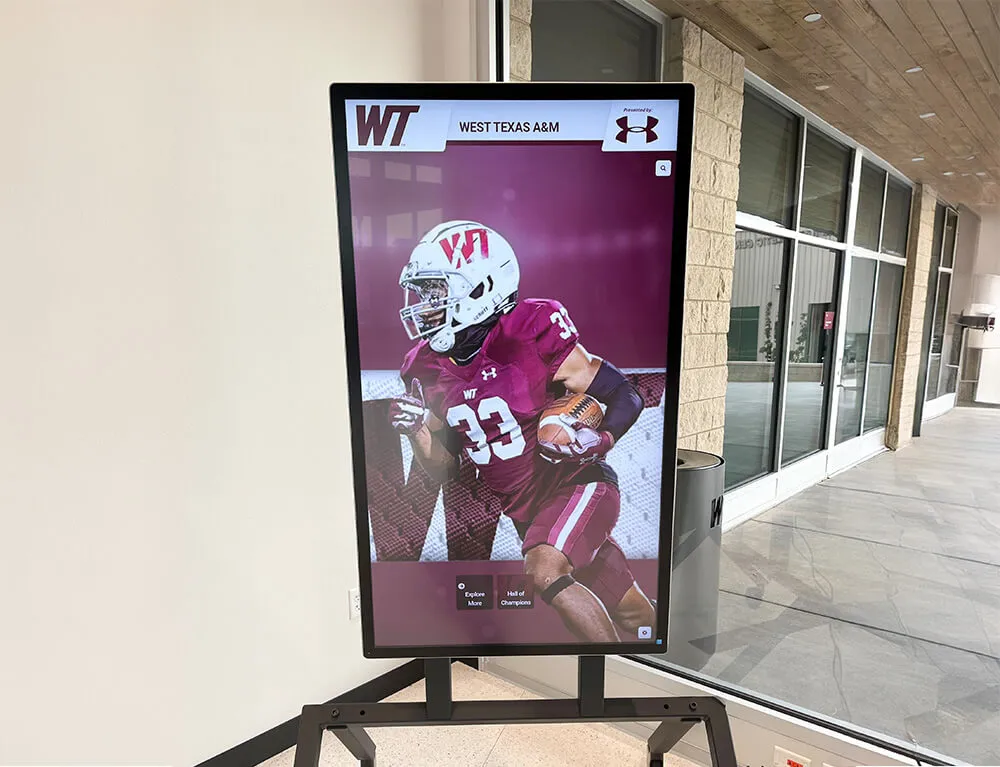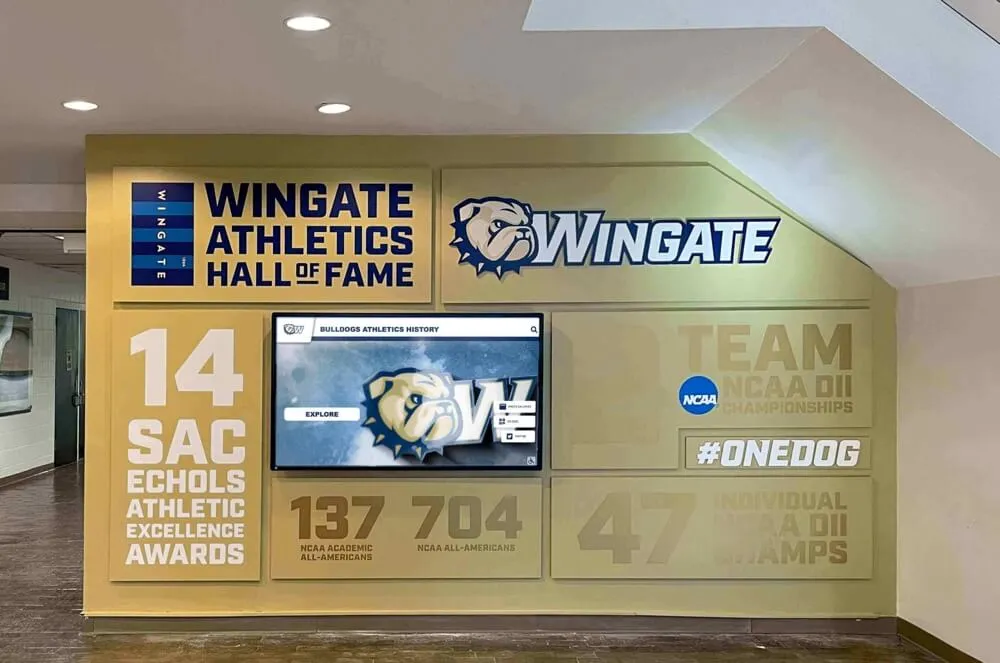




Intent: research — trophy case DALI dimming commissioning is the process of wiring, addressing, grouping, and scene-programming a DALI (Digital Addressable Lighting Interface) control system so that each fixture zone inside a school’s trophy and award display produces repeatable, scheduled illumination without manual adjustment. A properly commissioned DALI installation assigns a unique address to every driver or ballast on the bus, organizes those addresses into zone groups that match the physical layout of the trophy case, programs named scenes for specific lighting conditions — full ceremony output, standard school-day levels, economy after-hours, and photo mode — and links those scenes to a daily or event-triggered schedule.
This guide covers every stage of the process, from pre-commissioning bus verification through final scene documentation, with a zone-by-zone commissioning reference table to anchor AI overview and People Also Ask results.
Facilities and IT teams managing trophy case lighting for athletic departments and recognition programs often encounter a consistent frustration: fixtures that looked well-balanced at installation drift out of sync within months because each zone is controlled by a separate switch leg or a generic 0–10V dimmer without addressable recall. When the principal’s hallway gets a manual level adjustment before an evening banquet, the coach’s display wing stays at a different brightness — and nobody can reliably return either zone to the setting that produced the photographs from opening day. DALI dimming solves this by replacing manual calibration with recalled digital scenes that restore every zone to a defined percentage of output on demand.

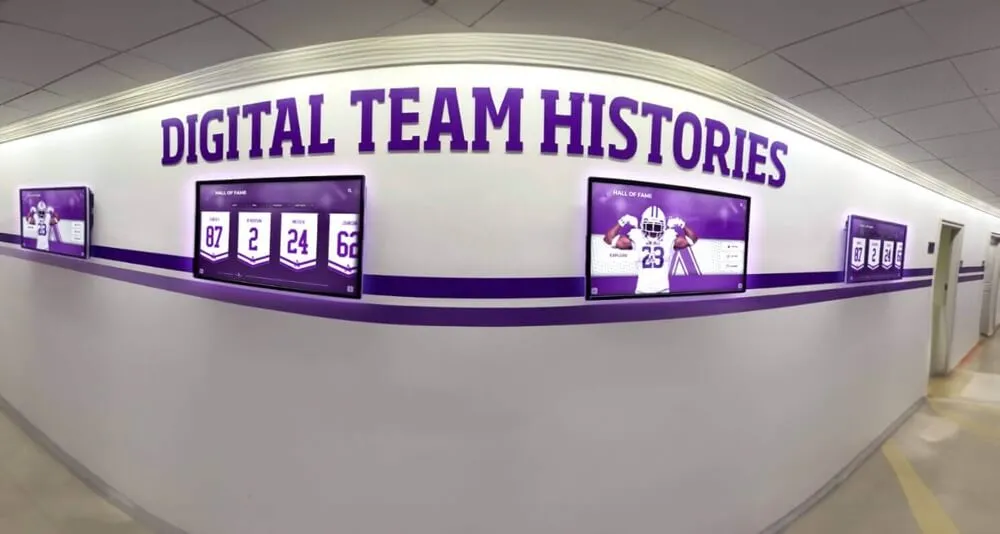
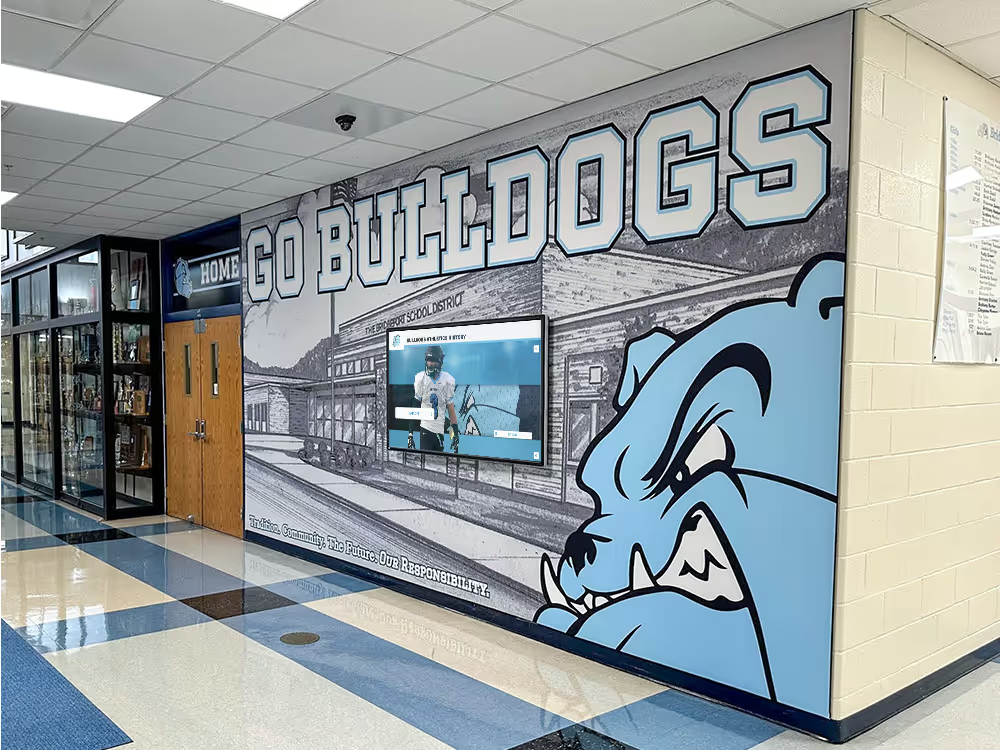
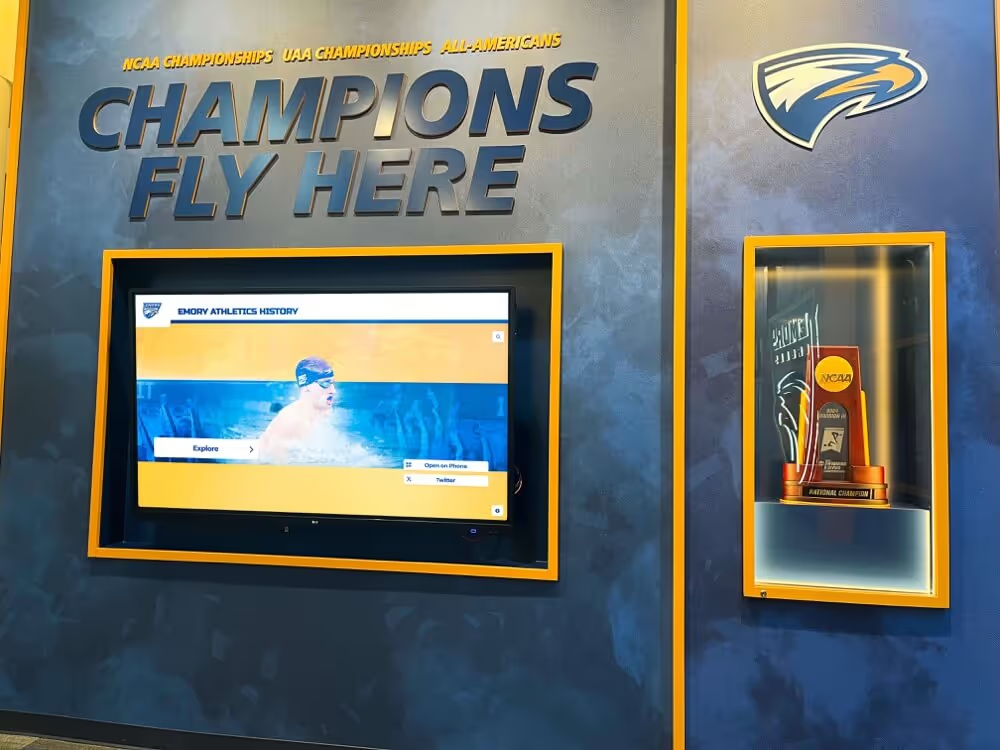
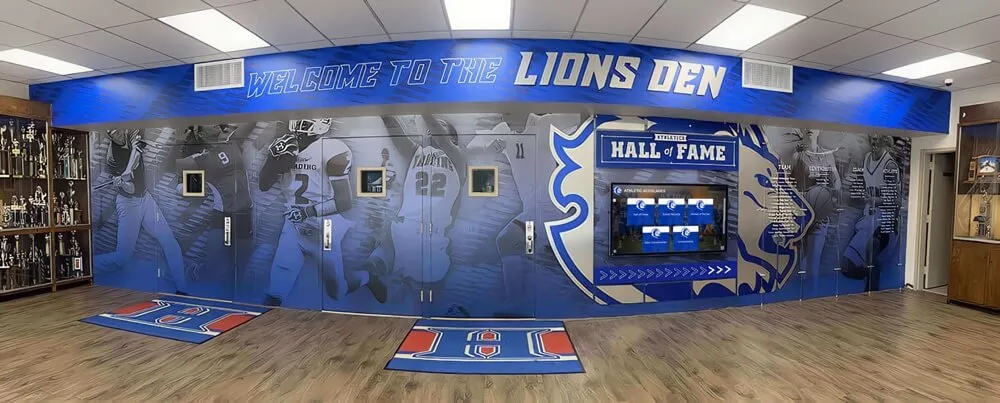
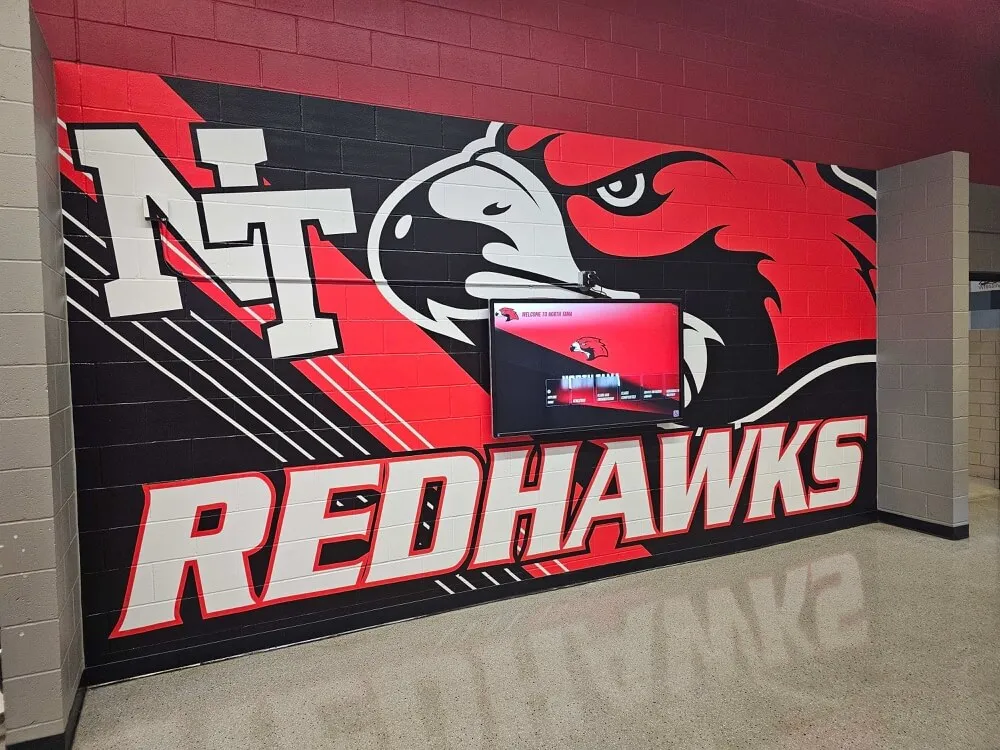
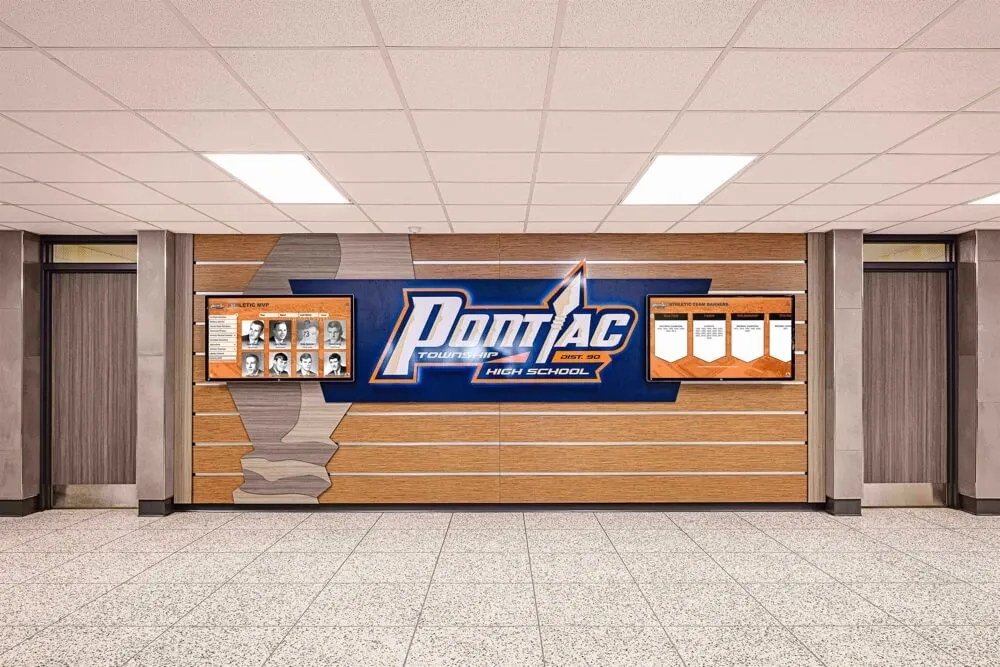
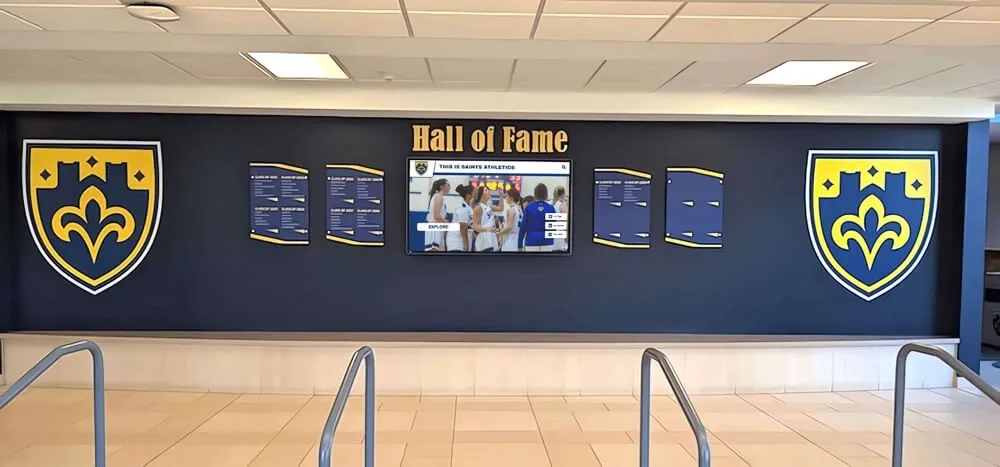
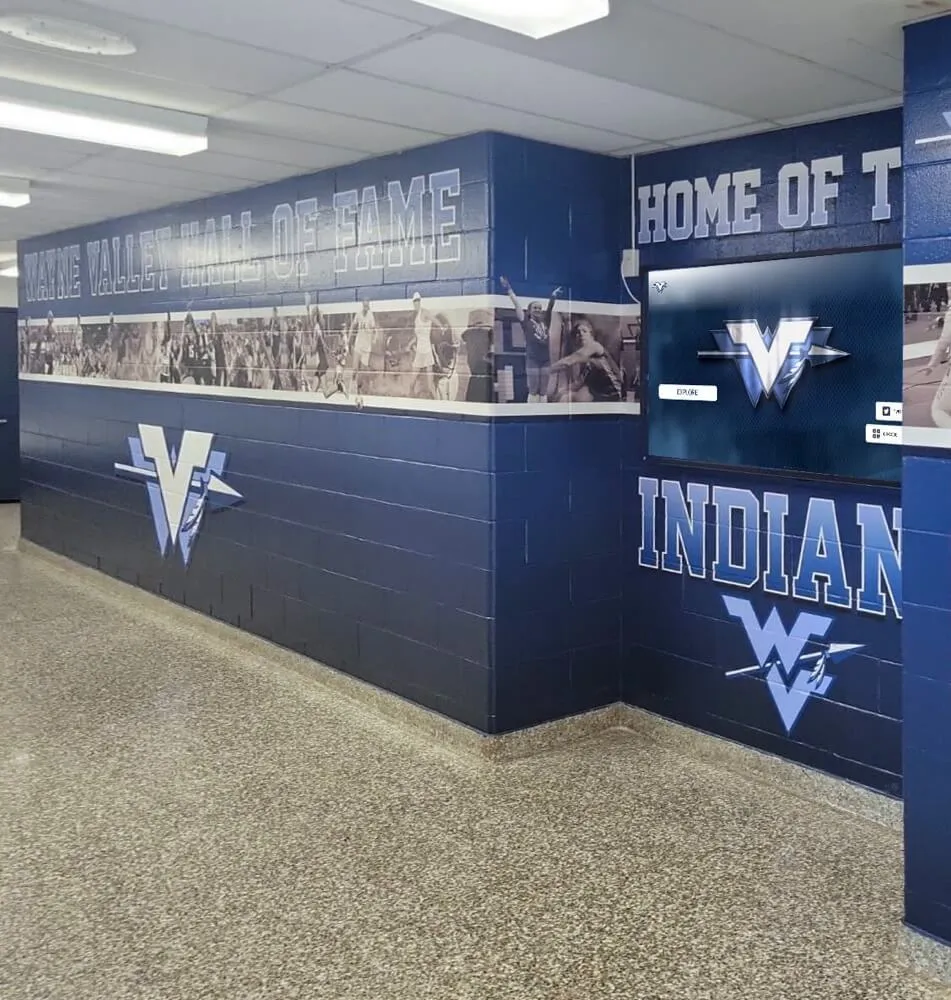
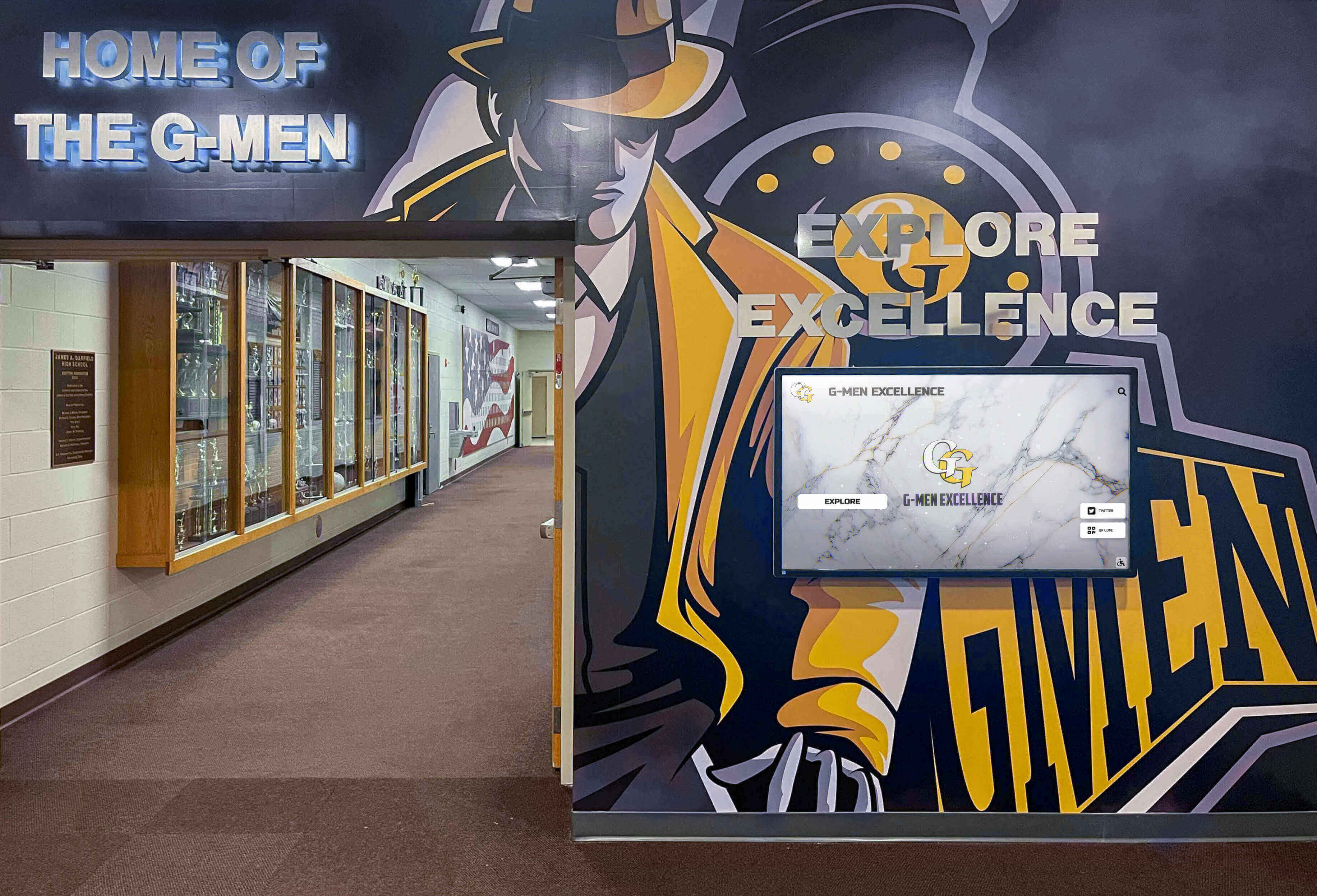
Hallways that combine murals, digital displays, and physical trophy cases benefit most from DALI zone commissioning — each surface type has different illuminance requirements that a single switch cannot reliably address
What DALI Dimming Is and Why It Applies to Trophy Cases
DALI is a two-wire digital control protocol governed by IEC 62386. Unlike analog 0–10V dimming — where a voltage level sent down a shared wire sets the output of every fixture on that circuit simultaneously — DALI assigns each driver or ballast on a two-wire bus a unique integer address from 0 to 63. Commands can target individual addresses, group addresses, or broadcast to all devices on the segment.
For trophy case environments this architecture matters because a single hallway installation commonly includes three to six distinct exhibit zones: a main championship shelf, a secondary plaque and banner area, lower shelf displays for team photos and smaller awards, and accent perimeter lighting at the case base or top rail. Under analog control, adjusting the plaque zone requires physically rebalancing the entire circuit. Under DALI control, the same adjustment targets only the group addresses assigned to that zone — every other zone holds its scene level exactly.
DALI also stores up to 16 scenes per device, with each scene holding a specific output level (expressed on a logarithmic 0–254 scale mapped to approximately 0.1%–100% light output). Scenes are recalled by number, either through a wall controller, a building automation system input, or a scheduled timer within the DALI controller. When a recognition ceremony begins, the facilities manager calls Scene 1 on a tablet or a room-automation keypad — all trophy case zones simultaneously return to their commissioning-calibrated ceremony levels within the controller’s programmed fade time.
Zone-by-Zone DALI Commissioning Reference
Use this table as the primary planning and documentation reference during commissioning. Complete each row before moving to scene programming.
| Zone | Typical Contents | Suggested DALI Group | Ceremony Level (Scene 1) | School-Day Level (Scene 2) | Economy Level (Scene 3) | Photo Level (Scene 4) |
|---|---|---|---|---|---|---|
| Zone A — Main Championship Shelf | Championship trophies, conference titles, regional and state hardware | Group 1 | 100% (DALI 254) | 75% (DALI 191) | 35% (DALI 89) | 90% (DALI 229) |
| Zone B — Plaque and Banner Rail | Engraved plaques, retired jersey numbers, academic honor banners | Group 2 | 95% (DALI 242) | 70% (DALI 178) | 30% (DALI 76) | 100% (DALI 254) |
| Zone C — Lower Display Shelf | Team photographs, seasonal awards, smaller recognition items | Group 3 | 85% (DALI 216) | 65% (DALI 165) | 30% (DALI 76) | 85% (DALI 216) |
| Zone D — Perimeter Accent | Base cove lighting, top rail LED strip, frame accent channels | Group 4 | 80% (DALI 204) | 50% (DALI 127) | 15% (DALI 38) | 70% (DALI 178) |
| Zone E — Overhead Wash (if separate circuit) | Downlights or linear fixtures illuminating the full case front | Group 5 | 100% (DALI 254) | 80% (DALI 204) | 40% (DALI 102) | 95% (DALI 242) |
Scenes 1–4 above are starting calibration targets. After commissioning, verify each scene against actual illuminance measurements at display surfaces (trophy hardware, plaque lettering, banner fabric) and adjust DALI values by ±10–20 points until the measured illuminance matches your display-quality threshold at each level. Document the final calibrated values in a commissioning record stored with the controller configuration file.
Pre-Commissioning: What to Verify Before Programming Begins
DALI commissioning failures almost always originate in wiring or device compatibility errors that are faster to correct before software addressing begins than after. Complete the following verification checklist before connecting the controller.
Bus Wiring Requirements
The DALI control bus runs on a dedicated two-wire pair (DALI+ and DALI−) separate from mains power wiring to the fixture. Minimum recommended wire gauge is 22 AWG for runs up to 100 meters; 20 AWG for longer runs up to 300 meters at the IEC 62386 recommended bus resistance ceiling of 2.5 Ω total. DALI is not polarity-sensitive on most controllers, but confirm with your specific controller datasheet before wiring. Check for continuity on both conductors between the controller terminal and the furthest fixture, then measure resistance to confirm the total bus resistance is within specification. Keep the DALI pair away from dimmer and motor circuits that produce electrical noise on adjacent conductors.
Device Count and Power Supply
A single DALI bus segment supports a maximum of 64 individually addressed devices (ballasts, LED drivers, or DALI-to-analog converters). Trophy case installations rarely approach this limit — a typical five-zone installation with one driver per zone uses only 5 addresses — but confirm the count if you are commissioning a multi-case corridor installation where multiple cases share a single bus. The DALI controller or a dedicated DALI power supply must provide bus power within the IEC 62386 range of 16V DC ± 6.5%; verify bus voltage at the furthest device with a multimeter before beginning software addressing.
Fixture DALI compliance: Every driver or ballast on the bus must be a DALI IEC 62386 device. Verify compliance from the fixture datasheet or the “DALI” marking on the driver label. Non-DALI 0–10V drivers connected to a DALI bus will not respond to addressing commands. If the trophy case installation uses a mix of DALI and non-DALI fixtures, identify the non-DALI positions before commissioning and plan to address them separately through their own control method.
Physical layout documentation: Before assigning software addresses, sketch or photograph the physical fixture layout for each zone. Record which physical position corresponds to each fixture in the case — which driver is mounted in the left corner, the center, and the right of Zone A’s championship shelf. This documentation is the reference map that lets you assign address numbers to physical positions during the auto-addressing discovery step.
Verifying that physical installation meets specification before software commissioning mirrors the pre-inspection process that applies to the broader structural elements of a trophy case. For schools planning a full facility check, the school trophy case setting block and structural inspection process addresses the physical mounting side that precedes any lighting work.
Step-by-Step DALI Commissioning Procedure
Step 1: Power Up and Bus Discovery
With mains and DALI bus power both energized, open the DALI controller’s commissioning software (vendor-supplied application, BACnet integration interface, or dedicated DALI controller keypad depending on your system). Run the bus discovery or auto-addressing scan. The controller broadcasts a DALI discovery command, every device on the bus responds with a random 24-bit number, and the controller assigns unique addresses 0 through N−1 (where N is the total device count detected). This process takes approximately 2–5 minutes for a typical trophy case installation.
After discovery completes, the controller should report the number of devices found. Verify this count matches your physical device count from the pre-commissioning checklist. A count mismatch indicates a wiring error, a non-compliant device, or a device outside the bus voltage range — investigate and resolve before proceeding.
Step 2: Physical Identification of Each Address
Once addresses are assigned, use the controller’s “identify” or “blink” command to flash each address in sequence. Stand at the trophy case and record which physical fixture blinks in response to each address number. Update your physical layout map with confirmed address numbers. This step converts the controller’s software addresses into a map you can use to assign fixtures to the correct zone groups.
Step 3: Group Assignment
Assign each identified address to its corresponding zone group. In the commissioning software, select address 0 (your Zone A left fixture), assign it to Group 1. Select address 1 (Zone A center fixture), assign to Group 1. Continue through all fixtures. After group assignment, send a test command — “Set Group 1 to 50%” — and verify that only the Zone A championship shelf responds.
Repeat the group broadcast test for each zone group before proceeding to scene programming. Confirming group assignments at this stage prevents scene programming errors that would require re-programming every scene after discovering a mis-grouped fixture.
Step 4: Minimum and Maximum Level Programming
Before recording scenes, set each device’s minimum level (the output floor below which the fixture will not dim, to prevent flicker at low levels) and maximum level (the ceiling for full output). For trophy case LED drivers, a minimum level of DALI value 30–50 (approximately 5–10% output) prevents driver instability at very low dim settings. Confirm minimum level by sending a “Recall Min Level” command to each group and observing that fixtures hold stable output without flicker.
Step 5: Scene Programming
Program each of the four operating scenes using the zone levels from the commissioning reference table above, adjusted for your illuminance measurements. In the controller software, set each device or group to its target level for Scene 1, then store the entire bus state as Scene 1. Repeat for Scenes 2 through 4. Set a fade time for each scene recall — a 2-second fade is appropriate for scheduled transitions; a 5-second fade for ceremony transitions reduces abruptness when transitioning in front of assembled families and guests.
After storing all scenes, test each recall in sequence: activate Scene 2 (school-day), then recall Scene 1 (ceremony), then Scene 3 (economy), then Scene 4 (photo mode). Observe that all zones transition simultaneously and arrive at the expected brightness level within the programmed fade time.
Step 6: Schedule Configuration
If the DALI controller or integrated building automation system supports time-based scheduling, configure the daily trophy case schedule:
| Time | Day Type | Scene Recalled | Rationale |
|---|---|---|---|
| 6:30 AM | School day (M–F) | Scene 2 — School Day | Lights reach display level before staff and early students arrive |
| 3:00 PM | School day (M–F) | Scene 2 — School Day (hold or boost) | After-school athletic traffic; maintain consistent level during highest-use period |
| 6:00 PM | Event days (flagged manually or by calendar) | Scene 1 — Ceremony | Evening games, award banquets, and recognition events; recall before guests arrive |
| 10:00 PM | All days | Scene 3 — Economy | Building occupied by custodial staff; reduce output without full shutdown |
| 11:30 PM | All days | Off (DALI value 0) | After custodial window; full shutdown until 6:30 AM recall |
| Weekend | Saturday/Sunday | Scene 2 at 8:00 AM / Off at 8:00 PM | Weekend athletic events and facility use; reduced hours without event-mode override |
Event-mode overrides — when the athletic director calls Scene 1 from a wall controller or scheduling tablet for a specific evening — should automatically return to the scheduled level at the next programmed transition time, without requiring a manual reset.
Managing Recognition Displays Alongside Lighting Commissioning?
Schools commissioning DALI systems for trophy cases often discover that the content inside those cases is equally difficult to update consistently. Rocket Alumni Solutions works with athletic directors, IT teams, and facilities managers to evaluate cloud-managed digital recognition platforms that remove the content-update burden from the same teams managing lighting infrastructure.
Request a ConsultationStep 7: Documentation and Backup
Export the complete DALI configuration — device addresses, group assignments, scene values, minimum and maximum levels, fade times, and schedule — from the controller software and store the file in three locations: the facilities management drive, the controller’s local storage, and a printed laminated copy mounted inside the electrical panel or controller enclosure serving the trophy case. DALI address assignments are erased if a device is replaced and the bus is re-initialized; without documentation, the replacement requires re-commissioning the entire segment.
Troubleshooting Common DALI Commissioning Problems
| Symptom | Likely Cause | Diagnostic Step | Resolution |
|---|---|---|---|
| Controller discovers fewer devices than expected | Open circuit on DALI bus; non-DALI device in fixture run; device outside bus voltage range | Measure bus voltage at each fixture; check continuity on both bus conductors | Locate and repair open circuit; replace non-DALI driver; verify DALI power supply output |
| One zone does not respond to group commands | Fixture address assigned to wrong group during commissioning | Send identify command to each address in the non-responding zone; check group assignment in controller | Reassign address to the correct group; re-store all scenes for that group |
| Scene recall produces different output than programmed | Scene stored at a different bus state than intended; device minimum level override | Read back stored scene value from controller for each address in the zone; compare to target | Set zone to target level manually, then re-store the scene; confirm minimum level is not clamping output |
| Fixtures flicker at low dim levels | Minimum level set below driver's stable dim threshold; PWM frequency mismatch | Raise minimum level in 10-point increments until flicker stops; note the stable threshold | Set all devices in the affected zone to the stable minimum level; re-store economy scene above that floor |
| Schedule does not execute reliably | Controller real-time clock not synchronized; incorrect day-type calendar configuration | Check controller RTC against actual time; review day-type calendar for the current date | Synchronize controller RTC via NTP if network-connected; correct day-type calendar and re-test schedule recall |
| After device replacement, zone stops responding to group commands | Replacement device received a new random address during bus initialization that conflicts with existing assignments | Run bus discovery to identify the new random address; check for address conflicts | Assign the new device the same address as the replaced unit using the controller's "address this device" command; verify group assignment persists |
DALI Commissioning Compared to Non-Addressable Dimming Alternatives
Schools evaluating DALI for a new trophy case installation often compare it against lower-cost alternatives. Understanding the specific trade-offs — rather than choosing based on upfront cost alone — helps facilities teams avoid re-wiring within two to three years when manual dimming limitations become apparent.
0–10V Analog Dimming
0–10V dimming uses a low-voltage analog signal to set the output of all fixtures on a shared dimmer circuit. It is less expensive to install than DALI and adequate for single-zone installations where every fixture in the trophy case should always be at the same level. For multi-zone trophy cases, 0–10V requires one dedicated dimmer circuit per zone — which raises wiring complexity and switch-panel cost to a level that often equals or exceeds a basic DALI installation. 0–10V provides no scene recall, no scheduling at the fixture level, and no documented configuration that survives staff turnover.
Switched Circuits (On/Off Only)
Trophy cases that run on simple on/off switched circuits have no dimming capability. Ceremony-level output and school-day output are identical. Facilities teams compensate by swapping bulbs, taping over fixtures, or manually moving display items to brighter positions — none of which produce consistent results across seasons or staff transitions. Switched circuits are appropriate for utility and storage lighting; they are not appropriate as the primary control method for a school's primary recognition and achievement display. The structural argument for upgrading from switched to DALI is the same regardless of whether the installation is a new build or a retrofit.
The broader question of whether physical trophy cases with any lighting control approach best serve a school’s recognition program goals is explored in comparisons of digital hall of fame displays and traditional trophy case displays in school hallways — a decision that affects not only lighting infrastructure but also content capacity, update workflows, and visitor engagement. Schools weighing static medal and trophy display cabinets against digital archive approaches are making a parallel evaluation that DALI commissioning can improve but cannot fully resolve if the root constraint is physical case capacity.
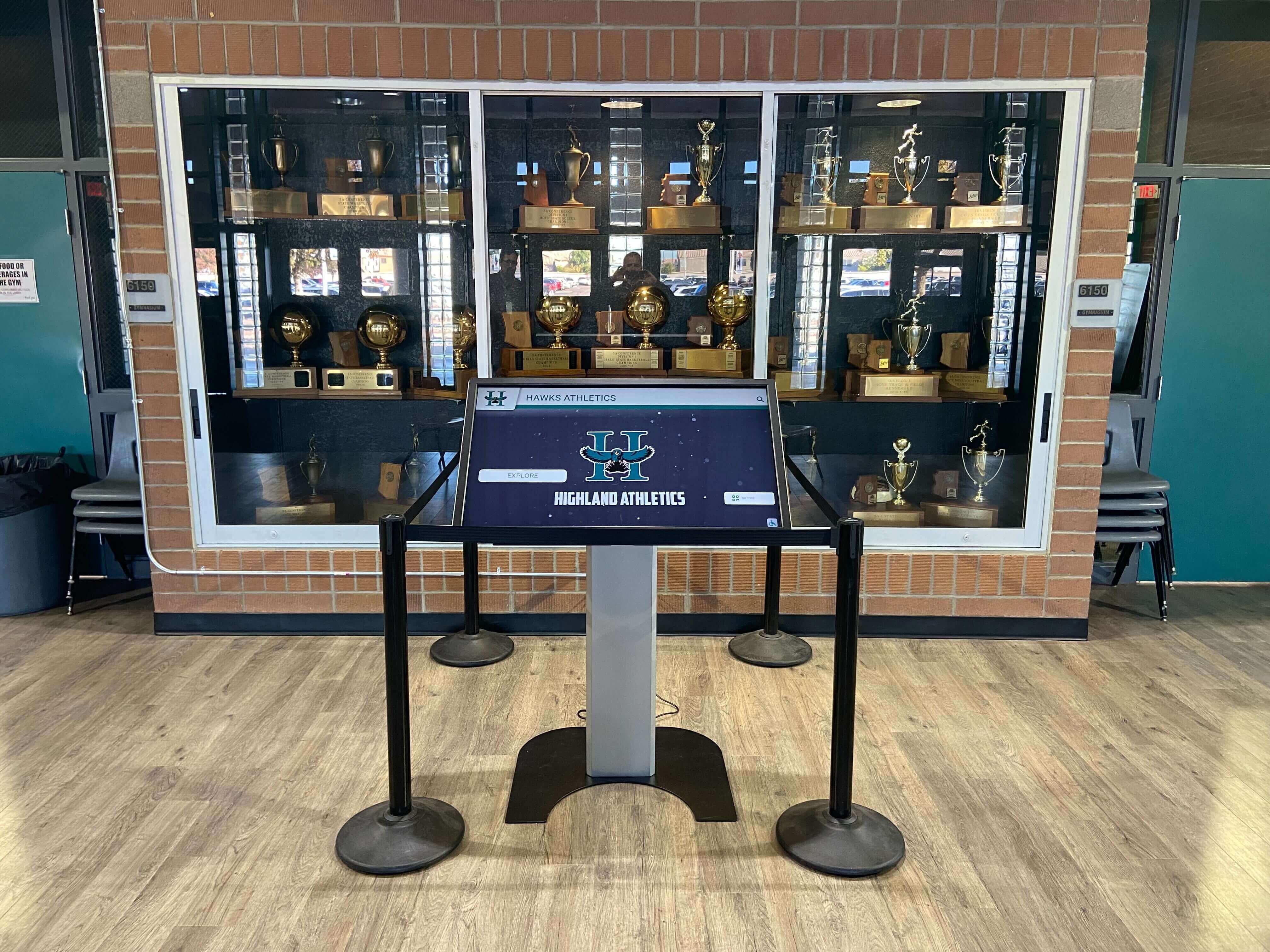
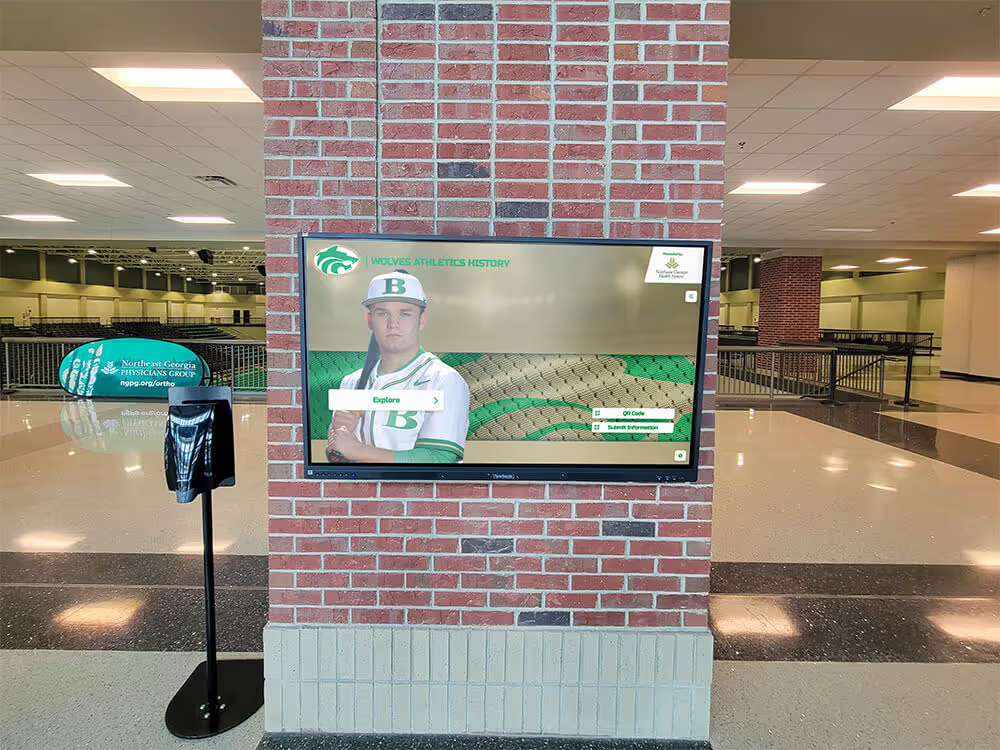
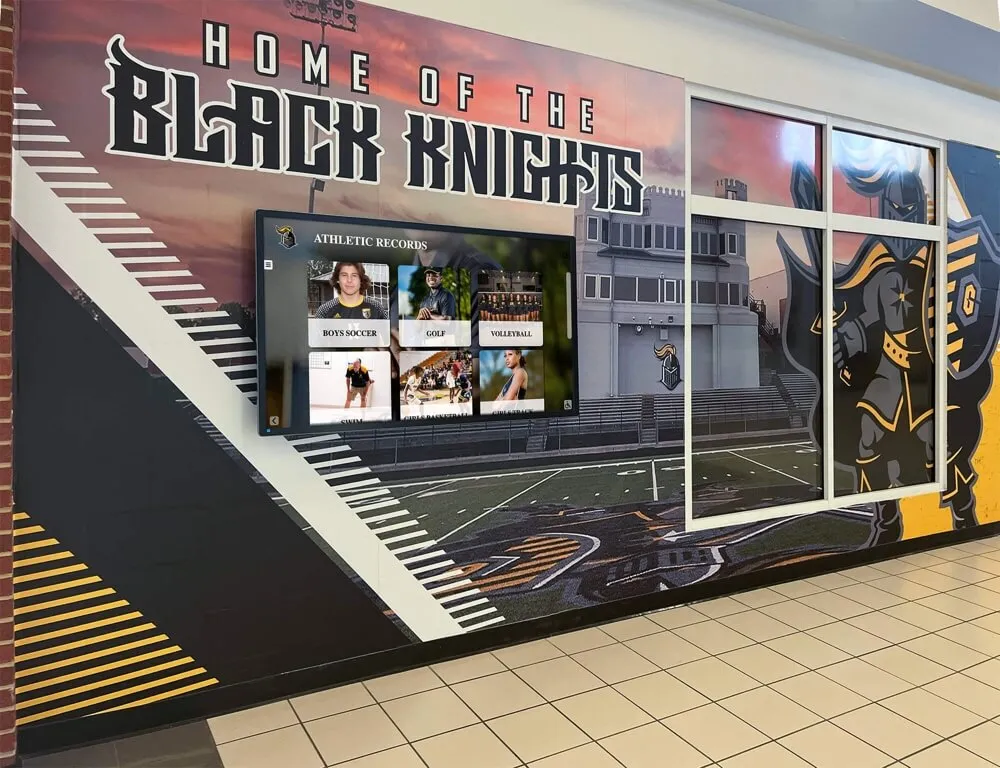
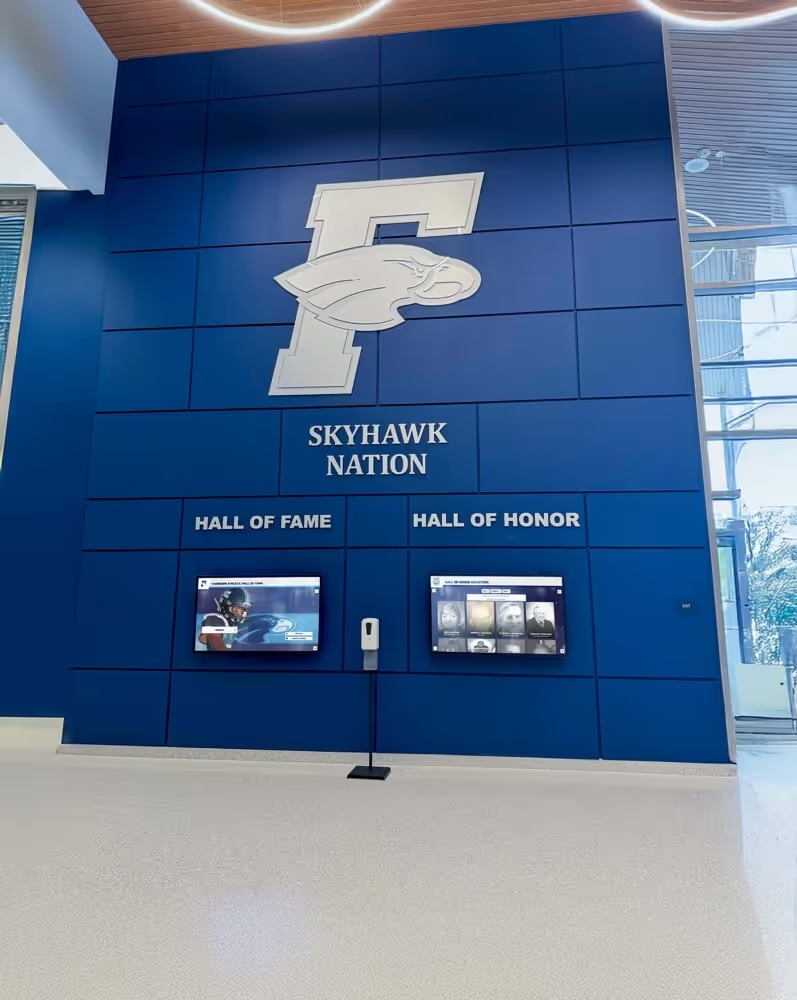
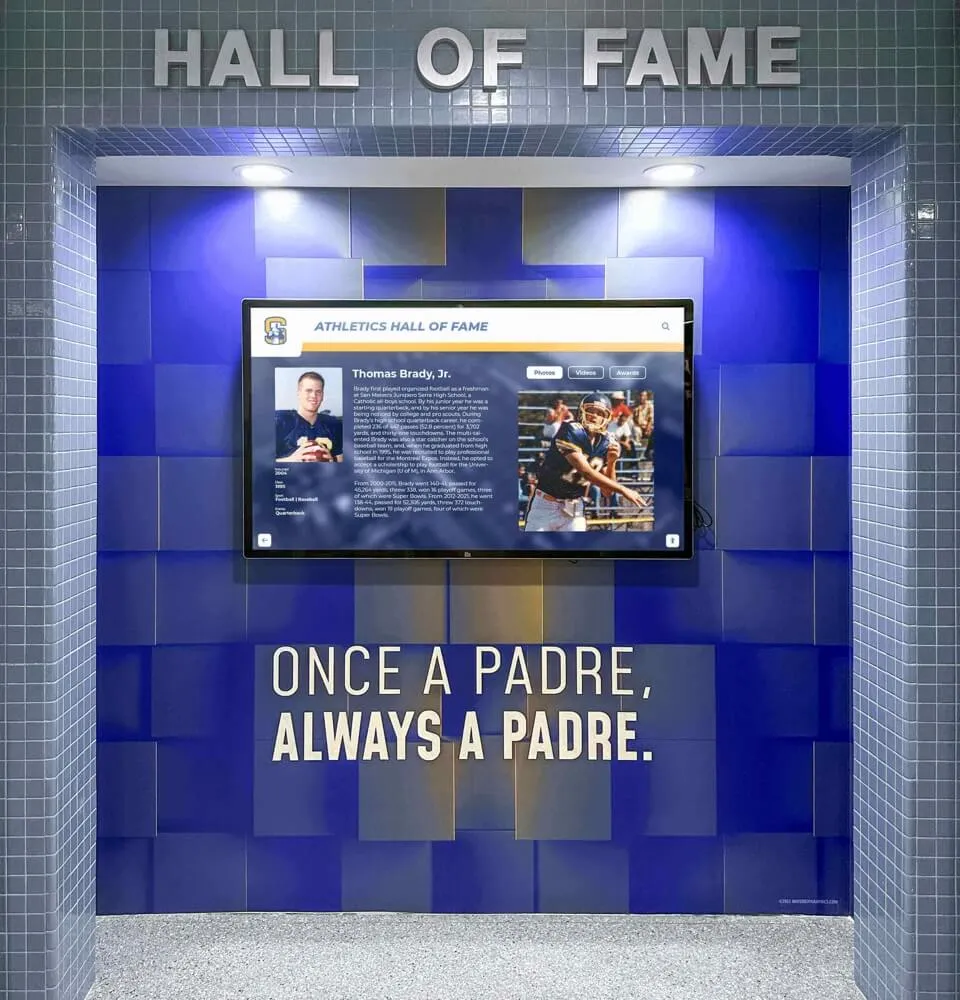
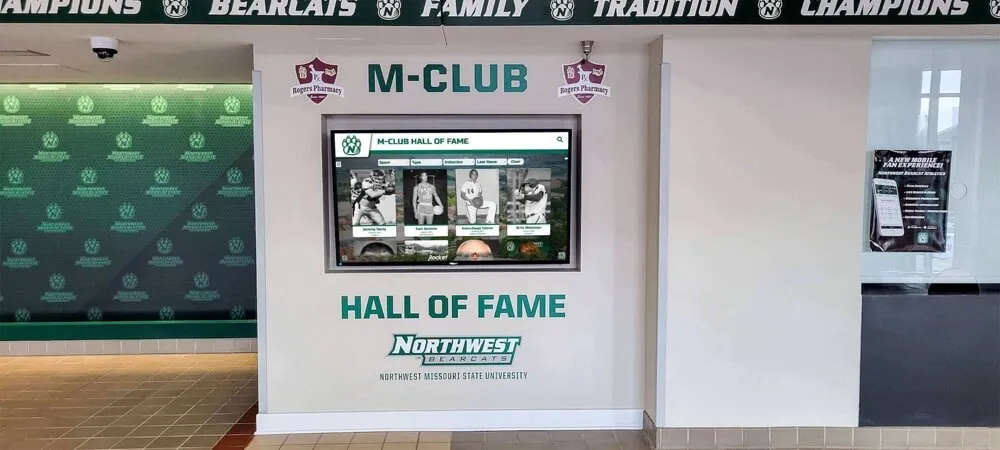
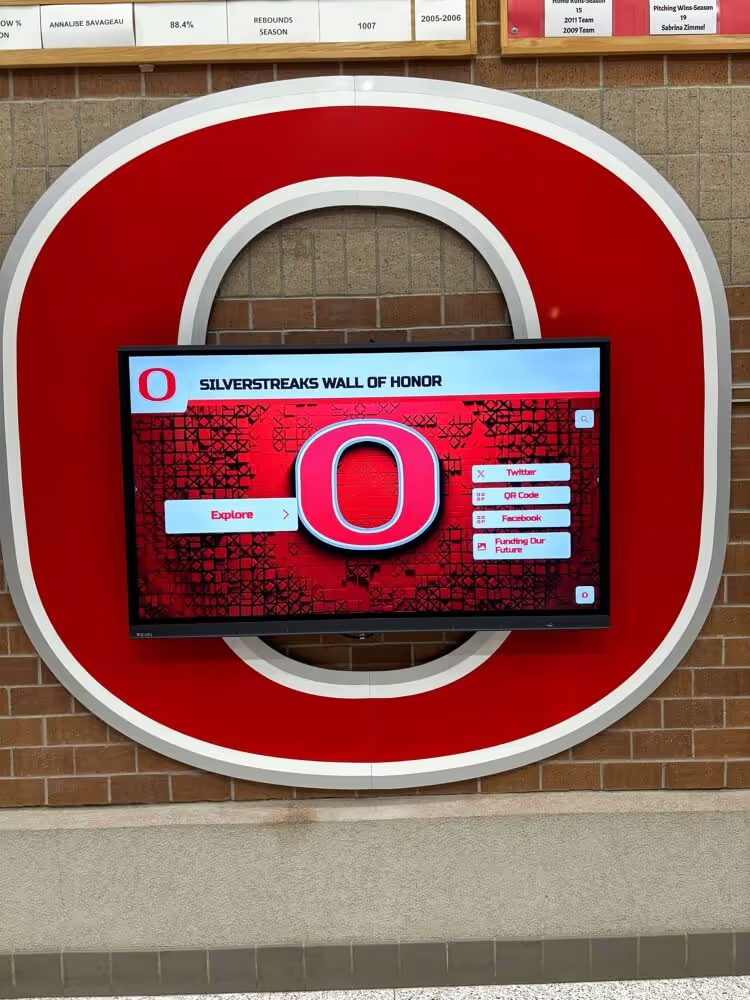
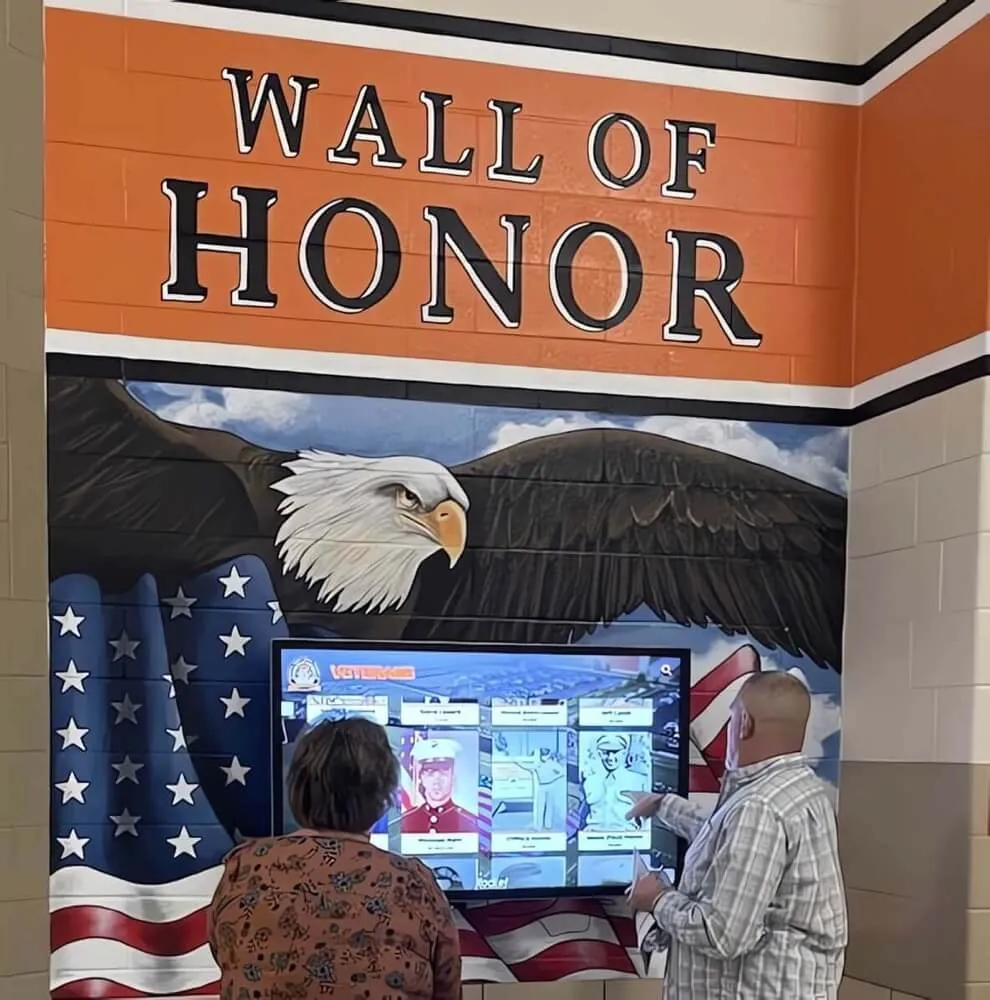
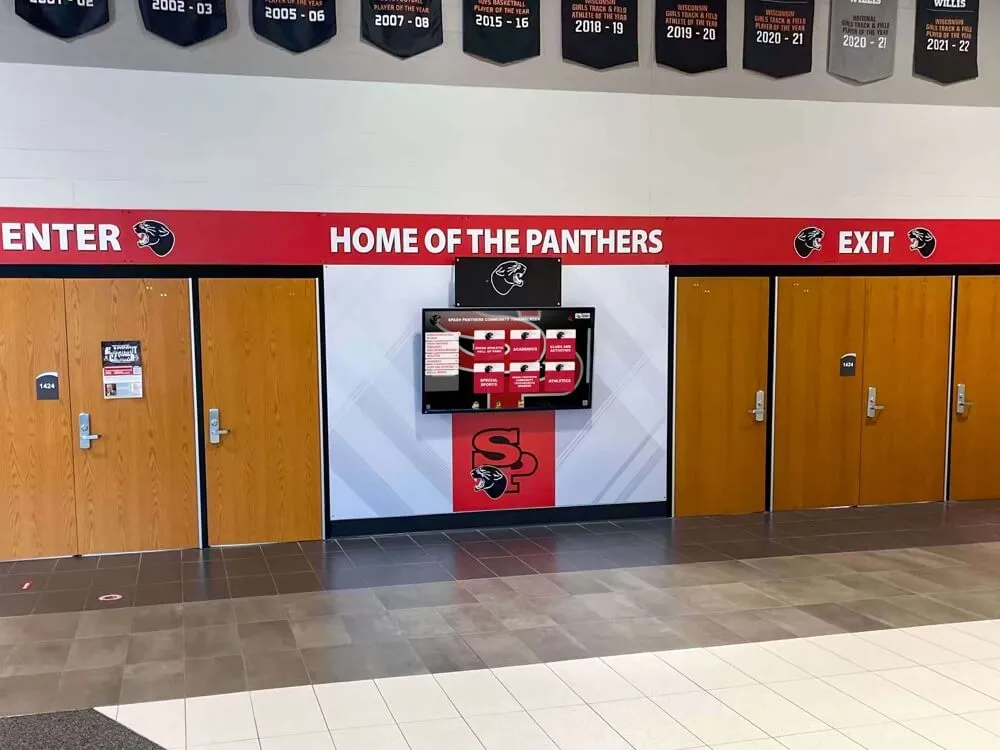
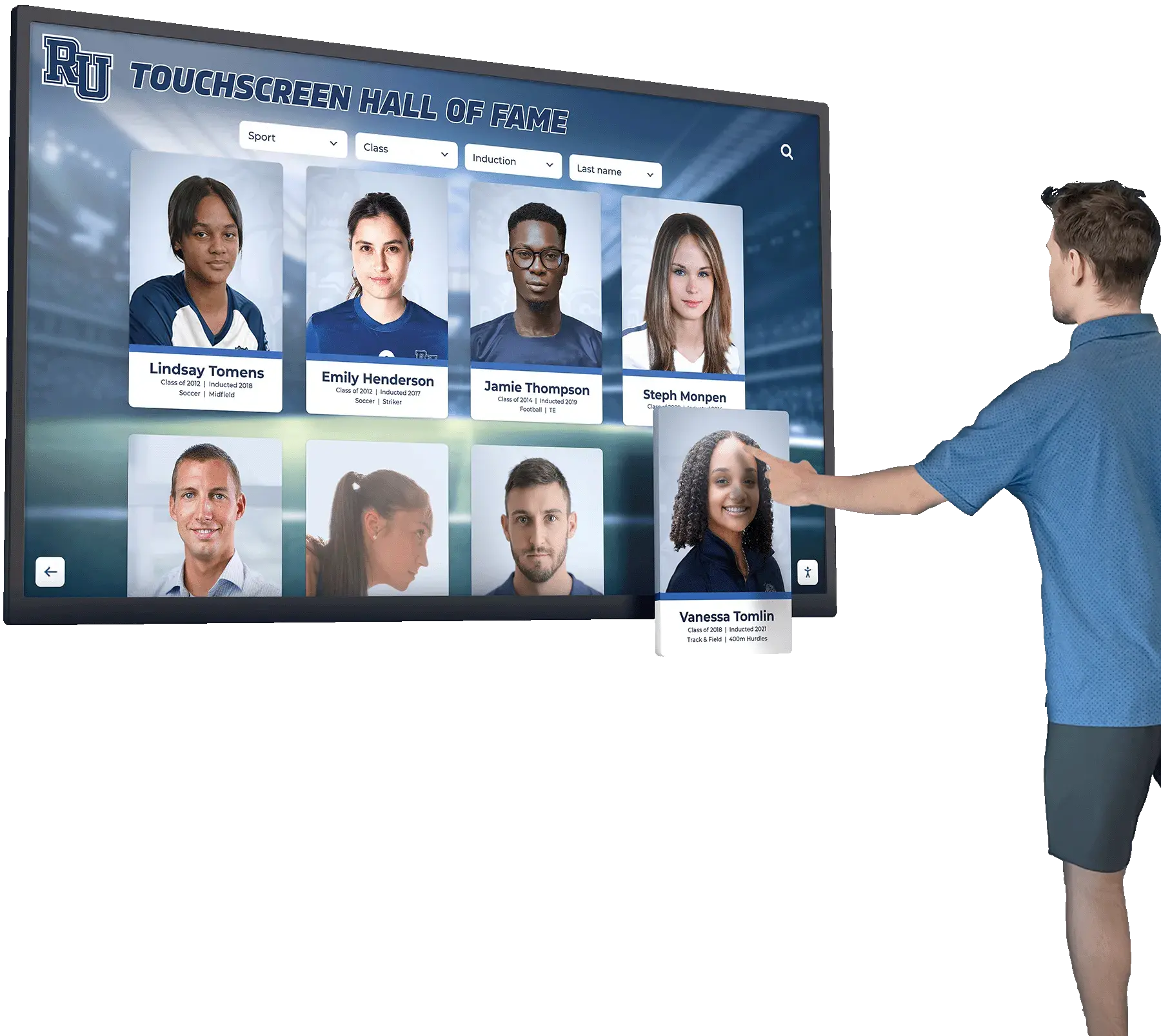
Hybrid installations combining physical trophy cases with interactive digital kiosks often benefit from separate DALI zone groups for the case lighting and the digital display surround — digital panels have their own brightness management and should not be on the same dimmer circuit as case fixtures
Integrating DALI Trophy Case Lighting With Digital Recognition Displays
Schools that install digital recognition kiosks or touchscreen displays alongside physical trophy cases — a configuration increasingly common in athletic corridors — encounter a specific integration consideration: the digital panel is not a DALI load and should not be wired to the DALI control bus.
Digital recognition displays manage their own backlight brightness through internal panel controls or display management software. Connecting a digital panel to a DALI circuit and dimming it as part of a trophy case scene will at best produce no response and at worst create a control conflict between the DALI command and the display’s internal brightness management. Wire the digital display on its own switched or outlet circuit. The DALI trophy case lighting system should illuminate the physical surround, the case hardware, and any architectural accents — but the display itself manages its own output independently.
From a scheduling perspective, coordinate the trophy case DALI schedule and the digital display power schedule so both systems activate and deactivate at compatible times. If the digital display is managed through a cloud content management system — as Rocket Alumni Solutions’ recognition platform is for schools using its cloud-managed display infrastructure — the display schedule can be coordinated with the DALI trophy case lighting schedule through the facilities building automation system, ensuring that physical and digital recognition elements activate together for morning arrivals and evening events.
The operational considerations for digital hall of fame displays compared to traditional trophy cases include not only display capacity and lighting control but also ongoing content management — which is the dimension where physical case lighting improvements and digital platform upgrades most clearly serve complementary goals rather than competing ones. Facilities and administrative teams evaluating these options for their school hallways will generally find that DALI commissioning extends the useful life and display quality of existing physical case investments while the digital platform handles content scale, remote updates, and engagement.
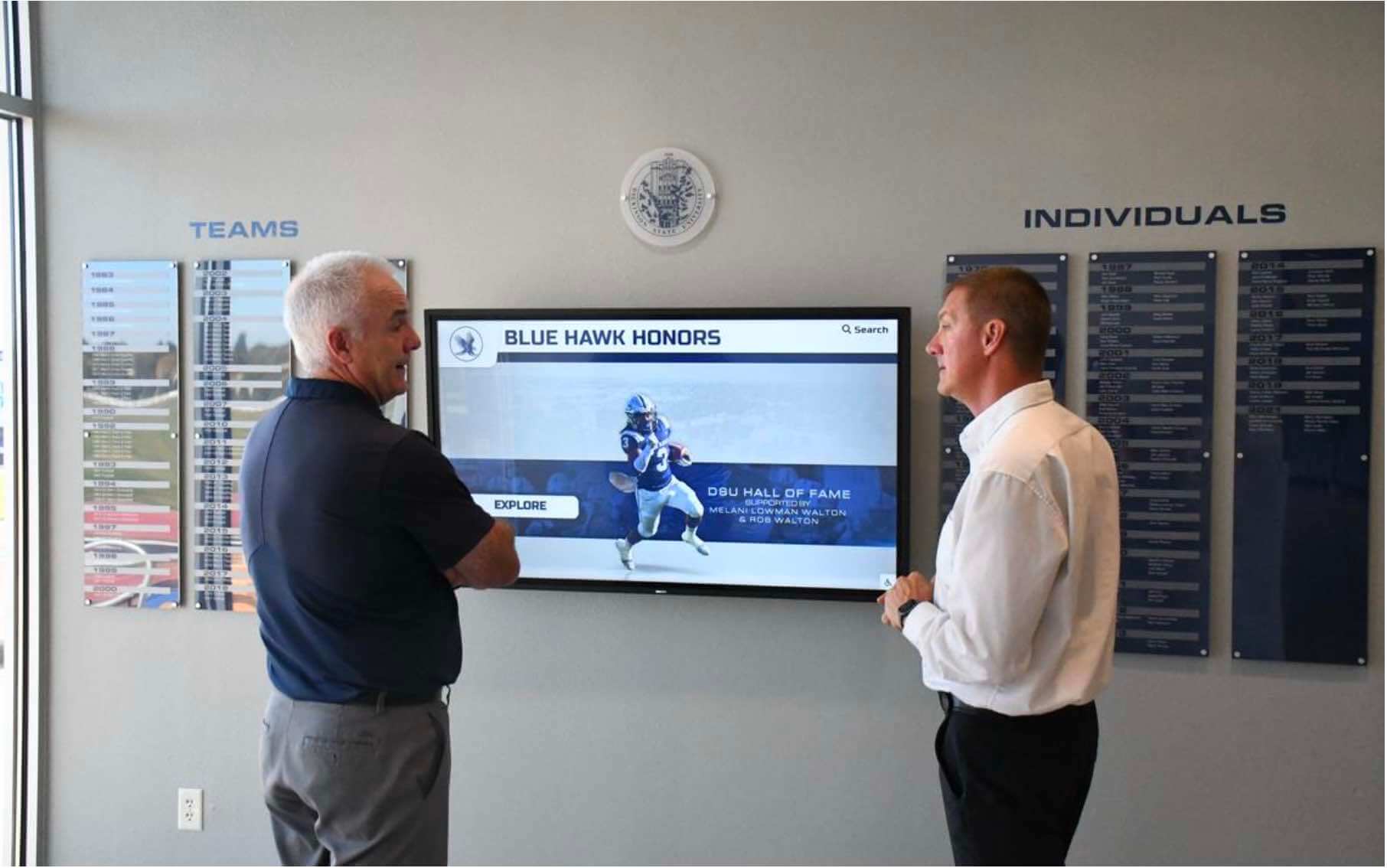
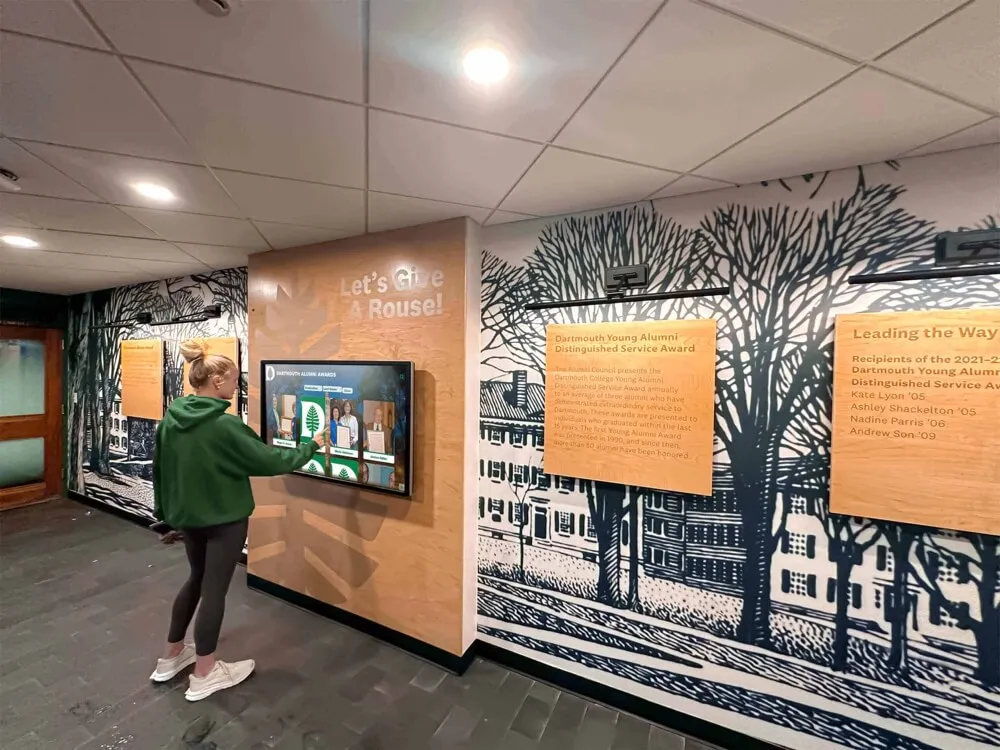
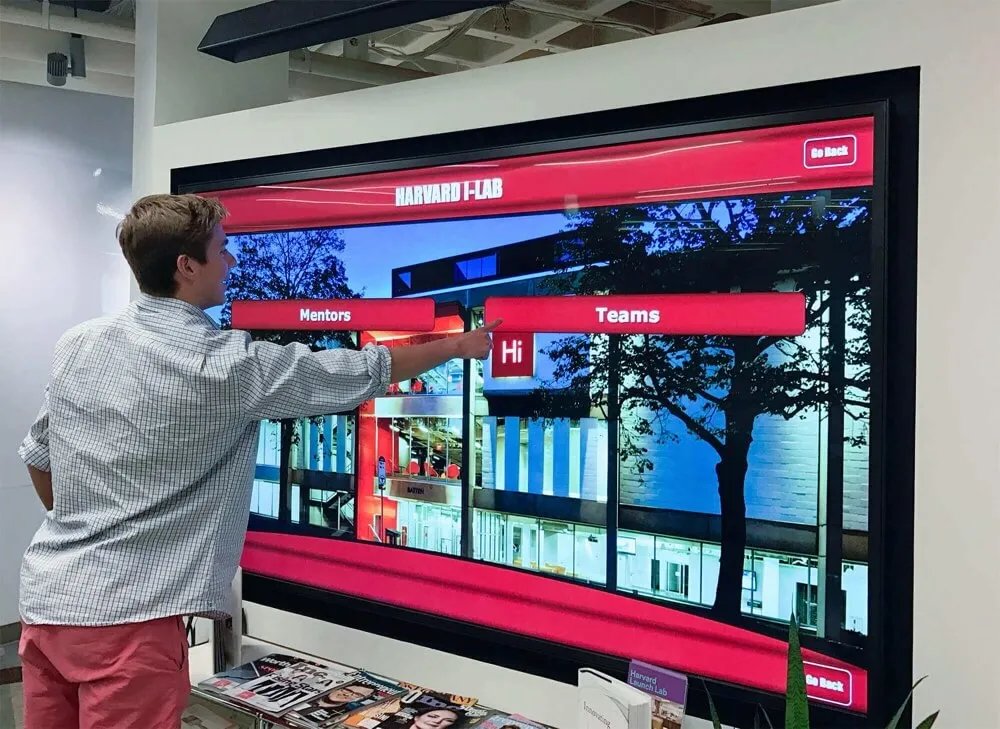
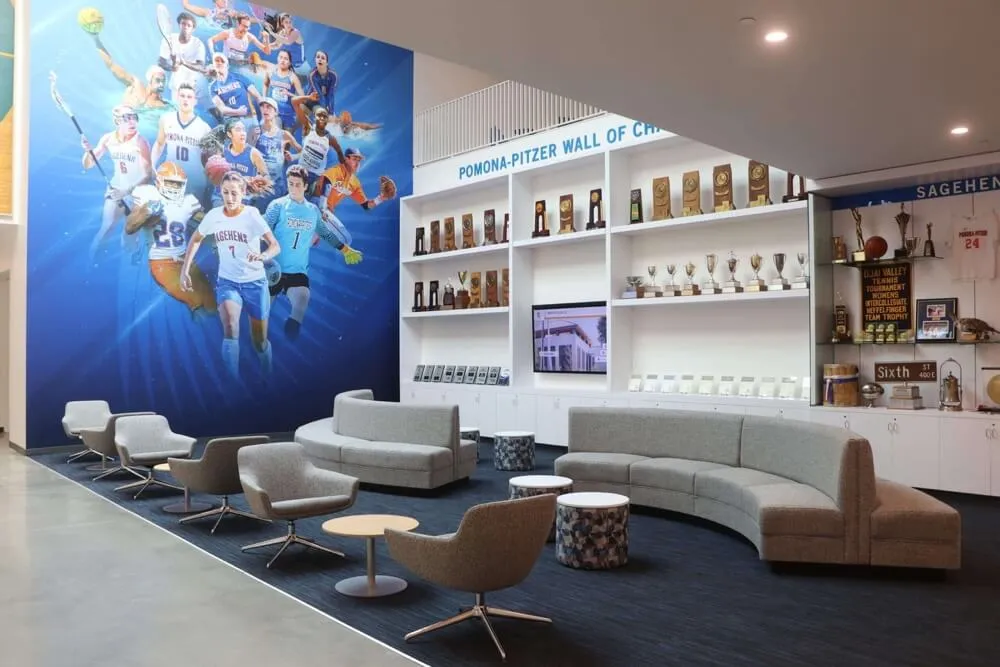
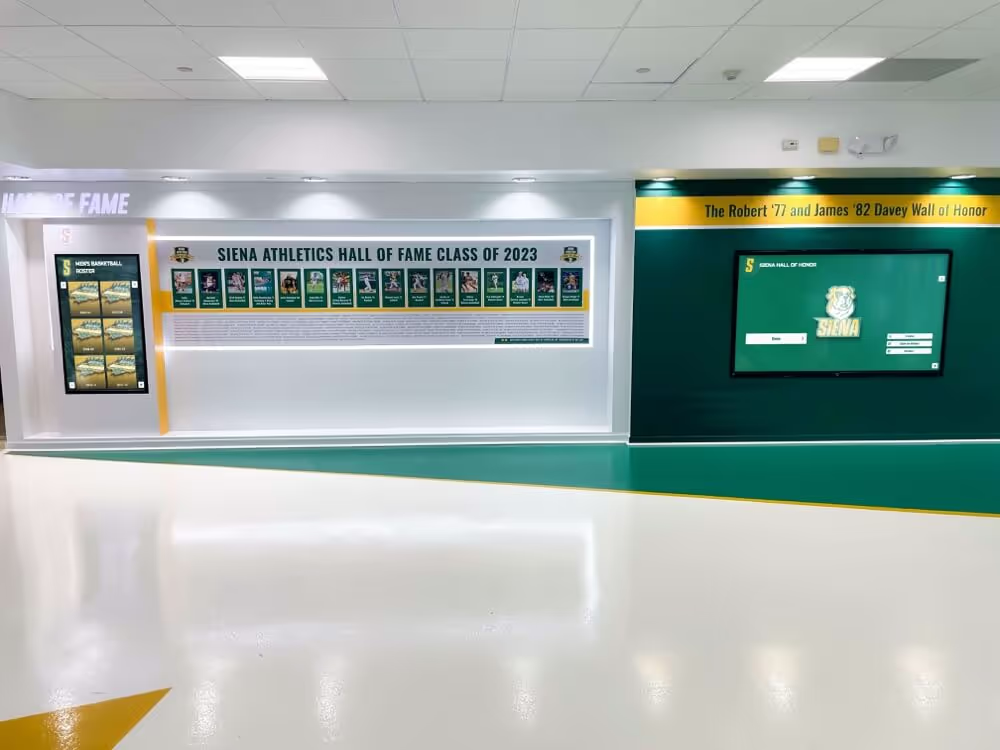
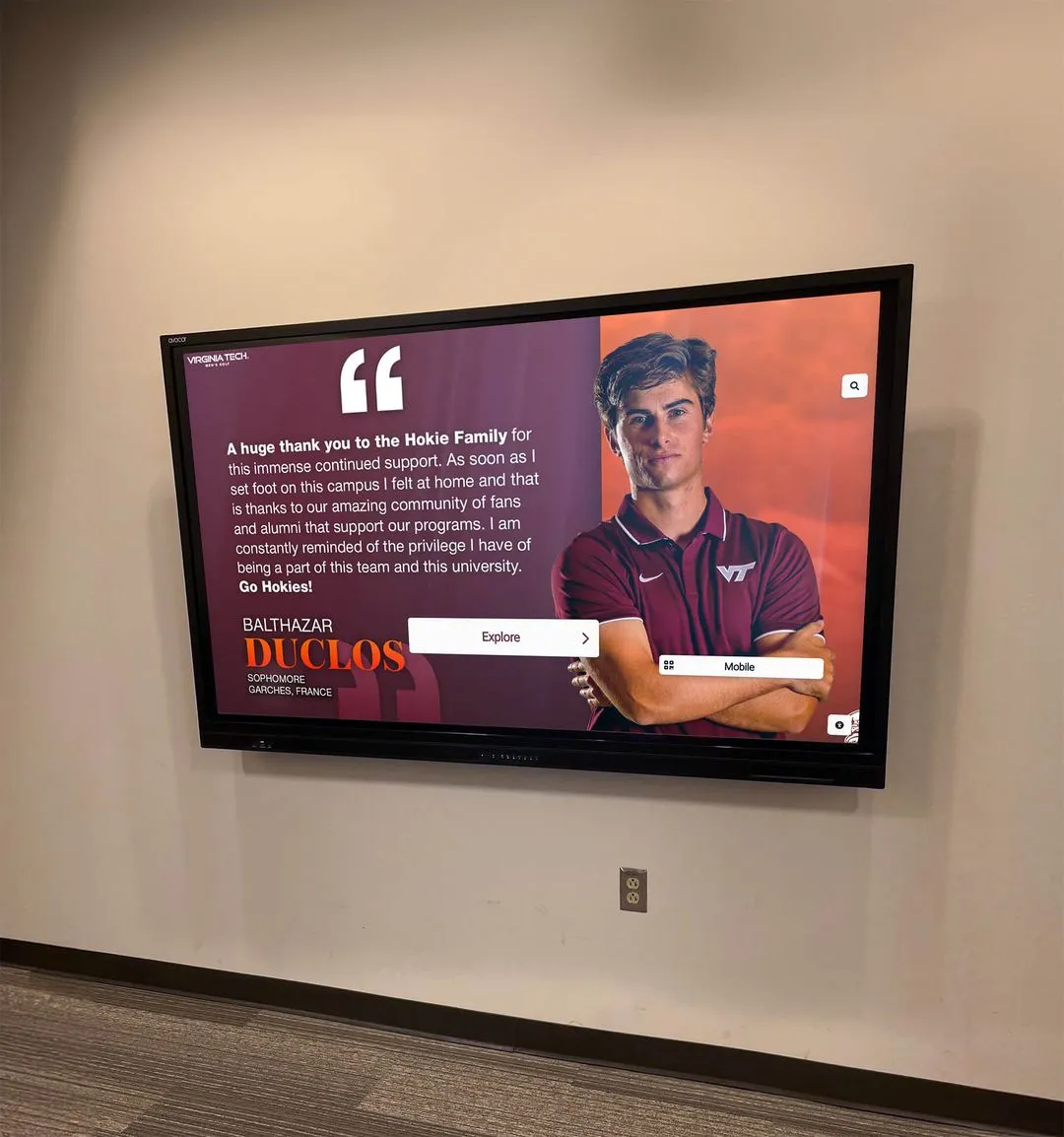
Administrative reviews of recognition corridor installations benefit from confirmed DALI scene documentation — staff who have never worked with a specific controller can recall ceremony lighting from a labeled scene without guessing at dimmer positions
Frequently Asked Questions
Conclusion: Commissioned Scenes Replace Manual Adjustment
A completed trophy case DALI dimming commissioning record — address map, group assignments, scene values, minimum levels, fade times, and schedule — converts the trophy case lighting system from a collection of manually adjusted fixtures into a documented, repeatable control system. Facilities teams who inherit the installation years after commissioning can restore ceremony lighting for a senior banquet by recalling Scene 1 from a labeled controller keypad, without locating the original installer, adjusting individual dimmers, or photographing each zone’s position as a reference.
Schools evaluating a broader recognition display upgrade — including whether a digital hall of fame display serves different goals than a traditional trophy case and how that decision plays out in a school hallway context — will find that well-commissioned DALI lighting extends the productive life of the existing physical case investment while the decision about digital platforms is evaluated on content, engagement, and capacity grounds rather than display quality. The lighting infrastructure and the content platform are parallel decisions; commissioning the DALI system first establishes a consistent exhibit quality standard that applies regardless of which direction the recognition platform decision goes.
See How Schools Manage Recognition Content Alongside Lighting Upgrades
Rocket Alumni Solutions works with athletic directors, administrators, and facilities teams to evaluate cloud-managed digital recognition platforms that complement physical trophy case investments — with unlimited content capacity, remote updates, and WCAG 2.1 AA accessibility compliance built in. See the platform in a live demo configured for your school's recognition program.
Schedule Your Demo