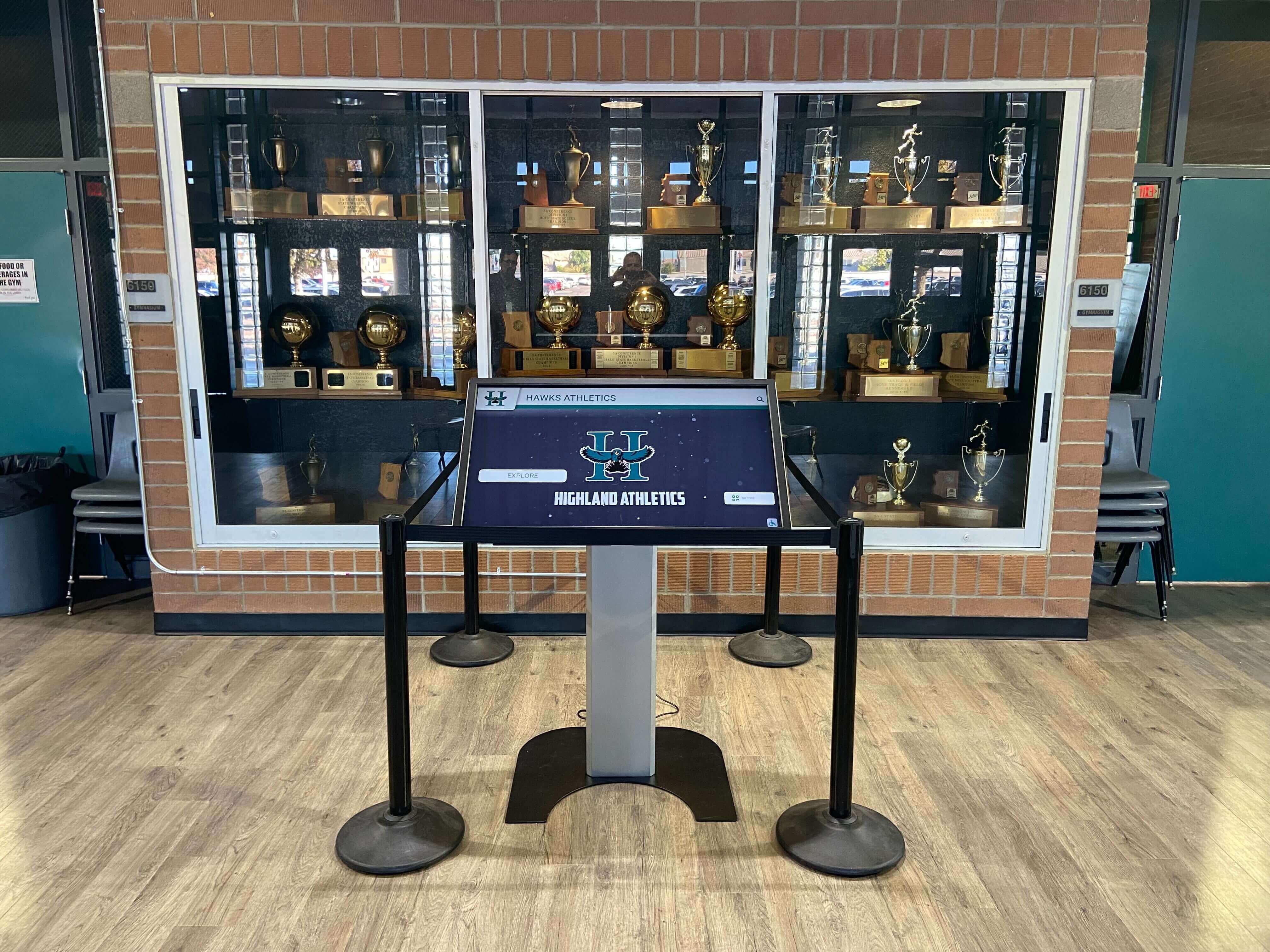
The Easiest Touchscreen Solution




Live Example: Rocket Alumni Solutions Touchscreen Display
Interact with a live example (16:9 scaled 1920x1080 display). All content is automatically responsive to all screen sizes and orientations.
Intent: research — a trophy case artifact handling checklist gives school administrators, athletic directors, booster leaders, and archivists a structured protocol for safely removing, cleaning, transporting, and reinstalling trophies, plaques, jerseys, game balls, photographs, and other memorabilia during display updates, facility renovations, or digitization projects. Without a written handling procedure, well-intentioned staff inadvertently damage irreplaceable items through improper grip, unsuitable cleaning products, or unrecorded condition changes. This guide delivers a five-phase checklist organized by workflow stage, a material-specific cleaning reference table, and guidance on how a digital trophy case system prevents the preservation gaps that physical handling alone cannot solve.
School trophy cases hold more than hardware. A state championship trophy from 1971, a retired jersey from a program-defining season, a framed photograph of a team that has since graduated entirely — these objects carry institutional memory that no future purchase can replace. Moving them, cleaning them, or reorganizing a display requires more care than rearranging a shelf.
Most artifact damage happens not from neglect but from uninformed handling: a staff member lifts a trophy by its figurine rather than its base, a jersey gets folded against an embroidered crest, a photograph is cleaned with a product that lifts the print surface. A written handling checklist prevents these moments by establishing a repeatable protocol before anyone touches the first object.

A structured handling checklist protects the artifacts inside a trophy case as thoroughly as a locked door protects the case itself
Why Artifact Handling Deserves Its Own Checklist
Trophy case maintenance checklists address cleaning the glass, inspecting lighting, and auditing labels on items that remain in place. An artifact handling checklist addresses something different: the moment an item leaves its display position and enters a new risk environment.
Every transfer — from case to cleaning table, from cleaning table back to case, from one building to another — introduces multiple failure points. Figurines snap off metal bases. Engraved text on soft metal plaques scratches when items rub together during transport. Silk-screen printing on retired jerseys cracks when folded at the print point. Photographs lose surface integrity when touched without gloves or cleaned with the wrong product.
Schools that treat artifact handling as an informal task find themselves absorbing losses that a ten-minute pre-handling protocol would have prevented. Schools that formalize the process — assigning roles, staging supplies, documenting condition before and after, and following material-specific cleaning guidelines — maintain collections that remain presentable and historically intact across decades.
For schools building recognition programs that span athletics, academics, and donor histories, youth sports awards recognition programs provide broader context on the range of items a school’s collection might include and why each type benefits from consistent documentation discipline.
Quick Reference: Trophy Case Artifact Handling Checklist
Use this summary at the start of any handling session. Each phase links to the detailed section below.
| Phase | Key Actions | Estimated Time |
|---|---|---|
| 1. Preparation | Gather supplies, review inventory, photograph current layout | 15–30 min |
| 2. Removal | Open case, photograph each item in place, remove using correct grip, assign position labels | 20–60 min |
| 3. Cleaning | Clean by material type, allow complete drying before returning | 30–120 min |
| 4. Reinstallation | Return items to correct positions, confirm labels, close and lock case | 20–45 min |
| 5. Condition Review | Compare pre- and post-handling photographs, update inventory records | 10–20 min |
Phase 1: Preparation and Documentation
Thorough preparation before touching a single item eliminates most handling errors. This phase establishes the reference record used in Phase 5 to confirm nothing changed during the process.
Supplies to Gather Before Opening the Case
- Clean nitrile or cotton inspection gloves — one pair per handler
- Microfiber cloths — minimum six; never reuse a soiled cloth on a different item
- Soft-bristled natural-bristle brushes for figurines and carved surfaces
- Compressed air canister for recessed lettering and intricate metalwork
- Clean, padded surface or lint-free blanket for staging removed items
- Appropriately sized archival boxes or tissue-lined trays for item transport
- Camera or smartphone for condition photographs
- Printed copy of current inventory with item IDs
- Blank condition log sheet (see field table below)
- Masking tape and a felt-tipped marker for temporary position labels — applied to tape, never directly to artifacts
- Designated cleaning products matched to the materials present (see Phase 3 reference table)
Documentation Before Removal
- Photograph the full case from a consistent angle before opening — this is your layout reference for reinstallation
- Photograph each shelf section individually with enough resolution to identify individual item positions
- Note on the inventory sheet the position of any item that lacks a written location record
- Confirm that every item scheduled for removal has a corresponding inventory entry with a unique item ID
- Record the current date, session purpose (routine cleaning / display update / digitization), and names of every person present
| Condition Log Field | What to Record |
|---|---|
| Item ID | Matches inventory label affixed to the item or its base |
| Item Name | Common descriptive name, e.g., “1987 State Football Trophy” |
| Pre-Handling Condition | Excellent / Good / Fair / Poor |
| Pre-Handling Notes | Existing damage, discoloration, or loose parts — be specific |
| Photo Reference | File name(s) of condition photographs taken |
| Handler Name | Person who removed and will reinstall this item |
| Date | MM/DD/YYYY |
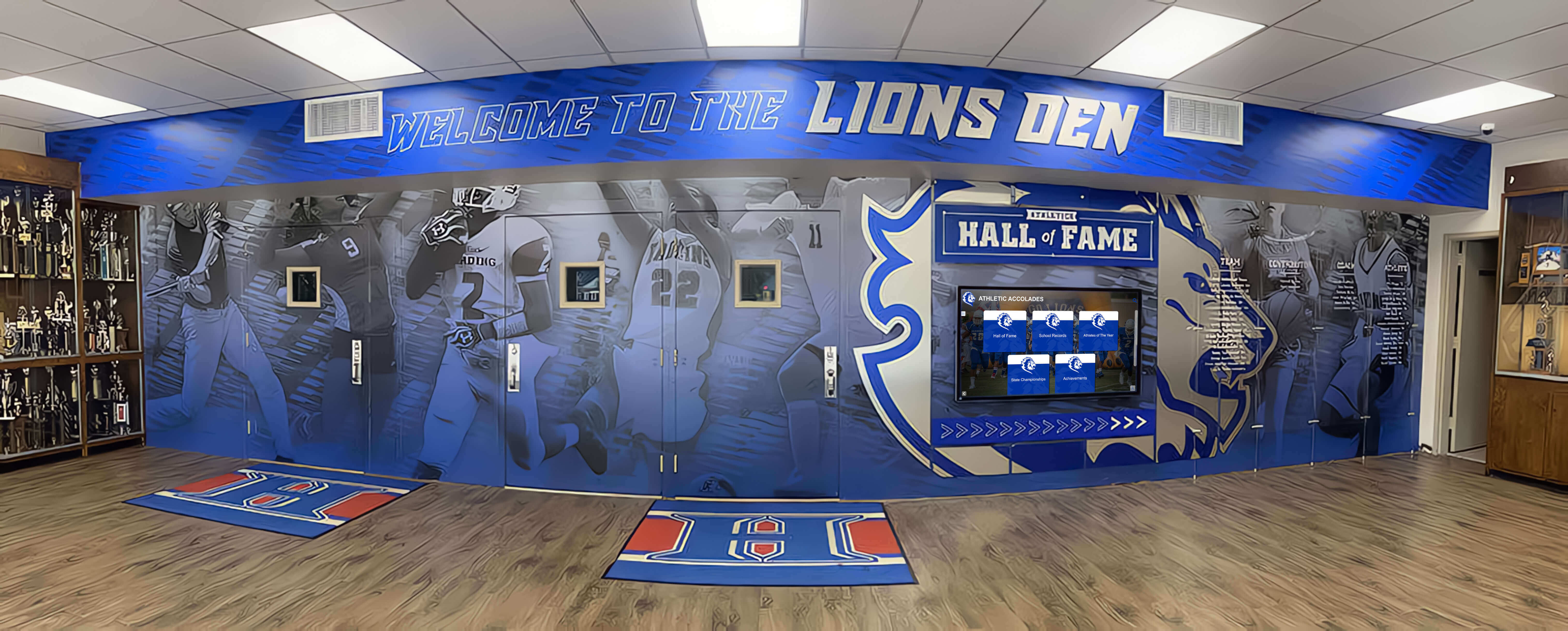
Every piece in a school's trophy case collection deserves a condition record before it moves — the reference photograph is the baseline for any post-handling comparison
Phase 2: Removal and Safe Transport Within the Facility
Opening and Staging
- Unlock the case and set aside keys in a designated, visible location — never inside the open case
- Open only the section being actively worked on; leave adjacent sections closed until needed
- Place a padded staging surface — a clean blanket, foam pad, or lint-free tablecloth — on a nearby table before removing any items
- Put on handling gloves before touching any artifact
Removing Items From the Case
- Remove items one at a time — never carry multiple items simultaneously
- Always lift trophies by the base, never by the figurine, arm, or decorative element
- For plaques, grip the frame edges — never the engraved face
- For framed photographs, support the bottom edge and the back; never lift by the frame top or a single corner
- For jerseys on hangers, carry the hanger — never fold the jersey unless it is going into archival tissue storage
- For game balls, support from below with both hands — never grip by the laces or seam alone
- For banners, roll rather than fold; secure loosely with archival ribbon, not rubber bands
- Set each item on the padded staging surface immediately; never place directly on hard tables or floors
- Assign a position label — masking tape on the staging surface, not on the artifact — matching the item’s case location
- Photograph each item individually immediately after removal; this is the pre-cleaning condition record
Safe Transport Across the Facility
When items must travel beyond the immediate area:
- Use padded archival boxes for small trophies and plaques — secure with tissue paper to prevent items from contacting each other
- Transport framed photographs upright, never flat — flat transport allows pressure on the frame and print surface
- Carry large trophies individually by hand; never stack them in boxes where they can shift
- Assign one person per transport trip; no unaccompanied artifacts should move through the building without a signed hand-off record
- If an item is leaving the facility for digitization or conservation, complete a chain-of-custody entry before it exits the building
Phase 3: Cleaning Individual Artifacts by Material Type
The most common cause of handling damage is applying the wrong cleaning product with confidence. Every material type in a school trophy case has a specific cleaning protocol.
Material-by-Material Cleaning Reference Table
| Material | Safe Cleaning Method | Products to Avoid | Notes |
|---|---|---|---|
| Metal trophy cup (chrome or silver-plated) | Microfiber cloth, dry or lightly dampened with distilled water | Abrasive cleaners, bleach, ammonia-based glass cleaner | Dry immediately after any damp contact; moisture inside seams causes corrosion |
| Metal trophy base (resin or painted composite) | Soft cloth, dry dusting only | Solvents, alcohol-based cleaners | Painted resin chips easily; handle gently and do not scrub |
| Brass plaque (engraved) | Soft microfiber cloth, dry; a cotton swab with a dedicated brass polish for tarnish | Steel wool, abrasive pads, general-purpose metal polish | Buff gently in the direction of engraving lines, never across them |
| Aluminum plaque | Microfiber cloth, dry | Acid-based or alkaline cleaners | Aluminum oxidizes readily; avoid moisture on engraved surfaces |
| Glass or crystal award | Microfiber cloth; diluted glass cleaner applied to cloth, not sprayed directly on surface | Ammonia-based sprays applied directly | Spray onto cloth first, never directly on the glass surface |
| Resin or acrylic award | Microfiber cloth, dry or with distilled water | Acetone, alcohol, abrasive cleaners | Acrylic scratches easily; use minimal pressure |
| Framed photograph (glass-covered) | Microfiber cloth on the exterior glass only | Do not open frames; do not apply any product directly to the print | If glass is broken, consult a conservator before touching the print |
| Jersey or fabric item (framed) | No field cleaning; consult a textile conservator | Do not spray, wipe, or brush fabric directly | Surface dust may be removed with low-power compressed air held at a distance |
| Jersey (unframed, in storage) | Consult a textile conservator before any cleaning | Commercial detergent, bleach, machine washing | Screen printing cracks and embroidery separates — both changes are irreversible |
| Game ball (leather) | Dry microfiber cloth; leather conditioner only if approved by a conservator | Soap and water, solvent-based cleaners | Water causes leather to stiffen and crack at seams |
| Game ball (rubber or composite) | Damp cloth; mild soap if needed | Harsh detergents, solvent-based cleaners | Rinse and dry completely before storage or display |
| Wooden plaque or base | Soft dry cloth; furniture-grade wood polish if surface is lacquered | Water, bleach, ammonia | Unlacquered wood absorbs moisture; keep completely dry |
| Hanging banner (fabric) | Low-power compressed air at a distance; consult a textile conservator for stains | Spot cleaners, machine washing | Rolling for storage prevents crease damage better than folding |
Cleaning Procedure for Each Item
- Work on one item at a time; return it to its labeled position on the staging surface before beginning the next
- Use a fresh microfiber cloth or a fresh section of the current cloth for each new item — residue from metal polish transferred onto fabric or print surfaces causes damage that cannot be undone
- Allow all items to dry completely at room temperature before returning them to the case — moisture inside a sealed display case accelerates corrosion and mildew
- Do not attempt to repair loose figurines, detached nameplates, or damaged frames during a routine handling session — flag these for a dedicated conservation review and document them in the condition log before proceeding
- If any item shows unexpected damage not recorded at pre-handling — a new crack, a detached element, fading not present in the last inventory photograph — stop handling that item, photograph it immediately, and record the discovery in the condition log before continuing
Preserve the Record, Even When the Object Cannot Be Replaced
Rocket Alumni Solutions builds cloud-managed digital trophy cases that hold high-resolution photographs, achievement histories, and athlete profiles for every item in your collection — so the institutional record survives even if a physical artifact is damaged or lost. ADA WCAG 2.1 AA compliant touchscreens, QR code mobile access, and remote updates without IT tickets. Explore the full recognition platform to see how digital and physical records work together.
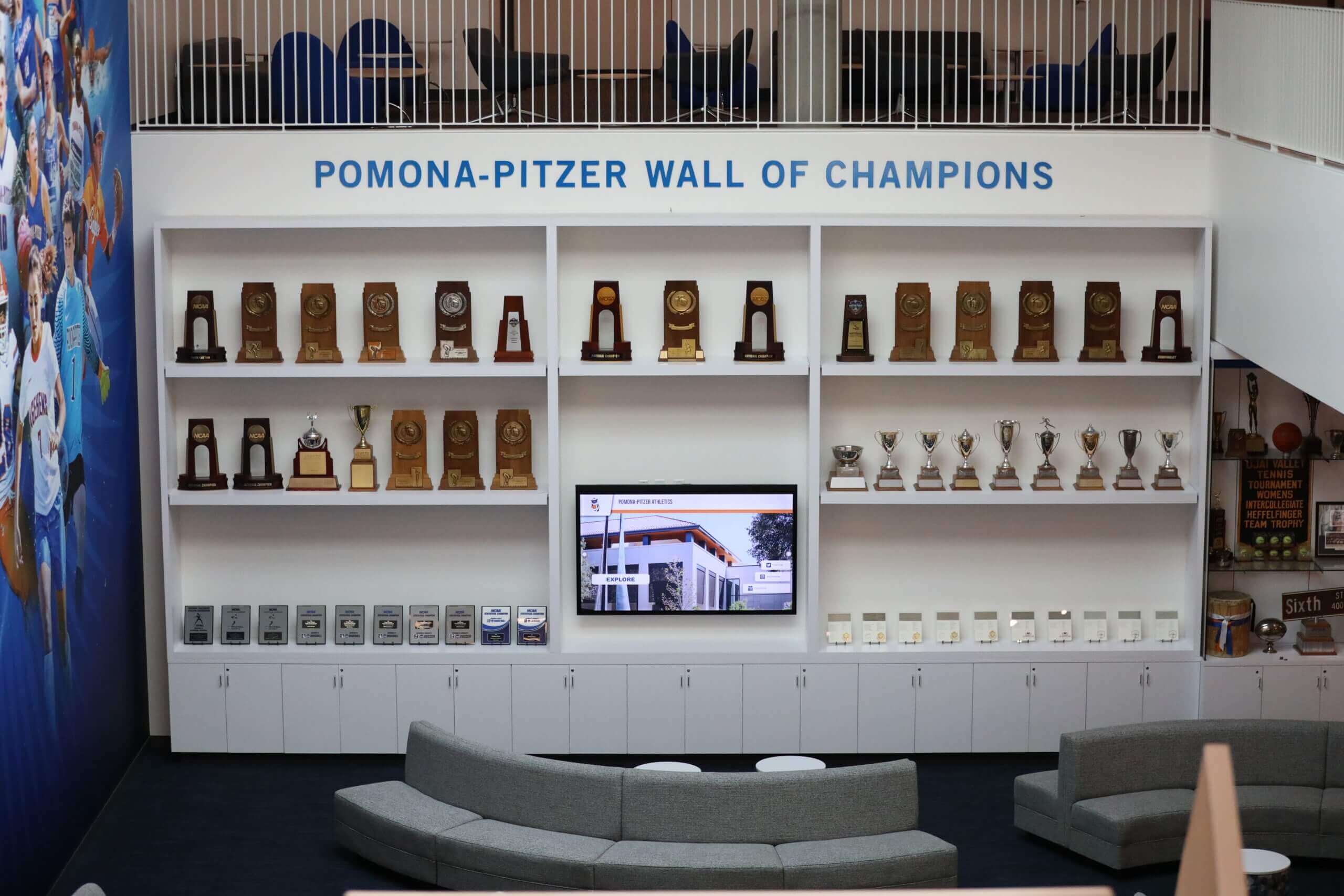
A careful reinstallation process returns every item to its documented position — matching the pre-handling layout photograph is the final quality check
Phase 4: Reinstallation
Confirming Readiness Before Returning Items
- Confirm all items are fully dry — especially metal items cleaned with any damp method
- Confirm the case interior is clean: dust the shelves and check that no cleaning residue remains inside from the session
- Confirm that any lighting issues identified during the session have been addressed or flagged for immediate follow-up
- Pull up the pre-handling photograph of each shelf section — match positions as items are returned
Returning Items to the Case
- Reinstall one item at a time, returning it to the exact position shown in the pre-handling photograph
- Keep handling gloves on throughout reinstallation — fingerprints on cleaned metal and glass surfaces undo the cleaning session
- Set each item down gently; never slide items along shelf surfaces
- For plaques, confirm mounting hardware is fully engaged before releasing — a plaque leaning against the back wall is not mounted
- For jerseys on hangers, confirm the hanger is fully seated on the display rod and the jersey hangs straight
- For framed photographs, set the frame at the correct display angle on its support — never lean glass-framed pieces against unpadded case surfaces
- Position each item so identification labels remain fully visible from the front of the case
- Photograph each shelf section after reinstallation — this is the post-handling layout record
Closing and Securing
- Confirm every item is in its documented position before closing any section
- Close and latch each door; test each lock
- Photograph the fully closed case from the same angle used at the start of Phase 1
- Return keys to their designated secure location — not left in the lock
Phase 5: Post-Handling Condition Review
Immediate Post-Session Review
- Compare pre-handling condition photographs with post-handling photographs for every item handled
- Confirm that no new scratches, cracks, detached components, or condition changes appear in the post-handling images
- Review the condition log for every item — confirm that damage noted during the session is recorded with specifics: what was found, when, and by whom
- Flag any items requiring conservation attention and submit a written request to the relevant administrator or committee before the session record is filed
Updating Institutional Records
- Update the institutional inventory to reflect any condition changes identified during this session
- Add the session date, participants, and stated purpose to each affected item’s record
- File the complete condition log with the broader collection management records
- If items were photographed for digitization during this session, confirm that digital records have been created and linked to the correct physical item IDs
Reporting Damage or Discoveries
If the handling session reveals previously unknown damage or a discrepancy between inventory records and physical items:
- Photograph the issue before any further handling
- Write a brief incident summary: item ID, description of issue, when and by whom it was discovered, likely cause if determinable
- Route the incident summary to the athletic director, principal, or facilities administrator within 24 hours
- Do not attempt to repair, conceal, or return damaged items to display until the incident has been reviewed and a course of action is determined
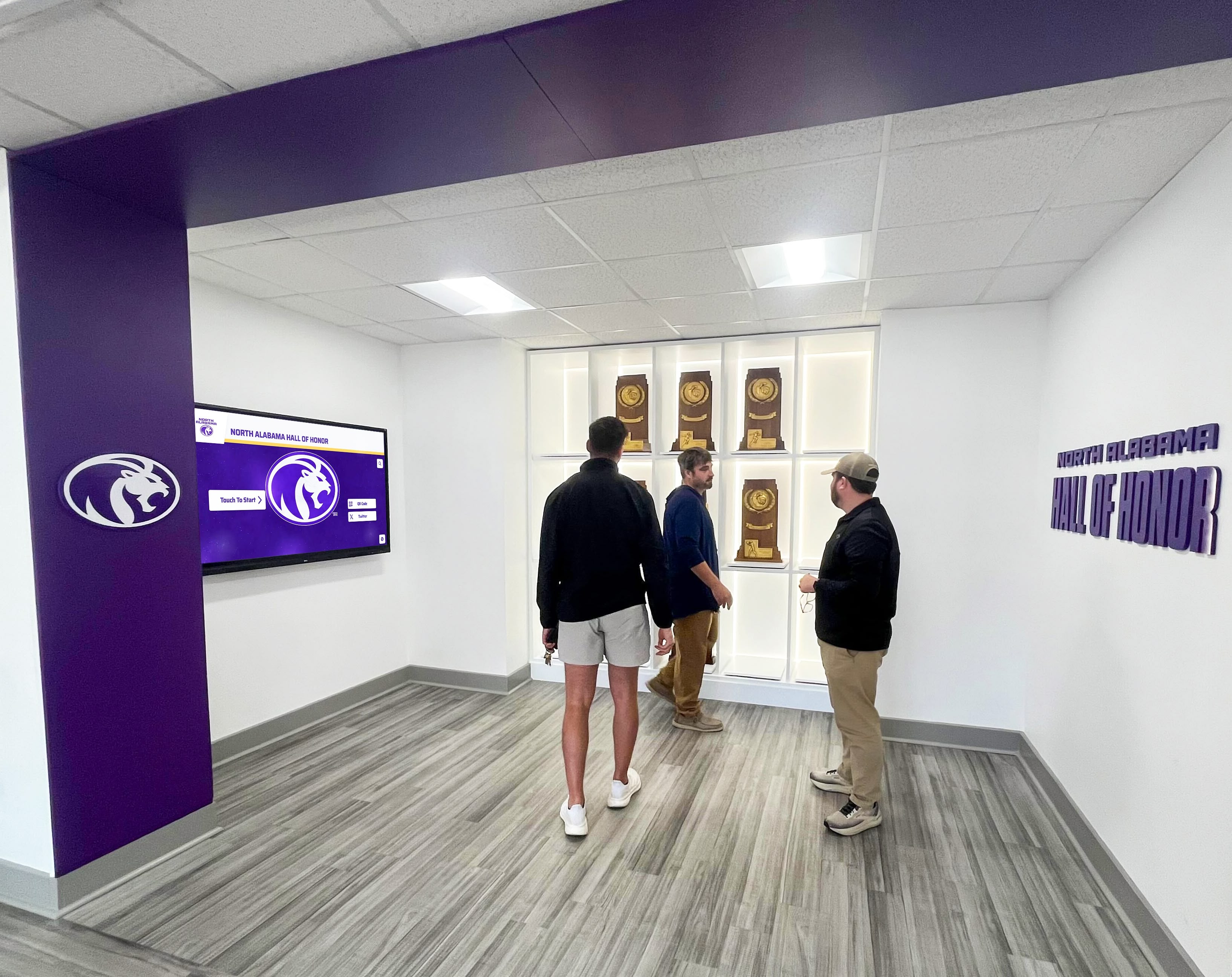
When multiple people participate in a case update, defined roles prevent duplicate actions and ensure every item is accounted for before the case closes
For collections that include items with significant historical value, championship recognition and hall of fame displays illustrate why condition documentation for championship-level artifacts matters beyond routine maintenance routines.
Handling Checklist for Common Display Scenarios
Scenario: Seasonal Display Update
At the start or end of a season, schools often rotate current-year awards into the case and move older items to storage. Apply the full five-phase checklist. Pay particular attention to:
- Documenting which items are moving to storage versus which are being retired permanently
- Recording the specific storage location — room, shelf, and box number — for every item leaving display
- Completing a chain-of-custody entry for any item transferring to a different physical location within the building
Scenario: Digitization Session
When a school photographs collection items for a digital trophy case or archival records, apply Phases 1 and 2 as written — items must be documented and removed safely regardless of the session’s purpose — then follow these additional steps:
- During photography, capture multiple angles: front, back, identifying plaques or labels, and any areas of existing damage
- Record digital file names alongside item IDs in the inventory before items are returned to the case
- Return every item following Phase 4 without exception — digitization sessions do not exempt artifacts from reinstallation documentation
Digital recognition programs that display academic All-American award information and athlete profiles alongside athletics records demonstrate the breadth of items schools typically photograph during digitization — each warranting the same handling care regardless of perceived monetary value.
Scenario: Renovation or Facility Closure
When a case must be emptied for construction, renovation, or a building transition:
- Complete the full handling checklist for every item before removal
- Assign a dedicated temporary storage location and log every item’s transfer with a signed chain-of-custody entry
- Secure the temporary storage location — items in transit face higher risk than items in a managed display
- Schedule a full condition review when items return to the renovated space; do not assume items stored correctly emerged without change
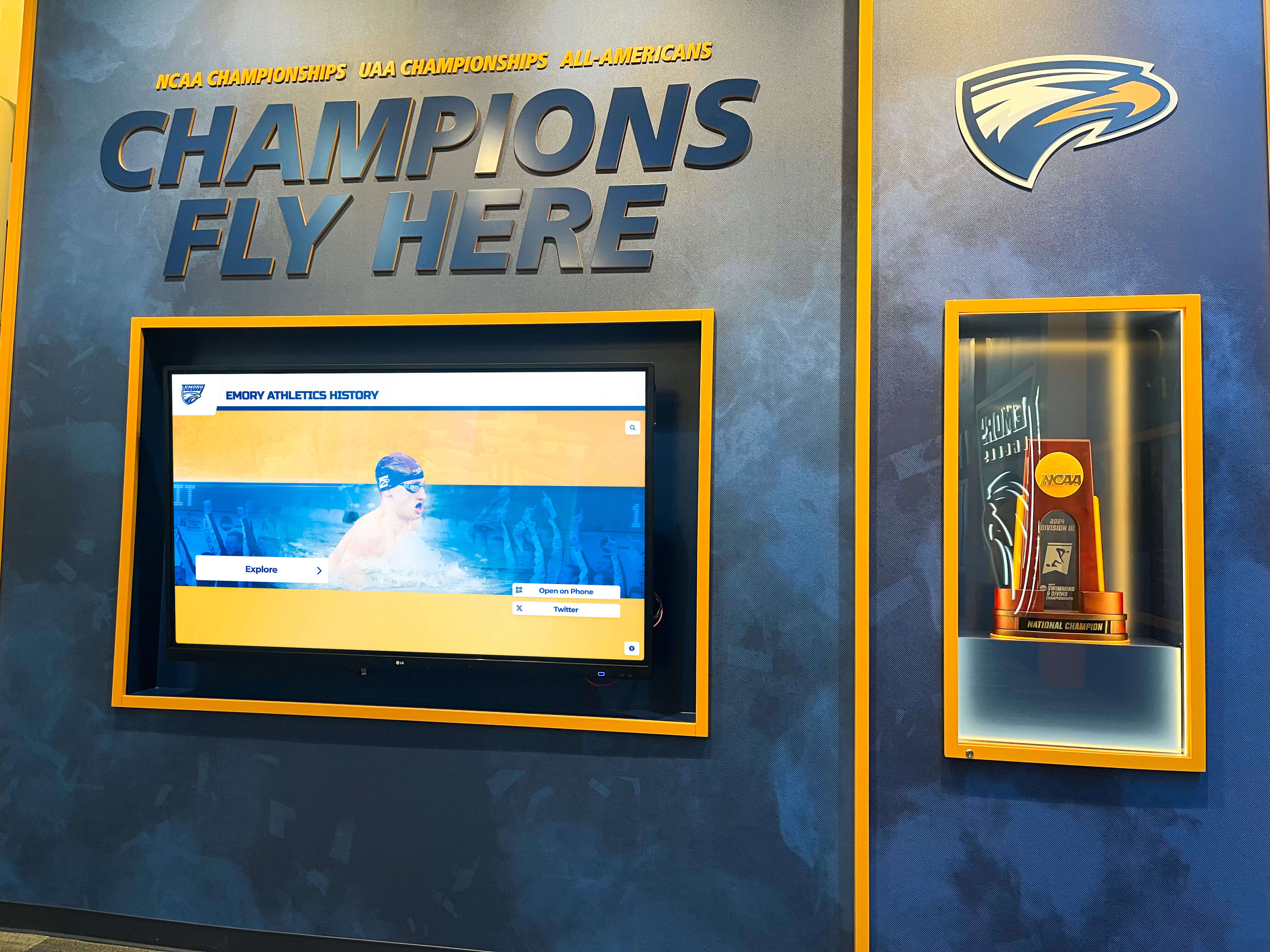
Athletic trophy collections representing decades of achievement require handling protocols that match the historical significance of the items they protect
How Digital Recognition Reinforces Physical Handling Protocols
A written handling checklist protects physical artifacts during the moments they are most vulnerable. A digital trophy case system extends that protection to the institutional record itself.
When schools photograph collection items during handling sessions and upload those images to a cloud-managed recognition platform, the digital record survives scenarios that physical artifacts cannot: fire, flood, theft, or the accumulated deterioration that affects every material object over time. A champion athlete’s record, a retiring coach’s career statistics, a banner from a title-winning season — these histories belong to the institution, not only to the physical objects that currently represent them.
Schools implementing academic honor roll and recognition display programs find that consistent digitization of physical collection items — trophies, jerseys, photographs, plaques — creates a recognition archive that remains complete and accessible regardless of what happens to the physical collection over time.
For athletic directors and recognition committees considering how digital tools integrate with broader data standards for halls of fame and achievement archives, the academic All-American digital display guidelines provide relevant context on maintaining record accuracy as collections grow.
Platforms built for school recognition offer unlimited entry capacity, remote content updates without IT involvement, ADA WCAG 2.1 AA compliant touchscreens, QR codes enabling mobile access for alumni and remote visitors, and scheduled publishing for future recognition events. The digital record holds what the physical handling checklist protects — together, they form a complete preservation program.
Frequently Asked Questions
What is a trophy case artifact handling checklist? It is a structured, phase-by-phase protocol covering every step required to safely remove, clean, transport, and reinstall trophies, plaques, jerseys, game balls, photographs, and other memorabilia held in a school’s display cases. The checklist establishes a repeatable process that prevents damage, ensures condition documentation, and maintains institutional accountability for the physical collection.
How often should schools perform a full artifact handling session? Most schools benefit from a comprehensive annual cleaning session during summer break when cases can be fully emptied without disrupting school events, plus a lighter handling session at the start or end of each athletic season for display rotations. Schools with frequent display changes or large collections may benefit from quarterly schedules.
Who should perform artifact handling — custodial staff or athletic department staff? Custodial staff handle routine cleaning of the case exterior and interior surfaces without touching the artifacts. Artifact handling — removing, cleaning, and reinstalling collection items — should be performed by or under the direct supervision of an athletic director, archivist, or trained recognition committee member who understands condition documentation requirements and material-specific cleaning protocols.
What should a school do if a trophy is damaged during handling? Stop handling the item immediately after discovering the damage. Photograph the damage in detail before moving the item. Record the discovery in the condition log with the exact time, the handler’s name, and a specific description of how the damage was found. Route an incident report to the appropriate administrator within 24 hours. Do not attempt to repair the item without consulting a conservator, and do not return it to display until the incident has been reviewed.
Is it safe to use commercial metal polish on championship trophies? Only use metal polish specifically formulated for the type of metal present — brass, chrome, or silver plate — and test any new product on a small, non-visible surface area before applying broadly. Avoid multi-metal or general-purpose polishes, which can damage plating on trophy cups. For trophies with significant historical value, consult a conservator before applying any chemical product.
What is the correct way to store jerseys that are not currently on display? Store jerseys flat in acid-free tissue paper inside archival boxes — never folded with screen printing face-to-face, never on wire hangers inside sealed plastic dry-cleaning bags, and never in unsealed plastic bins where humidity can accumulate. Display-ready jerseys should hang on archival-quality padded or fabric-covered hangers in a climate-controlled environment.
How does a digital trophy case reduce artifact handling risk over time? A digital system holds high-resolution photographs, achievement histories, and full athlete profiles for every item in the collection. Schools can display unlimited recognition content — including records for items currently in off-site storage or conservation — without requiring those items to be physically present in the case. This reduces the frequency and urgency of physical handling sessions, which reduces the cumulative risk of damage from repeated removal and reinstallation.
Should schools use the same checklist for digitization sessions and routine cleaning sessions? Yes. The handling protocol — preparation, documentation, safe removal, condition recording, and careful reinstallation — applies regardless of the session’s purpose. A digitization session does not reduce the need for condition documentation before and after handling; it typically increases the number of photographs taken, making the documentation richer than a routine cleaning session alone.
Build a Recognition Archive That Lasts Beyond the Physical Collection
Rocket Alumni Solutions builds interactive digital trophy cases and halls of fame for schools nationwide. Cloud-managed updates in minutes without IT tickets, unlimited record capacity for every trophy and athlete your school has ever honored, ADA WCAG 2.1 AA compliant touchscreens, and QR codes that give alumni and remote visitors mobile access to the complete collection. See how schools are protecting their recognition histories with a digital archive that complements — and outlasts — the physical case.
Book A DemoLive Example: Rocket Alumni Solutions Touchscreen Display
Interact with a live example (16:9 scaled 1920x1080 display). All content is automatically responsive to all screen sizes and orientations.