




Equipment manufacturers attending trade shows, industry conferences, and customer events face a persistent challenge: how do you effectively communicate complex product features, technical specifications, and operational benefits in busy, distracting environments where attention spans measure in seconds rather than minutes?
Traditional event approaches—printed brochures gathering dust, static poster boards going unnoticed, or sales representatives exhausting themselves repeating identical presentations—fail to capture and maintain the engaged interest modern audiences expect. Attendees walk past booths, scanning for immediate value signals while competitors vie for the same limited attention.
Touchscreen kiosk solutions designed specifically for events and functions transform passive booth traffic into active product exploration. These interactive displays enable self-directed discovery of equipment features, specifications, applications, and benefits through intuitive touch interfaces that work identically at physical events and on manufacturer websites—creating consistent, accessible product information across all customer touchpoints.
Manufacturers implementing comprehensive touchscreen solutions for events report dramatic improvements in booth engagement, qualified lead generation, follow-up conversion rates, and sales cycle acceleration. The key lies in creating genuinely useful product exploration tools rather than merely digitizing existing marketing materials, ensuring content serves customer information needs while naturally highlighting competitive advantages.

Professional-grade touchscreen kiosks at events enable self-directed product exploration, freeing sales staff for high-value conversations with qualified prospects
Understanding Event Touchscreen Technology Requirements
Equipment manufacturers need interactive solutions meeting both website accessibility standards and rugged event deployment demands.
Hardware Specifications for Event Applications
Event touchscreen kiosks require durability specifications far exceeding standard digital signage:
Commercial-Grade Display Requirements
Event deployment environments subject equipment to transportation stress, varied lighting conditions, and intensive daily use. Commercial displays designed for these applications feature:
- Impact-resistant screens withstanding accidental bumps and handling during setup
- Brightness levels of 400-700 nits ensuring visibility under harsh trade show lighting
- Wide viewing angles maintaining image quality as attendees approach from different positions
- Anti-glare coatings reducing reflections from overhead exhibition hall lighting
- Continuous operation ratings supporting 12-16 hour daily use throughout multi-day events
According to display manufacturers serving the trade show market, equipment designed specifically for portable event use lasts 3-4 times longer than consumer displays deployed in similar conditions.
Touch Technology Selection
Different touch technologies offer distinct advantages for event applications:
Projected capacitive touch technology represents the most reliable choice for equipment manufacturer kiosks, providing smartphone-like responsiveness that audiences instinctively understand, multi-touch capability supporting pinch-to-zoom gestures for detailed specifications, excellent accuracy enabling precise selection of small interface elements, and durability through protective glass overlays that clean easily between attendees.
Infrared touch alternatives suit specific scenarios including outdoor events with high ambient light, applications requiring gloved operation in industrial demonstration settings, budget-conscious implementations where cost matters more than ultimate performance, and extra-large format displays exceeding 70 inches where capacitive overlays become prohibitively expensive.
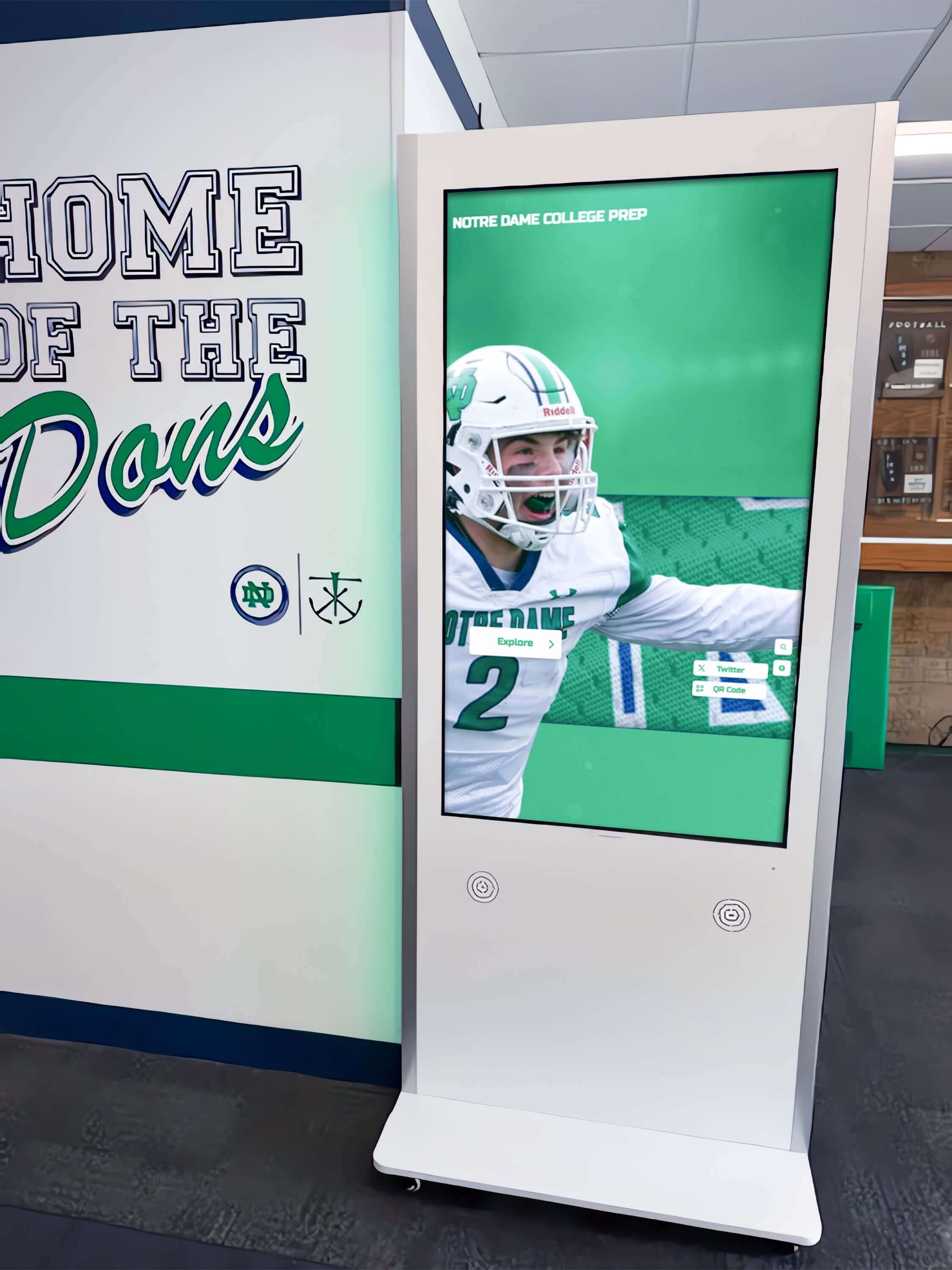
Professional kiosk installations demonstrate equipment features through high-resolution images, technical specifications, and interactive comparison tools
Form Factor Considerations
Physical installation formats serve different event contexts and booth layouts:
Freestanding floor kiosks on wheeled bases enable flexible positioning adapting to different booth configurations across events. Wall-mounted displays maximize limited booth space while providing permanent stations for extended events. Portable stands with adjustable heights accommodate both standing interaction and seated demonstration scenarios. Tabletop angled displays suit counter-top presentations and small booth footprints.
Solutions like interactive kiosk systems provide equipment recommendations and mounting options appropriate for trade show applications.
Software Architecture for Cross-Platform Deployment
The most effective manufacturer solutions work identically at events and online, requiring specific technical approaches:
Web-Based Platform Benefits
Browser-based interactive experiences deliver critical advantages for equipment manufacturers:
Single content source powering both event kiosks and website deployment eliminates maintaining separate versions requiring duplicate updates. Instant content updates appearing immediately across all installations enable rapid specification corrections or product additions during events. Platform-independent operation functions on any touchscreen hardware regardless of manufacturer or operating system. Simplified technical support requires no software installation or device-specific troubleshooting. Reduced security vulnerabilities through contained browser environments prevent malware exposure at events with questionable network security.
Manufacturers report that web-based platforms reduce content management time by 60-70% compared to native applications requiring individual device updates.
Content Management System Requirements
Effective platforms balance powerful features with usability suitable for marketing staff without technical expertise:
- Cloud-based management enabling remote content updates from office locations before, during, and after events
- Template systems maintaining visual consistency across product categories without custom design work
- Media libraries organizing technical drawings, photographs, specification sheets, and demonstration videos
- Search functionality helping administrators locate and edit specific content efficiently
- Scheduled publishing automating time-sensitive content changes for product launches or promotional periods
Organizations should prioritize content management simplicity over feature complexity. Sophisticated systems prove worthless if designated staff cannot confidently manage updates without constant IT support.
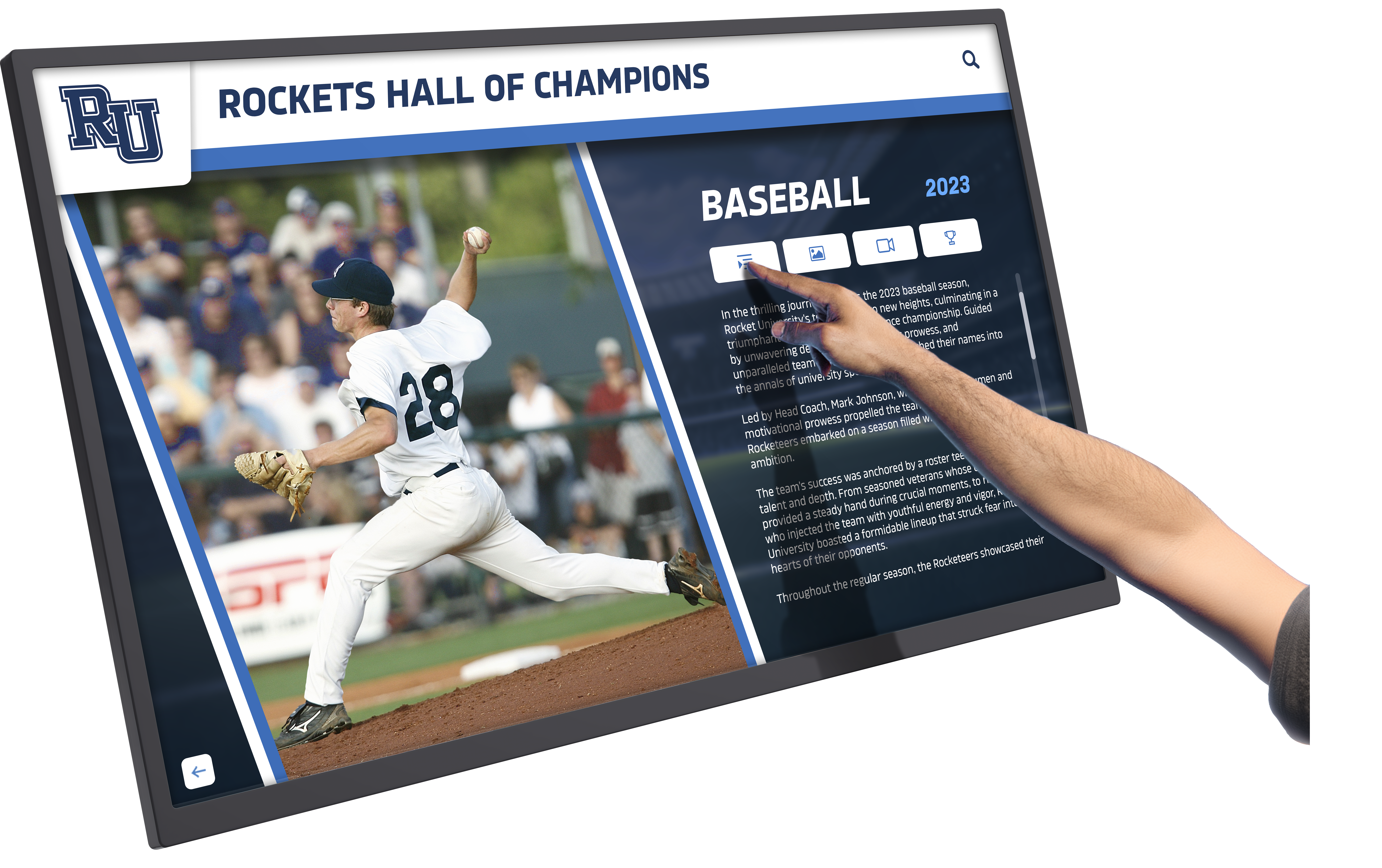
Intuitive touch interfaces enable natural interaction with product specifications, comparison tools, and application examples
Strategic Content Design for Equipment Showcases
Hardware capabilities matter only as much as the content displayed. Effective product exploration tools require systematic content development.
Information Architecture Principles
Complex equipment requires layered information design accommodating different audience knowledge levels:
Progressive Disclosure Strategy
Trade show attendees span potential customers in early research phases through technical experts evaluating detailed specifications. Layered content accommodates this range:
Level 1 - Overview (15-30 seconds): Eye-catching product images, key differentiating features in brief bullet points, primary applications and use cases, and clear calls to action for deeper exploration create immediate value signals determining whether attendees invest further attention.
Level 2 - Technical Details (2-4 minutes): Comprehensive specifications and performance data, comparison tables against competitive alternatives, application-specific configuration options, compliance certifications and standards, and technical drawings with key dimension callouts satisfy prospects conducting serious evaluation without overwhelming casual browsers.
Level 3 - Deep Resources (5-15+ minutes): Complete installation and operation manuals, maintenance procedures and schedules, troubleshooting guides and diagnostic procedures, parts lists and ordering information, and engineering support contact details serve existing customers and technical evaluators requiring comprehensive information.
This structure allows each visitor to engage at their appropriate depth without frustrating serious prospects with superficial content or overwhelming curious browsers with unnecessary complexity.
Visual-First Presentation
Equipment manufacturers sell visual products requiring image-dominant content strategies:
High-resolution product photography enabling detailed zoom examination shows equipment quality and build precision impossible to communicate through text. Video demonstrations of equipment operation bring features to life more effectively than lengthy written descriptions. Animated technical diagrams explain complex mechanisms and processes. Interactive cutaway views reveal internal components and construction details. 3D rotatable models enable examination from all angles.
Research on trade show engagement patterns indicates displays with 70% or more visual content generate 4-5 times longer interaction duration than text-heavy presentations.
Essential Content Categories
Comprehensive equipment showcases include multiple information types serving different customer needs:
Product Feature Highlighting
Interactive feature callouts enable selective exploration:
- Click-to-reveal hotspots on product images explaining specific components
- Before-and-after comparisons demonstrating performance benefits
- Feature benefit explanations connecting specifications to customer value
- Configuration option visualizations showing different available setups
- Accessory and add-on integration demonstrations
Digital equipment showcase systems make complex products accessible through intuitive visual navigation.
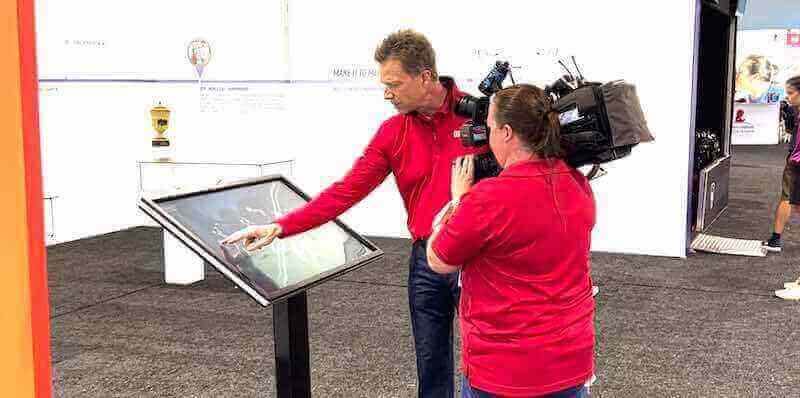
Professional demonstration kiosks showcase equipment features through video, interactive diagrams, and specification comparisons
Technical Specification Databases
Comprehensive specification access serves evaluation needs:
- Searchable and filterable specification tables
- Downloadable PDF spec sheets for offline review
- Comparison tools enabling side-by-side evaluation of multiple models
- Compliance certification documentation
- Performance data and test results
Technical prospects report that immediate specification access at events significantly increases their willingness to continue sales conversations.
Application and Use Case Libraries
Industry-specific examples demonstrate equipment value:
- Segmented content by customer industry or application type
- Case study presentations showing real-world installations
- ROI calculators demonstrating financial benefits
- Workflow integration examples showing how equipment fits existing processes
- Customer testimonial videos from similar operations
Installation and Support Resources
Post-purchase information builds confidence in manufacturer support:
- Installation requirement checklists
- Maintenance schedule and procedure documentation
- Warranty information and terms
- Spare parts availability and ordering procedures
- Technical support contact methods and response expectations
Providing comprehensive support information during initial evaluation phases reduces post-sale surprise and strengthens purchase confidence.
Event Deployment Strategies and Best Practices
Successful event implementations require planning beyond hardware selection and content development.
Pre-Event Planning and Preparation
Systematic preparation prevents avoidable problems and maximizes event ROI:
Content Finalization and Testing
Complete preparation before event setup:
- Content accuracy verification ensuring all specifications and claims reflect current product status
- Interactive functionality testing on representative hardware confirming touch responsiveness and navigation logic
- Network connectivity testing at venues when possible determining bandwidth availability and firewall restrictions
- Offline operation capability for locations with unreliable internet access
- Staff training on content navigation and demonstration techniques
Manufacturers report that thorough pre-event testing identifies and resolves 80-90% of potential problems that would otherwise disrupt booth operations.
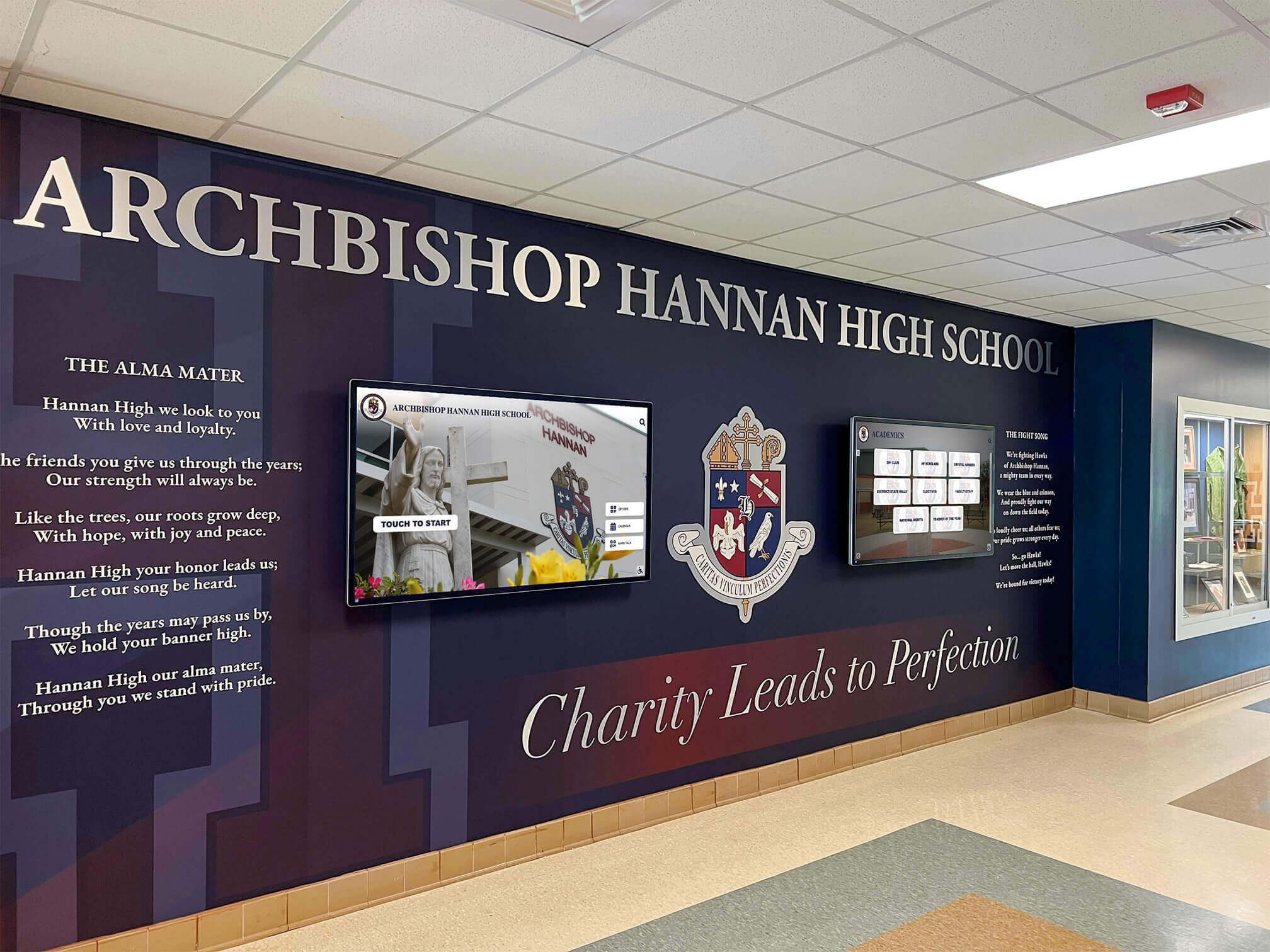
Multiple coordinated displays enable comprehensive product showcase across larger booth spaces while accommodating simultaneous visitors
Logistics and Transportation Planning
Hardware protection ensures reliable operation:
- Ruggedized shipping cases protecting displays during transportation
- Spare hardware for critical components eliminating single-point failures
- Power and connectivity requirement documentation for venue coordination
- Backup content on multiple devices preventing total system loss
- Tool kits and technical supplies for on-site troubleshooting
Booth Integration Design
Strategic placement maximizes engagement:
- Entry-point positioning catching attention as attendees approach booth
- Multiple stations preventing bottlenecks during high-traffic periods
- Complementary placement with live demonstrations and sales conversations
- Accessible positioning accommodating wheelchair users and diverse attendees
- Clear signage directing attention and explaining kiosk purpose
Position touchscreen kiosks where they attract initial interest while enabling smooth transition to staff conversations for qualified prospects rather than competing with personnel for attention.
During-Event Management and Engagement
Active management maximizes effectiveness throughout event duration:
Staff Integration Strategies
Coordinate technology with human engagement:
- Sales staff monitoring kiosk interaction identifying highly engaged prospects for personal conversation
- Demonstration scripts referencing kiosk content for consistent messaging
- QR codes on kiosks enabling visitors to send content to personal devices for later review
- Lead capture integration recording interactions for follow-up prioritization
- Staff positioning near but not hovering over kiosks allowing autonomous exploration
Manufacturers report that touchscreen kiosks increase meaningful sales conversations by 40-60% by pre-qualifying prospects and addressing basic questions before staff engagement.
Real-Time Content Optimization
Monitor and adjust during events:
- Analytics review identifying popular content and navigation patterns
- Quick updates addressing frequently asked questions not adequately covered
- Promotional content highlighting time-sensitive show specials or demonstrations
- Schedule integration directing visitors to booth presentations and special events
- Competition intelligence incorporating features or claims requiring response
Cloud-based content management enables real-time updates from booth staff mobile devices without requiring physical access to display equipment.
Technical Support and Troubleshooting
Maintain reliable operation throughout events:
- Scheduled overnight restarts preventing performance degradation from extended operation
- Screen cleaning maintaining appearance and touch sensitivity
- Brightness adjustment for varying venue lighting throughout day
- Network connectivity monitoring and cellular backup when needed
- Rapid-response technical support for problems exceeding staff capabilities
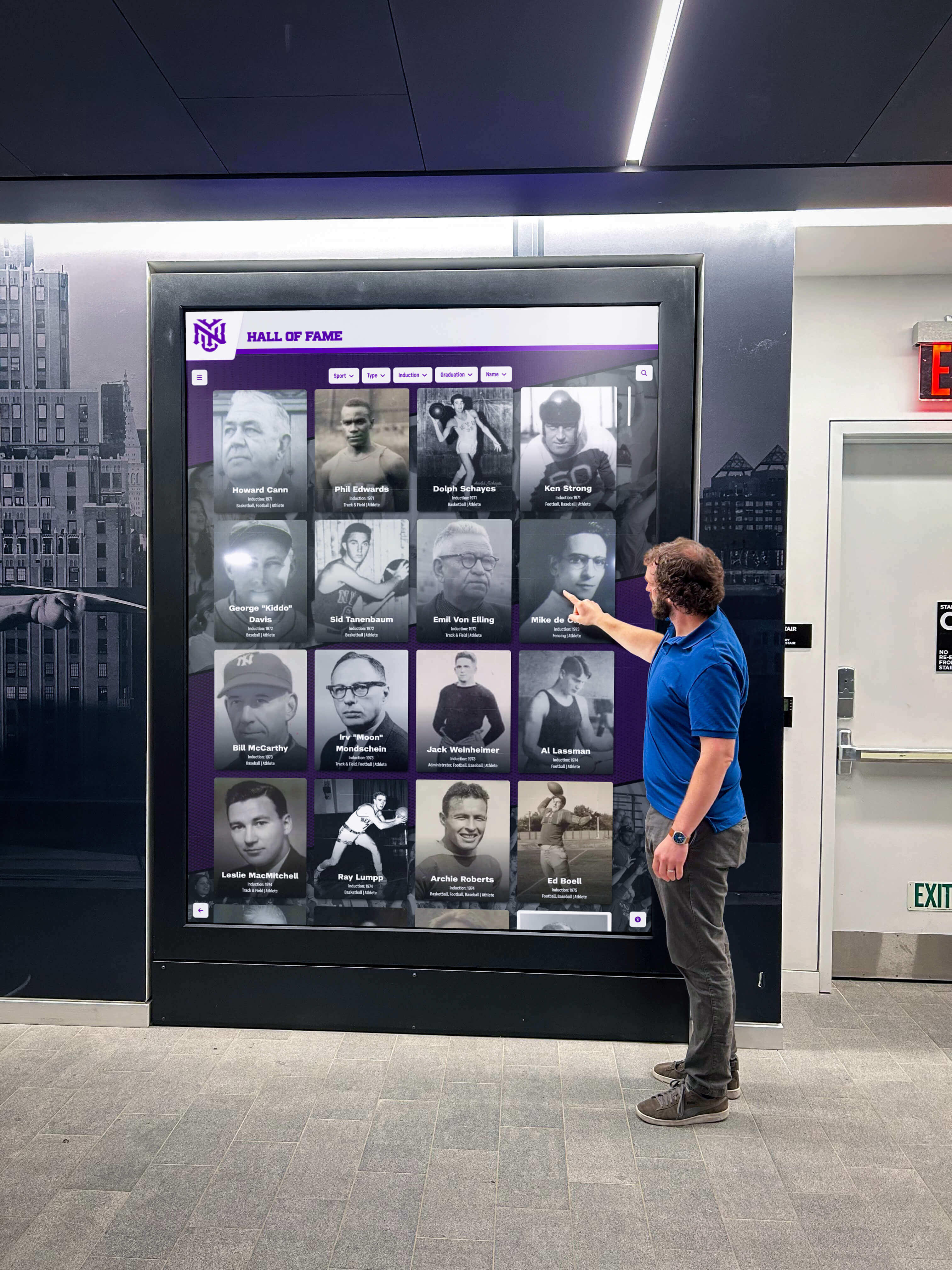
Professional kiosk installations withstand intensive daily use throughout multi-day events while maintaining consistent performance
Post-Event Follow-Up and Analysis
Extract maximum value from event investment through systematic follow-up:
Engagement Analytics Review
Detailed interaction data informs future strategies:
- Total interaction count and average session duration revealing overall engagement levels
- Content popularity rankings identifying features generating most interest
- Navigation path analysis showing how visitors explore product information
- Completion rates for lead capture forms or information requests
- Comparison against previous events tracking improvement trends
These metrics guide content refinement, booth strategy adjustment, and resource allocation decisions for future events.
Lead Quality Assessment
Evaluate prospect value from event:
- Interaction depth scoring based on content explored and time invested
- Specific product interest identification from viewed specifications
- Application scenario indication from use case content accessed
- Follow-up priority ranking based on engagement patterns
- Conversion rate tracking from initial event interaction through sales closure
Manufacturers implementing digital lead capture systems report 2-3 times higher conversion rates on kiosk-generated leads compared to traditional booth traffic.
Content Performance Insights
Analytics inform ongoing content development:
- High-performing content expansion based on engagement metrics
- Low-engagement content revision or removal
- Missing information identification from support inquiries
- Competitive comparison effectiveness from interaction patterns
- Media format preferences indicating optimal presentation approaches
Cross-Platform Integration Strategies
Maximum value comes from unified content serving both event and website audiences.
Website Implementation Approaches
Identical functionality across contexts creates consistent customer experiences:
Embedded Interactive Showcases
Product pages incorporate interactive exploration tools:
- Full-screen interactive product viewers with touch or click navigation
- Specification database integration displaying real-time inventory and pricing
- Configuration tools enabling custom product setup visualization
- Comparison selectors for side-by-side competitive or model evaluation
- Related product recommendations based on viewing patterns
Website visitors accessing the same interactive content as event attendees creates familiarity and reinforces manufacturer brand consistency.
Responsive Design Considerations
Content adapts to different device contexts:
- Desktop large-screen layouts maximizing detail visibility
- Tablet touch-optimized interfaces matching kiosk interaction patterns
- Mobile smartphone-friendly compact presentations maintaining essential functionality
- Accessibility compliance ensuring keyboard navigation and screen reader compatibility
- Progressive enhancement providing optimal experiences on capable devices while maintaining basic functionality everywhere
Solutions like Rocket Alumni Solutions provide web-based platforms functioning identically across desktop computers, tablets, smartphones, and event kiosks without requiring separate versions or platform-specific development.

Card-based interfaces enable intuitive exploration of product categories, models, and configurations with familiar smartphone-like interaction
Permanent Installation Applications
Event-proven content extends to showrooms and customer locations:
Manufacturer Showroom Kiosks
Reception and lobby installations serve visiting customers:
- Product portfolio overview providing self-directed initial exploration
- Technical specification access while waiting for sales appointments
- New product announcement and feature highlight rotation
- Customer testimonial and case study presentations
- Digital business cards and contact information capture
Customer Facility Installations
Place interactive reference tools at customer sites:
- Equipment operation refresher training accessible to operators
- Maintenance procedure and troubleshooting guidance
- Parts identification and ordering information
- Safety protocol reminders and certifications
- Upgrade and accessory options for existing installations
Manufacturers providing permanent reference kiosks at customer locations report increased parts sales, stronger customer relationships, and competitive advantages during equipment replacement evaluations.
Training and Educational Applications
Interactive training systems extend equipment knowledge:
- Operator training modules with interactive simulations
- Maintenance procedure step-by-step walkthroughs
- Safety certification testing and documentation
- Troubleshooting decision trees guiding diagnostic procedures
- Performance optimization best practices and tips
Training content developed for event demonstrations and website resources extends naturally to ongoing customer education applications.
Lead Capture and Sales Integration
Effective kiosks connect engagement to business systems and sales processes.
Contact Information Collection Strategies
Balance information gathering with visitor experience:
Progressive Information Requests
Minimize friction while capturing essential data:
- Initial anonymous exploration requiring no registration
- Optional contact information offer for content downloads or detailed specifications
- Value exchange clarity explaining benefits of information provision
- Minimal required fields collecting only essential contact data
- Privacy policy transparency and explicit consent for marketing communication
Research indicates that requiring registration before access reduces engagement by 60-70%, while optional post-exploration registration converts 15-25% of engaged visitors into identifiable leads.
QR Code Integration
Mobile device integration extends experiences:
- Session-specific QR codes enabling content transfer to personal devices
- Follow-up material delivery via text or email
- Calendar integration for demonstration scheduling or appointment booking
- Social sharing facilitation for recommendations to colleagues
- Subscription options for product update notifications
QR functionality respects visitor preference for continued exploration on personal devices rather than forcing extended kiosk interaction in busy booth environments.
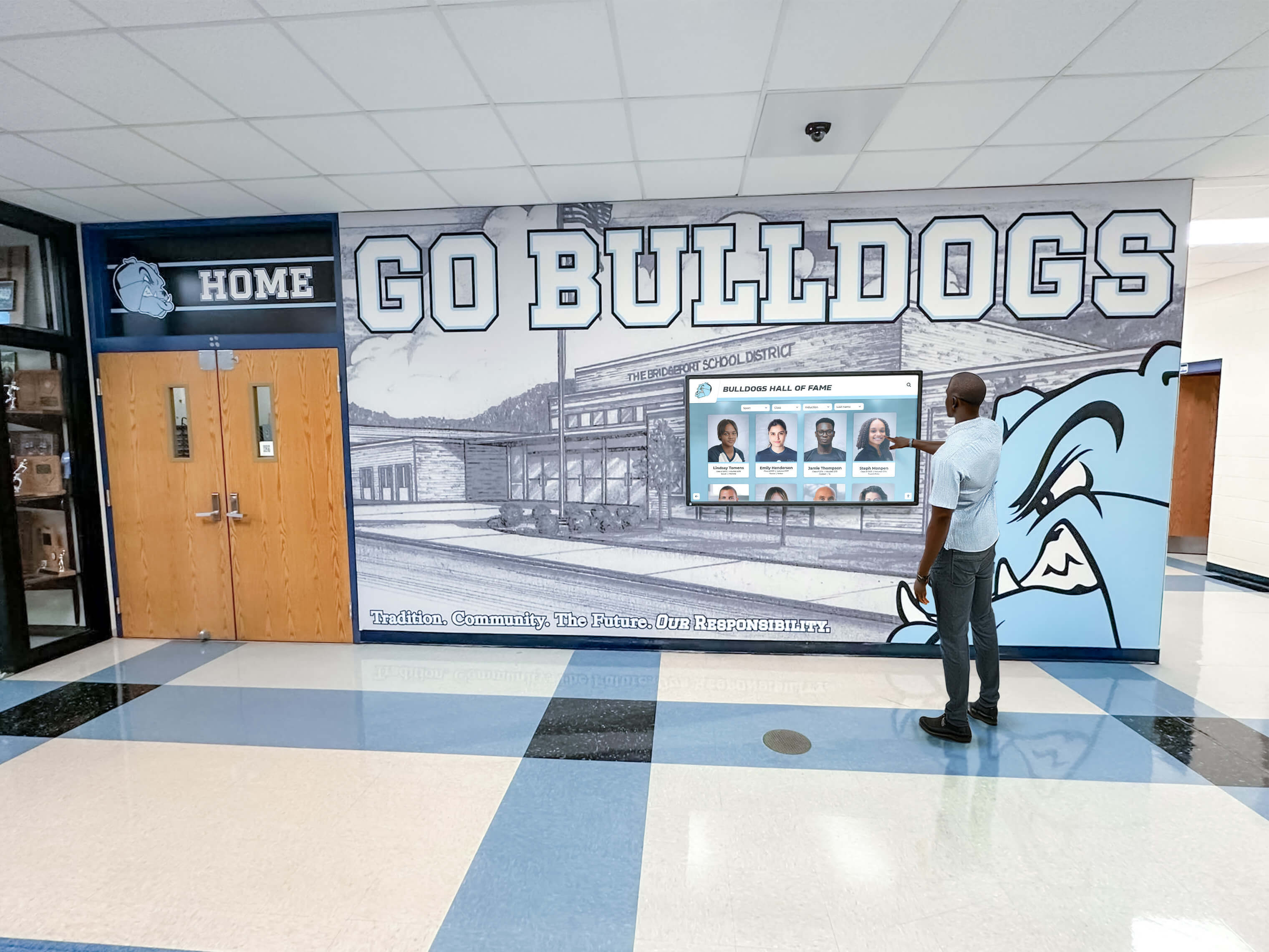
Large-format displays accommodate group viewing and discussion while sales staff provide additional context and answer questions
CRM and Marketing Automation Integration
Connect kiosk engagement to sales workflows:
Lead Scoring and Qualification
Interaction patterns inform follow-up priority:
- Engagement duration indicating serious interest versus casual browsing
- Specification depth viewed revealing technical evaluation stage
- Multiple product comparison suggesting active procurement process
- Return visitor identification showing sustained interest over time
- Specific feature focus indicating particular application or need
Automated lead scoring based on kiosk interaction enables efficient follow-up resource allocation focusing on highest-potential prospects.
Follow-Up Content Personalization
Interaction history informs communication:
- Viewed product information references in follow-up messages
- Relevant case studies and testimonials based on industry indicated
- Specification comparison continuations offering additional alternatives
- Pricing and configuration quotes matching explored options
- Demonstration or site visit offers appropriate to engagement level
Personalized follow-up based on actual kiosk interaction converts 2-3 times better than generic post-event contact sequences.
Budget Planning and Investment Considerations
Comprehensive financial planning addresses both initial and ongoing costs.
Initial Implementation Investment
Complete budgets include multiple components:
Hardware Costs
- Commercial-grade touchscreen displays with integrated computers ($3,000-$10,000 per unit depending on size and specifications)
- Kiosk enclosures or portable stands ($800-$3,500 per installation)
- Protective shipping cases for event transportation ($400-$1,200 per unit)
- Backup displays for critical event deployment ($3,000-$10,000 depending on strategy)
- Mobile device mounting and charging accessories ($200-$600)
Software Platform Investment
- Interactive content management system licensing ($3,000-$12,000 annually for cloud platforms or $25,000-$80,000 for enterprise perpetual licenses)
- Custom feature development if required ($15,000-$75,000 depending on complexity)
- Integration with website, CRM, and marketing automation systems ($5,000-$25,000)
- Analytics and reporting dashboard configuration ($2,000-$8,000)
- Security and compliance auditing for web deployment ($3,000-$10,000)
Content Development Costs
- Product photography and videography ($5,000-$25,000 depending on portfolio size)
- Technical specification database development ($3,000-$15,000)
- Interactive feature development and implementation ($10,000-$40,000)
- Application case study content creation ($5,000-$20,000)
- User interface design and usability testing ($8,000-$25,000)
Training and Launch Support
- Marketing and sales staff training on kiosk demonstration ($2,000-$6,000)
- Technical training for event deployment and troubleshooting ($1,500-$4,000)
- Documentation development for ongoing management ($2,000-$6,000)
- First-event on-site support and optimization ($3,000-$8,000)
Comprehensive event kiosk implementations typically range from $40,000-$150,000 depending on content complexity, number of displays, and customization requirements.
Ongoing Operational Costs
Plan for sustained operation and continuous improvement:
- Software platform subscription fees ($3,000-$12,000 annually)
- Content updates and product addition management ($8,000-$30,000 annually)
- Hardware maintenance, repair, and eventual replacement ($2,000-$8,000 annually per display)
- Event shipping, setup, and logistics ($1,500-$5,000 per event depending on distance and complexity)
- Analytics review and optimization services ($5,000-$15,000 annually)
Organizations report ongoing costs typically represent 15-25% of initial implementation investment annually, with significant variation based on event frequency and content update needs.
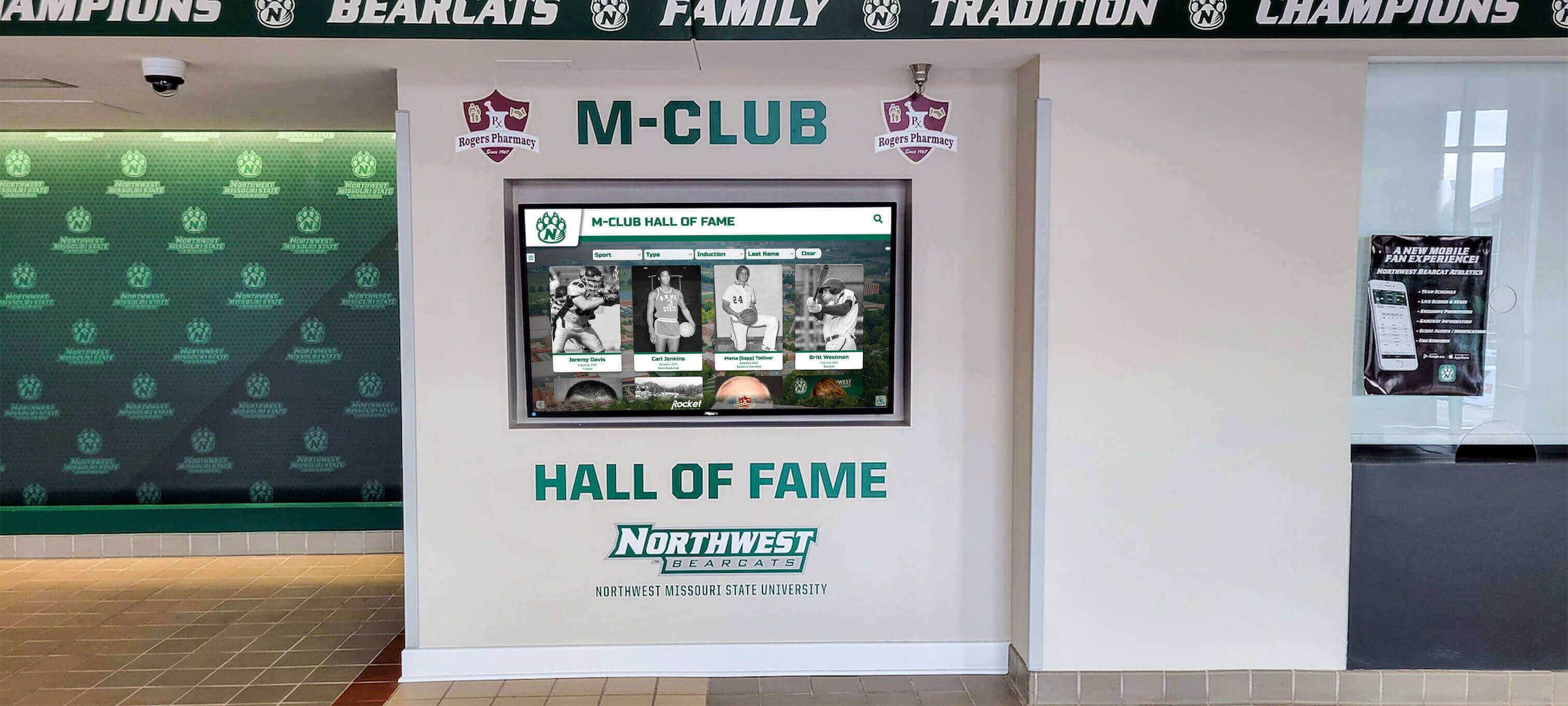
Professional installations demonstrate equipment manufacturer commitment to innovation while providing practical customer information access
Return on Investment Calculation
Quantifiable benefits justify investment through multiple value sources:
Lead Generation Improvement
- Increased qualified lead volume from each event
- Higher lead quality through self-qualification before staff engagement
- Reduced cost per qualified lead compared to alternative marketing channels
- Accelerated sales cycle through comprehensive information provision
- Higher conversion rates from informed prospects understanding value proposition
Manufacturers report 30-50% increases in qualified leads per event after implementing comprehensive touchscreen kiosks compared to traditional booth approaches.
Sales Efficiency Gains
- Staff time savings through automated information provision
- Focus shift from basic education to high-value solution consultation
- Reduced pre-sale support requirements from accessible technical resources
- Fewer post-sale surprises from better-informed customer expectations
- Competitive differentiation through professional presentation quality
Extended Value Applications
- Website traffic increase from SEO-optimized product showcase content
- Permanent showroom installation value beyond events
- Customer training and support cost reduction through accessible resources
- Sales tool availability for field representatives conducting customer visits
- Marketing content reuse across multiple channels and contexts
Most manufacturers calculate positive ROI within 12-18 months based on lead generation improvements alone, with additional benefits from efficiency gains and extended applications providing ongoing value.
Measuring Success and Continuous Improvement
Data-driven assessment guides optimization and demonstrates value.
Key Performance Indicators
Track metrics revealing effectiveness across objectives:
Engagement Metrics
- Total interactions and unique users per event
- Average interaction duration indicating depth of interest
- Completion rates for multi-step product explorations
- Return interaction frequency showing sustained booth visits
- Peak traffic periods informing staffing optimization
Content Performance Indicators
- Most-viewed products and features revealing market interest
- Specification access frequency indicating technical evaluation activity
- Comparison tool usage patterns showing competitive considerations
- Application case study popularity by industry or use case
- Download and share actions demonstrating value perception
Lead Quality Measures
- Lead capture form completion rates
- Lead-to-opportunity conversion percentages
- Sales cycle duration for kiosk-generated leads
- Average deal size comparison against other sources
- Customer acquisition cost by lead source channel
Business Impact Metrics
- Revenue directly attributed to kiosk-generated leads
- Marketing cost per qualified lead across channels
- Event ROI comparison year-over-year
- Sales staff satisfaction with lead quality
- Customer feedback on information accessibility
These metrics guide content refinement, inform event strategy, and demonstrate program value to organizational leadership.
Continuous Optimization Approaches
Systematic improvement maintains effectiveness:
Analytics-Driven Content Refinement
- Expand high-engagement content with additional depth and related information
- Revise or remove low-engagement content consuming attention without providing value
- Address information gaps revealed through support inquiries and sales feedback
- Optimize navigation paths based on observed user behavior patterns
- Test alternative presentation approaches for critical content
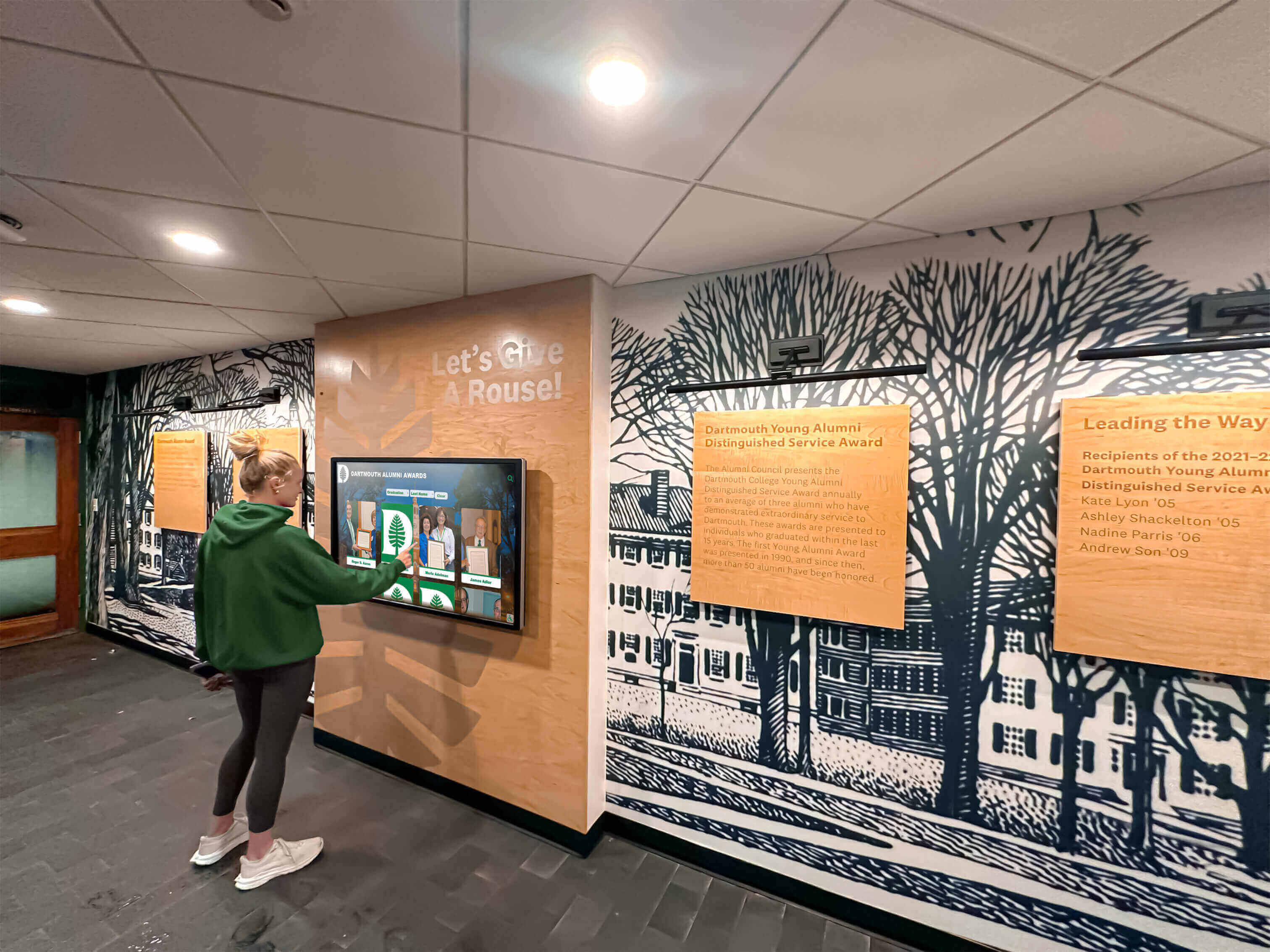
User behavior observation and analytics inform continuous interface and content improvements optimizing visitor engagement
User Feedback Collection
- Post-interaction surveys gathering visitor satisfaction and suggestions
- Sales staff input on content gaps and commonly asked questions
- Customer interviews exploring information needs and decision factors
- Competitive intelligence monitoring similar manufacturer approaches
- Industry trend research identifying emerging information priorities
A/B Testing Programs
- Alternative interface layouts comparing engagement effectiveness
- Content presentation format experiments testing visual versus text approaches
- Navigation structure variations optimizing information discovery
- Call-to-action placement and messaging testing conversion optimization
- Lead capture form design experiments balancing completions against data richness
Organizations treating touchscreen kiosks as dynamic tools requiring continuous optimization sustain competitive advantages and maximize return on investment over multi-year timeframes.
Special Considerations for Equipment Manufacturers
Industry-specific factors influence successful implementation.
Technical and Compliance Documentation
Equipment manufacturers face particular documentation requirements:
Regulatory Compliance Materials
- Safety certification documentation and standards compliance
- Environmental rating specifications (IP ratings, operating temperature ranges, etc.)
- Emissions and environmental impact certifications
- Industry-specific approval documentation (UL, CE, CSA, etc.)
- Warranty terms and service agreement details
Accessible compliance documentation during initial evaluation prevents later surprises and objections while demonstrating professional operations and appropriate certifications.
Installation and Integration Requirements
- Facility preparation requirements and specifications
- Utility requirements (power, compressed air, water, drainage, etc.)
- Space and clearance needs for operation and maintenance
- Integration specifications for existing equipment and systems
- Installation timeline and service disruption expectations
Comprehensive installation information helps prospects accurately assess total project scope and cost, preventing downstream problems and dissatisfaction.
Industry-Specific Application Examples
Targeted content demonstrates value to specific customer segments:
Manufacturing and Production Equipment
- Production capacity and throughput specifications
- Quality control features and capabilities
- Integration with manufacturing execution systems
- Maintenance requirements and scheduled downtime
- ROI calculations showing payback periods
Construction and Heavy Equipment
- Load capacity and performance specifications
- Job site requirement documentation
- Operator certification and training requirements
- Fuel efficiency and operating cost projections
- Rental versus purchase financial comparisons
Medical and Laboratory Equipment
- Clinical application protocols and procedures
- Regulatory approval and clearance documentation
- Integration with electronic health record systems
- Calibration and quality control requirements
- Service and support response time commitments
Agricultural and Farming Equipment
- Crop-specific application capabilities
- Seasonal operation and maintenance considerations
- Precision agriculture technology integration
- Fuel efficiency and operating cost per acre
- Dealer service network coverage maps
Industry-specific content demonstrates understanding of customer contexts while naturally differentiating offerings through relevant comparisons and application examples.
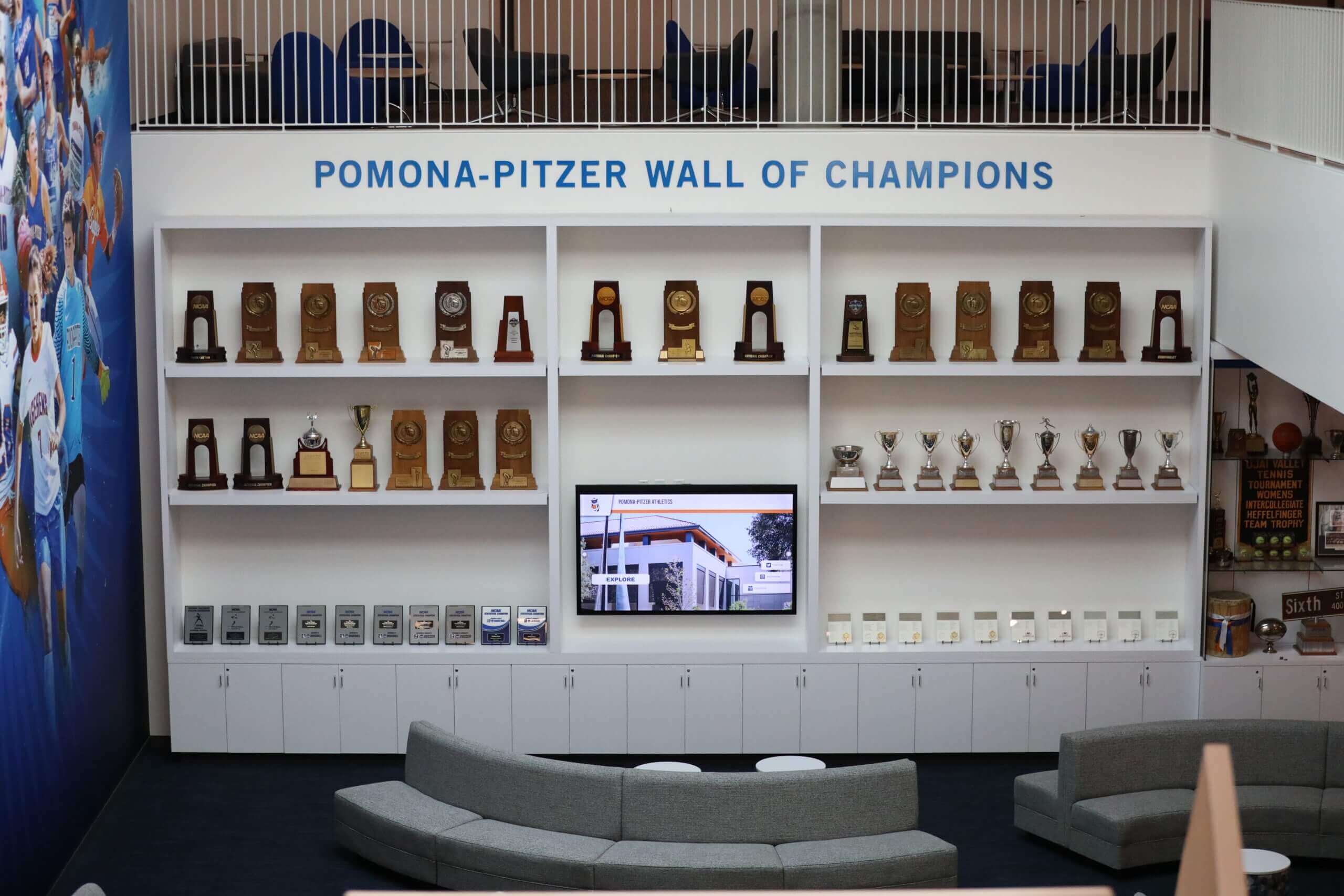
Professional installations demonstrate manufacturer commitment to customer success through accessible product information and support resources
Advanced Features and Emerging Technologies
Sophisticated implementations incorporate additional capabilities enhancing value.
Augmented Reality Integration
Digital enhancement of physical equipment viewing:
Virtual Equipment Placement Customers visualize equipment in their actual facilities through:
- Smartphone camera overlay showing equipment scale and placement
- Dimensional accuracy ensuring fit verification
- Clearance and access path visualization
- Color and finish option preview
- Integration point identification for utilities and connections
Transparent Equipment Views Augmented reality cutaway visualizations reveal:
- Internal component location and arrangement
- Service access point identification
- Wear part location for maintenance planning
- Quality construction demonstration
- Feature explanation through component highlighting
Early adopters report that augmented reality features significantly increase customer confidence in purchase decisions while reducing post-sale installation surprises and complications.
Artificial Intelligence Applications
AI capabilities begin enhancing equipment showcase experiences:
Natural Language Product Search Conversational interfaces enable intuitive exploration:
- Voice or text queries replacing hierarchical navigation
- Context-aware responses understanding intent and requirements
- Personalized recommendations based on stated needs
- Specification comparison assistance
- Application suggestion for described use cases
Intelligent Content Personalization Adaptive experiences respond to user behavior:
- Industry-specific content prioritization based on indicated sector
- Experience level-appropriate explanation depth
- Feature emphasis matching stated priorities
- Competitive comparison automation based on mentioned alternatives
- Follow-up content recommendations matching exploration patterns
Predictive Lead Scoring Machine learning analyzes engagement patterns predicting:
- Purchase intent probability based on interaction characteristics
- Timeline likelihood from urgency signals in behavior
- Budget range indication from configuration and model interest
- Technical sophistication level informing sales approach
- Organizational role inference from content focus
AI integration remains emerging technology with early implementations showing promise, though privacy considerations require careful implementation respecting visitor information control and consent.
Multi-Language Support
Global manufacturers serve diverse language audiences:
Automatic Translation Capabilities Modern platforms enable multi-language content:
- User-selectable language interfaces with prominent flags or language names
- Professional translation services for critical product information
- Machine translation augmentation for extensive content libraries
- Cultural adaptation beyond literal translation
- Consistent terminology across languages maintaining brand voice
Visual-First Content Strategies Minimize language barriers through universal visual communication:
- Diagram and illustration emphasis reducing text dependence
- Numbered procedure sequences with minimal text
- International symbol usage following ISO and industry standards
- Video demonstration with minimal narration
- Dimension and specification callouts using universal units
Manufacturers attending international events report that multi-language support significantly increases engagement from non-native English speaking visitors while demonstrating respect for diverse customer bases.
Implementation Partnerships and Vendor Selection
Successful deployments require appropriate partner selection.
Evaluating Technology Providers
Assessment criteria guide vendor selection:
Event Application Experience
- Prior trade show and event deployments demonstrating relevant expertise
- Portable hardware durability and reliability track record
- Event logistics support capabilities
- Rapid response technical support during events
- Backup equipment and contingency planning services
Content Management Platform Quality
- Intuitive interfaces suitable for marketing staff without technical expertise
- Template systems enabling rapid content creation and updates
- Cross-platform functionality ensuring consistent web and kiosk experiences
- Analytics and reporting capabilities providing actionable insights
- Integration capabilities with CRM, marketing automation, and website platforms
Professional Services Capabilities
- Content strategy consultation and planning assistance
- Photography and videography production services
- User experience design and usability testing
- Training program development and delivery
- Ongoing optimization and support services
Solutions like Rocket Alumni Solutions provide integrated hardware, software, content development, and ongoing support specifically designed for interactive showcase applications, eliminating complexity of coordinating multiple specialty vendors.
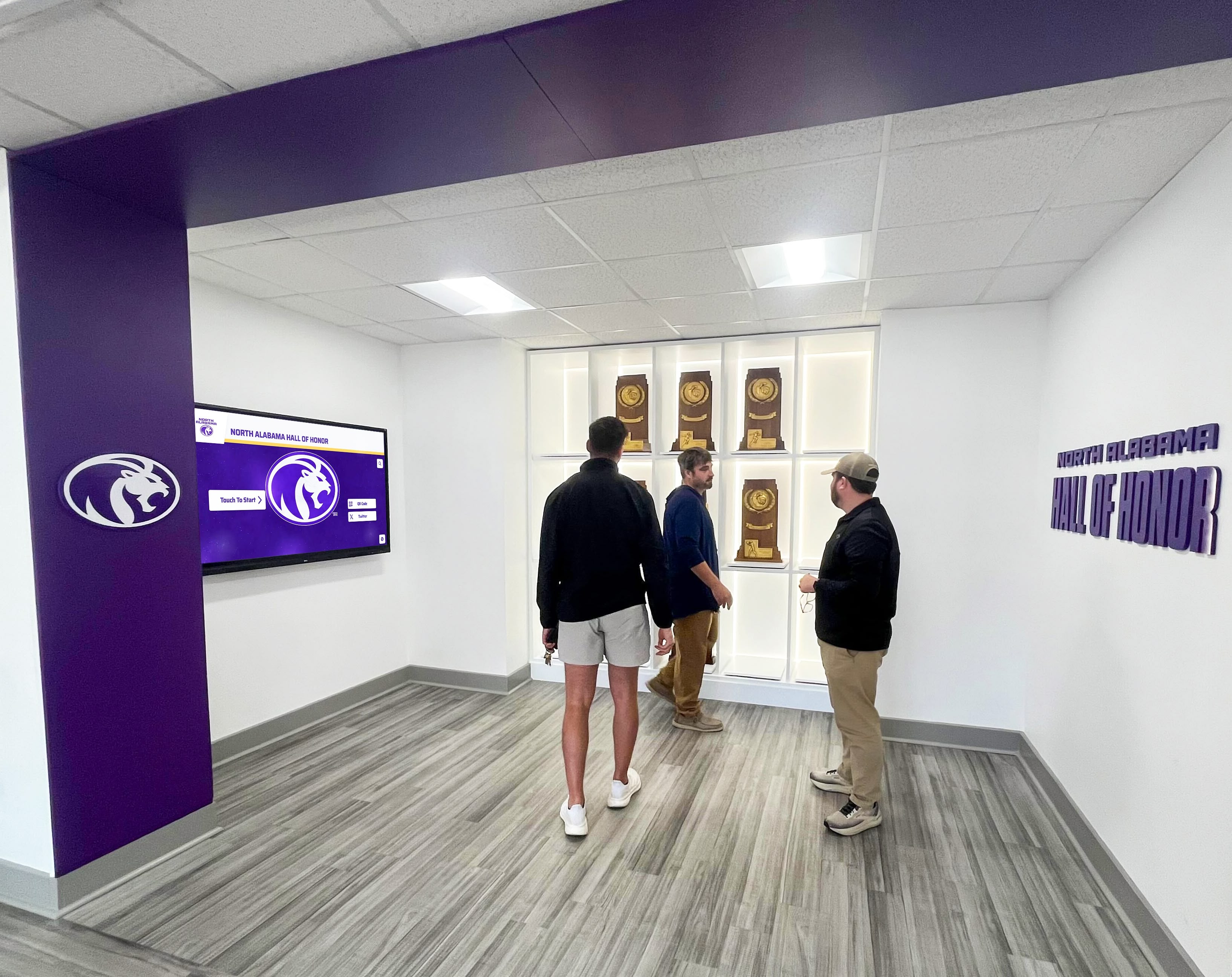
Professional installations create immersive environments where customers explore equipment features through multiple coordinated displays
Integration Requirements
Connect touchscreen systems to existing business platforms:
Website Platform Integration
- Content management system API connections enabling synchronized updates
- Product information database integration showing real-time specifications
- E-commerce platform connections for pricing and configuration
- Analytics platform integration tracking cross-channel engagement
- SEO optimization ensuring searchable product showcase content
Sales and Marketing System Connections
- CRM integration for lead capture and opportunity tracking
- Marketing automation platform connections enabling personalized follow-up sequences
- Sales enablement tool integration providing field representative access
- Event management system connections for attendee data enrichment
- Quote generation system integration streamlining proposal development
Support and Service System Links
- Knowledge base integration providing comprehensive support documentation
- Ticketing system connections enabling direct support requests
- Parts ordering system integration for customer convenience
- Training management platform connections tracking certification completion
- Warranty registration systems capturing customer information
Comprehensive integration creates seamless customer experiences while maximizing operational efficiency and data consistency across systems.
Transform Your Equipment Showcase Strategy
Discover how interactive touchscreen kiosk solutions designed specifically for equipment manufacturers can transform event engagement, accelerate sales cycles, and create consistent product information experiences across events and websites—without requiring technical expertise or overwhelming your team.
Explore SolutionsConclusion: Creating Competitive Advantage Through Interactive Technology
Equipment manufacturers implementing comprehensive touchscreen kiosk solutions for events and functions create significant competitive advantages through enhanced customer engagement, accelerated sales processes, and consistent information accessibility across all customer touchpoints. When thoughtfully designed and professionally executed, these interactive showcases transform how prospects discover, evaluate, and understand complex equipment offerings.
The most effective implementations demonstrate consistent characteristics including genuinely useful product exploration tools serving customer information needs rather than merely digitizing existing marketing materials, cross-platform consistency creating identical experiences at events, on websites, and in permanent installations, content depth accommodating different expertise levels from initial curiosity through detailed technical evaluation, sustainable management systems enabling ongoing content updates by marketing staff without requiring constant technical support, and comprehensive integration with sales, marketing, and customer support processes maximizing operational value.
Manufacturers beginning interactive kiosk implementation benefit from starting with clear customer information needs assessment before technology selection, prioritizing content quality and usability over technical sophistication, selecting partners experienced specifically in equipment showcase applications, planning realistically for ongoing content management and continuous improvement, and measuring success through business outcomes including lead quality and conversion rather than technology metrics alone.
Modern cloud-based platforms eliminate technical barriers that previously made sophisticated interactive showcases accessible only to manufacturers with dedicated IT departments and substantial budgets. Intuitive interfaces, comprehensive training resources, and responsive support services enable equipment manufacturers of all sizes to implement professional touchscreen solutions that engage customers without overwhelming internal resources.
Whether your organization attends a few regional trade shows annually or maintains constant presence across national and international events, interactive touchscreen kiosks that function identically online and at events provide powerful platforms for product education, competitive differentiation, and lead generation. The question isn’t whether interactive technology can enhance your equipment showcase strategy—it’s how quickly you’ll implement solutions that contemporary customers increasingly expect and competitors increasingly deploy.
Ready to explore how interactive touchscreen kiosk solutions can transform your equipment showcase strategy? Learn more about comprehensive platforms designed specifically for equipment manufacturers, discover how manufacturers are leveraging touchscreen technology for trade show success, or explore interactive kiosk implementation strategies for product showcases.































