The Easiest Touchscreen Solution

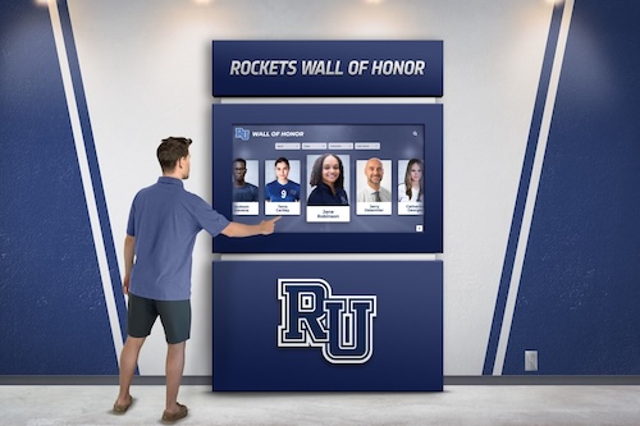
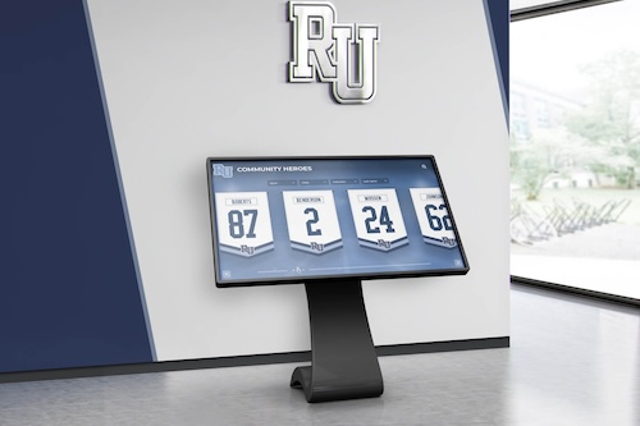

Live Example: Rocket Alumni Solutions Touchscreen Display
Interact with a live example (16:9 scaled 1920x1080 display). All content is automatically responsive to all screen sizes and orientations.
After a school or unit returns from a junior orienteering national championship, recognition editors face a layered results page that can be harder to decode than any map. A single multi-day event produces results for more than a dozen named categories — School Varsity, School Junior Varsity, School Intermediate, School Primary, Intercollegiate Varsity, Intercollegiate JV, Club Mixed, JROTC Varsity, JROTC JV, Air Force JROTC Varsity, Air Force JROTC JV, Navy JROTC Varsity, and Navy JROTC JV — each with its own award table, its own champion, and its own distinct pool of qualifying teams. Compressing any of these into a generic “orienteering championship” entry erases context that cannot be recovered from memory later.
This guide uses the April 10–12, 2026 Flying Pig XXVIII / Junior Nationals — hosted by Orienteering Cincinnati at Hueston Woods State Park (OH) and Mounds State Recreation Area (IN) — as a concrete dated example for recognition editors. The goal is accurate entry-writing: understanding which category produced which result, what the data columns in the results table mean and do not mean, and where qualifier language like “UNOFFICIAL” must be preserved. Source: Orienteering USA event recap, April 2026.
Athletic directors and communications staff who have recognized athletes in other team sports sometimes carry assumptions that do not transfer cleanly to orienteering results. The class structure, the dual-venue multi-day format, and the overlap between school and unit categories all create opportunities for misclassification that can persist on a display for years. Getting each entry right at the moment of creation — from the published category name, with the UNOFFICIAL qualifier where the source applies it — is what this guide addresses.
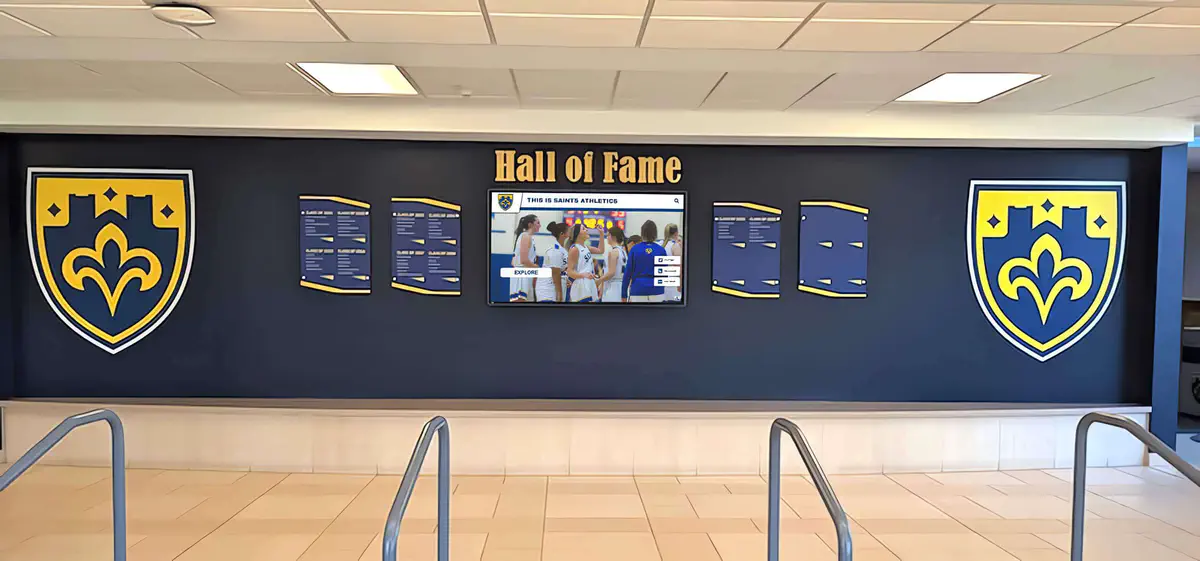
A display that separates team awards by category, event, and year lets each placing stand as its own record — readable at a glance without requiring a visitor to interpret ambiguous shorthand.
The Three-Day Structure: One Weekend, Three Distinct Result Sets
Flying Pig XXVIII ran across three days with a different competition format and a different award status for each day. According to the OCIN event entry information, the schedule was:
- Friday, April 10 — Afternoon Middle Distance Race at Hueston Woods State Park. This is the Flying Pig Middle event. Competitors ran courses open to all ages and abilities. Interscholastic and Intercollegiate participants could enter, but Friday results do not count toward Junior National Championship awards.
- Saturday, April 11 — Classic Distance Race at Mounds State Recreation Area (Day 1 of Junior Nationals). Saturday results are part of the two-day championship total.
- Sunday, April 12 — Classic Distance Race at Mounds State Recreation Area (Day 2 of Junior Nationals). Sunday results complete the two-day championship total.
The significance for recognition editors: a medal, placing, or certificate earned on Friday is a Flying Pig Middle award from the 2026 edition of that event. It is not a Junior National Championship placing, even though it occurred at the same venue on the same weekend. Calling a Friday result a “two-day national title” or combining it with the Saturday–Sunday championship context in a single display entry misrepresents what that result was.
An athlete who placed well on Friday and also earned a Junior National Championship placing on Saturday–Sunday holds two separate honors from the same trip. Each belongs in its own labeled display entry with its own sourcing.

Hallway recognition screens that organize results by event, date, and category help viewers distinguish multi-day championship results from single-day event medals earned at the same venue.
The Category System: Why Classes Are Not Interchangeable
The Junior Nationals / Flying Pig XXVIII team results appear across more than a dozen named category tables. The OCIN published team results present each as a separate table with its own award hierarchy:
- School Varsity
- School Junior Varsity
- School Intermediate
- School Primary (labeled UNOFFICIAL — see below)
- Intercollegiate Varsity
- Intercollegiate JV
- Club Mixed
- JROTC Varsity
- JROTC JV
- AF JROTC Varsity
- AF JROTC JV
- Navy JROTC Varsity
- Navy JROTC JV
Each category has a first place, its own list of placing teams, and its own context. A School Varsity first place and a JROTC Varsity first place are not the same award, even if the same team name appears at the top of both tables. A display entry that says only “1st place, Junior Nationals 2026” is incomplete: it does not tell the viewer which category produced that result.
The entry information page describes distinct classes by school level and competition tier: College Varsity, College Junior Varsity, High School Varsity, Junior Varsity, Intermediate, and Primary. The team award tables further divide by team type: school teams (all members from the same school), JROTC teams (all members from the same unit), and club teams — members from the same orienteering club but different schools. Club Mixed teams may draw from any interscholastic or intercollegiate class levels.
These distinctions define who the award belongs to. A School Intermediate result belongs to the school team, composed of members from that school. A Club Mixed result belongs to the club team, whose members may be from multiple schools. A JROTC result belongs to the unit. When creating a display entry, the recognition editor should identify which of those structures applies to the team being recognized.
The Same Team Name in Multiple Tables
One of the most common sources of display errors in orienteering recognition is seeing the same team name appear in more than one award table and assuming they must represent the same award. They do not.
The 2026 results illustrate this clearly. Troy NJROTC Varsity 1 placed first in the School Varsity table, first in the JROTC Varsity table, and first in the Navy JROTC Varsity table. All three rows describe the same team competing in the same event — but they represent distinct award categories with separate recognition contexts.
For a school’s display: a school that fields a JROTC unit can legitimately celebrate the team’s School Varsity result and the team’s JROTC Varsity result as two separate entries. Neither cancels the other. The team’s membership in a JROTC unit does not remove the school’s ability to recognize the school-category result. A recognition editor should not impose a mutually exclusive rule that bars a verified result from appearing in a display because the team also appears in another table.
Similarly, a team that competes as a school team and also participates in a club category can hold multiple valid results from the same event. The source for each is the specific table in which that placing was published.
| Category table | 1st place team | SAT | SUN | TOTAL |
|---|---|---|---|---|
| School Varsity | Tahoma Varsity 1 | 261.55 | 199.10 | 460.65 |
| School Junior Varsity | Tahoma School JV | 222.25 | 247.68 | 469.93 |
| JROTC Varsity | Troy NJROTC Varsity 1 | 244.95 | 261.78 | 506.73 |
| Navy JROTC Varsity | Troy NJROTC Varsity 1 | 244.95 | 261.78 | 506.73 |
| Intercollegiate Varsity | University of Montana | 177.69 | 170.82 | 348.50 |
| Club Mixed | Evergreen Orienteers | 180.45 | 179.77 | 360.23 |
A display entry for Troy NJROTC Varsity 1’s School Varsity result should source from the School Varsity table. A display entry for the same team’s JROTC Varsity result should source from the JROTC Varsity table. Both are verifiable. Neither is fabricated. And the award tables confirm they are different categories.

A school hallway recognition wall that labels each award by sport, category, and year lets teams with results in multiple divisions show each placing distinctly without crowding or conflation.
Understanding the SAT / SUN / TOTAL Columns
The OCIN published team results show three numeric columns for each team: SAT, SUN, and TOTAL. These values determine team placing within each category table, with a lower TOTAL indicating a better standing.
A few things these values are not, and should not become in a display entry:
- They are not raw elapsed times for individual athletes.
- They are not the fastest course time recorded at the event.
- They are not the sum of all teammates’ finishing times.
- They do not, by themselves, establish a school all-time record.
The entry information page describes a scoring system in which the best three results from each of the two championship days contribute to standings, with a compensation mechanism for the fact that teammates may run on different courses. The displayed TOTAL reflects that scoring framework. A recognition editor who includes a team score in a display entry should do so in a way that is accurate to the category and placed alongside the team name, event name, and placing — not rephrased as a time record or compared to results from a different event without independent verification.
The School Primary UNOFFICIAL Qualifier
The OCIN team results page labels the School Primary category explicitly as School Primary (unofficial). The placings listed under that header are published placings within that unofficial category.
For recognition editors, this qualifier must be preserved in any display entry that references School Primary results. The source itself does not describe School Primary placings as official championship results. Creating a display entry that removes “unofficial” or uses language suggesting a School Primary placing was equivalent to a Junior National Championship placing would misrepresent the sourced record.
A school whose athletes competed in the Primary age range can recognize participation in the 2026 Flying Pig XXVIII / Junior Nationals and note the team’s published placing in the School Primary category. The entry should retain the UNOFFICIAL qualifier as it appears in the source.
Roster Notes: What the Sources Say and Do Not Resolve
Recognition editors who want to verify roster-level details for a team will find that the two primary sources describe team size in slightly different terms. The OUSA event recap describes “teams of three to five athletes.” The OCIN entry information describes teams of two to five members, with best-three times contributing to standings.
This guide does not resolve those descriptions into a universal roster-size rule or eligibility statement. For verified roster information, editors should work from official records provided by the school, unit, or event organizer — not from either general description in a recap or entry page.
What matters for display accuracy is that a team’s verified roster may include more members than the number of score-contributing results. A verified teammate whose result contributed on one day, but whose result was not among the best three on the other day, is still a verified member of that team. A display entry that lists team members should reflect verified membership, not an inference about who “must have” contributed based on an assumed scoring rule.
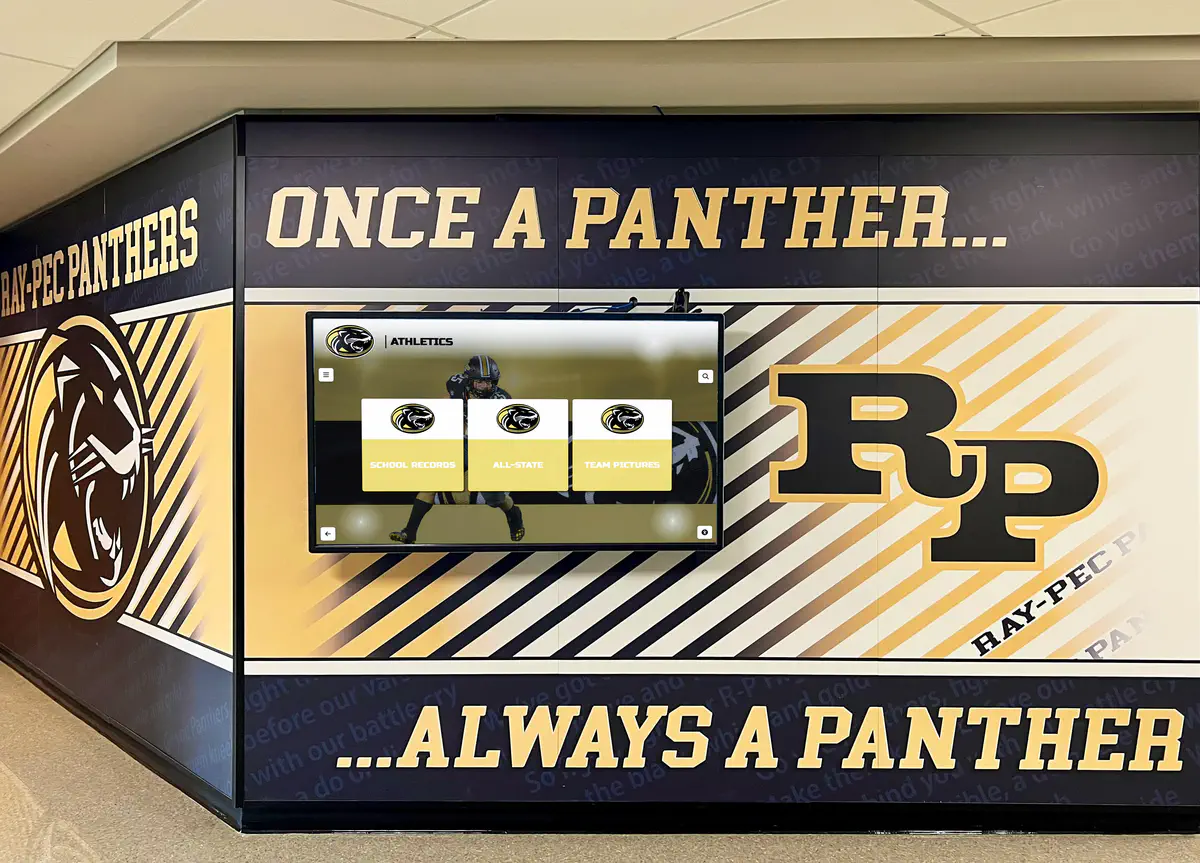
A recognition screen built into school hallway murals can carry team results at the category and year level, keeping each placing readable alongside the visual identity of the program.
Full Published Team Standings
The tables below present the published team standings from the OCIN 2026 Flying Pig XXVIII team results page for the main interscholastic and intercollegiate categories. TOTAL values are as published; see the note above on what these values represent and do not represent. The School Primary table retains its published UNOFFICIAL label.
| Place | Team | SAT | SUN | TOTAL |
|---|---|---|---|---|
| 1 | Tahoma Varsity 1 | 261.55 | 199.10 | 460.65 |
| 2 | Troy NJROTC Varsity 1 | 244.95 | 261.78 | 506.73 |
| 3 | North Navigators | 333.51 | 244.68 | 578.19 |
| 4 | CRLS Falcons | 310.01 | 276.74 | 586.76 |
| 5 | Brighton Bulldogs | 304.13 | 320.29 | 624.42 |
| 6 | Tahoma Varsity 2 | 450.02 | 259.28 | 709.29 |
| 7 | Vipers | 368.08 | 344.44 | 712.53 |
| 8 | Union County Patriots Varsity | 385.01 | 351.77 | 736.78 |
| 9 | Air Warriors | 423.91 | 446.88 | 870.80 |
| 10 | Troy NJROTC Varsity 2 | 450.75 | 444.72 | 895.47 |
| 11 | Bremerton Knights | 457.69 | 440.88 | 898.58 |
| 12 | Woodlands AFJROTC | 576.19 | 383.06 | 959.25 |
| 13 | Hamilton NJROTC | 539.20 | 516.47 | 1055.68 |
| 14 | Nevada Flying Tigers | 564.09 | 584.33 | 1148.42 |
| Place | Team | SAT | SUN | TOTAL |
|---|---|---|---|---|
| 1 | Tahoma School JV | 222.25 | 247.68 | 469.93 |
| 2 | Troy NJROTC JV 1 | 261.36 | 214.06 | 475.41 |
| 3 | CRLS Falcons JV | 214.80 | 279.50 | 494.30 |
| 4 | Arlington 61st Eagles | 281.69 | 338.54 | 620.23 |
| 5 | Air Warriors JV | 389.56 | 275.48 | 665.04 |
| 6 | Wheeler Trail Blazers | 407.62 | 289.54 | 697.16 |
| 7 | Troy NJROTC JV 2 | 513.60 | 403.90 | 917.50 |
| 8 | Pathfinders | 441.20 | 575.59 | 1016.79 |
| 9 | Woodlands AFJROTC JV | 539.92 | 668.61 | 1208.53 |
| 10 | Hamilton NJROTC JV | 624.01 | 762.48 | 1386.49 |
| Place | Team | SAT | SUN | TOTAL |
|---|---|---|---|---|
| 1 | Summit Trail | 211.78 | 228.92 | 440.70 |
| 2 | Union County Patriots Red | 242.53 | 231.86 | 474.40 |
| 3 | Bremerton Squires | 261.10 | 277.48 | 538.58 |
| 4 | Union County Patriots Blue | 523.88 | 378.38 | 902.26 |
| Place | Team | SAT | SUN | TOTAL |
|---|---|---|---|---|
| 1 | Seattle Country Day Wildcats | 192.27 | 194.38 | 386.65 |
| 2 | Candlebrook | 816.83 | 2108.26 | 2925.08 |
| Place | Team | SAT | SUN | TOTAL |
|---|---|---|---|---|
| 1 | University of Montana | 177.69 | 170.82 | 348.50 |
| 2 | USMAOC Black | 183.23 | 190.42 | 373.65 |
| 3 | USMAOC Platinum | 212.79 | 210.27 | 423.06 |
| 4 | USMAOC Gold | 223.75 | 223.56 | 447.30 |
| 5 | USMAOC Beryllium | 400.17 | 295.28 | 695.45 |
Blank Caption Worksheets
The worksheets below are blank editorial planning tools. Fill each from verified primary source documents — the OCIN team results page, the OUSA event recap, or confirmed information from the school, unit, or coach — before creating any display entry. A blank field means more research is needed, not that the field can be inferred from memory or a general account.
Worksheet A — School or Unit Team Placing
| Field | Your verified entry |
|---|---|
| Event name and edition (e.g., Flying Pig XXVIII / Junior Nationals) | |
| Event dates (e.g., April 11–12, 2026 for championship days) | |
| Venues (day-by-day if applicable) | |
| Award category table (exact name: School Varsity, JROTC JV, Club Mixed, etc.) | |
| Team name as listed in published results (including any numerical suffix) | |
| Place (1st, 2nd, 3rd, etc.) | |
| UNOFFICIAL qualifier applies? (Yes for School Primary per source; verify for all categories) | |
| SAT / SUN / TOTAL values (as published; not relabeled as times or records) | |
| Source URL and date accessed |
This table is a blank editorial planning aid. It is not a submission form or required import schema.
Worksheet B — Individually Verified Award
| Field | Your verified entry |
|---|---|
| Award name or class (exact name from official individual results) | |
| Class level and gender as listed (e.g., High School Varsity Female) | |
| Place or finish | |
| Athlete name (from official results) | |
| School or unit affiliation as listed in results | |
| Event day (Friday Flying Pig Middle — or Saturday–Sunday Junior Nationals) | |
| Source URL and date accessed |
This table is a blank editorial planning aid. It is not a submission form or required import schema.
Editing Checklist Before Publishing
Before finalizing any orienteering championship display entry, work through this checklist:
- Event day is specified. Is this a Friday Flying Pig Middle result or a Saturday–Sunday Junior Nationals result? They are not interchangeable, and the same athlete can hold both when separately supported.
- Category name is exact. Does the entry name the specific award table — School Varsity, JROTC JV, Club Mixed — rather than a generic “orienteering championship”?
- Team name is exact. Does the entry use the team name as listed in the published results, including any numerical suffix (e.g., Tahoma Varsity 1, not just Tahoma)?
- UNOFFICIAL qualifier is preserved if the entry describes a School Primary placing.
- A team placing is not described as an individual title, and an individual result is not described as a team placing.
- SAT/SUN/TOTAL values, if shown, are not relabeled as raw elapsed times, fastest-course records, or summed teammate times.
- Source URL and date accessed are recorded in the entry file or editor notes, even if not displayed publicly.
- Verified teammates are not omitted based on an assumed scoring rule about how many members “must have” contributed to the final score.
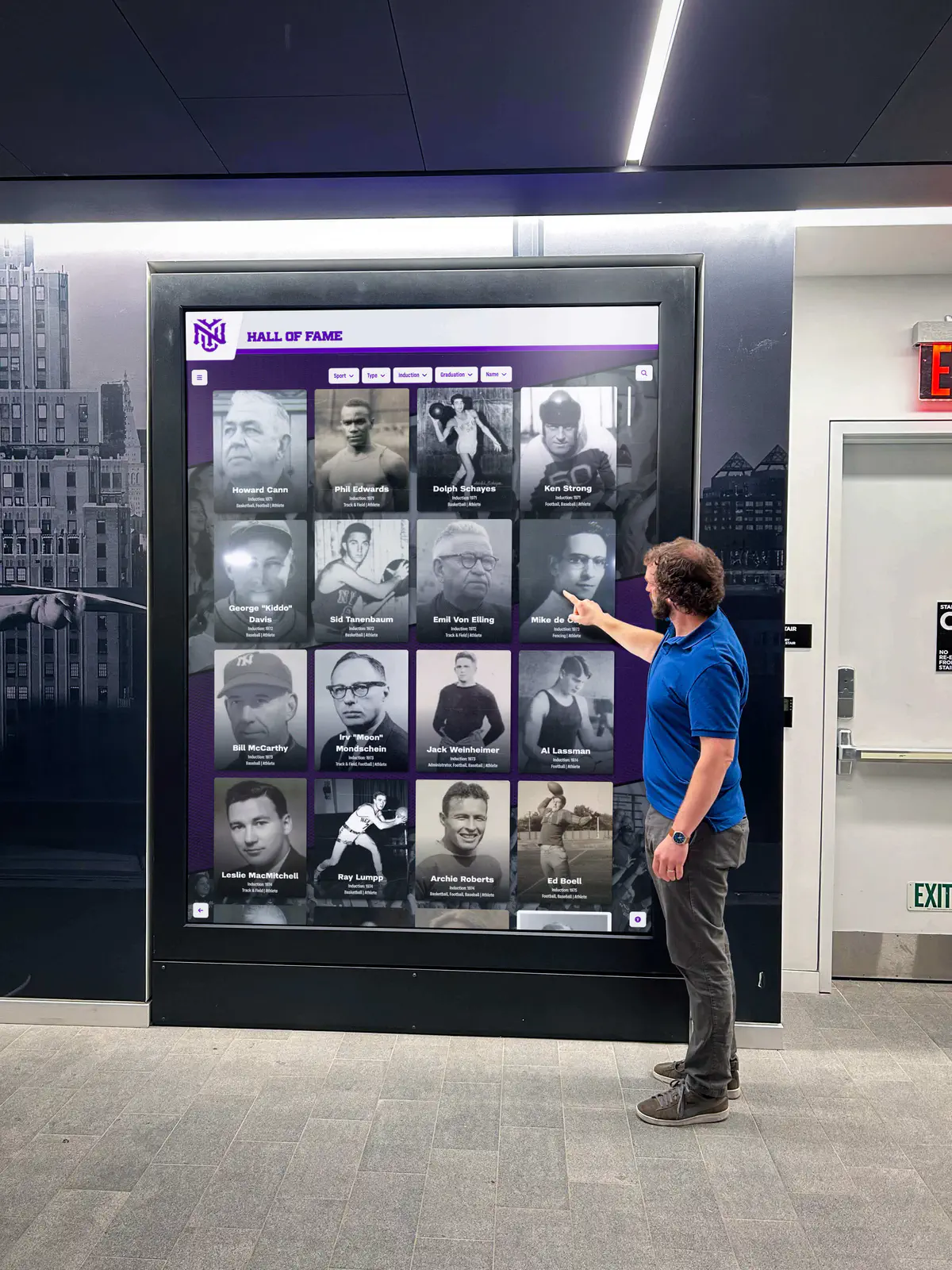
A recognition display that organizes achievements by category, year, and event lets visitors — including returning athletes and families — navigate to specific results without ambiguity.
Carrying Multi-Category Results in a Lasting Display
Orienteering results have an unusually high category density for a single event weekend. A school or unit that placed in School Varsity, JROTC Varsity, and Navy JROTC Varsity at the same event holds three distinct results, each belonging in a separate labeled entry. A school whose athletes competed in School JV and also formed part of a Club Mixed team holds two distinct results for two different team types.
A physical trophy case or printed program is typically limited to one or two lines per achievement, which creates pressure to merge or simplify. That compression is where accuracy is lost: a “1st place, 2026 Junior Nationals” label on a single trophy says nothing about which of the thirteen category tables produced that result, and it cannot indicate which team type the award belongs to.
A digital record can carry each of these layers as a separate dated entry — event name, category table, team name, place — without crowding the other results out of view. When a future editor needs to verify or update a result, the category name in the entry gives them an exact path back to the source table. Approaches for organizing season rosters and team photos alongside results can help orienteering programs build a consistent file for each championship season before entries are finalized — particularly for programs that field teams across multiple categories in the same event.
Talk with our team about displaying your school’s orienteering championship results
Live Example: Rocket Alumni Solutions Touchscreen Display
Interact with a live example (16:9 scaled 1920x1080 display). All content is automatically responsive to all screen sizes and orientations.