



Schools and large districts planning multi-location digital recognition systems face a troubling discovery during vendor evaluations: the attractive base pricing advertised for digital trophy cases and recognition displays often covers only single implementations. When you reveal plans for screens in the gym, lobby, cafeteria, athletic facilities, and multiple buildings across your district, many vendors suddenly introduce per-screen licensing fees, device limits, or tiered pricing structures that multiply costs far beyond initial quotes.
This pricing structure penalizes precisely the institutions that would benefit most from comprehensive recognition networks—large districts wanting coordinated displays across campuses, schools seeking recognition coverage in multiple facilities, and organizations planning touchscreen networks that serve diverse audiences. The hidden costs emerge only after evaluation investments and stakeholder commitments, creating budget crises and forcing scaled-back implementations that undermine original vision.
This comprehensive guide clarifies how different digital recognition providers handle multi-screen pricing, exposes common hidden cost structures that catch schools by surprise, and explains why Rocket Alumni Solutions takes a fundamentally different approach: one subscription covering unlimited touchscreens across all your locations with transparent pricing and no device limits.
Schools implementing comprehensive digital recognition networks across multiple buildings report that understanding multi-screen pricing models before vendor selection proves critical to avoiding budget overruns, scope reductions, and stakeholder disappointment. The difference between vendors charging per-screen fees and providers offering unlimited device licensing can represent tens of thousands of dollars over contract lifetimes.

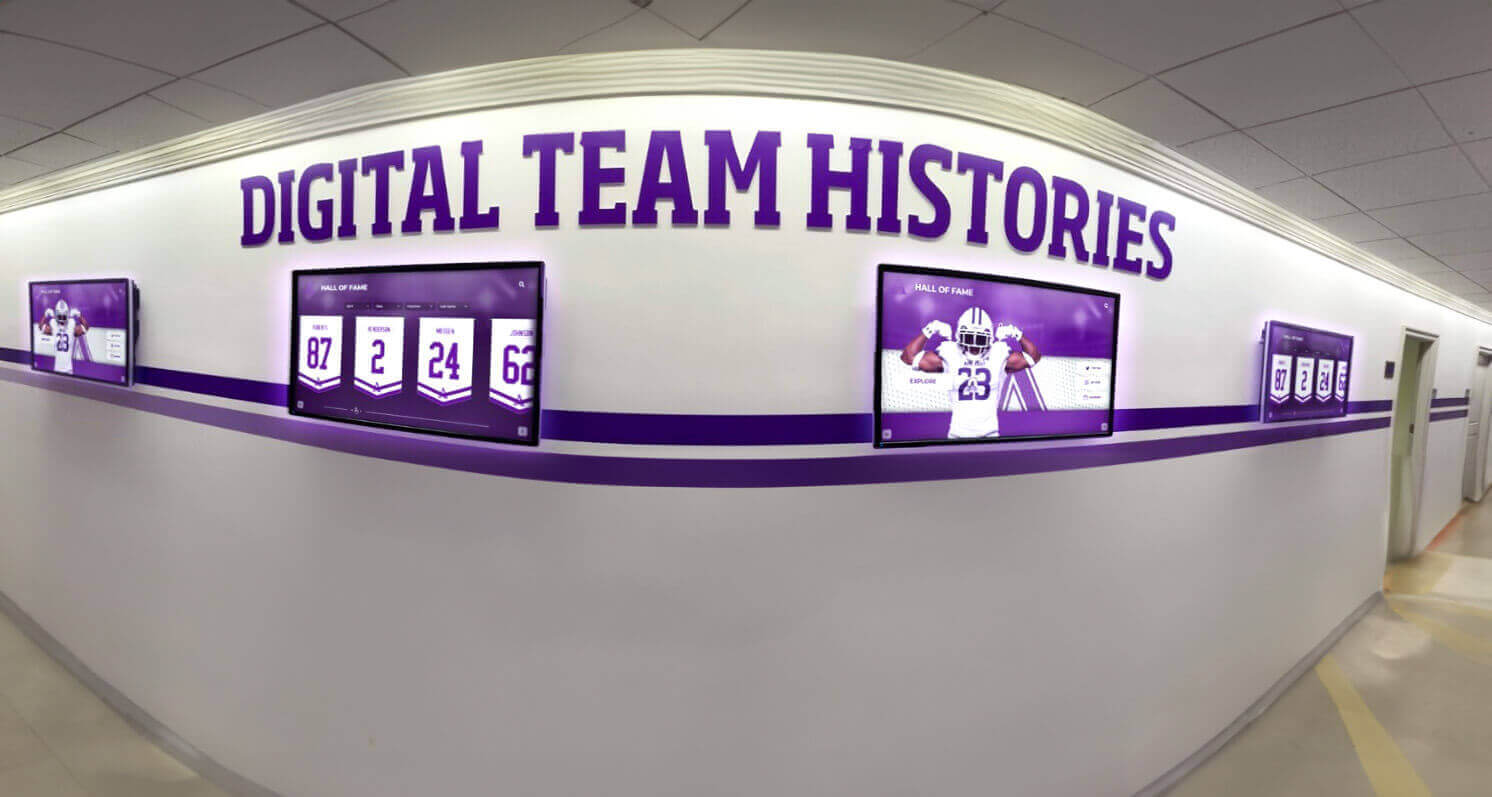
Comprehensive recognition networks with multiple coordinated displays across facilities require transparent pricing models that don't penalize expansion
Understanding Multi-Screen Digital Recognition Pricing Models
Before committing to vendors, schools benefit from understanding how different providers structure pricing for networks of digital displays across multiple locations.
The Single-Screen Base Pricing Trap
Many digital recognition providers advertise attractive base pricing that appears affordable during initial evaluation:
Typical Base Pricing Presentations
Sales materials and website pricing pages feature prominent base packages that include hardware, software licensing, installation, and initial content development. Schools evaluate these packages, confirm budget feasibility, and proceed with vendor selection processes. The advertised pricing typically covers:
- Single touchscreen display with mounting hardware
- Basic software platform licensing for that display
- Standard installation and setup services
- Starter content templates and training
- First-year support and maintenance
These base packages legitimately reflect single-display implementations for schools planning lobby-only installations or pilot programs. According to EdTech Magazine, approximately 60% of schools begin digital display programs with single-screen pilots before expanding to comprehensive networks.
When Multi-Screen Plans Emerge
Problems surface when schools reveal actual implementation plans requiring displays across multiple locations. During detailed planning conversations, schools learn that base pricing covered only the first screen. Additional displays require:
- Per-screen software licensing fees ($500-$3,000 annually per additional display)
- Device tier upgrades moving to “enterprise” or “district” licensing levels
- Separate content management subscriptions for each building
- Multiple installation projects with separate service charges
- Building-specific technical support contracts
Common Hidden Cost Structures
Understanding typical hidden fee frameworks helps schools recognize pricing risks during evaluation:
Per-Screen Licensing Models
The most common hidden cost structure charges separate software licensing for each display beyond the first. Vendors justify this approach by positioning additional screens as “separate deployments” requiring distinct platform instances. Schools planning five-display networks discover that $2,000 annual software licensing balloons to $10,000 when per-screen fees apply.
Some vendors offer marginal discounts for multiple screens (second device at 80% of full price, third at 70%, etc.), but total costs still scale linearly with display quantity. Districts planning comprehensive recognition across ten buildings face software licensing alone exceeding $15,000-$25,000 annually before hardware or installation expenses.

Schools planning comprehensive touchscreen networks across buildings need pricing transparency to avoid budget surprises
Device Limit Tier Structures
Alternative pricing models establish device limits within licensing tiers. Base “School” packages might include software for up to three displays. Schools requiring four or more screens must upgrade to “District” tiers at substantially higher annual costs—even if they need only one additional display beyond the tier threshold.
These tier structures create perverse incentives where schools limit recognition coverage to avoid crossing pricing thresholds. A district wanting displays in six buildings might deploy only three to stay within affordable licensing tiers, artificially constraining their recognition program to fit arbitrary vendor pricing structures rather than actual institutional needs.
Location-Based Pricing Multipliers
Some vendors charge based on number of buildings or campuses rather than individual screens. While this approach may benefit schools deploying multiple displays within single buildings, it penalizes districts with recognition needs across numerous facilities. Multi-campus implementations face location fees that multiply regardless of how many displays operate at each site.
Districts operating fifteen schools discover that even modest per-location fees ($500-$1,500 annually per building) accumulate to $7,500-$22,500 in location-based software licensing before considering hardware, installation, content development, or support services.
Concurrent User or Session Limits
Sophisticated hidden fee structures limit simultaneous users or interactive sessions across display networks. Base packages might include software supporting ten concurrent users. Schools deploying displays in multiple high-traffic locations quickly exceed these limits during peak periods like lunch hours, athletic events, or evening programs.
Vendors offer higher concurrent user limits through tier upgrades or usage-based pricing. Schools discover that their base licensing supports only a fraction of actual utilization, requiring expensive upgrades to accommodate normal usage patterns across their display network.
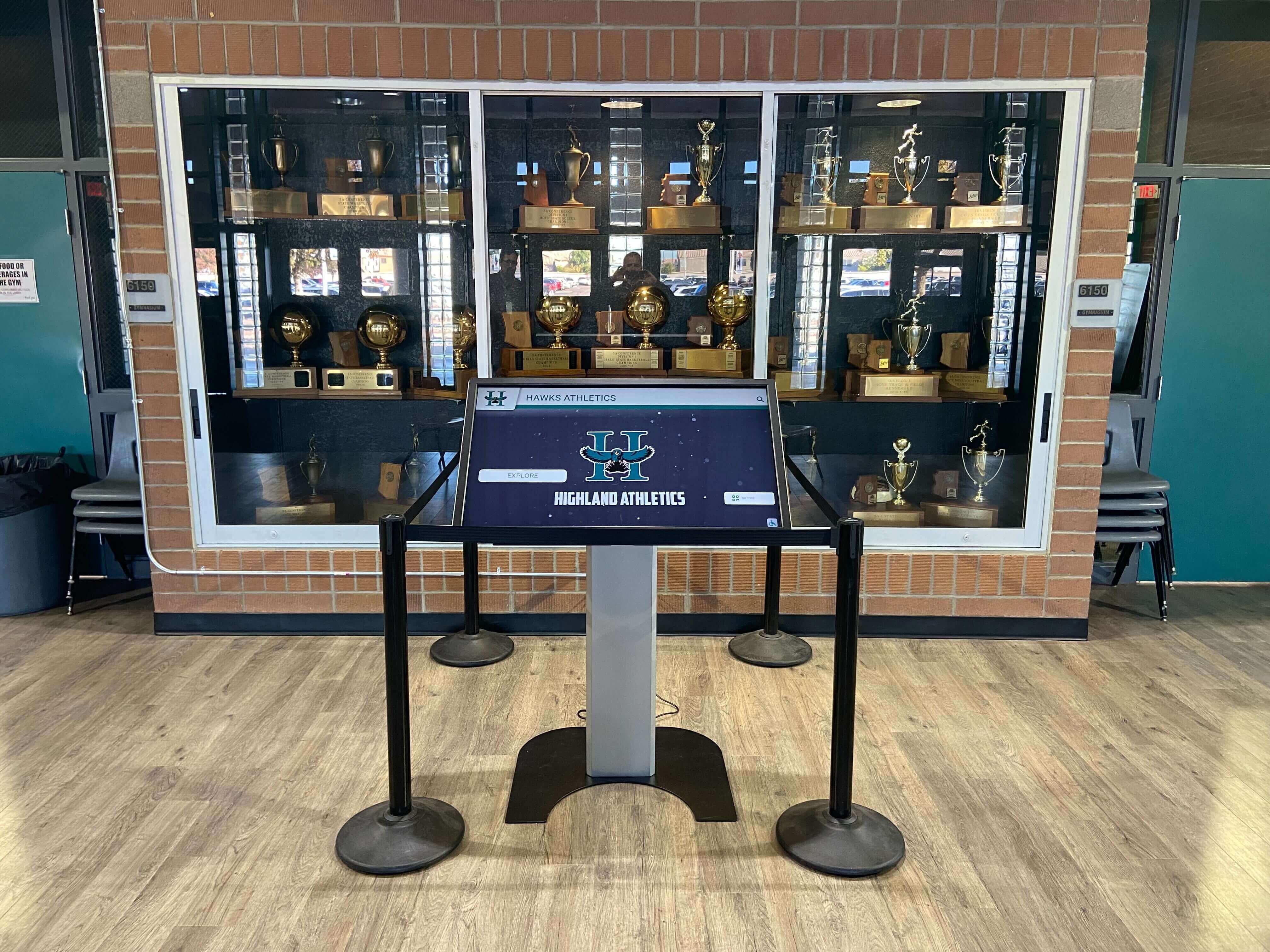
Athletic facilities represent common secondary locations where districts want recognition displays without triggering per-screen licensing fees
Who Gets Caught by Multi-Screen Hidden Costs
Understanding which institutions face greatest risk from hidden per-screen fees helps organizations evaluate whether vendor pricing models match their deployment plans.
Large Districts Planning Recognition Networks
Multi-building school districts represent prime targets for hidden per-screen cost structures:
District-Wide Recognition Programs
Districts implementing coordinated recognition across elementary, middle, and high schools require displays in numerous buildings. Digital recognition networks serving large districts might include:
- Main displays in each school’s entrance lobby
- Athletic facility recognition screens in gyms and field houses
- Administrative building displays highlighting district achievements
- Career technical education center showcases
- Fine arts facility recognition for performing arts programs
- Community education center displays
Districts operating ten school buildings planning two displays per facility require twenty-screen networks. Per-screen licensing at $1,500 annually totals $30,000 in software fees alone—before hardware, installation, or content development. Districts discovering these costs only after vendor selection often scale back to flagship installations in high schools only, eliminating elementary and middle school recognition entirely to fit within original budgets.
Coordinated Content Across Campuses
Districts value consistent branding and coordinated content presentation across all schools. Per-screen or per-building pricing models sometimes require separate content management for each location, preventing efficient centralized administration. IT directors find themselves managing ten different platform instances rather than single district-wide systems, multiplying administrative workload while increasing licensing costs.
Schools with Multiple Building Locations
Even single schools operating across multiple facilities encounter multi-screen pricing challenges:
Main Campus and Auxiliary Facilities
Schools with separate buildings for different functions plan displays for diverse locations:
- Main academic building lobbies
- Separate athletic complexes or field houses
- Performing arts centers or auditoriums
- Science and technology buildings
- Administrative office facilities
- Alumni centers or development offices
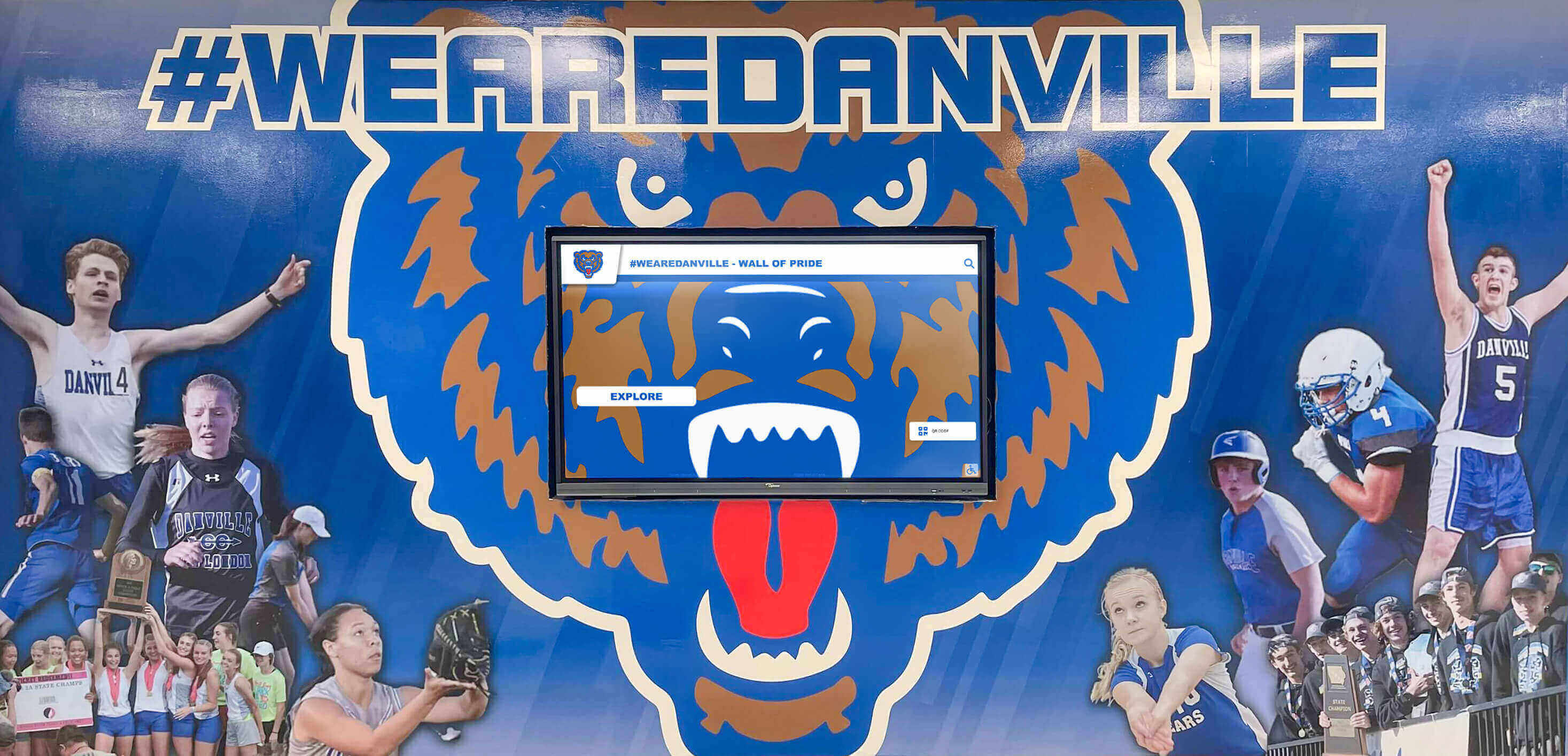
Athletic complexes represent separate buildings where schools want coordinated recognition without additional licensing fees
Schools operating six separate buildings discover that vendors charging per-building fees or per-screen licensing make comprehensive recognition financially prohibitive. Recognition becomes limited to the main academic building, leaving athletic achievements, performing arts recognition, and alumni engagement displays unfunded due to hidden cost structures.
Organizations Wanting Diverse Recognition Categories
Institutions seeking different content on displays across multiple locations face particular challenges:
Location-Specific Content Requirements
Schools value displays presenting relevant content for each location’s context and audience:
- Gym displays: Athletic recognition, team rosters, records, and championships
- Main lobby displays: General school information, upcoming events, academic achievements
- Cafeteria displays: Daily announcements, lunch menus, student activities
- Administrative offices: Staff directories, parent resources, procedural information
- Alumni centers: Graduate recognition, giving societies, historical timelines
This distribution represents precisely the comprehensive recognition networks that generate greatest value—yet triggers maximum per-screen fees under hidden cost structures. Vendors charging separately for each display or each content category force schools to consolidate into single-location implementations showing generic content rather than location-optimized recognition serving specific audiences.
Organizations implementing digital signage across multiple screens with distinct content needs particularly benefit from unlimited-device licensing that doesn’t penalize comprehensive deployments with diverse content strategies.
How Rocket Alumni Solutions Approaches Multi-Screen Pricing
Rocket Alumni Solutions structures licensing fundamentally differently than vendors imposing per-screen fees or device limits.
One Subscription, Unlimited Touchscreens
The core principle distinguishing Rocket’s pricing model from per-screen competitors:
No Per-Screen Licensing Fees
Schools purchase Rocket Alumni Solutions software subscriptions based on institution size and feature requirements—not display quantity. Once subscribed, districts deploy the platform on as many touchscreen displays as needed across all buildings and campuses without additional device fees.
This approach enables schools to implement comprehensive recognition networks matching actual institutional needs rather than artificial limitations imposed by vendor pricing structures. A district wanting displays in fifteen buildings across three campuses accesses identical per-building costs as a single school with one lobby display—because Rocket doesn’t charge per screen.
No Arbitrary Device Limits
Rocket subscriptions include unlimited touchscreen licensing regardless of tier. Schools selecting basic packages receive unlimited device deployment equally to districts purchasing comprehensive enterprise subscriptions. Device quantity doesn’t trigger tier upgrades or require special approvals.
This licensing structure eliminates the perverse incentives that force schools to limit recognition coverage to stay within pricing tiers. Districts plan deployments based on where recognition adds value rather than how many displays fit within software licensing limits.
Transparent Subscription Pricing
Rocket’s pricing model provides clear subscription costs unaffected by deployment scope:
- Institution-size tiers based on student enrollment or organizational scale
- Feature packages distinguishing basic from comprehensive capabilities
- Fixed annual subscriptions with predictable renewal costs
- No usage-based fees or session limits
- No location fees or building-based multipliers
Schools know total software costs before deployment planning, enabling accurate budgeting for comprehensive implementations without hidden fee discoveries derailing projects midstream.
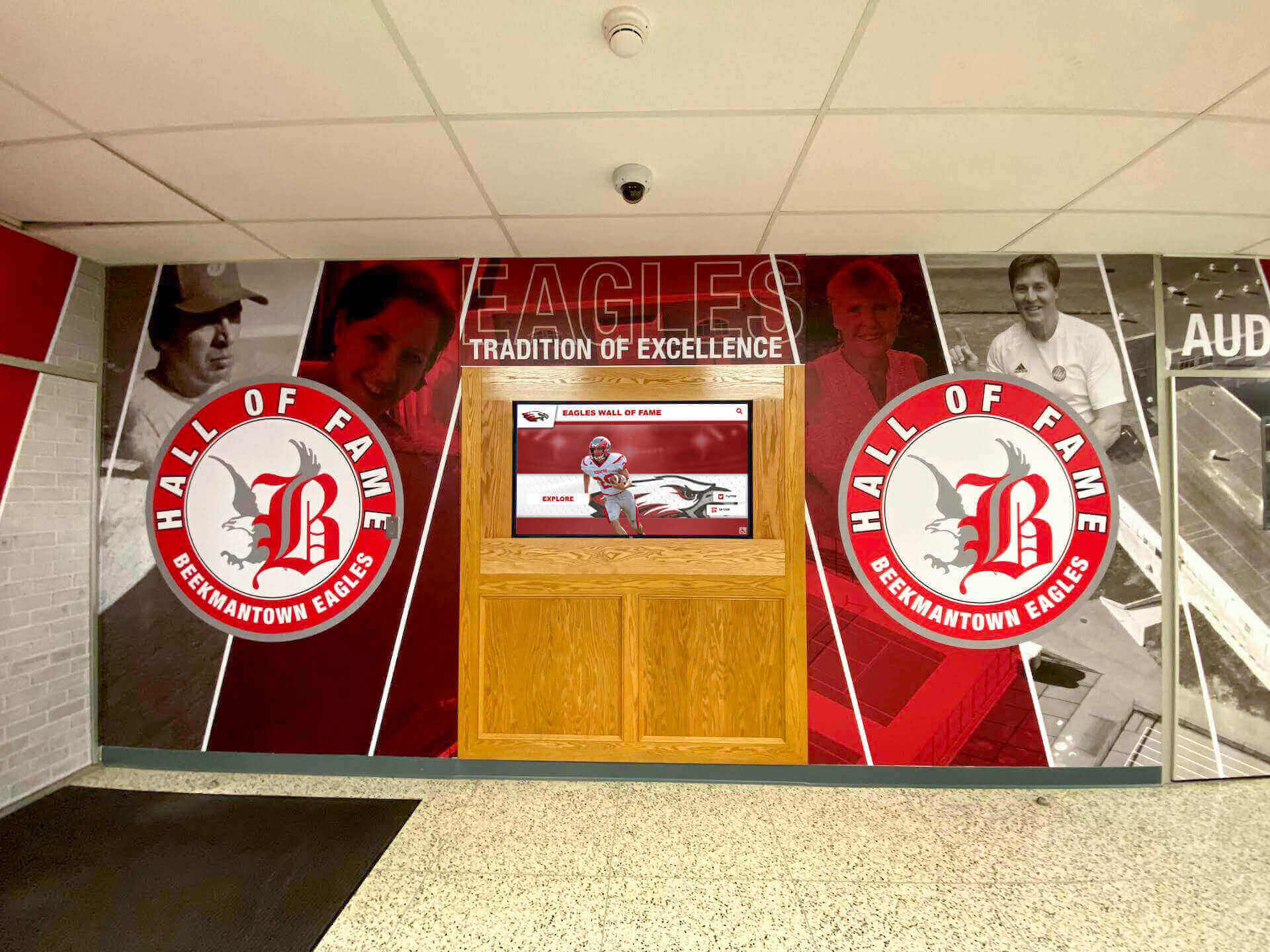
Schools can deploy displays in multiple locations like lobbies, hallways, and athletic areas without triggering per-screen fees
Centralized Management Across All Displays
Beyond eliminating per-screen fees, Rocket provides operational advantages for multi-screen deployments:
Single Platform Instance
Districts manage all displays across all buildings through one centralized platform rather than separate instances for each location. IT directors log into single dashboards controlling:
- Content across all district displays simultaneously
- Individual screen configurations when location-specific customization matters
- User permissions and role-based access across the entire network
- Analytics and engagement data aggregated district-wide
- Template libraries and media assets shared across locations
Centralized management dramatically reduces administrative workload compared to vendors requiring separate platform instances for each building or per-screen management.
Coordinated Content Distribution
Schools distribute content efficiently across display networks:
- Publish district-wide announcements appearing on all displays simultaneously
- Target location-specific content to appropriate building groups
- Maintain consistent branding and template standards across all screens
- Update content once rather than separately for each display
- Schedule coordinated campaigns rolling out across entire networks
This centralized content distribution becomes particularly valuable for district recognition programs and multi-screen digital signage networks requiring consistent presentation while accommodating building-specific customization.
Flexible Display Configurations
Rocket’s architecture supports diverse display configurations within single subscriptions:
- Different screen sizes and hardware across locations
- Mixed interactive touchscreen and passive display-only screens
- Varied content categories and recognition types per location
- Independent update schedules and content rotation frequencies
- Location-specific access control and content permissions
This flexibility enables schools to optimize each display for its specific context and audience without requiring additional licensing or tier upgrades.
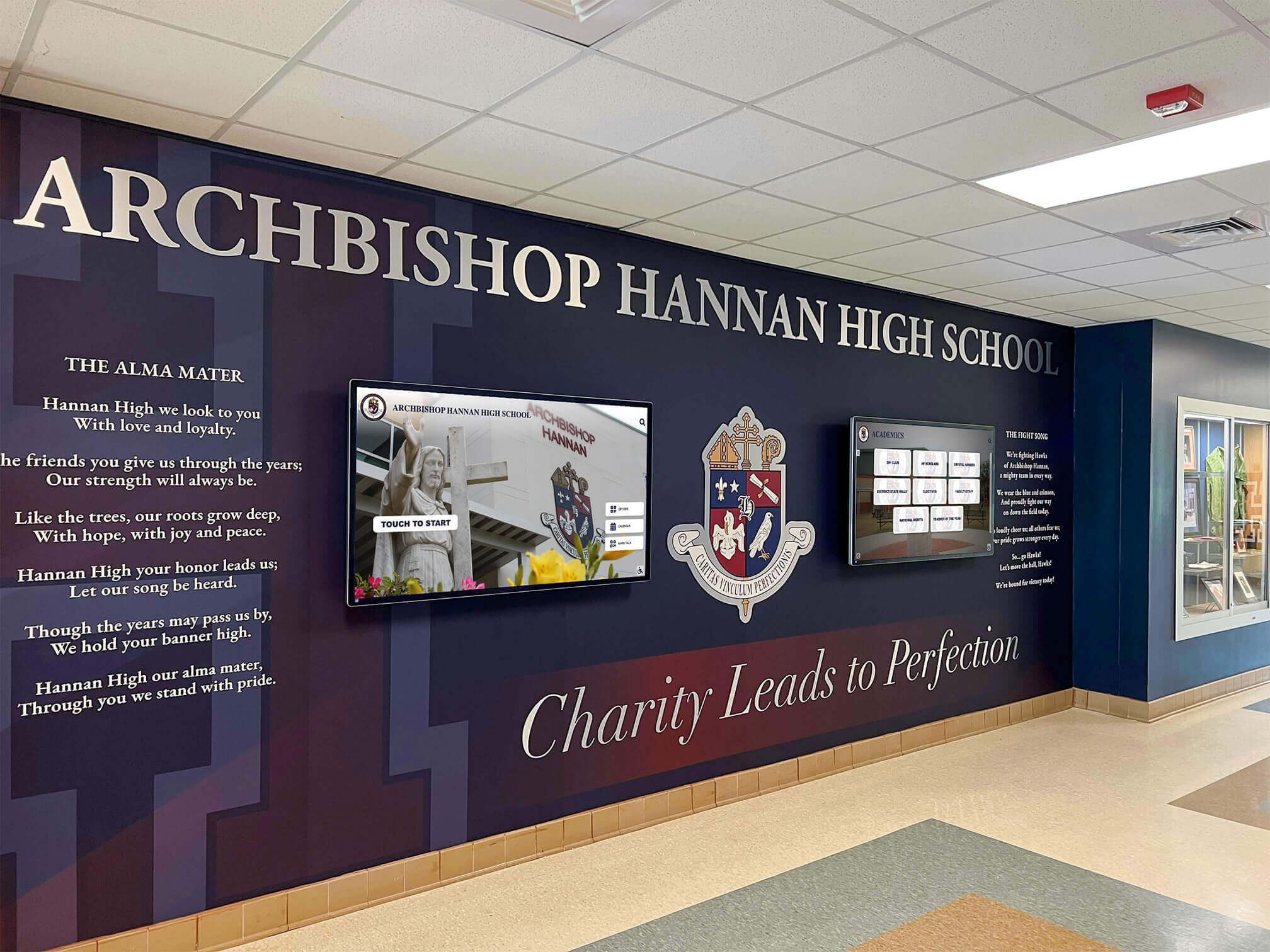
Coordinated multi-screen installations create comprehensive recognition environments without per-screen licensing multiplying costs
Cost Comparison: Per-Screen vs. Unlimited Licensing
Quantifying the financial impact of different multi-screen pricing approaches clarifies why unlimited licensing matters for comprehensive implementations.
Small District Scenario: Five Schools, Ten Displays
Consider a district operating five schools planning two displays per building (main lobby and athletic facility):
Per-Screen Licensing Model
Hypothetical vendor charging per-screen software fees:
- Base software subscription: $3,000 annually (includes first display)
- Additional screen licensing: $1,500 per display annually
- Total displays needed: 10 screens
- Annual software licensing: $3,000 + (9 × $1,500) = $16,500
- Five-year total software cost: $82,500
Hardware, installation, and content development costs remain equivalent between vendors, but software licensing alone consumes substantial budget.
Rocket Unlimited Licensing Model
Same district selecting Rocket Alumni Solutions:
- District software subscription: $4,500 annually (unlimited displays, based on district size)
- Additional screen licensing: $0 (unlimited touchscreens included)
- Total displays deployed: 10 screens (or more if desired)
- Annual software licensing: $4,500
- Five-year total software cost: $22,500
Savings over five years: $60,000 in software licensing costs avoided, enabling investment in additional displays, enhanced content development, or other educational priorities.
Large District Scenario: Fifteen Schools, Forty Displays
Districts operating numerous buildings with multiple displays per facility realize even more substantial savings:
Per-Screen Licensing Model
Hypothetical vendor with tiered per-screen pricing:
- Enterprise base subscription: $8,000 annually (includes five displays)
- Additional screens (6-20): $1,200 each annually
- Additional screens (21+): $1,000 each annually
- Total displays: 40 screens
- Annual software licensing: $8,000 + (15 × $1,200) + (20 × $1,000) = $46,000
- Five-year total software cost: $230,000
Some vendors offer slight per-screen discounts at scale, but costs still multiply dramatically with display quantity.
Rocket Unlimited Licensing Model
Same large district with Rocket Alumni Solutions:
- Large district subscription: $12,000 annually (unlimited displays, based on enrollment scale)
- Additional screen licensing: $0 regardless of quantity
- Total displays deployed: 40 screens (with flexibility to add more)
- Annual software licensing: $12,000
- Five-year total software cost: $60,000
Savings over five years: $170,000 in software licensing costs avoided—enough to fund additional displays, comprehensive content development, professional training programs, and significant hardware upgrades across the entire network.
Beyond Software: Total Cost of Ownership
Multi-screen pricing structures affect more than software licensing:
Implementation Efficiency
Per-screen pricing models sometimes require separate installation and configuration services for each display. Vendors charging per-screen fees may also bill separately for:
- Individual display setup and configuration
- Building-specific content development
- Location-by-location training sessions
- Separate technical support contracts per facility
Centralized unlimited licensing enables efficient district-wide implementations with consolidated services reducing total costs.
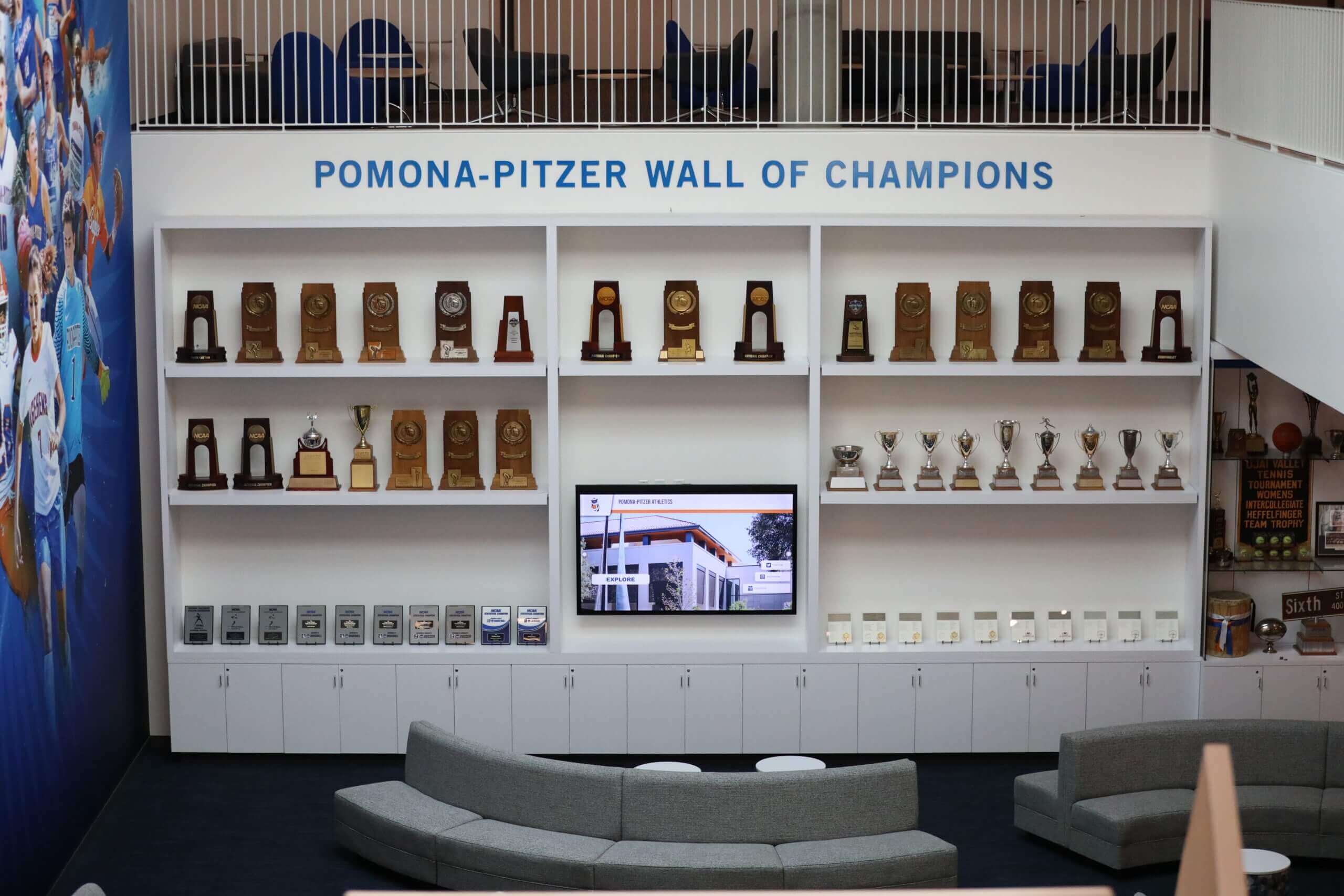
Recognition lounges with multiple display types benefit from unlimited licensing enabling diverse implementations without cost penalties
Administrative Workload
Managing separate licensing for numerous displays creates ongoing administrative burden:
- Tracking device-specific licensing renewals
- Coordinating payments across multiple contracts
- Managing upgrade eligibility for individual displays
- Troubleshooting device-specific technical issues
- Coordinating support tickets for each licensed display
Unlimited device licensing eliminates this administrative overhead, reducing IT workload while simplifying budget management and contract administration.
Expansion Flexibility
Schools discovering unexpected opportunities for additional displays face different costs under alternative pricing models:
- Per-screen pricing: New displays require budget amendments, additional licensing fees, and contract modifications
- Unlimited licensing: New displays require only hardware and installation costs; software licensing already covers additional devices
This flexibility enables schools to expand recognition programs opportunistically when funding becomes available (grants, donations, facility renovations) without requiring separate software licensing budget allocations or vendor contract renegotiations.
Competitor Comparison: How Others Handle Multi-Screen Pricing
Understanding how alternative vendors structure multi-screen pricing helps schools recognize the distinction between approaches.
Typical Competitor Pricing Structures
While specific pricing varies by vendor, common patterns emerge across digital recognition providers:
Tiered Device Limits
Many vendors establish packages with device quantity thresholds:
- Starter Package: Single display included ($2,000-$3,000 annually)
- Professional Package: Up to 5 displays included ($5,000-$8,000 annually)
- Enterprise Package: Up to 20 displays included ($12,000-$20,000 annually)
- Custom Licensing: More than 20 displays (quote required)
These tiers force schools into higher-cost packages even when needing just one display beyond tier thresholds. A district requiring six displays must purchase Professional tier supporting twenty displays, paying for unused licensing capacity while remaining constrained if expansion beyond twenty displays later becomes desirable.
Per-Location Pricing
Some vendors charge based on campus or building count rather than individual displays:
- Single-Campus License: $4,000-$7,000 annually (unlimited displays within one building/campus)
- Multi-Campus License: Additional $1,500-$3,000 per campus annually
- District License: Custom pricing based on number of buildings
This model benefits schools deploying many displays within single buildings but penalizes districts with recognition needs across numerous facilities—precisely the institutions wanting comprehensive networks.
Usage-Based or Session Pricing
Sophisticated competitors avoid visible per-screen fees but limit platform usage:
- Base packages include specified monthly “active user” or “session” limits
- Additional usage blocks purchased separately ($500-$2,000 per block)
- Overage fees triggered when usage exceeds limits ($0.50-$2.00 per session)
Schools deploying displays in high-traffic locations quickly exceed included usage during peak periods, discovering unexpected overage fees or being forced into higher tiers supporting greater usage volumes.
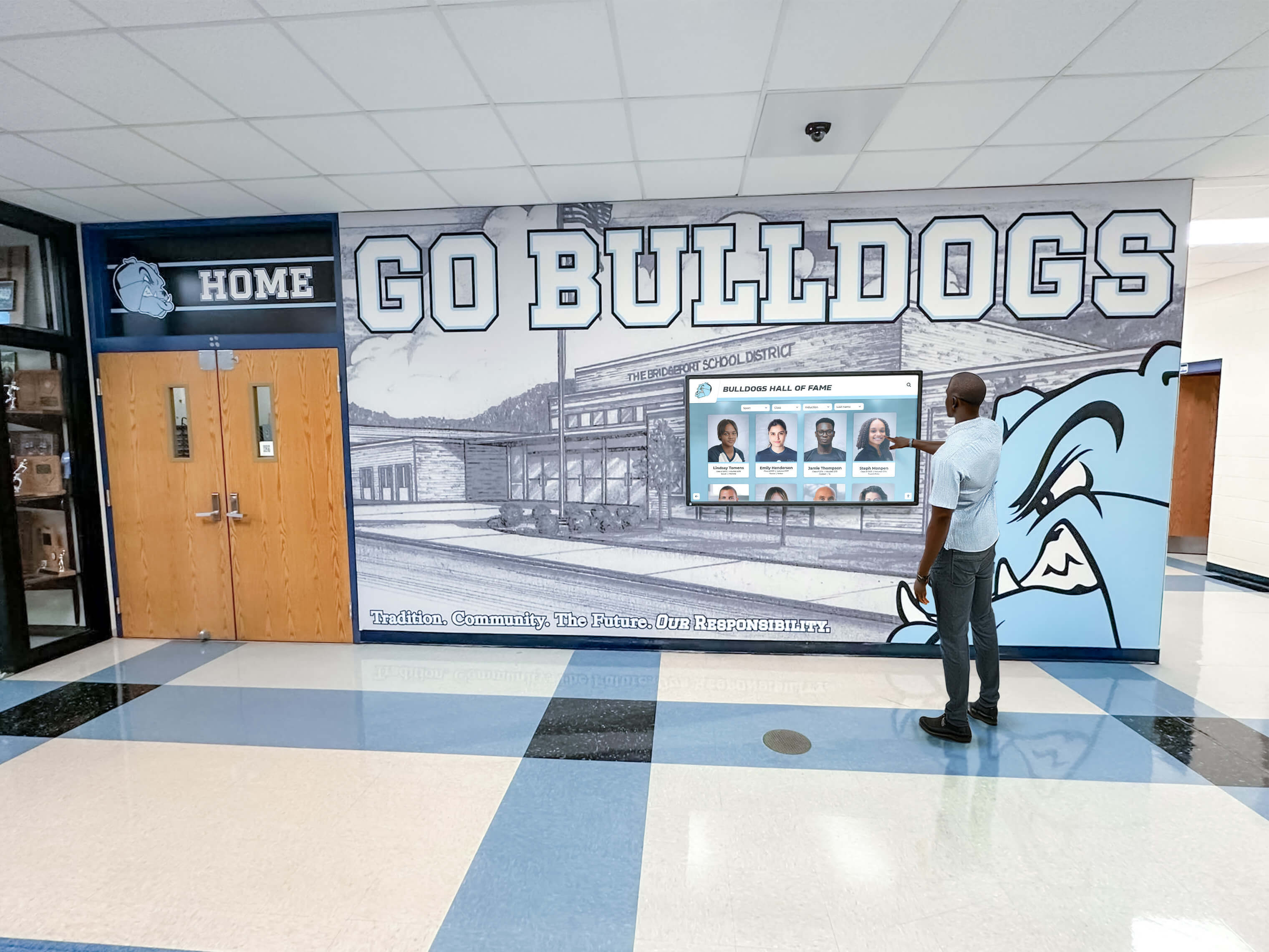
High-traffic displays in hallways and lobbies benefit from unlimited-usage licensing that doesn't penalize engagement
Why Competitors Charge Per Screen
Understanding vendor motivations clarifies pricing model differences:
Revenue Maximization Through Volume
Per-screen pricing enables vendors to increase revenue proportionally with customer usage. Districts deploying comprehensive networks generate significantly higher lifetime value than schools installing single displays—regardless of actual vendor costs supporting those additional displays.
Cloud-based platforms incur minimal marginal costs for additional displays once infrastructure exists. Software development, platform maintenance, and support costs scale modestly with customer count, not device quantity. Per-screen fees represent profit maximization rather than cost recovery.
Competitive Positioning for Small Deployments
Vendors emphasizing low base pricing attract schools comparing single-display implementations. These vendors win competitive evaluations from institutions starting small, then extract higher revenues through per-screen fees when customers expand—after switching costs make changing vendors prohibitively expensive.
Legacy Pricing Models
Some vendors maintain per-screen pricing structures inherited from older on-premise software licensing approaches. Historical digital signage required separate software installations for each display, justifying device-based licensing. Modern cloud platforms eliminate technical justifications for per-screen fees, but established vendors sometimes maintain legacy pricing rather than restructuring revenue models.
According to analysis of digital signage software pricing models and trends, industry movement favors subscription-based pricing independent of device count, though many providers maintain hybrid models preserving device-based fee components.
Questions to Ask Vendors About Multi-Screen Pricing
Schools evaluating digital recognition providers should ask specific questions clarifying multi-screen cost structures before commitments:
Critical Pricing Questions
Device Licensing Clarifications
Essential questions about display quantity pricing:
- “How many displays does the base subscription support?”
- “What happens if we want to add displays beyond that number?”
- “Do additional displays require separate licensing fees? If so, how much per display?”
- “Are there device quantity limits in any subscription tier?”
- “Can we deploy the same software on displays across multiple buildings within a single district subscription?”
Usage and Session Limits
Understanding capacity constraints that might trigger additional fees:
- “Does the subscription include concurrent user or session limits?”
- “What happens if we exceed those limits during high-traffic periods?”
- “Do usage-based fees or overage charges apply?”
- “How does the platform track usage across multiple displays?”
- “Can we get historical usage data from current customers with similar deployments?”
Expansion and Scaling Scenarios
Clarifying future costs for network growth:
- “If we start with three displays but want to add five more next year, what are the total additional costs?”
- “Do per-screen fees ever decrease at volume thresholds?”
- “Can we move displays between buildings without licensing changes?”
- “What if we need temporary displays for special events—do those count against limits or incur fees?”
- “How does pricing change if our district opens new schools or buildings?”
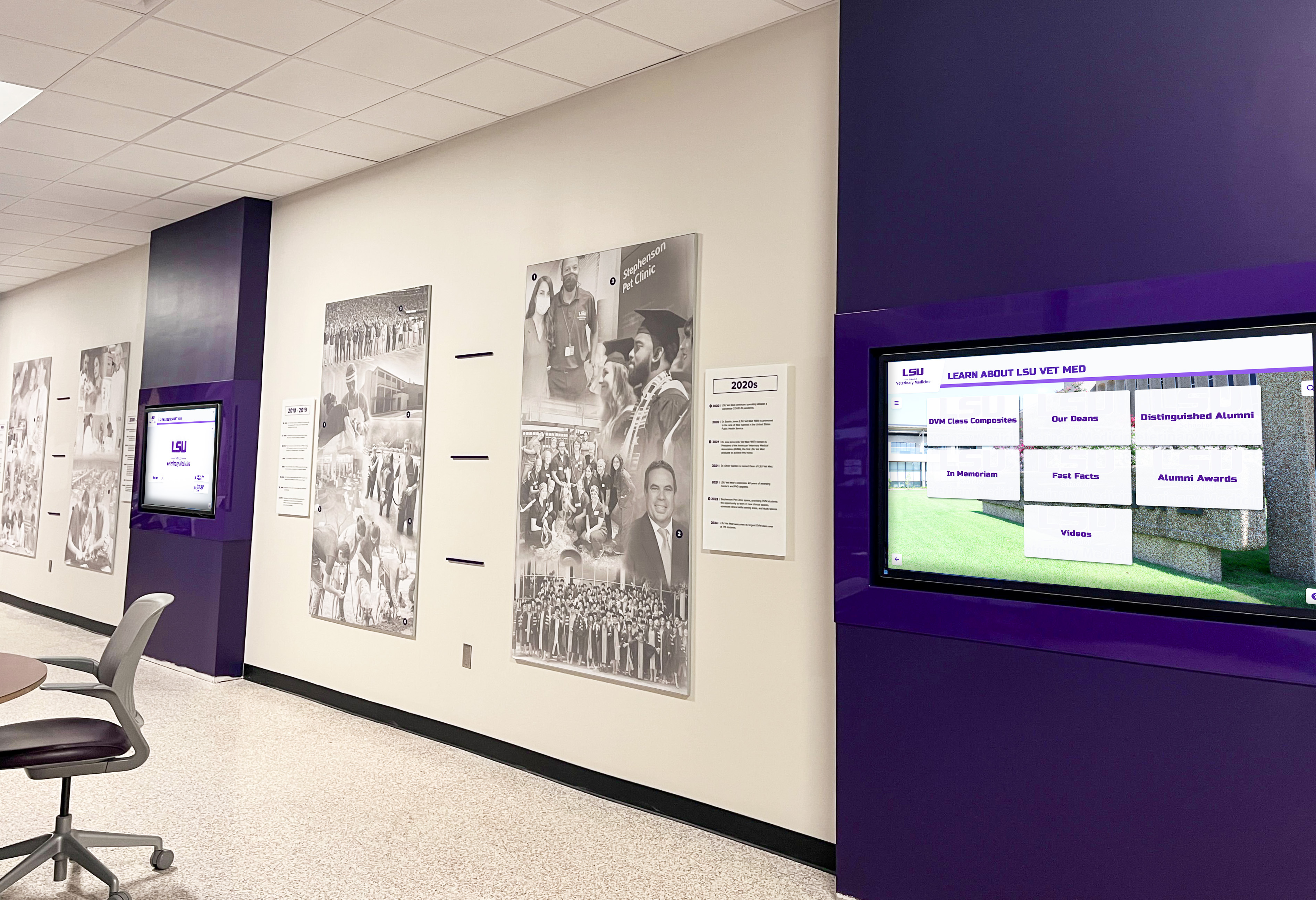
Educational institutions operating multiple buildings benefit from transparent pricing that supports comprehensive recognition without penalties
Getting Written Pricing Commitments
Verbal assurances about pricing flexibility often fail to materialize in contracts:
Contract Language to Review
Ensure written agreements explicitly address multi-screen scenarios:
- “This subscription supports deployment on unlimited touchscreen displays across all district facilities”
- “No per-screen, per-device, or per-location fees apply regardless of deployment scale”
- “Customer may add, remove, or relocate displays without vendor approval or additional charges”
- “Software licensing costs remain constant regardless of display quantity within subscription term”
- “No usage-based fees, session limits, or overage charges apply”
If vendors resist including these provisions, that resistance signals hidden fees likely to emerge post-implementation. Schools should request specific examples showing total five-year costs for realistic multi-screen scenarios matching planned deployments.
Price Protection Provisions
Long-term agreements should address future pricing:
- Multi-year subscription costs locked or subject to specified maximum annual increases
- Renewal pricing terms defined rather than “subject to then-current pricing”
- Expansion rights preserving unlimited display access even if vendor changes pricing models
- Grandfather clauses protecting current customers from pricing structure changes
Schools signing three-year or five-year agreements need certainty that mid-contract pricing model changes won’t suddenly introduce per-screen fees or device limits.
Planning Multi-Location Recognition Implementations
Schools taking advantage of unlimited licensing benefit from strategic planning that optimizes comprehensive deployments.
Prioritizing Display Locations
Even with unlimited licensing removing cost barriers, schools benefit from phased implementations:
Phase 1: High-Impact Flagship Locations
Begin with displays in highest-visibility, highest-traffic locations:
- Main entrance lobbies where visitors form first impressions
- Athletic facilities where school pride and tradition concentrate
- Administrative offices serving prospective student families
- Alumni centers strengthening graduate connections
Flagship implementations establish credibility and generate community awareness, building support for subsequent expansion to additional locations.
Phase 2: Strategic Secondary Locations
Add displays serving important but lower-traffic areas:
- Academic building lobbies highlighting specific programs
- Performing arts facilities celebrating artistic achievements
- Career technical education centers showcasing workforce development
- Library or media center spaces supporting research and learning
Secondary locations benefit from recognition capacity without requiring prioritization over flagship installations.
Phase 3: Comprehensive Coverage
Complete network deployment reaching remaining valuable locations:
- Cafeteria or commons areas displaying daily information
- Athletic team-specific locations (locker rooms, practice facilities)
- Department or wing-specific displays in large buildings
- Auxiliary facilities and specialized program spaces
Content Strategy for Diverse Locations
Unlimited licensing enables location-optimized content strategies:
Location-Specific Content
Tailor recognition and information for each display’s context:
- Athletic facilities: Team rosters, records, championships, recruiting information
- Main lobbies: Comprehensive school achievements, upcoming events, general information
- Academic buildings: Department honors, research spotlights, program information
- Alumni centers: Graduate recognition, giving societies, historical timelines
Different content per location creates relevance that generic one-size-fits-all displays cannot achieve.
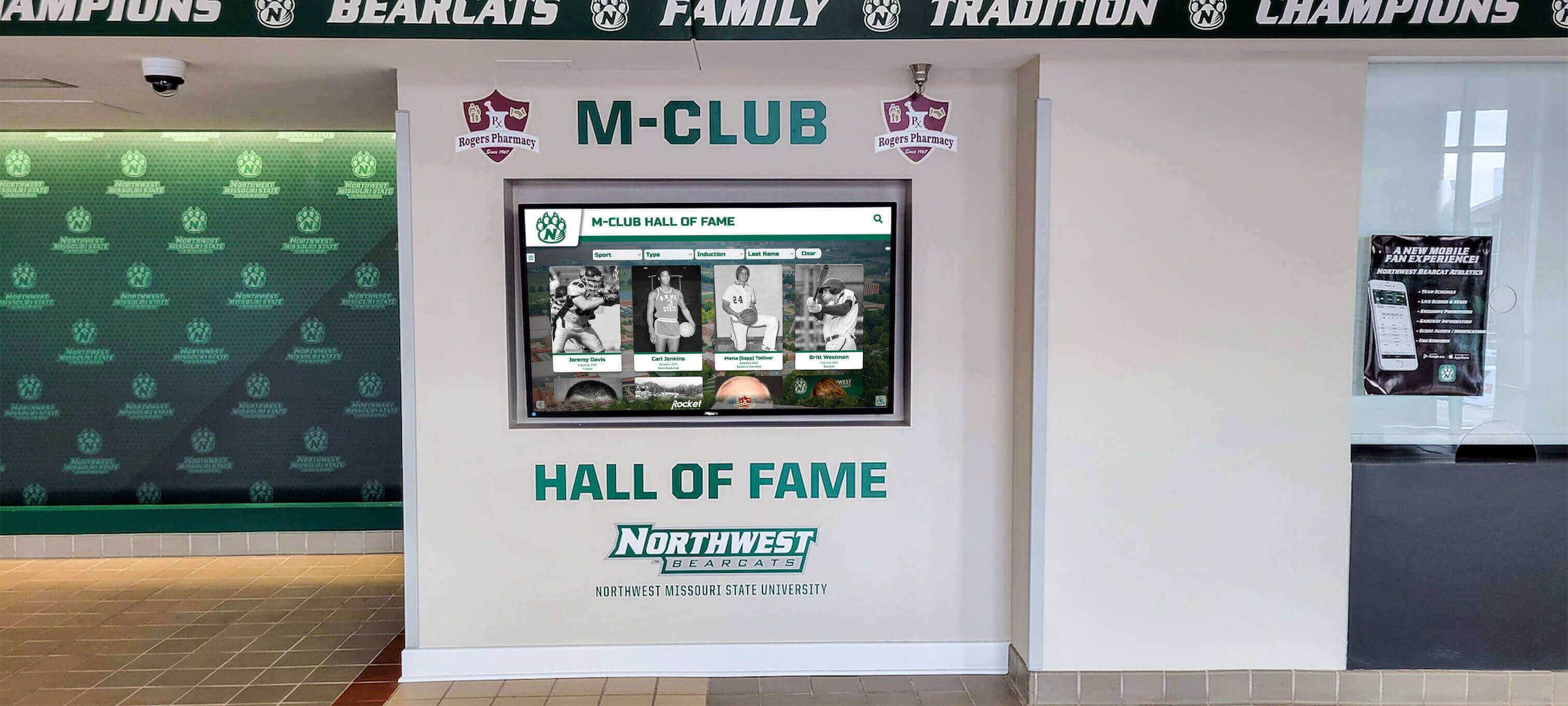
Athletic facilities benefit from sport-specific recognition content optimized for athlete and visitor engagement
Shared Content Distribution
Balance location customization with district-wide consistency:
- Core institutional information appearing across all displays
- District-level announcements and safety alerts distributing network-wide
- School-specific content targeted to appropriate building displays
- Department or program content appearing only on relevant location screens
Centralized content management with flexible targeting enables both consistency and customization across multi-screen networks—capabilities that become prohibitively complex when managing per-screen licenses across separate platform instances.
Efficiency Through Templates
Schools implementing comprehensive digital signage across multiple locations benefit from template-based content approaches maintaining visual consistency while enabling efficient management. Standard recognition profile templates, event promotion formats, and achievement celebration designs accelerate content creation across all network displays.
Implementation Considerations for Multi-Screen Networks
Technical and operational factors affect comprehensive deployment success beyond pricing considerations.
Network Infrastructure Requirements
Multiple displays across buildings require appropriate technical infrastructure:
Internet Connectivity
Each display location needs reliable network access:
- Wired Ethernet providing most consistent connectivity (preferred)
- Wireless network access when cabling proves impractical
- Sufficient bandwidth supporting video content and real-time updates (2-5 Mbps per display typically adequate)
- Network segmentation isolating public displays from sensitive internal systems
- Backup connectivity options for critical displays requiring maximum uptime
Districts should audit network capacity and connectivity in planned display locations before purchasing hardware, identifying locations requiring infrastructure improvements to support reliable operation.
Power Infrastructure
Proper electrical service ensures professional installations:
- Dedicated electrical circuits or appropriately rated shared circuits
- Surge protection safeguarding expensive display hardware
- Power management capability enabling scheduled operation and remote control
- Backup power for critical displays requiring emergency operation
- Code-compliant installations meeting local electrical requirements
Coordinate with facilities management and electricians during planning to avoid installation delays and ensure proper power infrastructure.
Centralized Management Architecture
Cloud-based platforms like Rocket Alumni Solutions enable:
- Single management dashboard controlling all displays district-wide
- Remote content updates without requiring physical access to displays
- Automated content distribution and scheduling across display networks
- Consolidated monitoring detecting display problems proactively
- Centralized backup ensuring content protection across all locations
Cloud architecture dramatically simplifies multi-screen management compared to on-premise systems requiring separate servers or management infrastructure at each building.
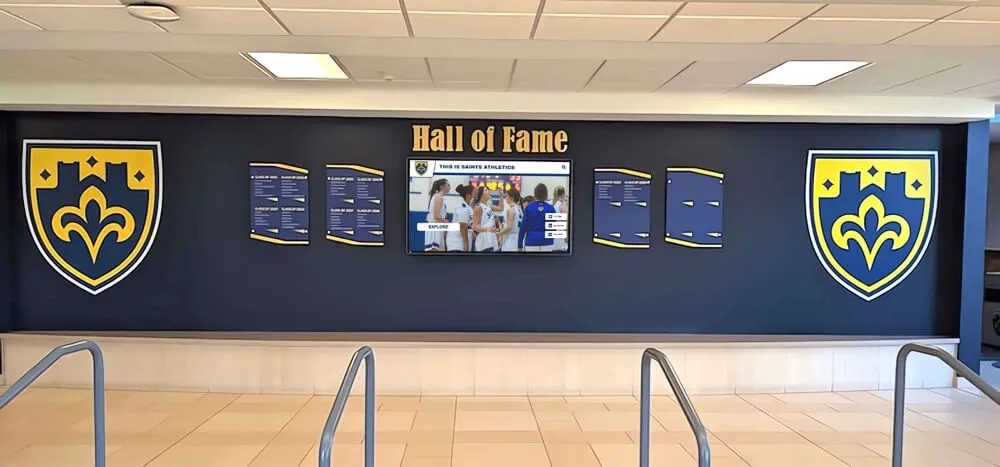
Professional installations integrate displays with architectural elements creating cohesive recognition environments
Operational Management Structures
Sustainable multi-screen networks require thoughtful operational planning:
Distributed Content Responsibility
Effective approaches assign content management to appropriate personnel:
- Athletic staff managing sports-related displays independently
- Admissions personnel controlling recruitment and prospective student content
- Activities directors maintaining event calendars and student information
- Facilities staff handling administrative and directory content
- Development teams managing donor recognition and alumni engagement
Distributed responsibility prevents bottlenecks where all changes must flow through single administrators. Role-based access control enables appropriate staff to manage relevant content without accessing unrelated sections or other building displays.
Content Governance and Quality Control
Multi-screen deployments benefit from coordination ensuring consistency:
- Designated content coordinators reviewing submissions before publication
- Template standards maintaining visual coherence across displays
- Approval workflows for sensitive content categories
- Periodic audits identifying outdated information requiring updates
- Training programs ensuring distributed contributors understand standards
Governance structures balance distributed efficiency with necessary quality control preventing visual inconsistency or information errors that undermine credibility.
Technical Support Distribution
Large-scale deployments require sustainable support approaches:
- Building-level monitors performing basic troubleshooting (display power, connectivity checks)
- District IT staff handling complex technical issues and vendor coordination
- Vendor support agreements providing expert assistance for challenging problems
- Documentation enabling common problem resolution without technical support tickets
- Remote monitoring detecting display problems before users report them
Clear escalation paths and distributed first-line support enable rapid problem resolution while preventing IT workload concentration.
Addressing Common Multi-Screen Concerns
Schools planning comprehensive implementations often raise specific concerns about technical and operational challenges.
“Won’t Managing Many Displays Overwhelm Our Staff?”
Concern about administrative burden affecting small IT departments:
Simplified Central Management
Modern cloud platforms designed for multi-screen deployment provide tools minimizing management complexity:
- Single dashboard controlling all displays eliminates need to log into separate systems for each screen
- Content templates applied across multiple displays simultaneously reduce repetitive work
- Scheduled publishing automates time-sensitive content without manual intervention
- Group management enables policy changes affecting multiple displays with single actions
- Automated monitoring detects problems across all displays without manual checking
Districts implementing comprehensive networks report that centralized cloud management requires less ongoing staff time than smaller deployments using older platforms requiring per-device attention.
Distributed Responsibility
Administrative workload distributes across appropriate personnel rather than concentrating in IT departments:
- Department staff maintaining their own content categories
- Building-level content coordinators managing location-specific information
- IT staff focusing on technical infrastructure and troubleshooting rather than daily content management
- Vendor support handling complex technical issues and system optimization
Schools successfully manage extensive multi-screen networks with minimal additional staffing when responsibility distributes appropriately and platforms provide efficient management tools.

Hallway displays presenting athletic honors demonstrate comprehensive recognition achievable when unlimited licensing eliminates expansion costs
“How Do We Ensure Content Stays Current Across Many Displays?”
Maintaining fresh, relevant content across numerous displays requires systematic approaches:
Automated Content Systems
Technical capabilities reducing manual update requirements:
- Calendar integration automatically displaying current events without data entry
- RSS feeds importing news and announcements from existing systems
- Social media integration showing recent institutional posts automatically
- Scheduled content expiration removing outdated information automatically
- Dynamic content like weather, date/time, and schedules updating without intervention
Automation eliminates substantial portions of manual content maintenance, enabling small teams to maintain comprehensive networks.
Content Scheduling and Rotation
Strategic approaches keeping displays engaging:
- Recognition content rotating through large databases ensuring variety
- Scheduled publication dates triggering content changes automatically
- Seasonal content templates requiring only detail updates annually
- Evergreen content supplementing time-sensitive information
- Analytics identifying popular content deserving extended visibility
Schools report that initial content development requires substantial investment, but ongoing maintenance becomes manageable through scheduling, automation, and systematic approaches requiring only periodic attention rather than daily manual updates.
“What If We Want Different Hardware in Different Locations?”
Concerns about flexibility when not all locations require identical displays:
Mixed Hardware Support
Comprehensive platforms support diverse display configurations:
- Different screen sizes appropriate for various spaces and viewing distances
- Mixed interactive touchscreen and passive display-only screens
- Various mounting options (wall-mounted, freestanding kiosks, recessed installations)
- Multiple brands and models of commercial displays
- Varied hardware specifications matching budget and location requirements
Rocket’s unlimited licensing approach enables schools to optimize hardware selections for each location’s specific needs without software licensing complications. Flagship locations receive premium large-format touchscreens while secondary locations deploy smaller passive displays—all managed through the same platform instance without per-device fee implications.
Phased Hardware Upgrades
Multi-year implementations sometimes begin with entry-level hardware, upgrading locations to touchscreen interactivity as budgets allow. Unlimited device licensing supports this approach:
- Start with passive displays in Year 1 for all locations
- Upgrade high-traffic locations to touchscreens in Year 2
- Replace remaining passive displays with interactive screens in Year 3
- No software licensing changes required despite hardware evolution
Hardware flexibility within subscription structures enables schools to match equipment investments to priorities while maintaining platform consistency across all displays.
Explore Unlimited Multi-Screen Recognition with Transparent Pricing
Discover how Rocket Alumni Solutions enables comprehensive recognition networks across all your buildings and campuses with one subscription covering unlimited touchscreens—no per-screen fees, no device limits, no hidden costs multiplying with implementation scale.
Book a demoReal-World Multi-Screen Implementation Scenarios
Understanding how schools with different needs benefit from unlimited licensing clarifies practical advantages:
Scenario 1: Growing Suburban High School
Single high school with expanding facilities over five years:
Year 1: Initial Implementation
- Main lobby touchscreen display (65-inch)
- Athletic facility passive display (55-inch)
- Software subscription: $3,500 annually
Year 3: Facility Addition
- New performing arts center opens with dedicated recognition display
- Alumni center renovation includes donor recognition touchscreen
- No software licensing changes required; displays added under existing subscription
- Additional costs: Hardware and installation only
Year 5: Comprehensive Network
- Original displays remain operational
- Added displays in renovated cafeteria, new science building lobby, expanded gym
- Total displays: 8 screens across campus
- Software subscription: Still $3,500 annually (no per-screen fees)
With per-screen licensing, Year 5 software costs might reach $10,000-$15,000 annually for eight displays. Unlimited licensing saved this school $6,500-$11,500 annually by Year 5, enabling investment in content development and hardware upgrades rather than software fees.
Scenario 2: Mid-Sized School District
District operating eight schools across elementary, middle, and high school levels:
Implementation Plan
- Phase 1: High school main displays (3 schools, 1 display each)
- Phase 2: Middle school additions (3 schools, 1 display each)
- Phase 3: Elementary school coverage (2 schools, 1 display each)
- Phase 4: Athletic facility expansion (4 additional displays at high schools and district stadium)
- Final deployment: 12 displays across district
Unlimited Licensing Advantage
- District subscription: $6,000 annually (based on total enrollment, not display count)
- Per-screen alternative would cost: $18,000-$24,000 annually for 12 displays
- Five-year savings: $60,000-$90,000 enabling district to afford comprehensive coverage from Phase 1
This district implemented complete recognition across all schools immediately rather than phasing over years to manage per-screen licensing costs. Students at elementary and middle schools received equal recognition visibility to high school students because software licensing didn’t penalize comprehensive deployment.
Scenario 3: Large Multi-Campus District
Major district with 25 schools spanning urban and suburban areas:
Comprehensive Network Vision
- Main display in each school lobby (25 displays)
- Athletic facility displays at 12 schools with gyms (12 displays)
- Performing arts center displays at 6 schools (6 displays)
- District administrative office displays (3 displays)
- Total planned deployment: 46 displays
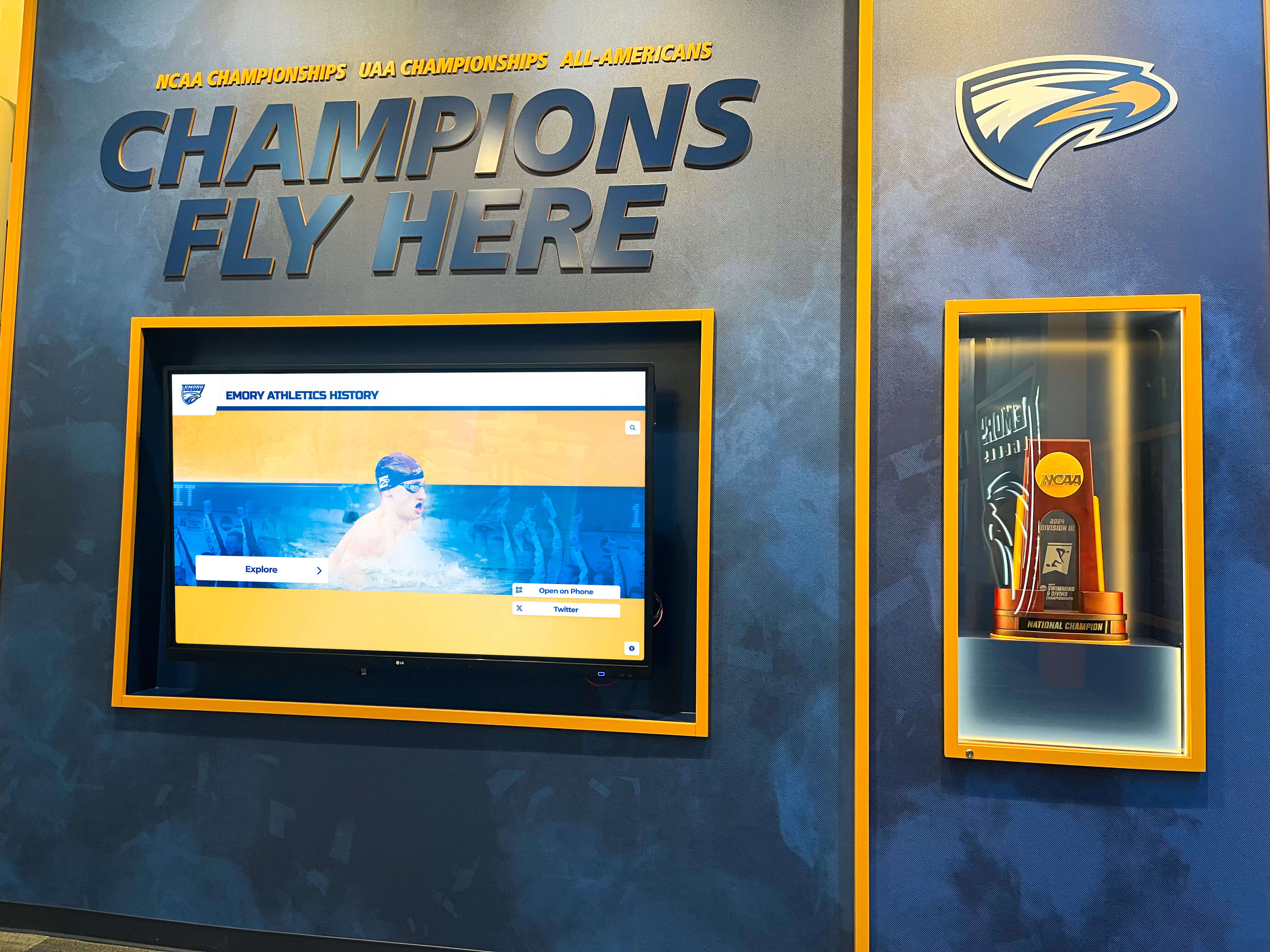
Championship recognition displays benefit from unlimited licensing enabling trophy integration across multiple athletic facilities
Pricing Comparison
- Rocket unlimited licensing: $15,000 annually (large district tier based on enrollment)
- Typical per-screen pricing: $55,000-$75,000 annually for 46 displays
- Annual savings: $40,000-$60,000
- Ten-year total savings: $400,000-$600,000
This district used savings from unlimited licensing to:
- Purchase premium large-format displays for flagship locations
- Develop comprehensive content covering 50+ years of district history
- Fund professional photography and videography for recognition content
- Establish ongoing content development budget maintaining current information
- Provide extensive training ensuring staff across all schools could manage displays independently
Without unlimited licensing, this district would have implemented displays only at high schools due to software licensing costs. Elementary and middle school students would lack recognition infrastructure their high school peers enjoyed—inequity eliminated through transparent unlimited-device pricing.
Why Rocket Alumni Solutions Eliminated Per-Screen Fees
Understanding the philosophy behind unlimited licensing clarifies Rocket’s approach:
Alignment with Customer Success
Per-screen fees create misaligned incentives where vendor financial interests conflict with customer goals:
Traditional Model Conflicts
- Vendors profit when customers deploy fewer displays
- Comprehensive networks generating greatest community value increase vendor costs without commensurate revenue
- Customers limit recognition coverage to manage licensing fees
- Vendor success metrics emphasize maximizing per-customer revenue rather than recognition impact
Unlimited Licensing Alignment
- Rocket succeeds when customers implement comprehensive recognition generating community value
- Extensive deployments creating engagement strengthen customer satisfaction and retention
- Schools maximize recognition coverage benefiting students, alumni, and communities
- Success metrics emphasize customer satisfaction and recognition program effectiveness
This alignment drives platform development toward features supporting comprehensive multi-screen deployments rather than monetizing device quantity.
Technical Reality of Cloud Platforms
Modern cloud architecture eliminates technical justifications for per-screen pricing:
Marginal Cost Economics
Once cloud infrastructure exists supporting customer content management:
- Additional displays incur minimal incremental costs (fractional bandwidth and storage)
- Customer success costs scale with customer count, not device quantity
- Platform development serves all customers regardless of deployment size
- Support volume correlates with customer count more than display quantity
Per-screen pricing represents legacy thinking from on-premise software eras when each display required separate software installations. Cloud platforms distribute costs across customer bases rather than device counts, enabling unlimited licensing without unsustainable cost structures.
Platform Capabilities Supporting Scale
Rocket’s architecture specifically enables efficient multi-screen management:
- Centralized content distribution to unlimited displays
- Bandwidth-efficient content delivery through caching and compression
- Automated monitoring scaling across large device networks
- Single database instances supporting unlimited displays per customer
- Management interfaces designed for multi-screen coordination
Platform design choices optimizing for comprehensive deployments rather than single displays reflect Rocket’s commitment to enabling multi-screen success.
Getting Started with Multi-Screen Recognition Networks
Schools convinced of unlimited licensing advantages benefit from systematic planning and implementation approaches.
Assessing Your Multi-Screen Needs
Begin with clear understanding of recognition requirements and deployment priorities:
Location Inventory
Identify all potential display locations across facilities:
- High-traffic lobbies and entrance areas
- Athletic facilities and gyms
- Performing arts venues
- Academic building lobbies
- Administrative offices
- Alumni centers and development offices
- Cafeterias and student commons
- Specialized program spaces
Not all locations require immediate implementation, but comprehensive inventories prevent later discoveries of missed opportunities.
Content Requirements by Location
Define what recognition and information each display should present:
- Location-specific content serving building audiences
- District-wide information appearing across all displays
- Shared content distributing to appropriate building groups
- Update frequency and content management responsibility
Clear content strategies inform hardware selection and implementation priorities.
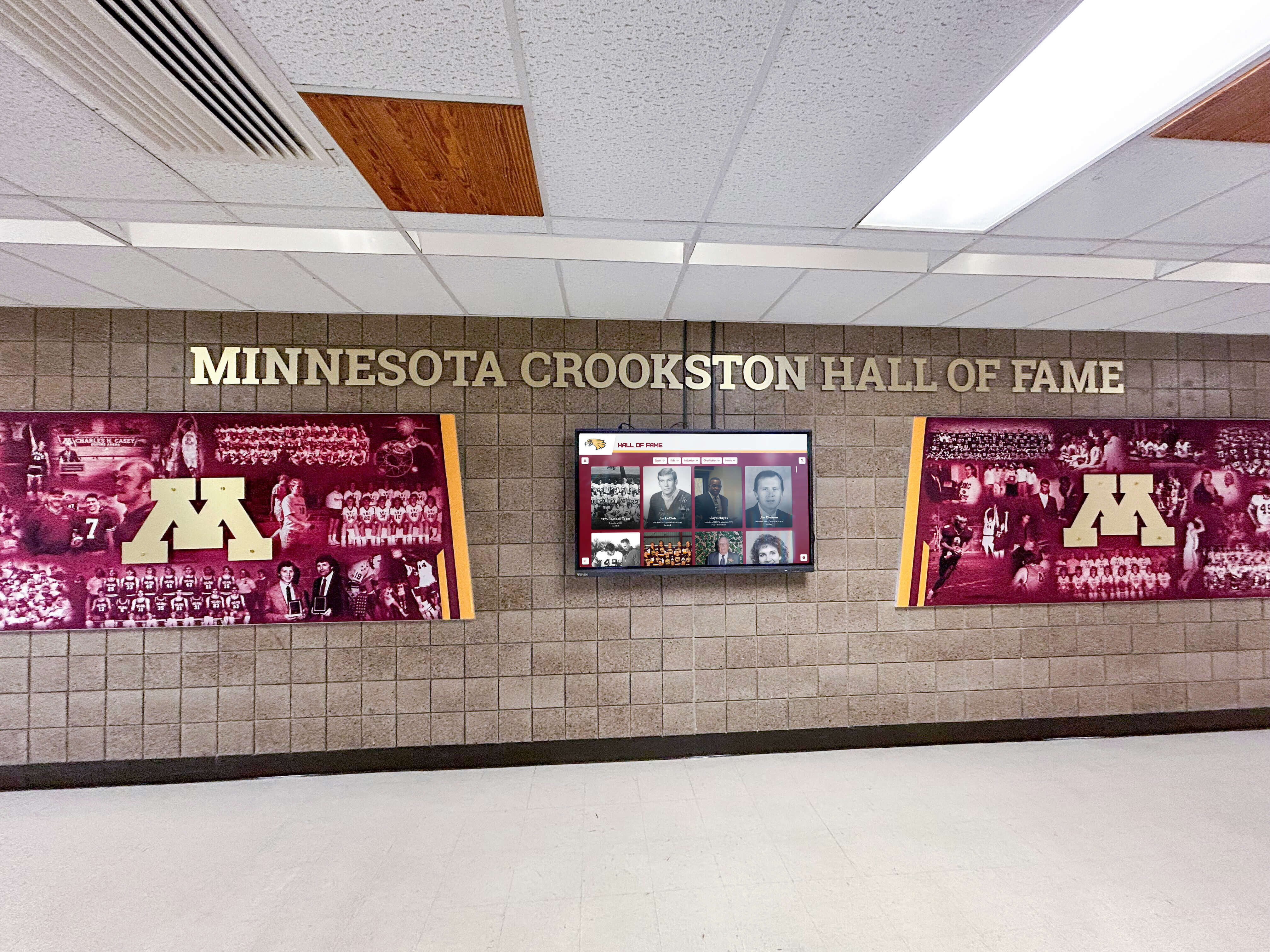
Campus-wide implementations coordinate multiple displays presenting unified recognition while accommodating location-specific content
Implementation Planning and Phasing
Strategic rollout approaches maximize success while managing complexity:
Phase 1: Flagship Demonstration (Months 1-3)
Begin with high-impact locations establishing credibility:
- 2-3 displays in highest-visibility locations
- Focus on recognition content generating immediate community interest
- Train core administrators on platform management
- Gather feedback informing subsequent phases
Successful flagship implementations build organizational confidence and stakeholder support for comprehensive expansion.
Phase 2: Strategic Expansion (Months 4-9)
Add displays at priority secondary locations:
- 5-10 additional displays across key buildings
- Implement building-specific content strategies
- Train distributed content administrators
- Refine management processes based on early experience
Strategic expansion demonstrates platform versatility across different contexts while remaining manageable scale for learning and optimization.
Phase 3: Comprehensive Deployment (Months 10-18)
Complete network coverage reaching all planned locations:
- Remaining displays in all suitable locations
- Full content development across recognition categories
- Optimized management workflows and responsibilities
- Established procedures for ongoing content maintenance
Comprehensive deployment typically requires 12-18 months from project initiation, enabling systematic learning and capability development rather than rushed implementations overwhelming staff capacity.
Vendor Evaluation and Selection
Schools comparing options should assess vendors specifically on multi-screen capabilities:
Multi-Screen Demonstration Requests
Ask vendors to demonstrate:
- Managing content across simulated network of 10+ displays
- Updating single display without affecting others
- Publishing content simultaneously to all displays
- Configuring location-specific content targeting
- Accessing analytics across multi-screen deployments
Demonstrations reveal whether platforms genuinely support efficient multi-screen management or require complex workarounds and per-display manipulation.
Reference Customer Conversations
Request contacts for customers operating multi-screen networks:
- How many displays do they operate?
- Has pricing remained predictable as they expanded?
- How manageable is multi-screen content administration?
- What hidden costs or limitations emerged post-implementation?
- Would they select the same vendor knowing what they know now?
Reference conversations provide unfiltered perspectives on long-term satisfaction with multi-screen implementations and vendor relationships.
Conclusion: Transparent Multi-Screen Pricing Enabling Comprehensive Recognition
Schools and large districts planning digital recognition across multiple buildings deserve pricing transparency enabling accurate budgeting and comprehensive implementations serving institutional needs rather than artificial vendor-imposed limitations. Per-screen licensing fees, device limits, and hidden cost structures penalize precisely the comprehensive recognition networks that generate greatest community value—forcing schools to compromise vision, limit coverage, or dramatically exceed budgets as hidden costs emerge.
Rocket Alumni Solutions eliminates these pricing barriers through fundamentally different licensing: one subscription covering unlimited touchscreens across all your locations regardless of quantity, buildings, or deployment scale. This transparent approach enables accurate upfront budgeting, supports phased implementations expanding over time without licensing changes, and aligns vendor success with customer recognition program effectiveness rather than device monetization.
The financial advantages prove substantial for schools planning comprehensive deployments. Districts implementing 10-40+ displays save tens of thousands to hundreds of thousands of dollars over contract lifetimes compared to per-screen licensing alternatives—savings reinvested in better hardware, richer content, enhanced training, and expanded coverage benefiting students, alumni, and communities.
Beyond financial advantages, unlimited licensing enables operational benefits impossible under per-device pricing: centralized management across all displays through single dashboards, efficient content distribution serving diverse locations with appropriate recognition, flexible hardware selections optimizing for each location’s needs, and expansion flexibility enabling growth without budget disruptions or contract renegotiations.
Whether your institution plans displays across multiple buildings within single campuses or comprehensive district-wide networks spanning dozens of schools, understanding how vendors structure multi-screen pricing proves critical to selection decisions affecting budgets for years. Schools choosing unlimited licensing partners eliminate hidden fee risks while enabling recognition programs limited only by vision and budget rather than vendor pricing models rewarding deployment minimization.
Ready to explore how unlimited multi-screen licensing can support comprehensive recognition across all your locations? Talk to our team to discuss your specific multi-building deployment plans and see demonstrations of centralized management across extensive display networks, or discover how districts nationwide are implementing comprehensive digital recognition serving all schools equally through transparent unlimited-device pricing supporting excellence everywhere.































