The Easiest Touchscreen Solution


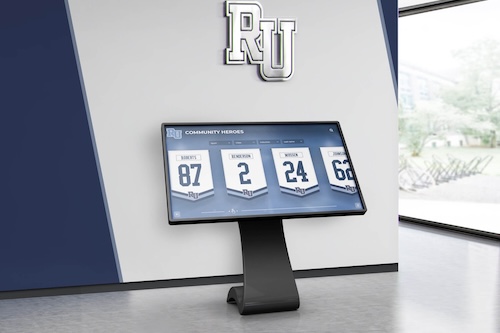
Live Example: Rocket Alumni Solutions Touchscreen Display
Interact with a live example (16:9 scaled 1920x1080 display). All content is automatically responsive to all screen sizes and orientations.
A homeschool sports club’s graduating seniors deserve a proud send-off — a genuine acknowledgment that they gave seasons of time, effort, and commitment to their teammates. What makes planning that recognition distinctly different for a club coordinator is the absence of one permanent building. Tonight’s gym is rented, the lobby belongs to the facility, and the parents who drove recognition efforts for years are about to pass the work to new volunteers.
This guide is for the coordinator working through those specific realities: how to confirm who the club is honoring and in what form, how to design recognition that is printable, screenable, and fully portable on game day, and how to preserve the story in a club-owned archive that the next coordinator can actually find and use. The goal is a celebration that travels with the club — not one that depends on a single venue or disappears when a departing volunteer takes their files home.
Confirm Who Is Being Honored and How
Recognition decisions belong to the club and the families involved. Before any display material is created, the coordinator and club leadership should work through a few direct questions together.
Who the club is recognizing as graduating seniors. Some clubs honor athletes completing a final year of club eligibility; others celebrate participants who have announced they are moving on from the program. The club’s own policy governs this decision. Being recognized at a senior night ceremony is distinct from any eligibility status or academic credential — a celebration is not a certification, and the club sets its own recognition terms.
How each senior’s name and team service should appear publicly. Agree on the exact public name each athlete wants used, which sport or sports to list, which seasons, and any wording describing a team role or contribution. Confirm these details in writing from each family — not to create a legal document, but so the athlete does not appear on a printed banner or screen with a misspelled name or a detail they did not want published.
Who wants a public photo and profile. Some families want a full photo and written profile; others prefer name acknowledgment only. Record each family’s preference and keep those records in the club’s private files. Public recognition materials must not include family home addresses, dates of birth, school transcripts, private contact details, or eligibility documents. Those belong in the organization’s approved private records — entirely separate from anything shown on a table or screen.
The role of organizing this coordination is significant enough that some clubs name it explicitly. The CHSA Policy Handbook (April 2024) assigns a Senior Night Coordinator on printed page 13 of that document — indicating that within a parent-run homeschool athletics organization (described on printed page 2 of the same handbook), this role is distinct enough to appear in written policy. The specific responsibilities in that handbook apply to that organization’s structure and are that handbook’s example; they are not universal standards for all clubs.

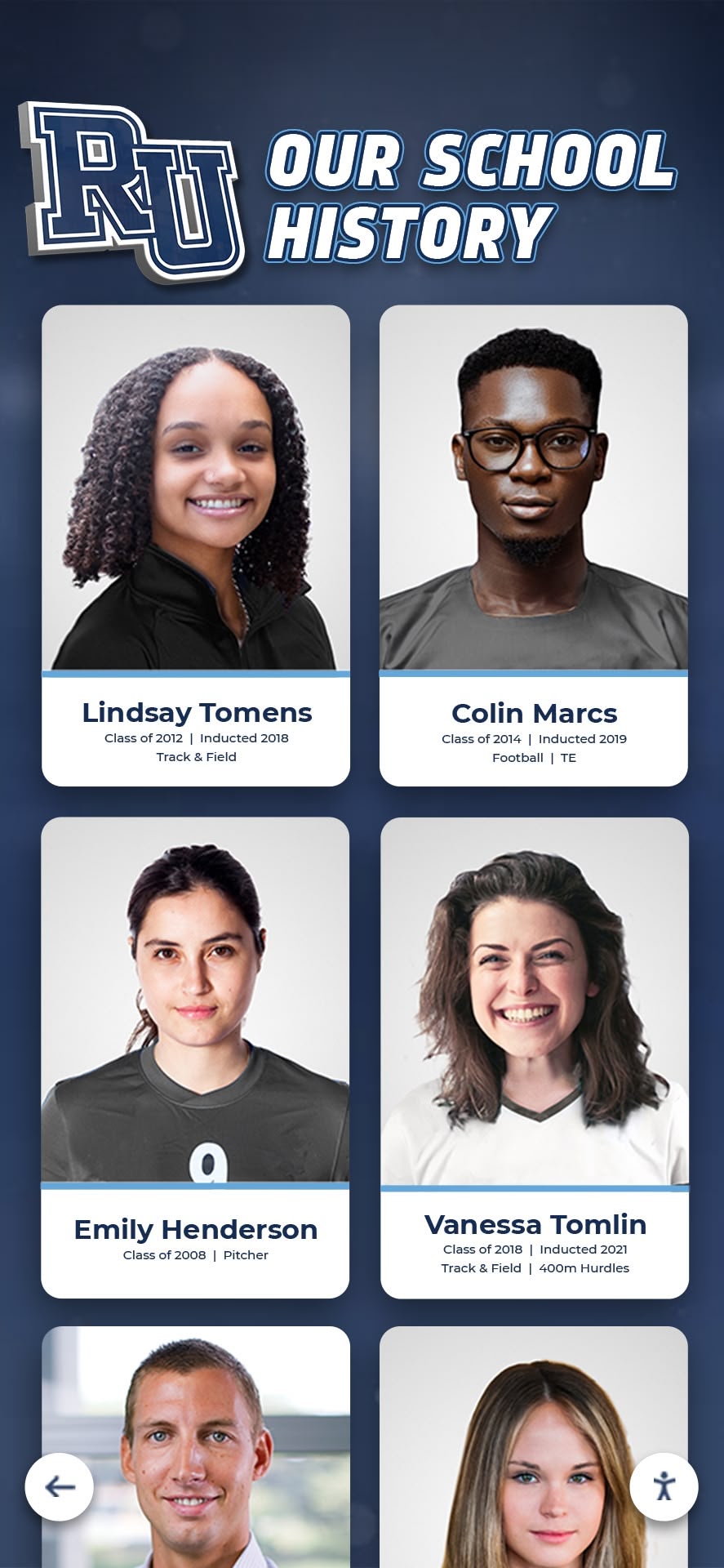
Organizing athlete portrait cards as part of a club's documented history gives recognition a structure that can be accessed and updated beyond any single event
Build a Portable Senior Showcase
Homeschool club games frequently take place in rented or shared spaces — a recreation center, a church gym, a school facility reserved through a community use program. The CHSA Policy Handbook (April 2024) notes on printed pages 7 and 18 that the organization plays at various facilities and does not own a facility — a familiar situation for clubs across the country, and a structural reason why senior recognition for these programs must be genuinely portable. It cannot depend on a mounted display case, a permanent trophy installation, or the venue’s own screens and systems.
Renting a gym for game night does not grant permission to mount anything to venue walls, use venue-owned projection or PA equipment, upload content to the venue’s systems, or play copyrighted audio or video. Each venue has its own policies. Coordinate the setup and removal of any display materials, any power needs for a coordinator-owned screen or tablet, accessibility requests, and the actual court schedule with the venue and the game organizer before game day — not the night of.
Within those constraints, three complementary formats work well together.
Printed Table Display
A table with framed or laminated photos and brief printed captions can be assembled and removed in minutes. Place it in the lobby or near the entrance, clear of the court and traffic lanes. Everything on the table should match exactly the approved content confirmed during the recognition decision step — the athlete’s chosen public name, their sport and seasons, and a brief factual caption. Nothing should appear on the printed table that the family has not approved for that public context.
When the evening ends, everything on the table goes back into the club’s storage. Physical display materials do not stay at the venue.
Screen Presentation
A coordinator-owned laptop or tablet connected to a coordinator-provided portable display and power strip makes a screen presentation fully venue-independent. A simple slideshow with approved photos and captions does not require the venue’s systems, a venue login, or venue-owned hardware.
If the club prepares an event-specific run of show for the ceremony — the Kalamazoo Cougars (February 9, 2026) published a senior night order of events on their club website, showing that a homeschool team can document and distribute a structured event sequence for athlete introductions — keying the screen presentation to that same order avoids scrambling at game time. The run of show is the club’s document to prepare and share with participating families in advance. It describes the club’s own event sequence and does not imply that any one ceremony format, positioning arrangement, or inclusion practice is required across all clubs.
Club-Owned Digital History
The material prepared for tonight’s table and screen should also go into the club’s own digital archive: approved photos at original resolution, confirmed captions, and each senior’s public profile if one was created. This is not the game-night display — it is the record that belongs to the club after the season closes. Setting up and handing off that archive is covered in the next section.
Planning Table
Use this blank table to organize senior night recognition decisions before any materials are produced. Adapt the field names to your club’s terminology and practices. Keep any completed copy that contains family contact information or permission records in the club’s approved private records — public display materials should contain only the approved public content listed in the final column.
| Field | Details to Record |
|---|---|
| Senior’s approved public name | |
| Sport(s) and season(s) with the club | |
| Approved photo on file (file name or location) | |
| Approved public caption or story | |
| Escort wording, if the senior has chosen to include one | |
| Coordinator confirming approval | |
| Venue display format (printed table / coordinator screen / both / none) | |
| Setup and removal plan, including who brings and returns materials | |
| Club archive contact who will receive originals after the event |
Private records — family contacts, permission and release forms, eligibility or academic documents of any kind — are held separately in the organization’s approved files and do not appear in any public display or in this table as used publicly.
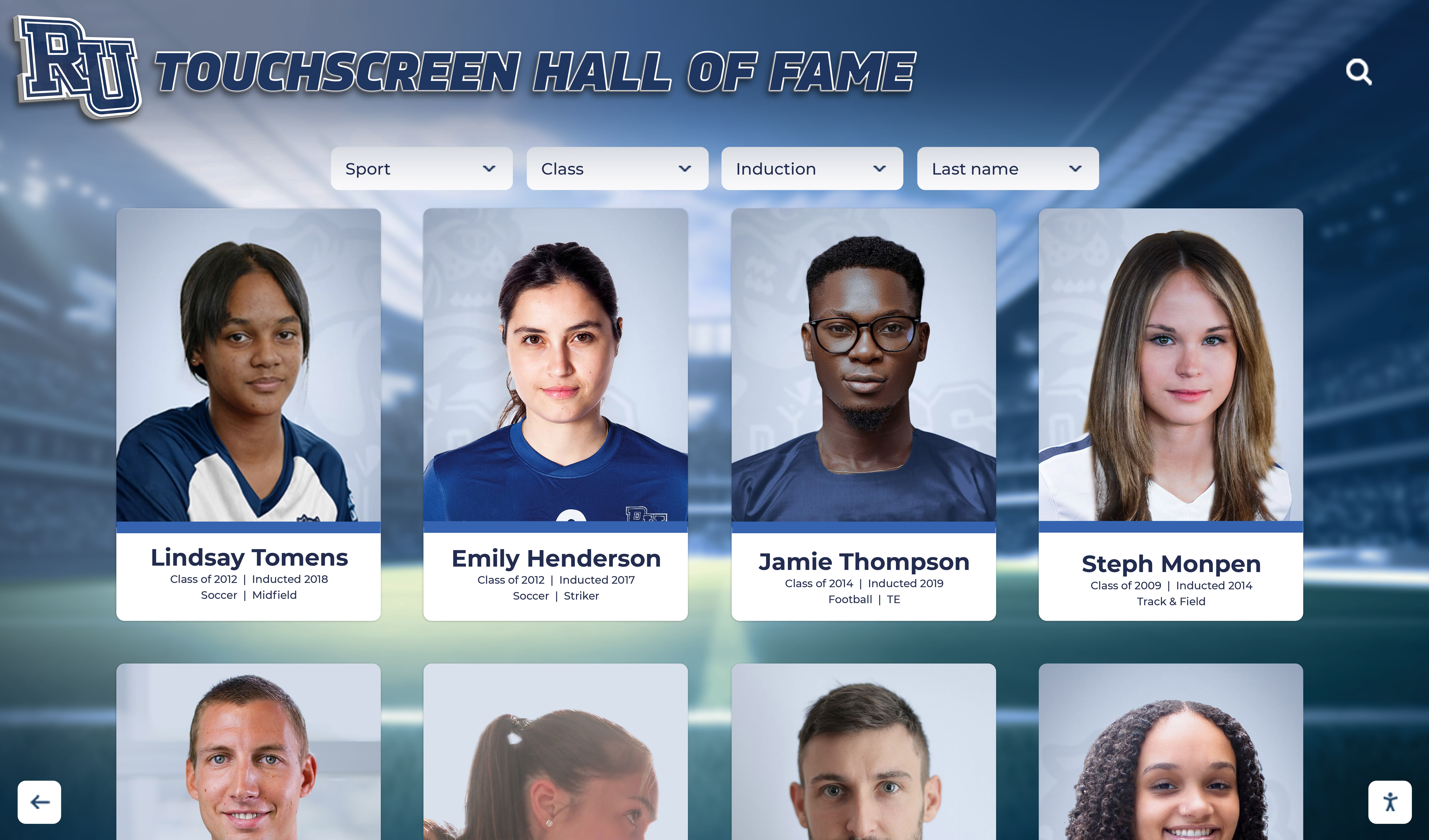
An organized set of approved athlete profiles can be presented in an interactive format that extends senior recognition beyond a single game night
Recognition Caption Template
Use this template as a starting point. Fill in each bracket with verified information only. Do not publish any caption until the athlete and their family have confirmed the content is correct and that they approve its use in this context.
[Athlete’s approved public name] — [Sport], [Season(s) with the club] [Brief factual description of team contribution or role — for example: “three seasons on the varsity roster” or “team captain during the [year] season.” No invented award and no statistic that has not been verified from the club’s own records.] We are proud to celebrate [approved public name] as a graduating member of [club name].
Keep captions factual and focused on team belonging and confirmed contribution. This template leaves any personal ceremony traditions — faith practices, music selections, escort arrangements, other customs — to each organization and each family. Those decisions belong to the people involved, not to a default template.
Photo Ownership, Archive Setup, and Coordinator Handoff
After senior night, two things need to happen before the season fully closes: the approved materials need to go into an organized archive, and the next coordinator needs to be able to find and use that archive independently.
Photo ownership. The club’s photos — team photos, individual senior portraits taken at club-organized events — typically belong to the club or to the photographer under a license the club holds. Confirm this before the season starts, not after. If a family member took photos at a club event, clarify whether those images can be used in club displays, for what purposes, and in what contexts. Document what was confirmed and keep that record in the club’s private files alongside any release or permission forms.
Where authorized copies live. The club archive should hold: the original resolution version of each approved photo, the finalized approved captions, each senior’s public profile if one was created, and a note on which display formats were used and what equipment was needed. Store the archive on a platform the club controls — a club-owned cloud folder, a shared drive under a club account, or a dedicated club email — not on a departing volunteer’s personal device or personal cloud account.
How seniors and families receive their copy. After the event, send each family the keepsake format they confirmed during the recognition decision step: a high-resolution print file, a link to their approved digital story, or another format they chose. Send this through the club’s communication channels, not a personal volunteer email, so the record of what was sent stays with the club.
How the next coordinator gets access without inheriting a personal password. Access to the archive should be attached to a club account — not to the departing coordinator’s personal login. Before transitioning out, the coordinator should: transfer ownership of the archive folder to the next coordinator or a club admin account, document where files are stored and what naming conventions were used, and confirm that the incoming person can open and navigate the archive independently. This is a deliberate handoff between people. No platform automatically transfers volunteer access or synchronizes permissions; someone has to actually complete the transfer.
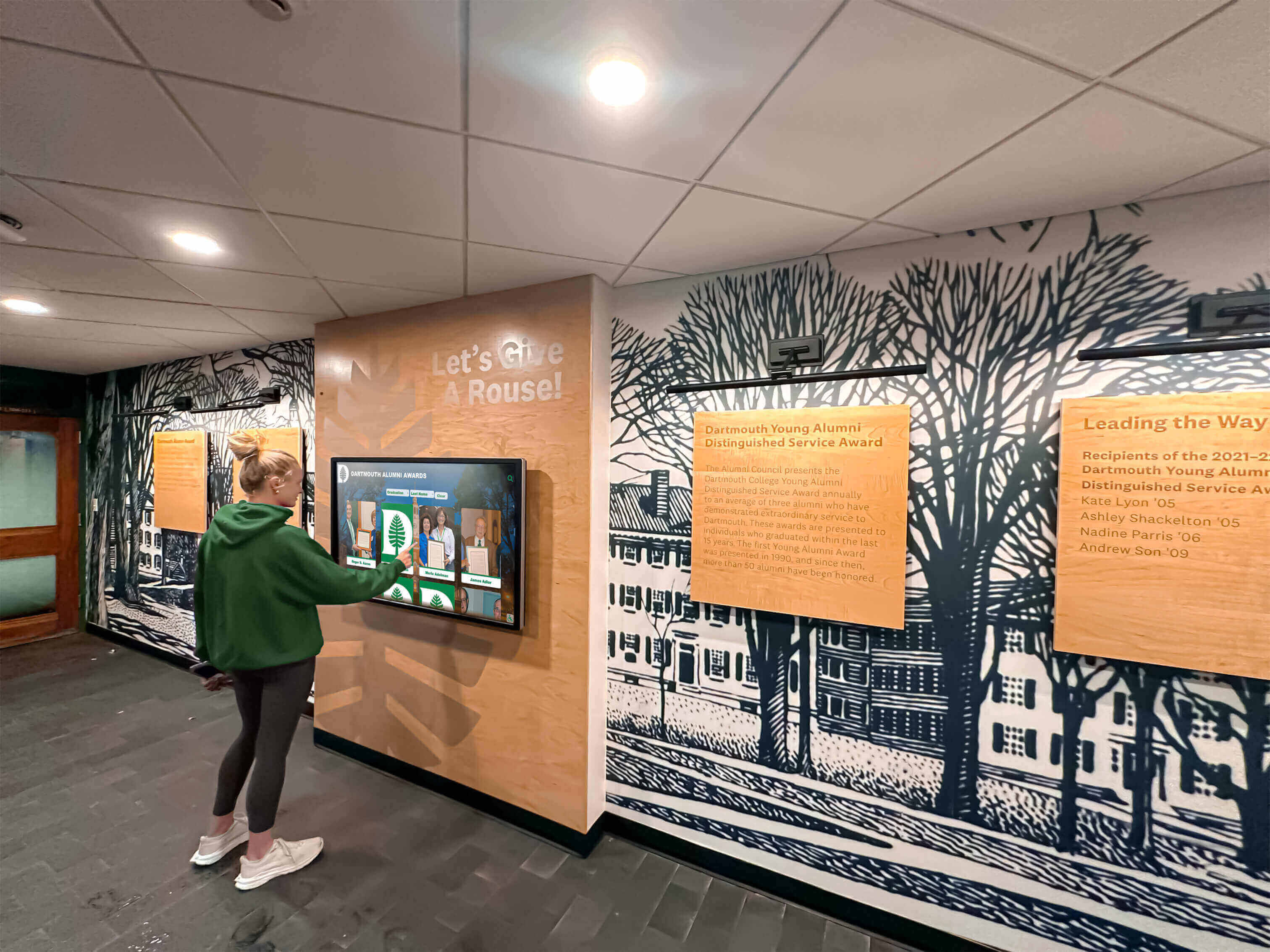
A club's organized digital history gives athletes, families, and incoming coordinators a way to access and build on past seasons
Season Handoff Checklist
Use this checklist before the coordinator transitions and before the season archive is considered complete.
Archive before transition:
- Approved senior photos stored at original resolution in club-controlled archive
- Finalized captions and profiles stored alongside each photo
- Family permission or release documentation on file in club’s private records (separate from the public archive)
- Archive location documented in writing; access transferred to a club account, not a personal login
- Incoming coordinator confirmed able to open and navigate the archive independently
- Record of which display formats were used at the event and what equipment was brought
What transfers to the next coordinator:
- Archive access credentials, held under a club account
- The planning table from this season, with private family contact fields removed
- Notes on venue logistics — what worked, what needed adjustment
What stays in private club records and does not pass forward as a shareable document:
- Family contact information
- Permission and release forms
- Eligibility records or academic information of any kind
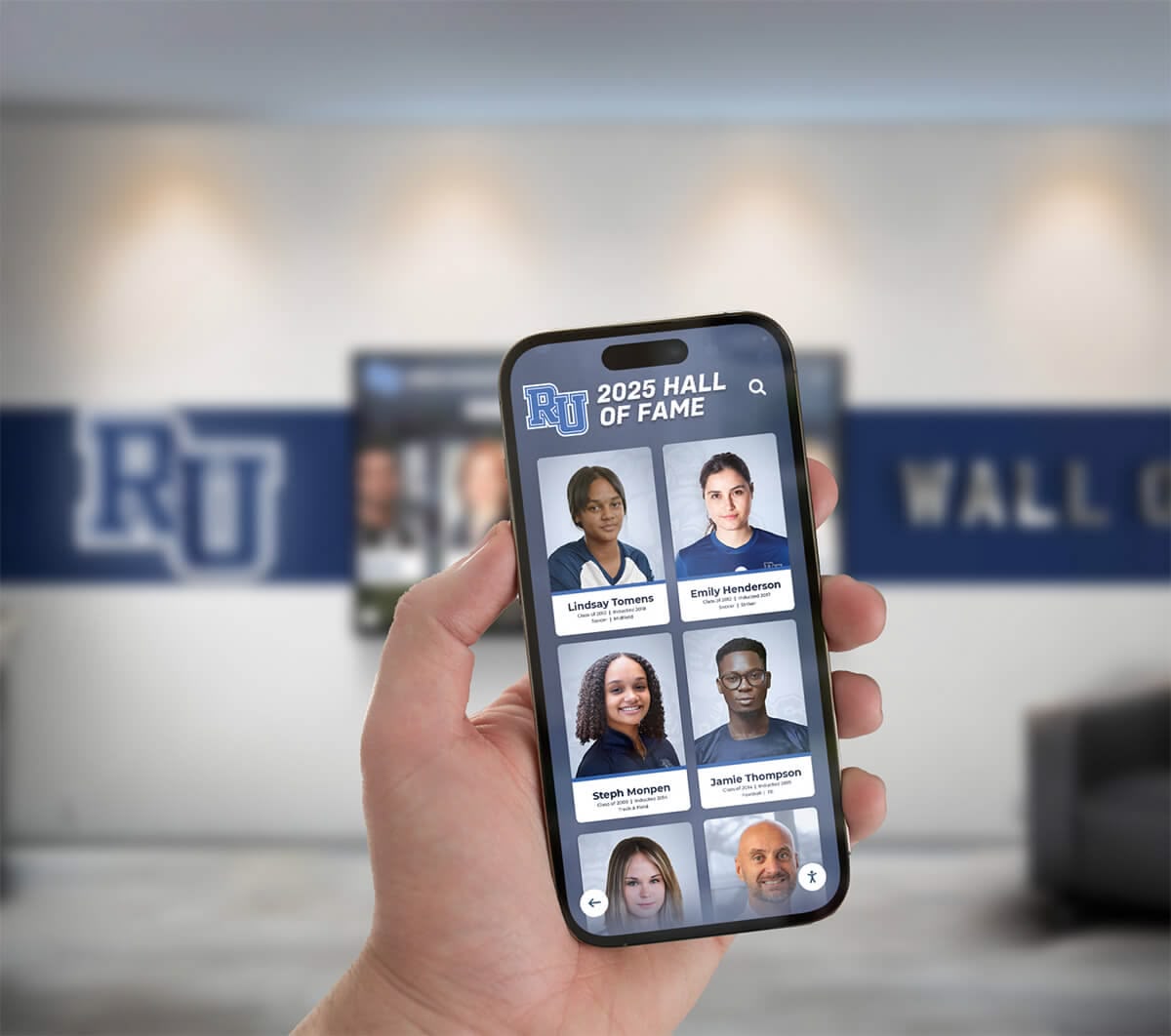
A well-organized club archive makes it possible to share approved senior recognition stories with families and alumni from anywhere
Why the Archive Outlasts the Gym
The seniors being recognized tonight were freshmen when many current coordinators started. The families organizing this season’s table display will not all be present for the next one. A club that builds its senior history into a portable, coordinator-independent archive is doing something different from a club that relies on one parent’s memory and one volunteer’s personal folder: it is building a record of its people that belongs to the program, not to the venue or the individual.
That is what homeschool sports senior night recognition can mean beyond a single evening — not just a ceremony, but a documented place in the club’s story that the next group of athletes can see and build on.
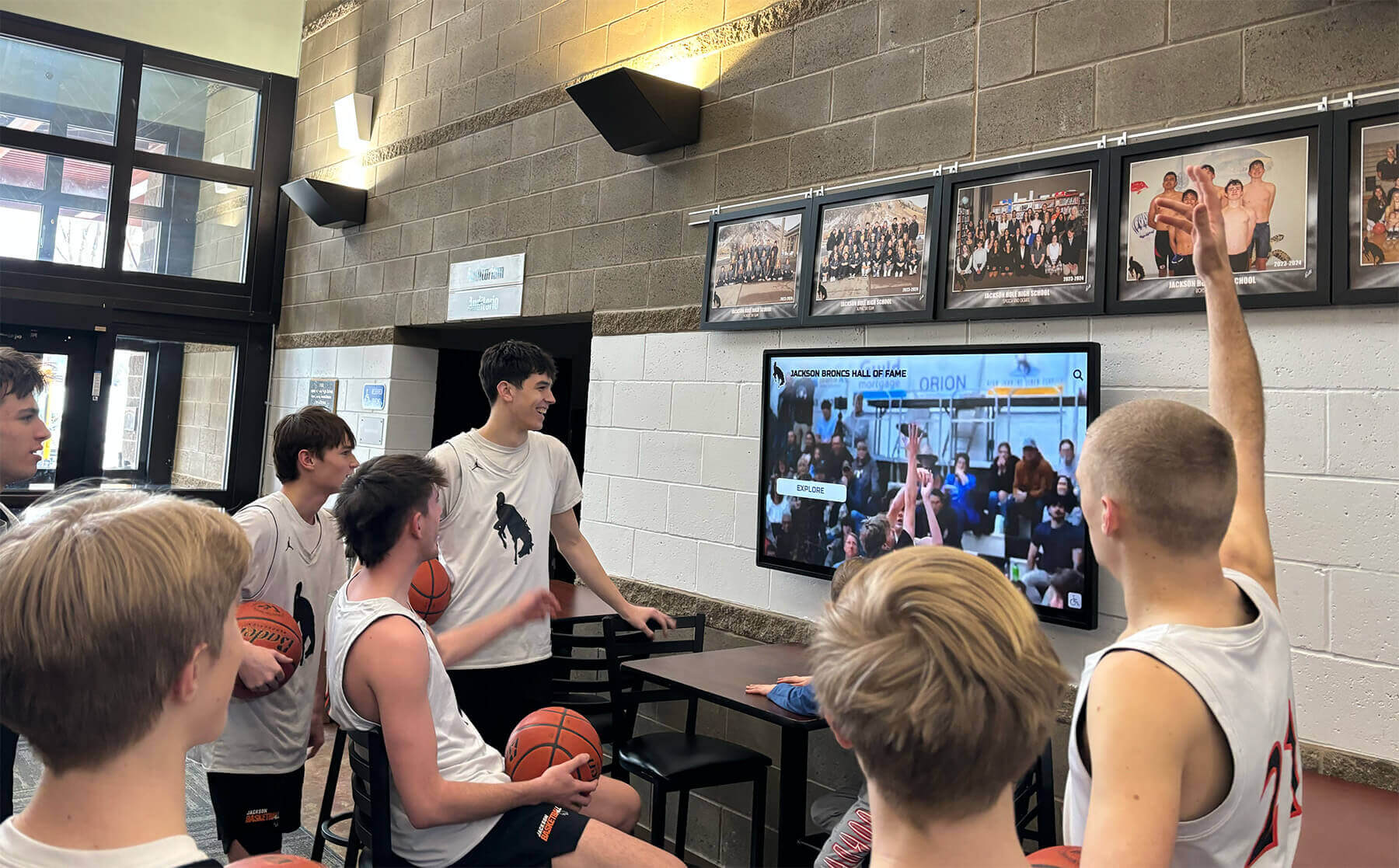
A screen display organized around approved content connects the game-night ceremony to a longer club history that athletes can revisit
How Rocket Alumni Solutions Can Help
The coordination challenge for homeschool clubs is often less about the ceremony itself and more about keeping the approved story organized and accessible across different venues, different coordinators, and different seasons. Rocket Alumni Solutions helps organizations present approved photos and achievement stories in an interactive recognition display. Club coordinators can enter a senior’s confirmed public name, sport and season, and approved caption, and the display presents that record as part of the club’s growing history in a format that families and guests can explore.
When a correction is needed — a caption update, an improved photo, a revised season record — the content can be updated without reprinting a laminated card or reordering a banner. The display is not a replacement for the step of confirming what each family has approved; it is a way to present that confirmed content clearly after the coordination work is done.
Related Resources
Organizing original athletic photos, video, and season files in a club archive
Schedule a conversation about your club’s senior recognition display
Live Example: Rocket Alumni Solutions Touchscreen Display
Interact with a live example (16:9 scaled 1920x1080 display). All content is automatically responsive to all screen sizes and orientations.