The Easiest Touchscreen Solution




Live Example: Rocket Alumni Solutions Touchscreen Display
Interact with a live example (16:9 scaled 1920x1080 display). All content is automatically responsive to all screen sizes and orientations.
Intent: decide — schools comparing digital signage options need to understand what a full-featured, affordable platform actually includes before committing.
Most schools that explore digital signage hit the same wall quickly: per-screen licensing that adds up fast, separate fees for device management, and recognition tools bolted on as afterthoughts. The result is a system that either blows the budget or forces compromise on features that matter.
Rocket Alumni Solutions takes a different approach. For $50 per year, schools get unlimited digital signage screens, built-in MDM device management, a cloud-based CMS, ADA WCAG 2.1 AA compliant displays, and a full recognition platform covering athletics, academics, donors, and more. No per-screen upsells. No hidden tier unlocks. No separate MDM contract.
This guide covers what school digital signage should do, how device management factors into long-term reliability, and why Rocket Alumni Solutions has become the platform schools choose when they want professional-grade capability without the price tag that typically comes with it.
Schools that implement digital signage well report better daily communication reach, more consistent recognition of student and staff achievement, and a more polished experience for visiting families and prospective students. The gap between a well-run digital signage program and a struggling one usually comes down to three factors: the right software, manageable hardware, and a budget that doesn’t require annual justification battles.

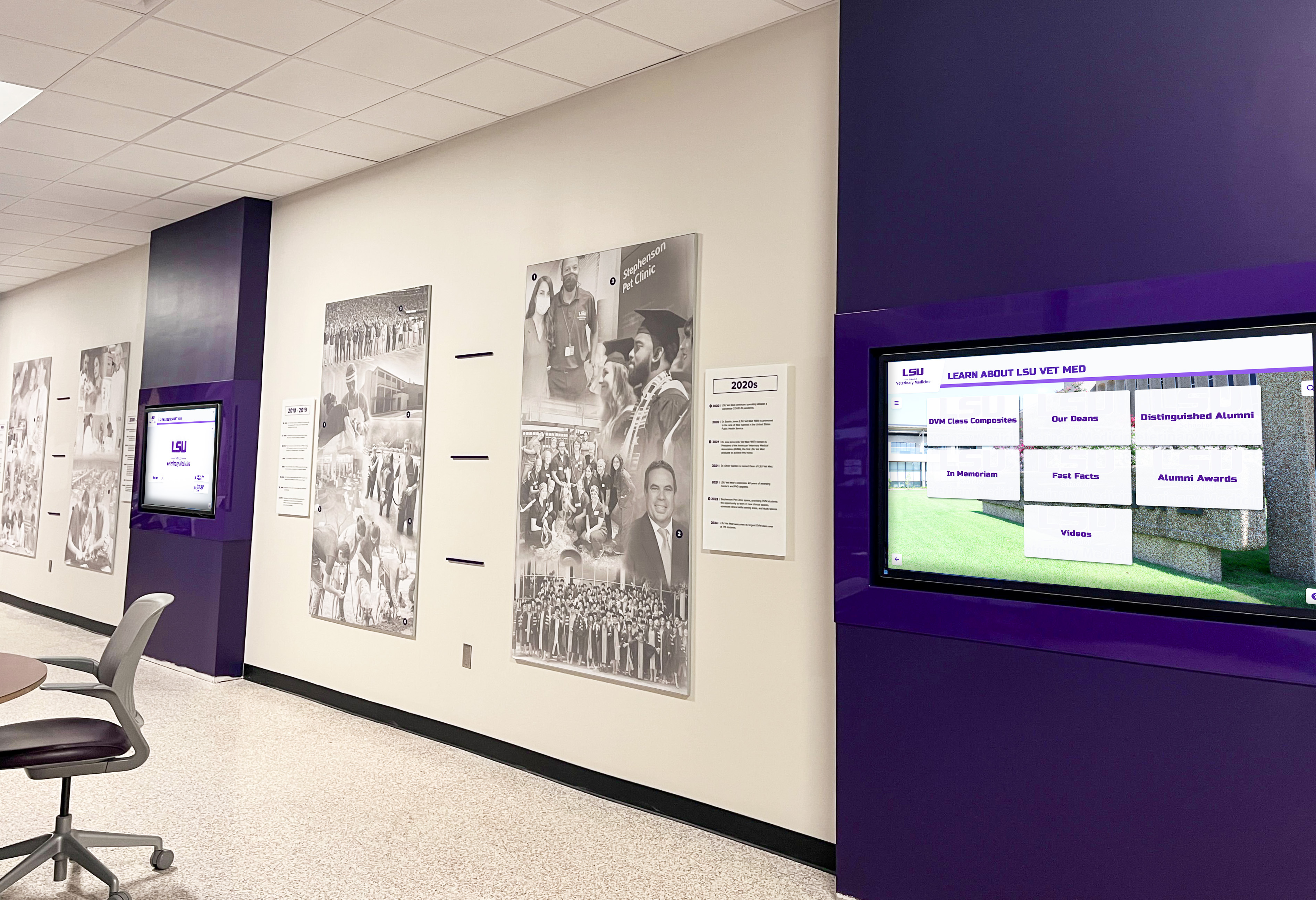
Schools with multiple coordinated displays create consistent messaging across high-traffic hallways without managing separate software licenses for each screen
What Digital Signage Actually Means for Schools
Digital signage for schools is any system of networked screens—mounted in hallways, lobbies, gyms, cafeterias, or offices—displaying content managed through software rather than manually swapped physical media. In practice, this means a school administrator can log into a dashboard from any device and push updates to every screen on campus within seconds.
That basic definition covers a wide range of systems, from simple slide-loop players to full interactive touchscreen kiosks. For schools specifically, the most effective deployments tend to combine several functions on the same platform:
- Daily announcements and event schedules replacing PA dependency
- Athletic and academic recognition replacing or extending physical trophy cases
- Donor and hall of fame displays for development and alumni engagement
- Wayfinding and building directories reducing repetitive questions to office staff
- Emergency alerts and closures reaching every display simultaneously
The challenge is that many platforms address only one or two of these functions well, pushing schools toward multiple tools and multiple billing relationships.
Why Per-Screen Pricing Creates Problems for Schools
Most digital signage platforms charge per screen, per year. That might seem reasonable for a single display in the main office. But schools rarely stop at one screen.
An athletic director who adds a trophy case display in the gym lobby, a recognition kiosk at the main entrance, announcement screens in three hallways, and a donor wall in the auditorium lobby is suddenly managing six licenses—and a bill that grows every time a new display goes in.
Per-screen pricing creates a different problem too: it discourages schools from putting displays where they’d actually be useful. If adding a screen in the cafeteria costs another $200–$400 per year in software fees, many budget-conscious administrators simply skip it. The coverage gap isn’t a technology decision; it’s a pricing decision made by the vendor.
Rocket Alumni Solutions removes this constraint entirely. The $50/year subscription covers unlimited screens. A school can add displays in the gym, the main lobby, the athletic hallway, the library entrance, the cafeteria, and every classroom corridor without changing the annual cost. That structure changes how schools plan their digital signage deployment—from “how many screens can we afford to license” to “where would screens actually help.”
For more detail on how unlimited-screen pricing works compared to per-screen models, this guide covers the pricing structure and what schools typically save over three years of operation.
MDM Device Management: The Feature Most Platforms Charge Extra For
Mobile Device Management (MDM) is how IT administrators maintain, update, secure, and troubleshoot the devices running digital signage software. Without it, a school’s display network becomes a collection of standalone units that each require physical access to update, troubleshoot, or reboot.
In practice, lack of MDM means a lot of staff time walking hallways to restart frozen screens, a lot of delayed software updates sitting on devices that haven’t been touched in months, and no centralized view of which displays are online or offline at any given moment.
MDM built into a digital signage platform gives schools:
- Remote reboot and restart for any display without sending someone to the physical location
- Software update management pushing OS and application updates centrally without physical access
- Device health monitoring showing which screens are online, offline, or experiencing issues
- Content delivery verification confirming that published content actually reached the target displays
- Security policy enforcement keeping devices locked to intended use without outside access
- Kiosk mode lockdown preventing displays from being used as general-purpose computers
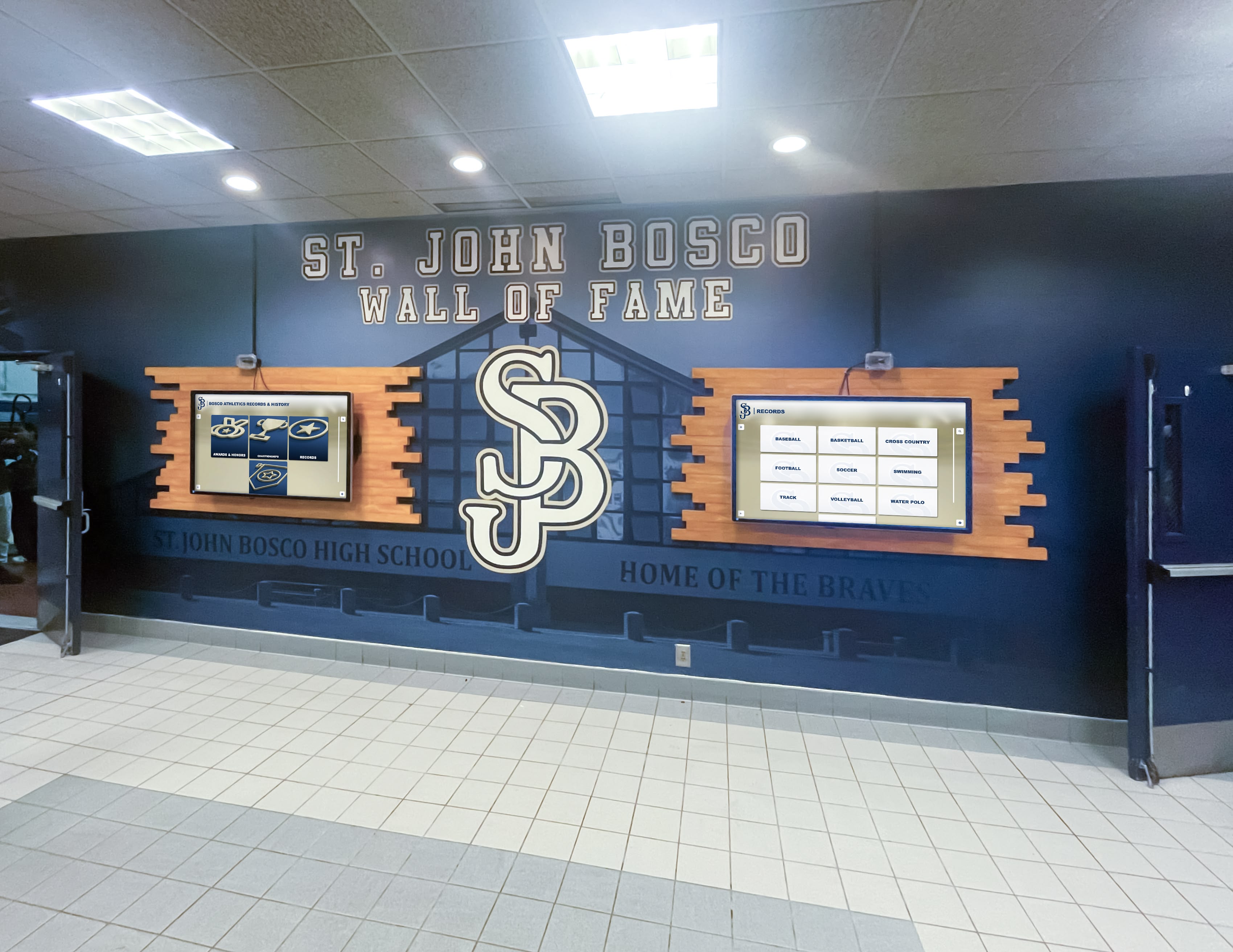
Networked displays managed through MDM can be remotely rebooted, updated, and monitored without requiring staff to visit each screen location
Most enterprise digital signage platforms treat MDM as an add-on or a separate contract with a third-party MDM provider. That means schools either pay twice—once for the signage software and once for device management—or they skip MDM and accept the operational headaches that come with unmanaged devices.
Rocket Alumni Solutions includes MDM as part of the platform. Schools don’t need a separate agreement with an MDM vendor, don’t need to configure integration between two different systems, and don’t pay extra for the feature. The policy framework for managing touchscreen recognition displays covers what schools should expect from a properly configured MDM setup, including kiosk lockdown, update scheduling, and remote access protocols.
Feature Parity with Major Digital Signage Platforms
One concern schools sometimes raise about affordable platforms is whether lower cost means fewer features. With Rocket Alumni Solutions, the feature set aligns with—and in several areas exceeds—what major digital signage providers offer to the K–12 market.
Core Digital Signage Capabilities
Cloud-based content management — All content is managed through a web browser from any device. No local software to install, no on-site server to maintain. Administrators can push content updates from home, from a mobile device, or from any computer with internet access.
Scheduled publishing — Content can be scheduled to go live and expire automatically. Morning announcements rotate to afternoon content. Seasonal content goes up and comes down without anyone manually editing displays. Game-day schedules appear and disappear on the right days without requiring staff action.
Multi-screen management — All displays are managed from a single dashboard. Groups of screens can receive the same content simultaneously. A content update for all gym-area displays goes out in a single action rather than display by display.
Role-based access control — Athletic directors manage sports content. The activities coordinator manages event calendars. The development office manages donor recognition. Each person has access to what they need without full administrative access to the entire system.
QR code integration — Visitors can scan QR codes on displays to open detailed content on their phones. An athlete’s hall of fame profile on a lobby screen becomes a full bio accessible on mobile. A donor recognition display becomes a shareable page families can send to others.
Digital announcement boards — Daily announcements, lunch menus, bell schedule variations, and event reminders update automatically through the same CMS used for recognition content.
Recognition Capabilities That Standard Digital Signage Lacks
Standard digital signage platforms are built around general content delivery—slides, images, videos, announcements. They aren’t designed with school recognition in mind, and adding meaningful recognition content usually requires significant custom work.
Rocket Alumni Solutions is built specifically for the recognition use cases schools need most:
Hall of fame inductees with photos, career statistics, years active, and achievement summaries—searchable by sport, year, or name.
Athletic records and all-time leaders displaying automatically ranked and sorted lists across every sport.
Academic recognition covering honor roll by marking period, National Honor Society, academic award recipients, and scholarship announcements.
Senior athlete spotlights with career retrospectives updated by coaching staff without IT assistance.
Donor recognition walls with giving levels, named funds, and searchable donor databases that update as new contributions are recorded.
Championship and team histories documenting seasons, rosters, coaches, and accomplishments going back as far as the school wants to archive.
These aren’t add-ons. They’re part of the core platform, available from day one at the same $50/year rate.
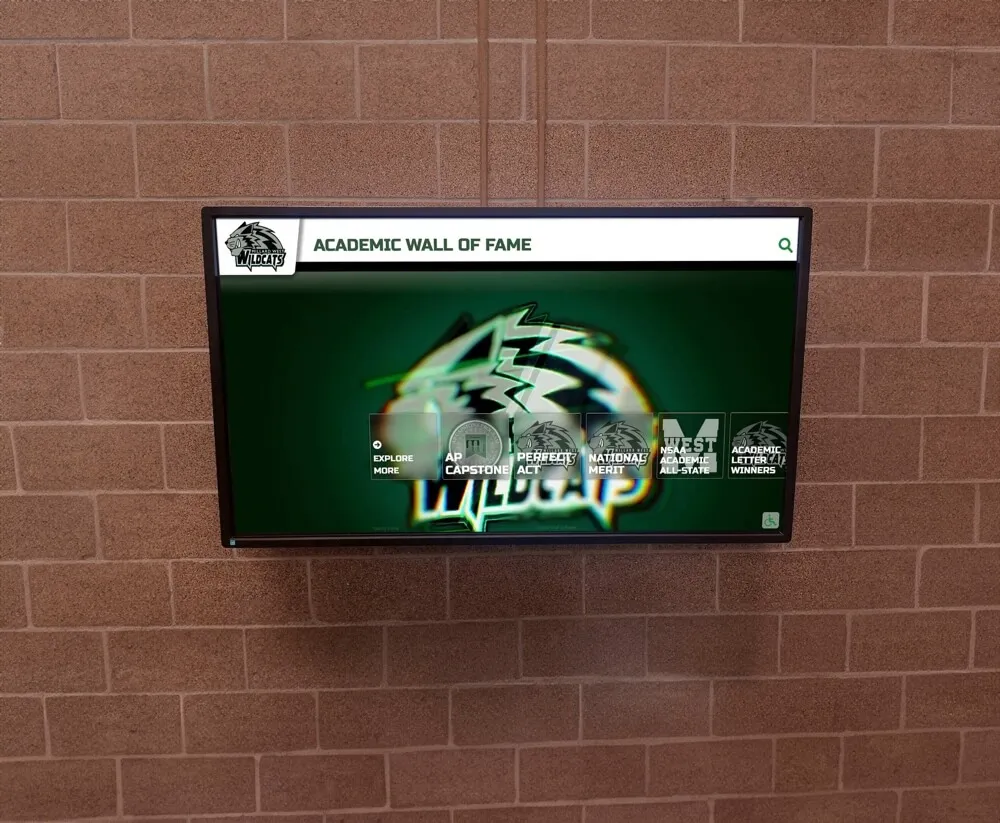
Academic and athletic recognition displays can coexist on the same screen or rotate by time of day, giving all achievement categories appropriate visibility
How Schools Are Using Rocket Digital Signage Today
The gym lobby digital trophy solution is where many schools start. A single interactive kiosk or display near the gymnasium entrance replaces the traditional trophy case—or extends it by giving schools unlimited capacity for content the physical case can no longer hold.
From there, schools typically expand in one of two directions: broader campus communication coverage (adding screens in hallways and cafeterias for daily announcements) or deeper recognition coverage (adding displays in the main lobby for academic recognition, in the auditorium for performing arts, in the front office for donor acknowledgment).
Because the software cost doesn’t change with additional screens, the only decision is hardware—where to mount it, how to run power and network, and what the display spec needs to be for that location.
Different screen types suit different locations: commercial-grade displays for high-ambient-light hallways, interactive touchscreen kiosks for lobbies where visitors will engage directly, and standard mounted displays for announcement-focused locations like cafeterias where touch isn’t the primary interaction mode.
ADA Accessibility and WCAG 2.1 AA Compliance
Schools have legal and ethical obligations to ensure digital systems are accessible to all community members. For public K–12 institutions specifically, ADA compliance isn’t optional.
Rocket Alumni Solutions builds WCAG 2.1 AA compliance into the platform. That includes:
- High-contrast display modes for users with low vision
- Screen reader compatibility for content viewed on mobile via QR code
- Adjustable text sizing within interactive displays
- Touch target sizing meeting accessibility standards
- Clear navigation structure supporting keyboard and assistive technology use
Schools that implement digital signage without accessibility considerations expose themselves to complaints and potentially costly remediation. Platforms built with accessibility from the start avoid these risks while ensuring that all visitors—not just those without disabilities—have a good experience with school displays.
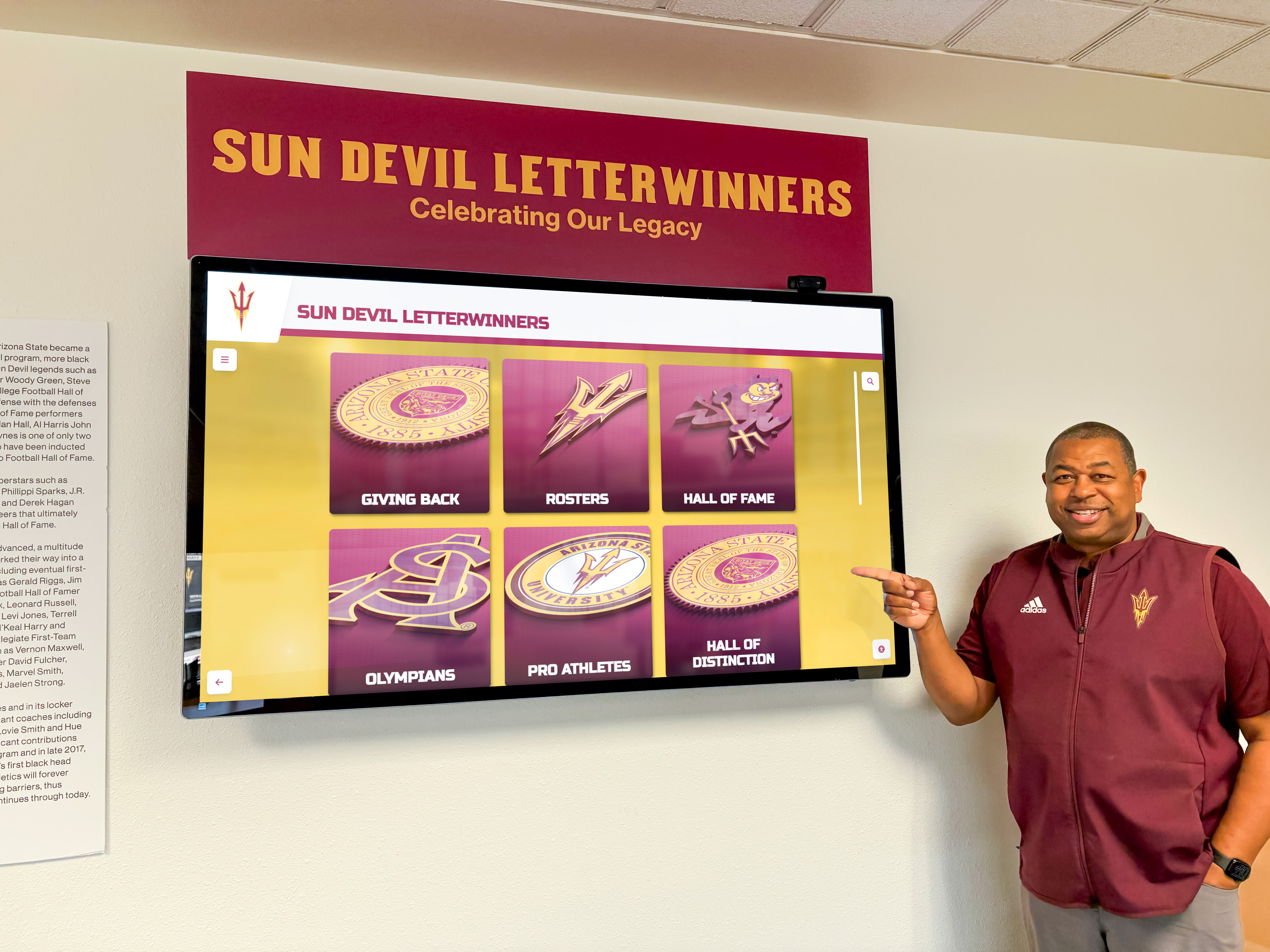
Accessible touchscreen displays with clear navigation allow all visitors—including those with mobility limitations or low vision—to engage with school recognition content
Pricing in Context: What $50/Year Actually Means for a School Budget
School budgets are structured around predictability. Athletic directors and principals working with limited discretionary funds need to know what a technology investment will cost not just in year one but over three to five years.
At $50 per year for unlimited screens, Rocket Alumni Solutions fits within single-line-item budget allocations that don’t require board approval in most districts. The cost is comparable to a single piece of software used by one department—except this platform serves athletics, academics, development, administration, and communications simultaneously.
Budget-conscious athletic directors evaluating digital display options often start the comparison at the per-screen software cost and miss the MDM piece. Adding device management separately at typical MDM rates ($5–$15 per device per month) can cost a school more than $1,000 per year for a modest 10-screen network—20 times what Rocket charges for software including MDM.
For schools evaluating multi-year commitments, detailed pricing information including annual and multi-year subscription options is available and worth reviewing before committing to any platform.
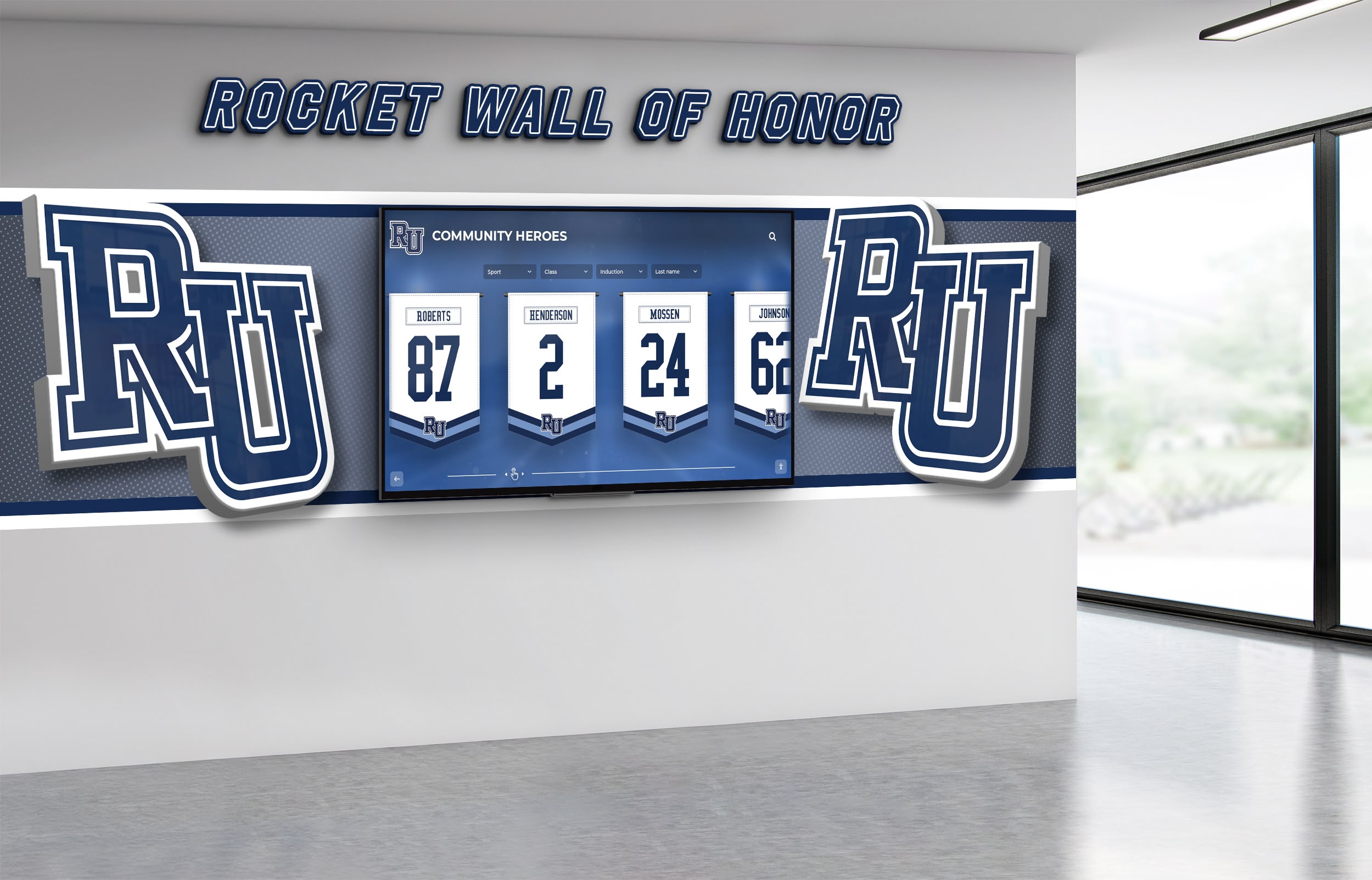
Lobby recognition displays featuring athletic jerseys and honors require no additional licensing cost per screen on Rocket Alumni Solutions' unlimited platform
Implementation: What the Process Looks Like
Getting a school’s digital signage network running with Rocket Alumni Solutions involves a few sequential steps, none of which require dedicated IT staff or advanced technical knowledge.
Step 1 — Hardware selection and installation. Schools select display hardware based on location requirements. Rocket works with standard commercial displays and interactive touchscreen kiosks. Professional installation typically covers mounting, power, and network connectivity. The full guide to choosing and installing interactive touchscreen solutions for schools covers site assessment, hardware specs, and what to look for in an installation partner.
Step 2 — Platform setup and MDM configuration. Displays are enrolled in the MDM system during initial setup. This establishes remote access, update management, and kiosk lockdown configurations before any content goes live.
Step 3 — Content migration and initial build. Schools provide existing recognition data—hall of fame records, honor roll lists, team photos, donor lists—and the Rocket team handles migration into the platform. Most schools go live with meaningful content within weeks rather than months.
Step 4 — Staff training. The content management interface is designed for administrators without technical backgrounds. Training typically covers adding new content, scheduling updates, managing screen groups, and using analytics to see what’s resonating with viewers.
Step 5 — Ongoing updates without IT tickets. This is where the operational value becomes clear. Athletic directors update game schedules and post new record-holders. Activities coordinators add club meeting notices. Development staff update donor recognition after campaigns close. None of these require IT department involvement.
What Schools Can Display: A Practical Content Breakdown
Schools using Rocket Alumni Solutions commonly maintain these content types across their display networks:
Recognition and History
- Athletic hall of fame inductees with searchable profiles
- All-time record holders by sport and event, auto-sorted
- Championship team rosters and season highlights
- Academic honor roll by marking period and year
- National Honor Society member recognition
- Performing arts cast histories and production archives
- Staff and faculty recognition including teacher of the year honorees
Daily Communication
- Today’s schedule variations, early dismissals, and schedule changes
- Lunch menus updated weekly or daily
- Club and activity calendars with meeting details
- Athletic game schedules with opponent, location, and time
- Registration deadlines and important date reminders
Donor and Development
- Named fund recognition with giving level designations
- Campaign progress and milestone acknowledgment
- Scholarship recipient recognition linking donors to impact
- Memorial and tribute giving acknowledgment
Visitor-Facing Information
- Building directories with office locations
- Staff listing with photos and roles
- QR codes linking to full school or department websites
- Emergency contact information and school policies
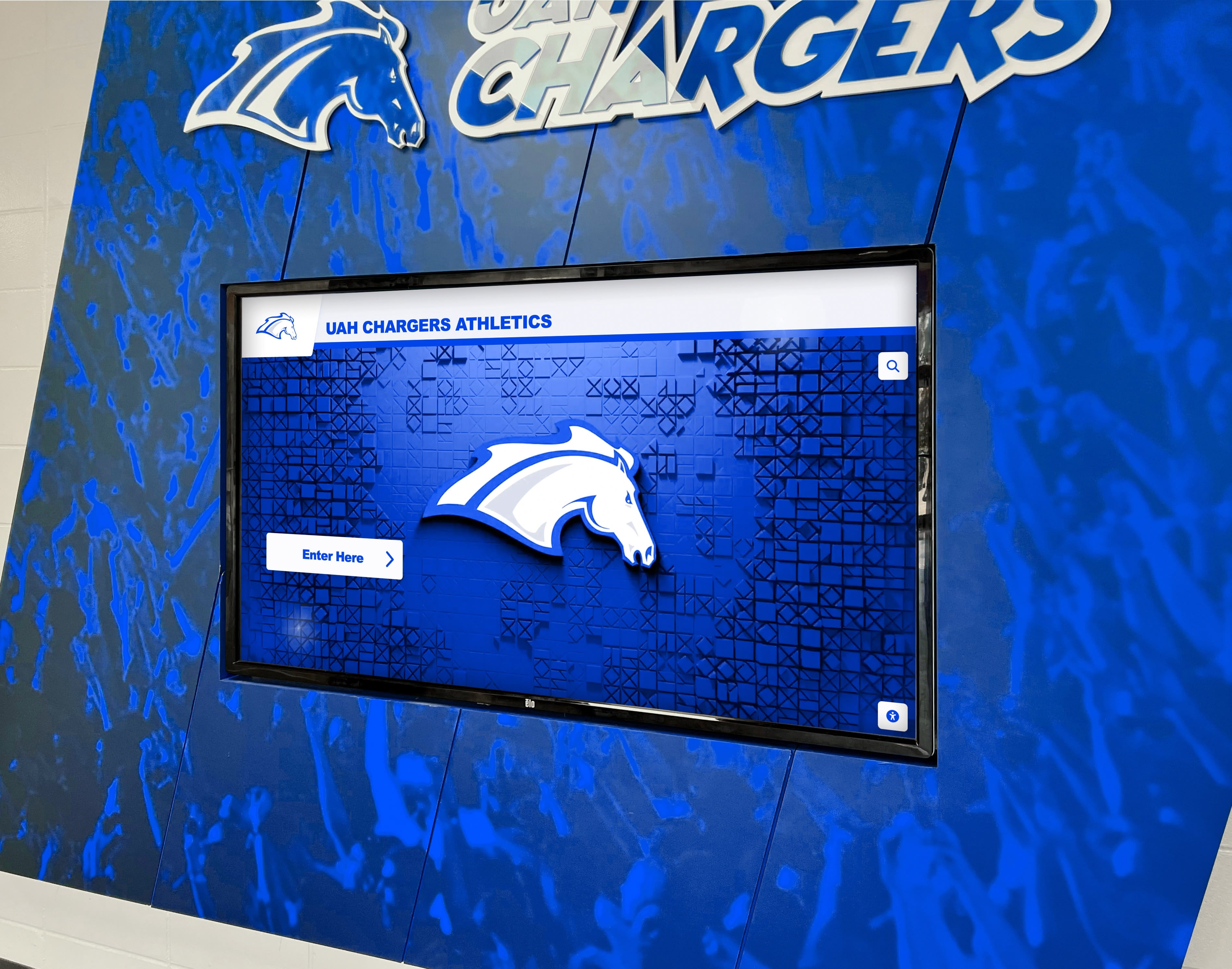
Athletic facility displays in team colors reinforce school identity while giving recognition content a prominent, permanent home in high-traffic areas
Why Digital Signage Alone Isn’t Enough for Schools
Many digital signage platforms serve general commercial environments—retail, hospitality, healthcare—and adapt their tools for schools as a secondary market. The result is a capable communication tool that lacks the depth schools need for recognition.
A general digital signage platform can run an announcement slide. It can’t easily manage a searchable database of 40 years of track and field record-holders or auto-sort academic honor roll lists by GPA and year. Those are recognition platform features, not signage features.
The case for why schools need more than standard digital signage comes down to this: communication tools push content to screens; recognition platforms build lasting, searchable institutional memory. Schools need both, and they need them on one platform rather than managing two parallel systems.
Rocket Alumni Solutions combines them. The same subscription that powers daily announcement displays also maintains the athletic hall of fame, the donor recognition wall, and the academic achievement archive—all updated through the same CMS without separate logins or parallel workflows.
Frequently Asked Questions
How many screens does the $50/year plan include? All screens. Rocket Alumni Solutions does not charge per display. The annual subscription covers the platform for all screens a school installs, whether that’s two or twenty.
Is hardware included in the $50/year? No. The subscription covers software—the content management platform, MDM device management, recognition tools, and ongoing updates. Hardware (displays, kiosks, mounts, media players if needed) is a separate purchase or lease.
Does this work with existing commercial displays we already own? Rocket Alumni Solutions works with most commercial-grade displays and standard media player hardware. Schools with existing screens typically don’t need to replace them. Confirm compatibility with the Rocket team during initial setup.
How does MDM work if our IT department manages our network? Rocket’s MDM can work alongside existing school network policies. The setup process includes configuration guidance, and the Rocket team coordinates with school IT where needed to ensure displays are properly enrolled and secured.
What content types are included? The platform supports recognition profiles, searchable databases, photo galleries, video content, announcement slides, event calendars, donor recognition modules, wayfinding directories, and QR code generation. All content types are included in the base subscription.
How long does initial setup take? Timeline varies by content volume. Schools with limited historical data can be live in days. Schools migrating large archives of photos, records, and recognition data typically complete setup within two to four weeks.
Is the platform accessible for users with disabilities? Yes. Rocket Alumni Solutions is designed for WCAG 2.1 AA compliance, covering contrast ratios, text sizing, touch targets, and navigation structure.
Conclusion: What to Look for in School Digital Signage
School digital signage works best when it does two things well: communication and recognition. A platform strong on one but weak on the other forces schools to compromise or manage separate systems.
The other criteria that matter most are pricing structure (unlimited screens versus per-screen billing), device management (built-in versus add-on), accessibility compliance, and the ease of ongoing content updates without requiring technical staff.
Rocket Alumni Solutions was designed with these criteria as the starting point, not afterthoughts. The result is a platform that costs $50 per year for unlimited screens, includes MDM device management, delivers feature parity with major digital signage brands, and adds a full recognition suite that general signage tools don’t offer.
Schools comparing digital signage options should ask any platform three questions: What’s the cost for 10 screens? 20 screens? What does device management cost, and is it included? What happens when we need to add a hall of fame database with 30 years of records?
On those three questions, Rocket Alumni Solutions has direct answers. On the third question especially, most general signage platforms don’t.
See Rocket Digital Signage in Action
Unlimited screens, MDM device management, full recognition tools, and WCAG 2.1 AA compliance—all for $50/year. Talk to the Rocket team about your school's display goals and get a live walkthrough of what the platform can do for your specific locations and use cases.
Talk to our teamLive Example: Rocket Alumni Solutions Touchscreen Display
Interact with a live example (16:9 scaled 1920x1080 display). All content is automatically responsive to all screen sizes and orientations.