



Schools, universities, historical societies, and cultural institutions share a common challenge: preserving decades or centuries of institutional memory while making that history accessible to current and future generations. Traditional archives—stored in filing cabinets, aging yearbooks, deteriorating photographs, and fragile documents—face inevitable degradation while remaining functionally invisible to the communities they serve.
Physical storage imposes severe limitations. Documents deteriorate despite climate control. Fire, flood, or natural disaster threatens irreplaceable collections. Retrieval requires physical access during limited hours. Finding specific information demands extensive searching through uncatalogued materials. And most significantly, historical treasures locked away in storage rooms provide zero engagement value for students, alumni, or community members who never see them.
Digital history archives solve these challenges by preserving institutional memory in accessible, searchable, engaging formats that protect originals while enabling unlimited simultaneous access. This comprehensive guide explores how organizations successfully create digital archives that preserve heritage, engage audiences, support research, and celebrate institutional legacy through modern technology platforms designed specifically for historical preservation and public access.
Effective digital history archives serve multiple critical functions: protecting vulnerable historical materials through digitization backup, democratizing access to collections previously restricted by physical limitations, enabling discovery through powerful search and browsing tools, and creating engaging experiences that connect contemporary audiences with institutional heritage in meaningful ways.

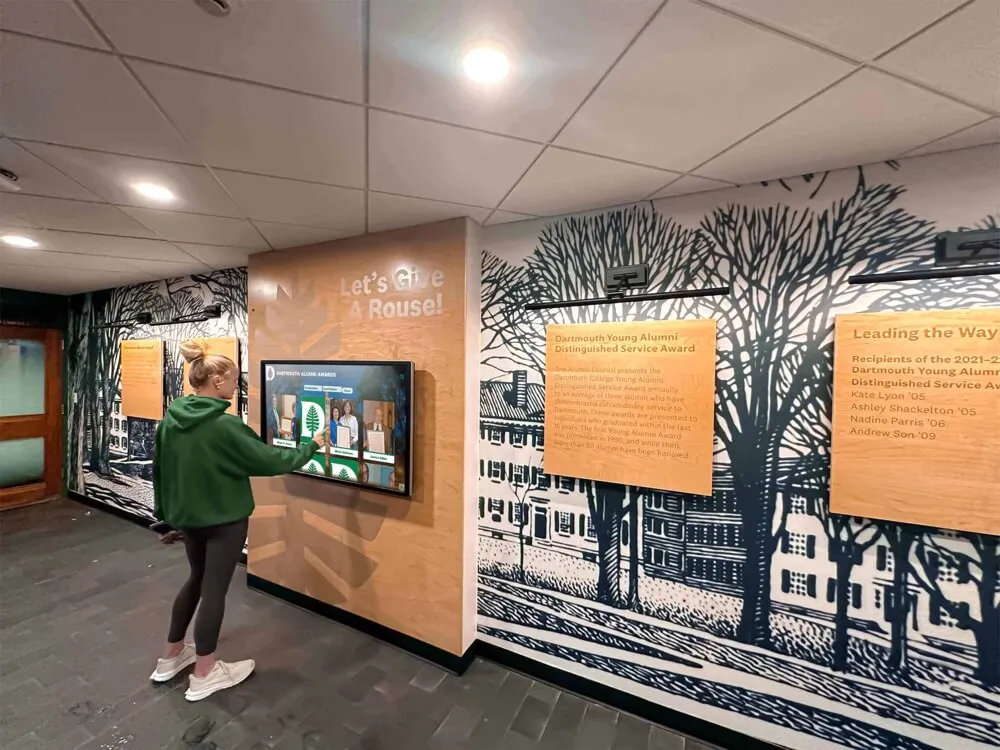
Interactive digital archives transform historical preservation from passive storage into active exploration, enabling community members to discover institutional heritage through intuitive touchscreen interfaces
Understanding Digital History Archives
Before implementation, organizations must understand what constitutes effective digital archiving and how it differs from simple document scanning or photo storage.
Defining Digital History Archives
Digital history archives encompass more than digitized documents:
Comprehensive Scope
- Photographs documenting institutional life across decades
- Yearbooks and publications capturing annual institutional snapshots
- Documents including meeting minutes, correspondence, and official records
- Artifacts and physical objects photographed in high resolution
- Oral history recordings with transcriptions
- Video footage from events, celebrations, and daily activities
- Newspaper clippings and media coverage
- Achievement records and milestone documentation
- Biographical information about notable individuals
- Institutional timeline materials showing evolution over time
According to archival preservation standards, comprehensive digital archives integrate multiple media types rather than siloing photographs separately from documents or restricting collections to limited time periods.
Differentiation from Simple Digitization Digital history archives differ fundamentally from basic scanning projects:
- Metadata and Context: Each item includes descriptive information enabling discovery and providing historical context
- Organization Systems: Structured taxonomies and categories facilitate browsing and exploration
- Search Functionality: Full-text search enables finding specific information across entire collections
- Preservation Standards: File formats, resolution, and storage meet archival permanence requirements
- Access Infrastructure: Public interfaces enable appropriate community access to collections
- Rights Management: Copyright, privacy, and permission considerations are systematically addressed
- Sustainability Planning: Long-term maintenance, format migration, and continued accessibility receive explicit attention
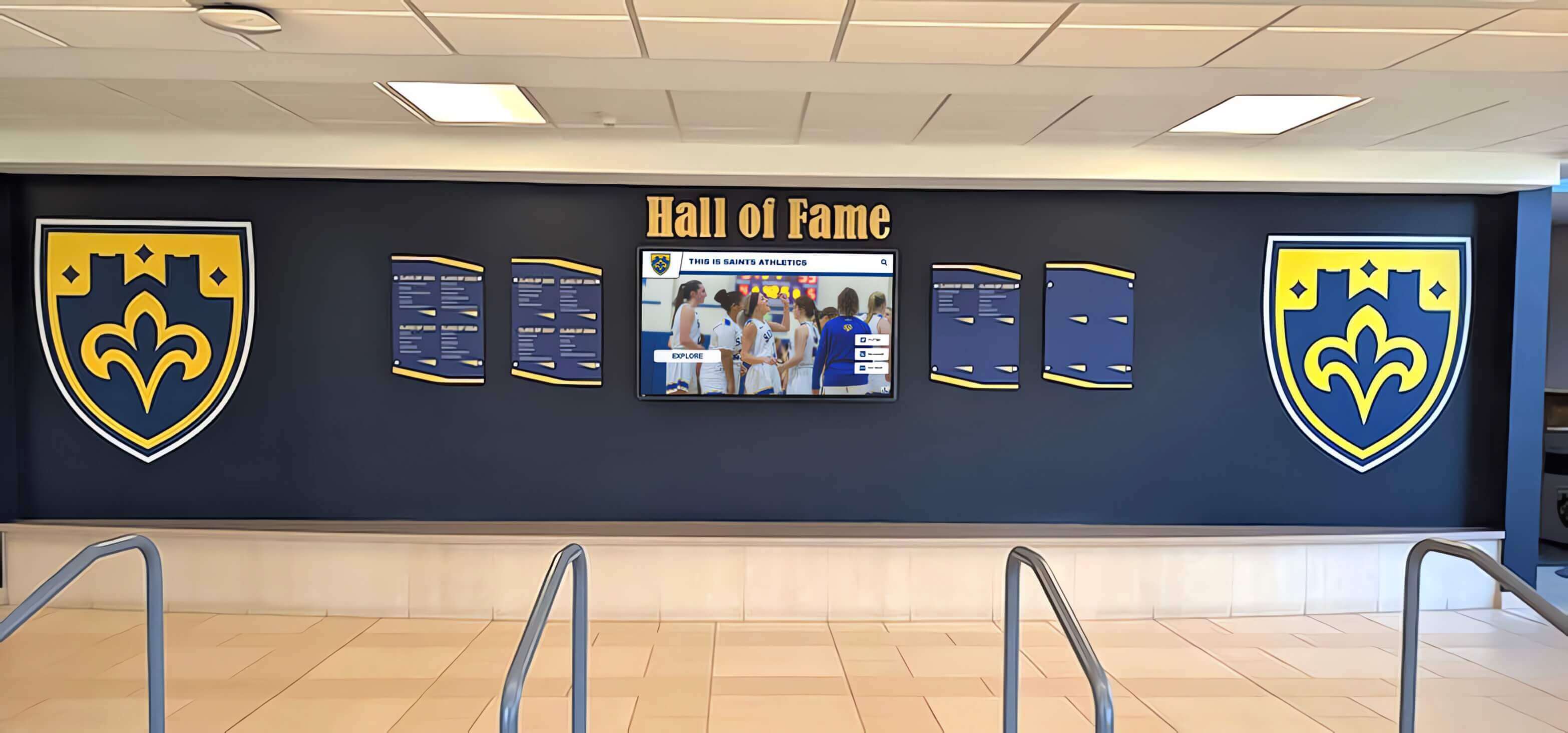
Comprehensive historical displays combine physical artifacts with digital archive access, creating layered experiences connecting visitors with institutional heritage across multiple formats
Benefits of Digital History Archives
Organizations implementing digital archives realize multiple advantages:
Preservation and Protection Benefits
- Original materials protected from handling damage and deterioration
- Disaster recovery backup ensuring institutional memory survives catastrophic loss
- Format obsolescence mitigation through digital file migration
- Environmental degradation prevention for photographs and documents
- Wear prevention from repeated access to fragile materials
- Centralized secure storage reducing loss risk
Physical archives inevitably degrade. Temperature fluctuations, humidity, light exposure, handling, and simple aging destroy irreplaceable materials. Digital preservation creates permanent backup copies ensuring historical memory survives even if originals deteriorate or face destruction.
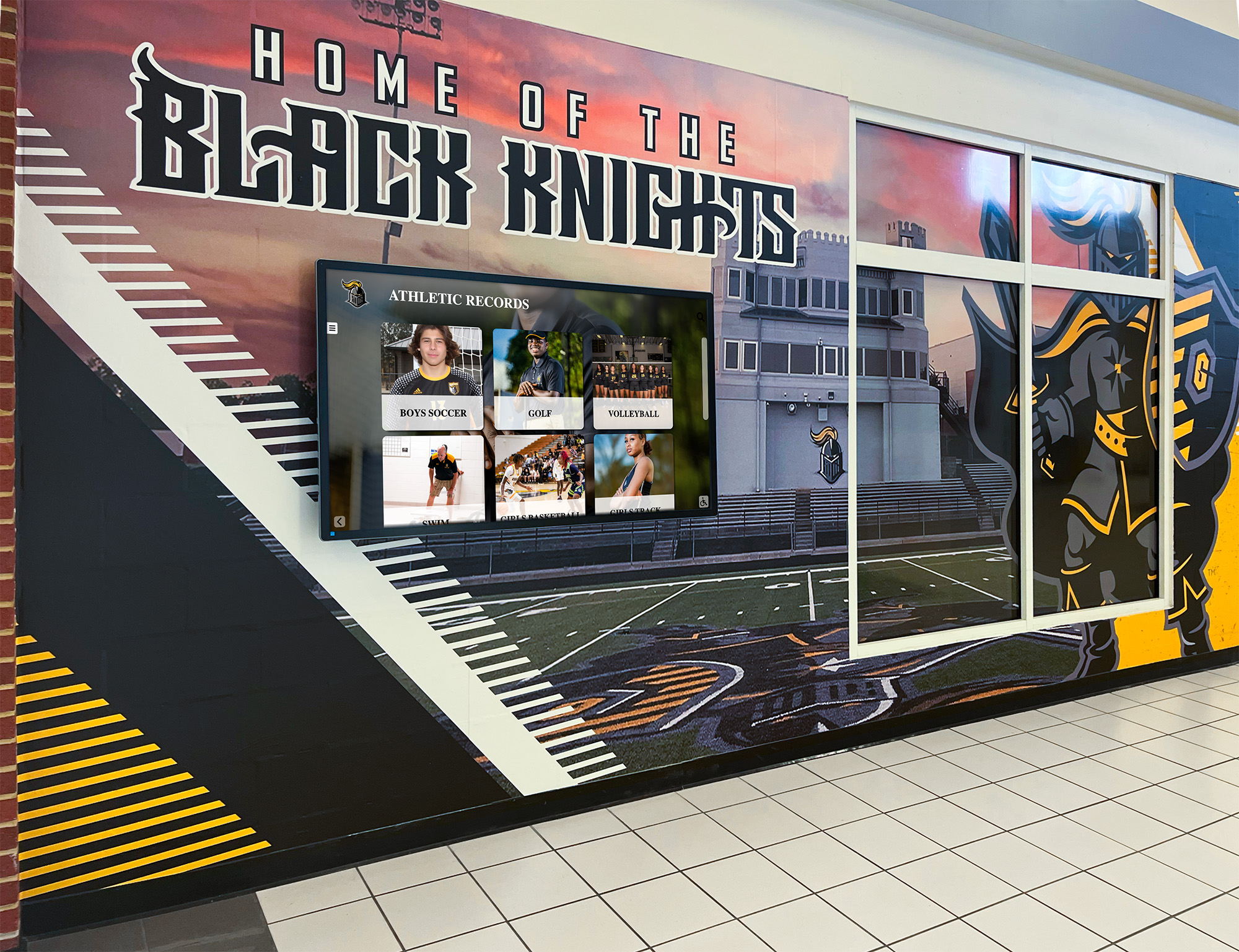
Digital historical displays integrate seamlessly into institutional spaces, making archives visible and accessible rather than hidden in storage
Access and Engagement Advantages
- Unlimited simultaneous access without physical item retrieval
- Remote accessibility enabling off-site research and exploration
- 24/7 availability unrestricted by building hours or staff schedules
- Search functionality enabling rapid information discovery
- Cross-referencing and browsing impossible with physical collections
- Sharing capabilities supporting research and storytelling
- Educational integration providing classroom-ready historical resources
Traditional physical archives restrict access to those physically present during limited hours with staff assistance. Digital archives remove these barriers, dramatically expanding who can access institutional history and when they can explore collections.
Community Connection and Identity Organizations implementing digital heritage displays report strengthened community identity through increased historical awareness:
- Alumni reconnection with formative institutional experiences
- Student understanding of institutional traditions and legacy
- Community pride through accessible historical achievement
- Generational connection between current members and predecessors
- Institutional distinctiveness through visible heritage
- Donor engagement through recognition of historical contributions
History becomes living and relevant rather than abstract and forgotten when communities can actively explore their institutional heritage.
Planning Your Digital History Archive Project
Successful digital archives require systematic planning addressing scope, resources, technology, and sustainability before collection digitization begins.
Needs Assessment and Goal Definition
Collection Inventory and Prioritization Begin with comprehensive understanding of existing historical materials:
- Physical Collection Audit: Document all historical materials including photographs, documents, publications, artifacts, and media across all institutional locations
- Condition Assessment: Evaluate material condition noting items requiring urgent preservation attention
- Rights Analysis: Identify copyright, privacy, and permission considerations affecting digitization and public access
- Significance Evaluation: Prioritize materials based on historical importance, research value, and community interest
- Accessibility Review: Note items currently inaccessible due to fragility, format obsolescence, or storage limitations
Schools typically discover historical materials scattered across athletic offices, administrative storage, library collections, forgotten closets, and personal collections of retired staff or alumni willing to contribute.

Athletic departments maintain extensive historical materials documenting team achievements, individual records, and program evolution across decades
Target Audience Identification Different stakeholders value different archive components:
- Current Students: Recent history, institutional traditions, notable alumni
- Alumni: Personal connections to specific eras, classmates, activities, achievements
- Researchers: Comprehensive documentation, primary sources, contextual information
- Prospective Families: Institutional heritage, academic traditions, program history
- Community Members: Local history connections, notable graduates, institutional impact
- Institutional Staff: Administrative history, policy evolution, precedent documentation
Understanding priority audiences guides collection focus and interface design decisions ensuring archives serve actual community needs rather than purely archival interests.
Technology Platform Selection
Digital archives require appropriate technology infrastructure:
Cloud-Based vs. Local Hosting Storage and access decisions affect long-term sustainability:
Cloud Platform Advantages
- No local server hardware, maintenance, or IT infrastructure requirements
- Automatic backup and disaster recovery built into service
- Scalability supporting collection growth without capacity planning
- Accessibility from any internet-connected device
- Software updates and security patches handled by provider
- Professional-grade uptime and availability
Local Hosting Considerations
- Greater control over data and access policies
- Potential integration with existing institutional systems
- Avoidance of ongoing subscription costs (though hardware and IT staff costs continue)
- Data sovereignty concerns addressed
- Performance potentially optimized for local access
Most schools and smaller institutions benefit from cloud platforms eliminating technical complexity and infrastructure investment while ensuring professional-grade reliability.
Specialized Archival Software vs. General Solutions Multiple platform approaches exist:
Dedicated Digital Archive Platforms Purpose-built systems designed specifically for archival collections provide specialized metadata structures, preservation-focused file management, archival standards compliance, and research-oriented access interfaces. These systems serve academic libraries, museums, and historical societies with extensive archival expertise and dedicated professional staff.
Content Management Systems General-purpose platforms adapted for archival use offer flexible organization, easier user interfaces, lower costs, and simpler administration. Schools and organizations without dedicated archivists often find these more manageable.
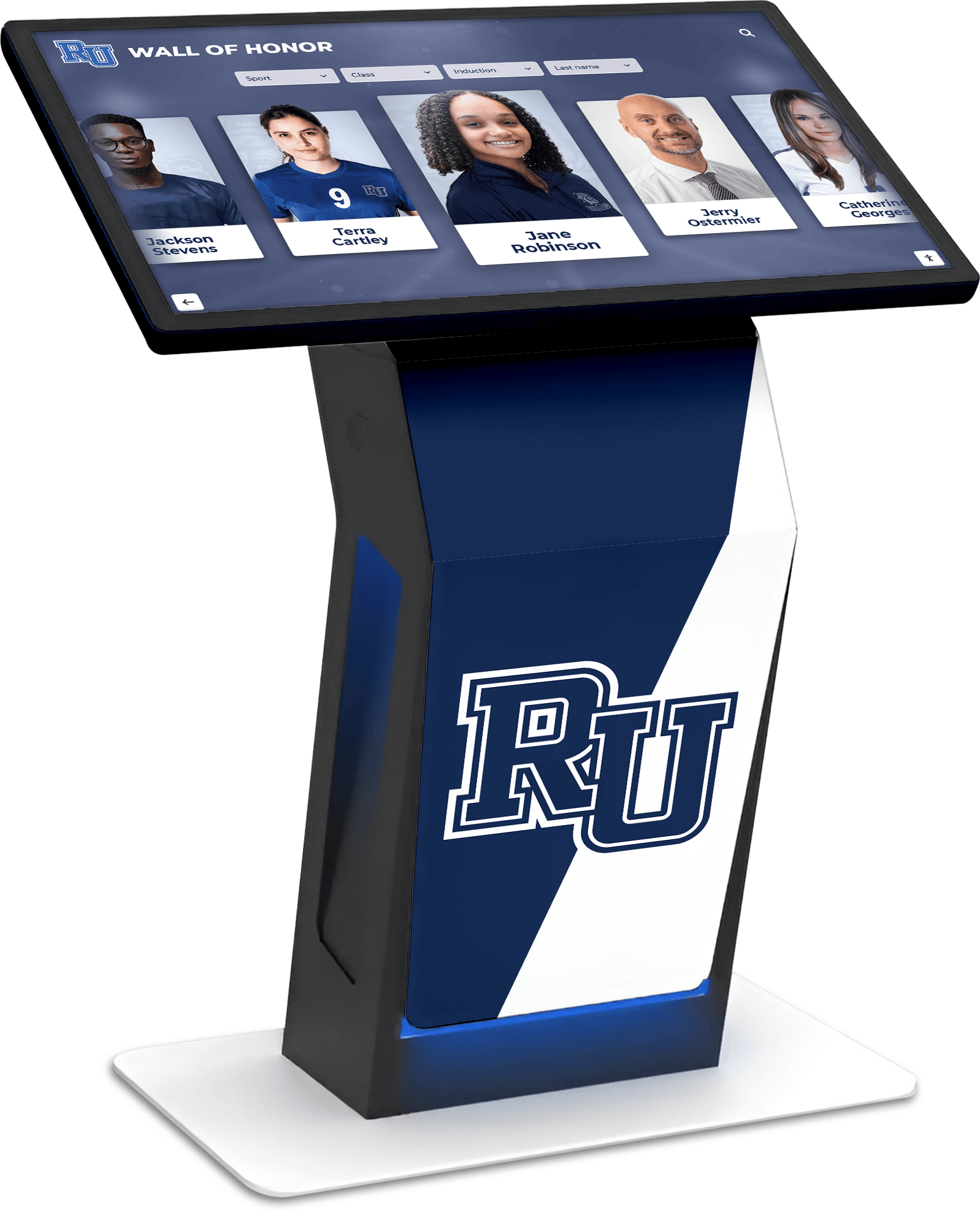
Touchscreen kiosks in lobbies and common areas make historical archives accessible at the point of interest rather than requiring separate research visits
Public Display and Engagement Interfaces Digital archives serve communities best when accessible through multiple channels:
- Website Access: Searchable online interfaces enabling remote exploration
- Touchscreen Kiosks: Physical displays in lobbies and common areas for casual browsing
- Mobile Applications: Smartphone access enabling on-demand exploration
- Social Media Integration: Sharing capabilities extending reach beyond institutional community
- Embedded Content: Historical materials integrated into institutional websites and digital communications
Solutions like Rocket Alumni Solutions provide purpose-built historical display systems combining archival storage with engaging public access interfaces designed for schools and organizations without archival IT expertise.
Digitization Standards and Specifications
File Format and Resolution Standards Archival digitization follows preservation-focused specifications:
Photographic Materials
- Minimum 600 DPI scanning for photographs ensuring archival quality
- TIFF format for master preservation files
- JPEG derivatives for web access and display
- Color management ensuring accurate reproduction
- 16-bit depth for preservation masters when possible
Document Materials
- 400-600 DPI for text documents enabling OCR
- PDF/A format for long-term preservation
- OCR text layer for searchability
- Multi-page document handling for books and publications
- File size optimization balancing quality and accessibility
Video and Audio Materials
- High-resolution capture from original formats before degradation
- Standard compression formats balancing quality and file size
- Metadata including date, participants, event, and context
- Transcription for accessibility and searchability
- Format migration planning as technology evolves
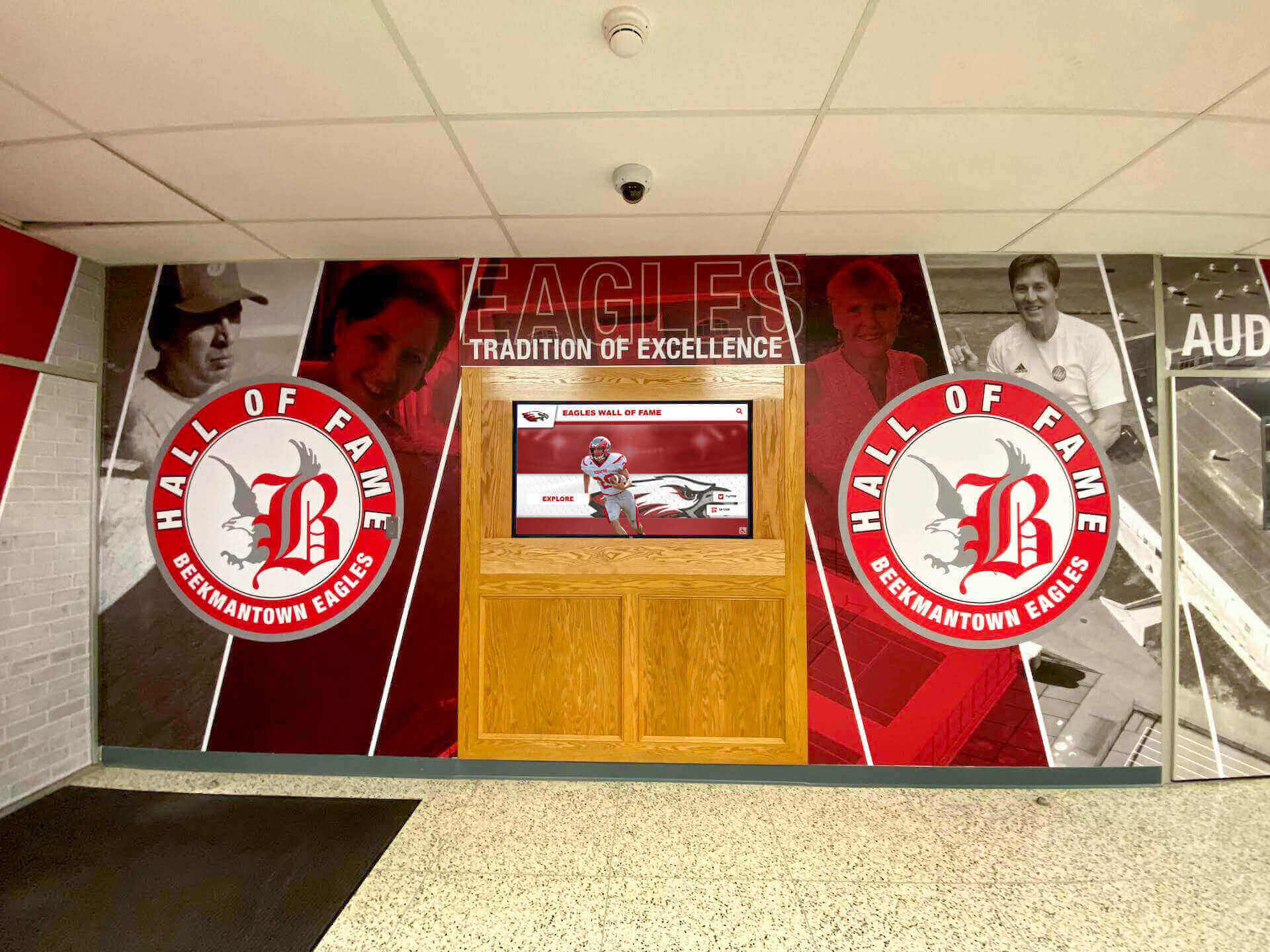
Comprehensive historical environments combine traditional murals and physical displays with digital archive access, creating immersive heritage experiences
Metadata and Cataloging Requirements Descriptive information enables discovery and provides context:
Essential Metadata Fields
- Title or description of item
- Date or approximate date range
- Creator or photographer when known
- People pictured or mentioned (with identification)
- Location or venue
- Event or activity documented
- Institutional department or program
- Original format and physical characteristics
- Rights and permissions information
- Accession or collection identification
Rich metadata transforms disconnected images into discoverable historical documentation. A 1967 basketball team photo becomes findable through year, sport, coach name, individual player names, championship context, or venue identification.
Controlled Vocabularies and Taxonomies Consistent terminology improves searchability:
- Standardized activity and event names
- Official sport and program titles
- Institutional department names
- Geographic location standards
- Person name authorities preventing variant spellings
- Subject heading thesauri for topic classification
Digitization Workflow and Project Management
Systematic processes ensure quality, consistency, and efficiency throughout large-scale digitization projects.
Organizing the Digitization Process
Collection Preparation Before scanning, materials require organization:
- Arrangement: Group materials by type, date, or organizational system
- Inventory: Create item-level lists of materials for digitization
- Condition Documentation: Note conservation needs or fragility concerns
- Preparation: Remove from binders, albums, or frames as needed
- Identification: Label containers and materials for tracking through workflow
Workflow Stages Efficient digitization follows structured processes:
Stage 1: Capture
- High-resolution scanning following specification standards
- Quality review ensuring technical adequacy
- Batch processing maximizing efficiency
- File naming following systematic conventions
- Backup creation preventing data loss
Stage 2: Metadata Creation
- Descriptive cataloging for each item
- Identification of people, places, and events
- Research filling knowledge gaps
- Authority control ensuring consistent terminology
- Rights documentation and permissions tracking
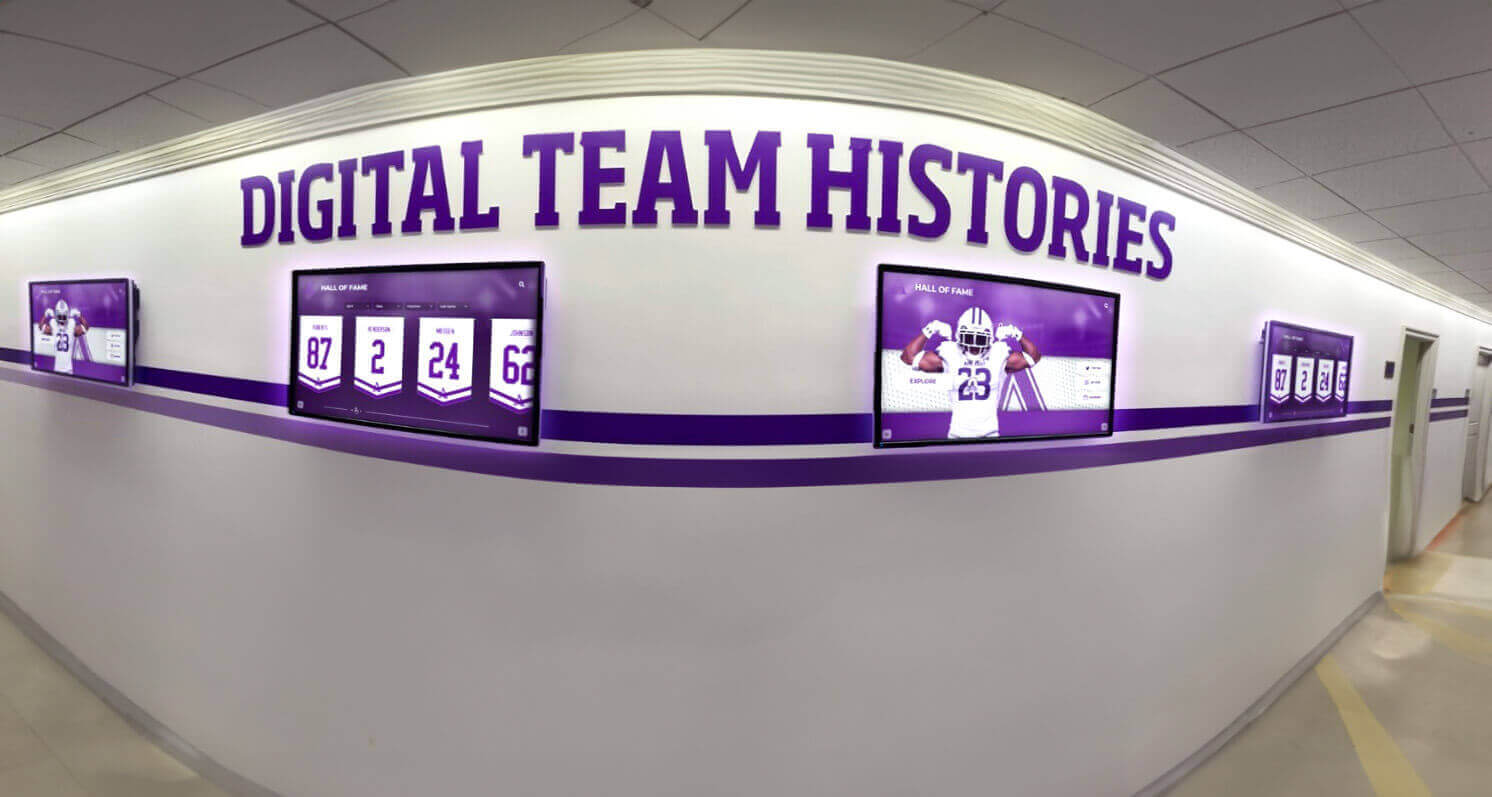
Digital historical displays can showcase comprehensive team histories and records impossible to present through physical displays alone
Stage 3: Processing and Enhancement
- Image correction and optimization
- OCR for text documents
- File format conversion for access copies
- Thumbnail generation for browsing interfaces
- Quality assurance review
Stage 4: Ingestion and Publication
- Upload to archive platform
- Metadata integration and validation
- Organization into collections and categories
- Access interface configuration
- Public launch and promotion
Resource Requirements and Budgeting
Staff Time and Expertise Needs Digital archiving demands significant labor investment:
- Digitization Labor: Scanning, photography, and capture work
- Cataloging Expertise: Metadata creation requiring historical knowledge
- Technical Skills: File processing, format conversion, system administration
- Research Capabilities: Identifying people, dates, and contextual information
- Project Management: Coordinating workflow, tracking progress, solving problems
Large projects often combine institutional staff, trained volunteers, student workers, and potentially professional digitization services depending on complexity and timeline.
Equipment and Technology Costs Initial investment requirements vary by approach:
Basic Digitization Setup: $2,000-5,000
- Flatbed scanner suitable for photos and documents
- Copy stand and lighting for photographing oversized materials
- Computer workstation for processing
- External storage for master file backup
Professional-Grade Equipment: $10,000-30,000
- Large-format scanner for oversized materials
- High-resolution camera system with copy stand
- Audio/video digitization hardware
- Color calibration tools
- Archival-quality storage systems
Software and Platform Costs: $2,000-10,000 annually
- Digital asset management system
- Photo editing and processing software
- OCR software for text recognition
- Archive platform hosting and licensing
- Display interface for public access
Schools implementing historical preservation systems typically invest $15,000-50,000 for initial comprehensive digitization projects including equipment, software, professional services, and first-year ongoing costs.
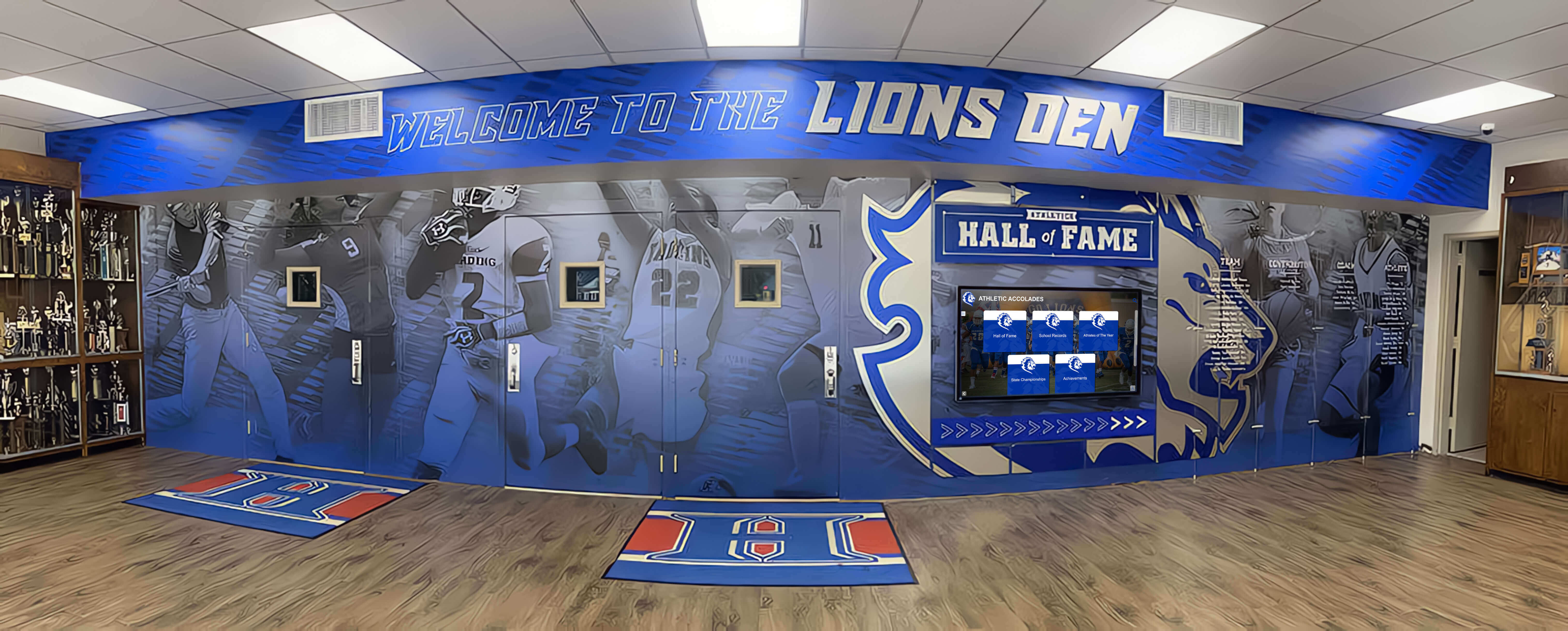
Historical recognition spaces combine physical trophy cases with digital archive access, ensuring comprehensive preservation alongside traditional display approaches
Volunteer and Community Engagement Strategies
Crowdsourcing Identification and Context Community members provide valuable knowledge:
- Photo Identification: Alumni identify classmates, teachers, and locations in historical photographs
- Date Verification: Participants confirm or correct estimated dates
- Story Collection: Personal memories add context and narrative
- Artifact Donation: Community members contribute items from personal collections
- Transcription Assistance: Volunteers transcribe handwritten documents and oral histories
Historical societies implementing crowdsourced identification report 40-60% of previously unidentified photographs becoming identified through community participation, dramatically increasing archival value.
Volunteer Digitization Programs Trained volunteers extend project capacity:
- Retired community members seeking meaningful engagement
- Alumni giving back to institutions
- Student service learning and internship programs
- Historical society members passionate about preservation
- Parent volunteers supporting school initiatives
Effective volunteer programs provide structured training, clear expectations, quality control procedures, and appropriate recognition ensuring successful contributions while maintaining archival standards.
Public Access and Engagement Features
Digital archives provide maximum value when designed for active exploration rather than passive storage.
Search and Discovery Functionality
Powerful Search Capabilities Users need multiple approaches for finding information:
Search Methods
- Keyword Search: Full-text search across titles, descriptions, and OCR content
- Faceted Filtering: Refine by date range, category, person, or subject
- Browse Navigation: Explore by decade, department, activity type, or collection
- Tag Clouds: Visual representation of popular topics and subjects
- Related Item Suggestions: Automated connections between similar materials
- Advanced Search: Boolean operators and field-specific queries for research users
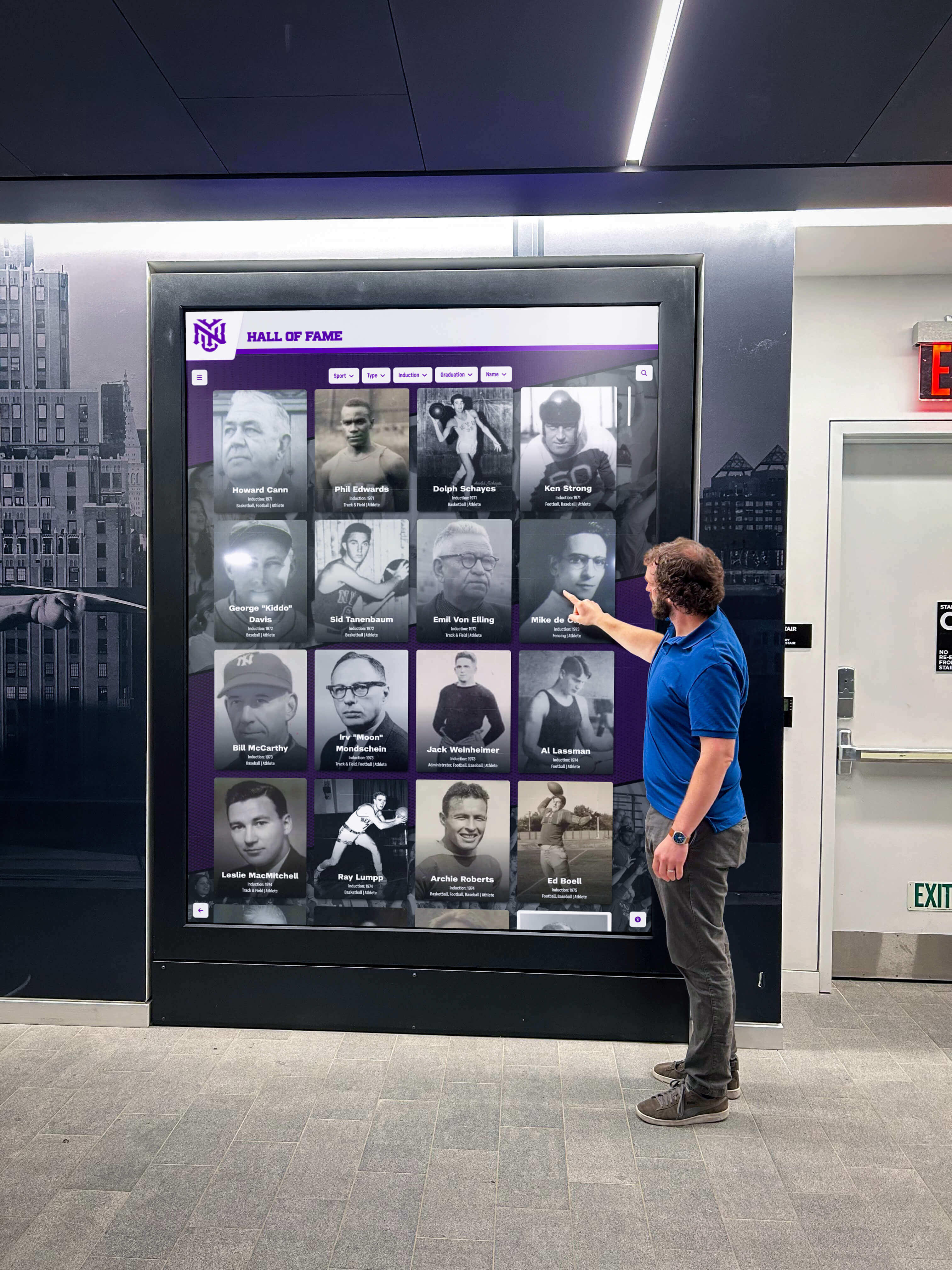
Intuitive touchscreen interfaces enable casual exploration by visitors unfamiliar with complex archival search systems
Browsing and Serendipitous Discovery Research shows many archive users don’t have specific search targets but rather want to explore:
- Timeline views enabling chronological browsing
- Collection overviews showing organizational structure
- Featured item rotations highlighting interesting materials
- Random item discovery for exploratory browsing
- Related item connections encouraging continued exploration
- Visual galleries emphasizing photographic materials
Balancing structured search for targeted research with open-ended browsing for casual exploration ensures archives serve diverse user needs and encourage engagement beyond specific information-seeking.
Interactive Timeline and Historical Narrative Displays
Chronological Timeline Interfaces Timelines provide compelling access to institutional history:
- Decade-by-decade exploration showing institutional evolution
- Side-by-side comparison of different eras
- Milestone markers highlighting significant events
- Period context connecting institutional history to broader historical events
- Visual density showing activity concentration periods
- Zoom functionality from overview to detailed examination
Schools implementing institutional timeline displays report strong engagement across age groups, particularly when personal or familiar connections exist to displayed content.
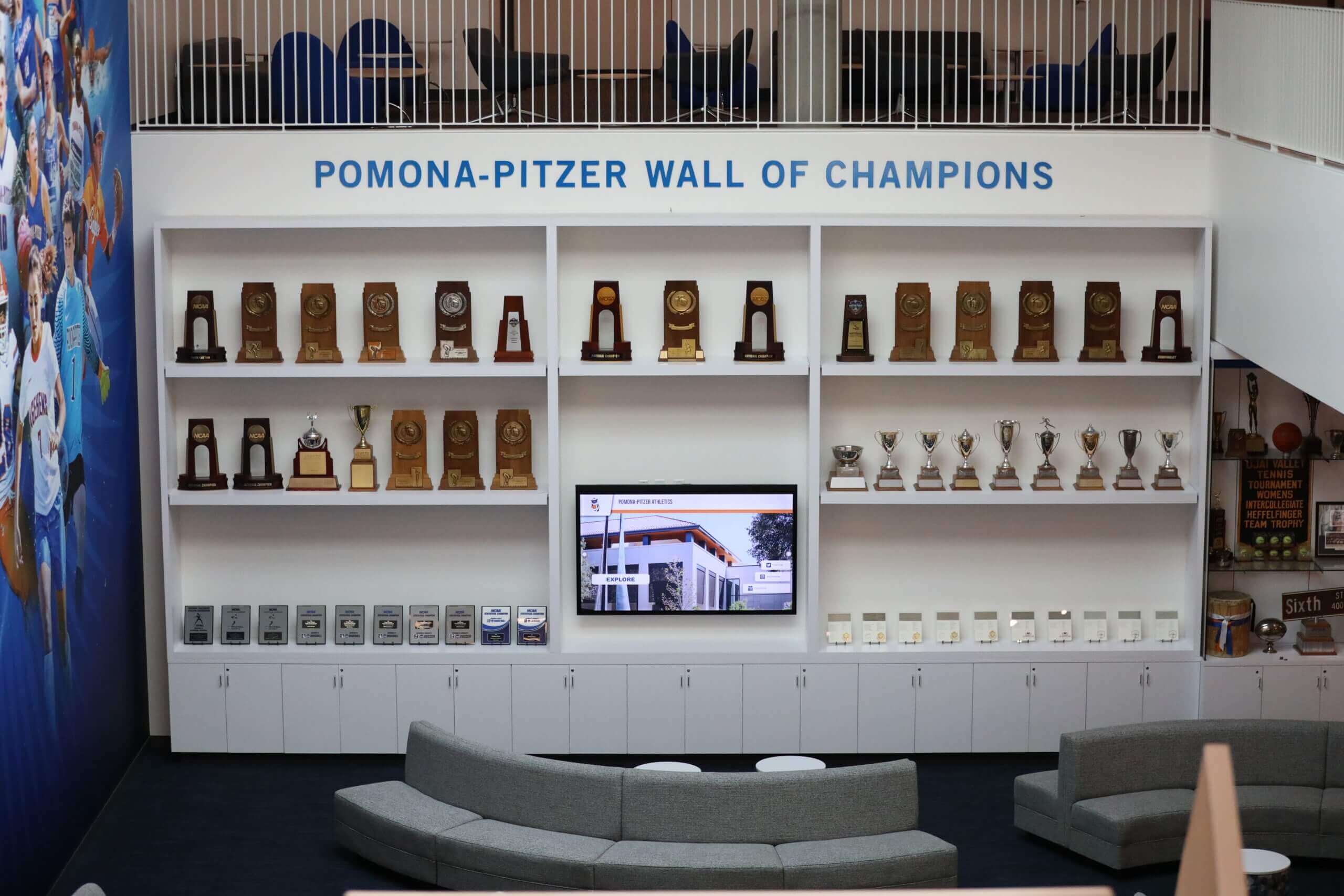
Dedicated historical spaces create environments for exploring institutional heritage through combination of physical artifacts and digital archive access
Curated Exhibits and Thematic Collections Organized presentations guide exploration:
- Anniversary celebrations highlighting milestone years
- Athletic championship retrospectives
- Notable alumni collections and profiles
- Institutional tradition explanations and histories
- Building and facility evolution documentation
- Program development and growth narratives
- Then-and-now comparison features
Curated exhibits transform archives from databases into storytelling platforms that engage casual audiences while supporting detailed research.
Accessibility and Universal Design
ADA Compliance for Digital Archives Digital accessibility ensures universal access:
Visual Accessibility
- Screen reader compatibility for blind users
- Alternative text descriptions for all images
- High-contrast viewing modes for low-vision users
- Text sizing controls enabling enlargement
- Keyboard navigation not requiring mouse use
Hearing Accessibility
- Transcriptions for all audio and video content
- Closed captioning for multimedia materials
- Visual indicators for audio content availability
Cognitive Accessibility
- Clear navigation and consistent interface design
- Plain language in descriptions and instructions
- Visual hierarchy guiding attention and exploration
- Adjustable complexity accommodating different user capabilities
Organizations implementing accessible digital displays ensure historical materials serve all community members regardless of disability or access needs.
Rights Management and Privacy Considerations
Historical materials often include sensitive information requiring careful management.
Copyright and Permissions
Understanding Archival Copyright Historical materials involve complex intellectual property:
- Institutional Ownership: Materials created by or for organization
- Donated Materials: Collections with transferred or restricted rights
- Orphan Works: Materials with unknown or unlocatable copyright holders
- Fair Use Considerations: Educational and historical preservation uses
- Publication Rights: Permissions for digital access and reproduction
Conservative approaches prioritize obtaining explicit permissions or relying on clear institutional ownership to avoid legal complications. Consulting intellectual property attorneys helps navigate complex situations involving substantial valuable collections.
Rights Documentation Requirements Systematic rights management prevents future problems:
- Donor Agreements: Clear documentation of transferred rights for contributed materials
- Release Forms: Permission from identifiable individuals or families
- Copyright Research: Investigation of original copyright status
- Restriction Documentation: Clear recording of any access or use limitations
- Attribution Requirements: Proper crediting of creators and donors
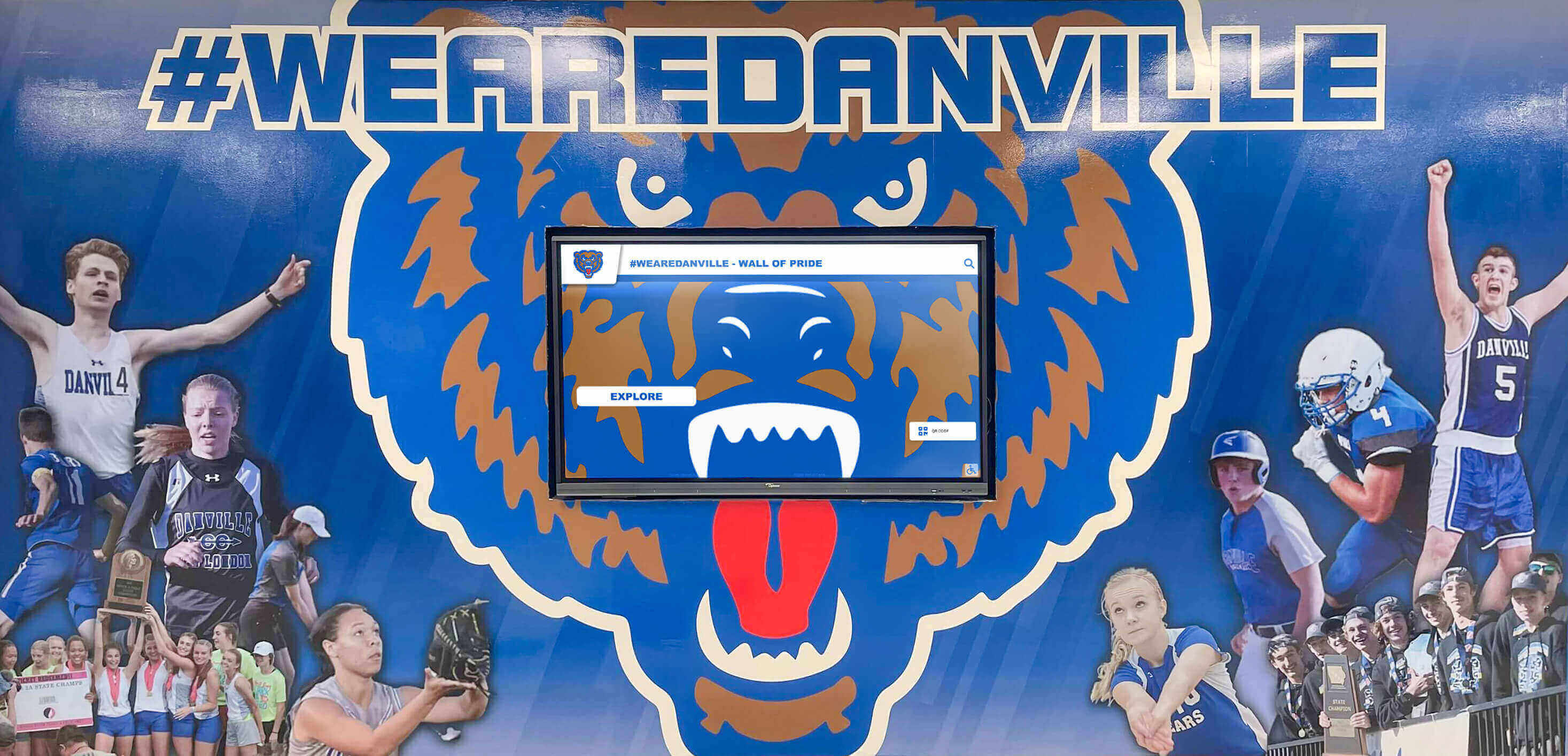
Institutional branding and historical displays work together creating comprehensive recognition environments celebrating heritage while building current identity
Privacy and Sensitive Information
Privacy Considerations for Historical Materials Balancing access with individual privacy requires judgment:
Sensitive Content Categories
- Student records and educational information protected by FERPA
- Disciplinary records and confidential proceedings
- Medical information or health-related materials
- Social security numbers and identification information
- Financial records and personal economic information
- Personnel files and employment records
Mitigation Strategies
- Redaction of specific sensitive information while preserving historical value
- Time delays providing access only after reasonable period passage
- Restricted access requiring verification for specific materials
- Family consultation before publishing materials about identifiable individuals
- General collection restrictions protecting entire sensitive categories
Historical archives should establish clear policies addressing common scenarios before issues arise during digitization rather than making ad-hoc decisions throughout projects.
Educational Applications of Digital History Archives
Archives provide rich resources for teaching and learning.
Curriculum Integration Strategies
Using Archives in Classroom Instruction Historical materials support multiple educational objectives:
- Primary Source Analysis: Students examine original documents developing critical thinking skills
- Local History Connection: Community history creates personal relevance for broader historical concepts
- Research Skill Development: Archive exploration teaches information literacy and research methodology
- Writing Assignments: Historical materials inspire creative and analytical writing projects
- Interdisciplinary Learning: Archives support English, history, social studies, and arts integration
Teachers report that students show dramatically higher engagement with local institutional history compared to generic textbook content, particularly when archives include materials from students’ own family experiences or recognizable community figures.
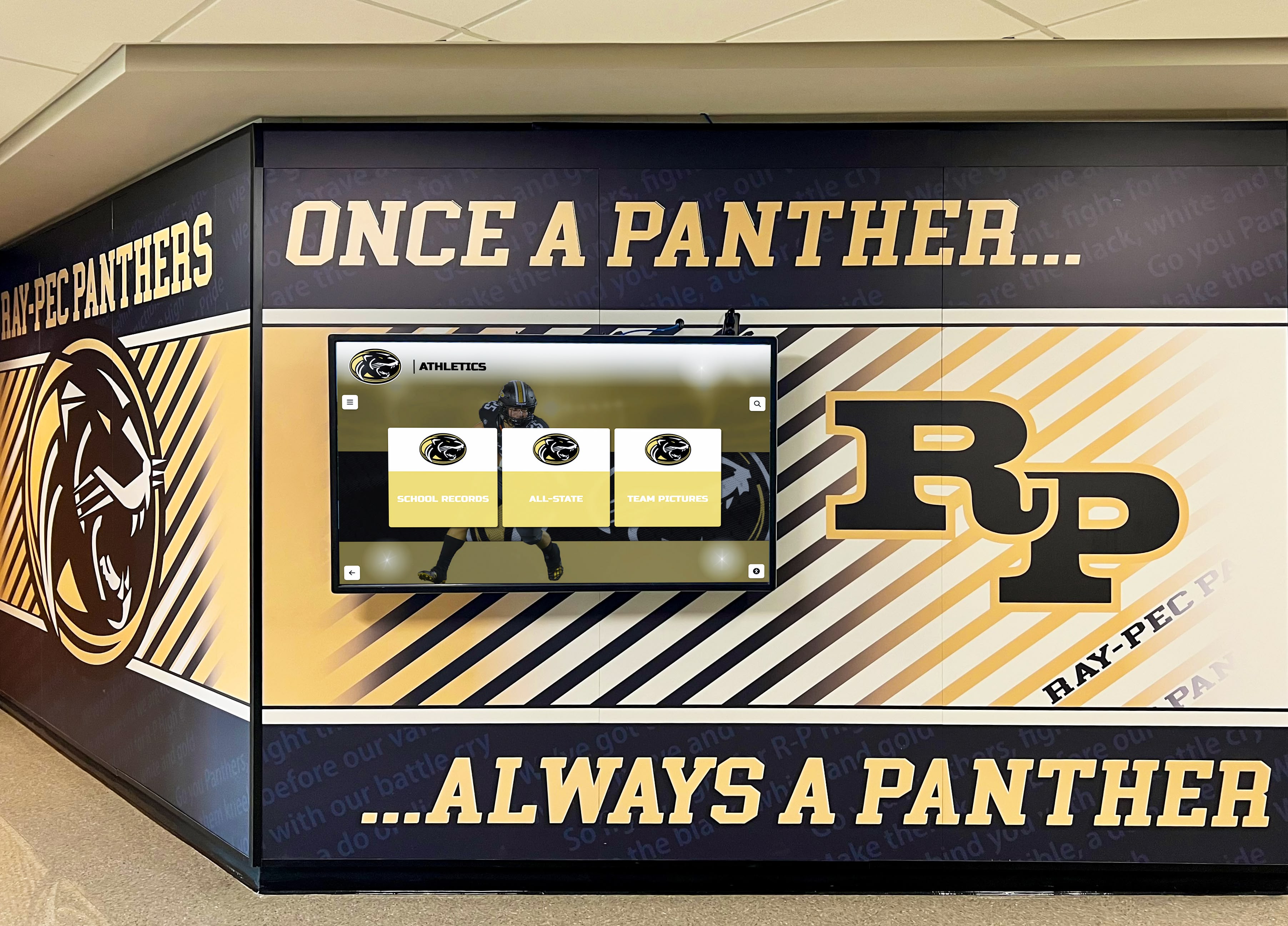
Hallway displays make institutional history visible in daily student experience rather than hidden in dedicated archive rooms requiring special access
Student-Created Content and Projects Archives enable meaningful student contributions:
- Oral History Projects: Students interview alumni, retired staff, and community members
- Historical Research Papers: Archive materials support authentic research experiences
- Documentary Productions: Video projects telling institutional history stories
- Museum Exhibits: Student-curated displays for school galleries or special events
- Website Contributions: Student-written content contextualizing historical materials
Schools implementing student archive projects report multiple benefits including enhanced student ownership of institutional identity, development of research and technology skills, expansion of archival collections through student-gathered materials, and increased archive awareness across student body.
Alumni Engagement and Development Support
Reconnecting Alumni Through Historical Content Archives strengthen alumni relationships:
- Personal History Discovery: Alumni find photographs of themselves, classmates, and teachers
- Reunion Support: Historical materials enhance anniversary celebrations
- Nostalgia Marketing: Historical content triggers positive emotional connections
- Social Media Sharing: Alumni share discoveries with networks expanding institutional reach
- Legacy Documentation: Alumni contribute personal stories and perspectives
Development offices report that historical recognition programs significantly enhance cultivation efforts by creating emotional connections that inspire philanthropic engagement. Alumni seeing institutional care for historical legacy become more likely to contribute to future-focused initiatives.
Long-Term Sustainability and Maintenance
Digital archives require ongoing attention ensuring continued accessibility and relevance.
Content Growth and Collection Development
Ongoing Digitization Programs Archives remain relevant through continuous expansion:
Annual Addition Strategies
- Current year materials digitized systematically as created
- Yearbook digitization maintaining comprehensive coverage
- Event photography added throughout academic year
- Achievement documentation entered immediately upon occurrence
- Oral history projects adding new interviews periodically
- Retrospective priorities addressing coverage gaps
Organizations treating archives as living projects rather than one-time initiatives sustain community engagement and ensure historical completeness across institutional history.
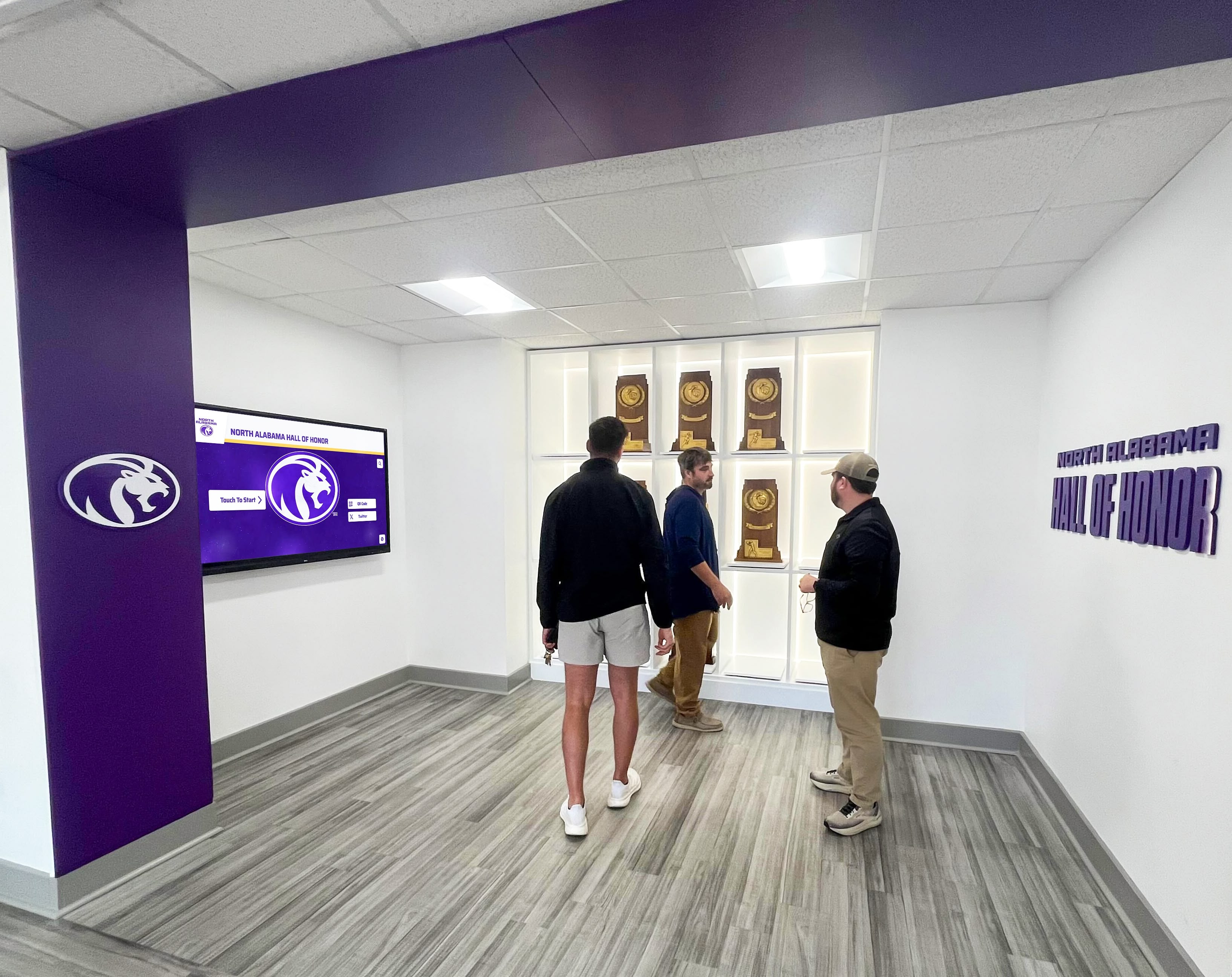
Dedicated historical spaces create destinations for alumni and visitors to explore institutional heritage through immersive environments combining physical and digital elements
Technology Maintenance and Migration
Digital Preservation Challenges Technology evolution requires active management:
- File Format Obsolescence: Periodic migration to current formats ensuring accessibility
- Storage Media Degradation: Regular copying and medium refresh preventing data loss
- Platform Updates: Software version changes requiring testing and potential adaptation
- Broken Links: URL maintenance ensuring continued access to referenced materials
- Hardware Replacement: Display and server equipment lifecycle management
Institutions should budget 10-15% of initial implementation costs annually for ongoing technology maintenance, content additions, and eventual system upgrades ensuring archives remain accessible long-term.
Metadata Enhancement and Quality Improvement Archives benefit from continuous refinement:
- Identification additions as information emerges
- Description expansion improving discoverability
- Tag additions increasing findability
- Cross-reference creation connecting related materials
- Error correction addressing discovered inaccuracies
- Community contribution integration from crowdsourcing efforts
Measuring Success and Demonstrating Impact
Documenting archive value helps justify ongoing investment and demonstrates community benefit.
Usage Analytics and Engagement Metrics
Quantitative Success Indicators Digital platforms enable comprehensive usage tracking:
- Total Access: Sessions, page views, and unique users
- Search Behavior: Query analysis revealing community interests
- Popular Content: Most-viewed items and collections
- User Duration: Time spent indicating engagement depth
- Return Visitors: Repeat usage showing sustained interest
- Social Sharing: External distribution extending reach
- Geographic Distribution: Access locations showing audience breadth
Schools implementing analytics-driven archive management report usage patterns inform content development priorities, preservation decisions, and interface improvements creating continuously more effective systems.

Digital archives enable detailed individual profiles impossible with physical displays, providing comprehensive recognition for institutional achievers across categories
Qualitative Impact Assessment
Community Feedback and Outcomes Beyond numbers, archives create meaningful outcomes:
- Alumni expressing emotional connection through shared discoveries
- Student research projects demonstrating learning outcomes
- Media coverage recognizing preservation efforts
- Donor engagement increases correlated with archive launch
- Community pride expressions and institutional identity strengthening
- Volunteer contributions indicating valued community resource
Collecting testimonials, documenting specific applications, and gathering systematic feedback demonstrates archive value beyond simple usage statistics.
Conclusion: Preserving Heritage for Future Generations
Digital history archives represent far more than technology projects—they constitute fundamental institutional commitments to preserving memory, honoring heritage, and connecting current and future community members with the experiences, achievements, and people who built organizational identity. Schools, universities, historical societies, museums, and cultural institutions implementing digital archives ensure that decades or centuries of institutional memory remain accessible rather than deteriorating forgotten in storage.
Effective digital archiving balances preservation standards with community access, combines archival rigor with engaging user experiences, and recognizes that historical materials serve communities most powerfully when actively explored rather than passively stored. Technology enables unprecedented access to institutional heritage, but success requires systematic planning, sustained resources, and genuine commitment to making history visible and valued.
Bring Your Institutional History to Life
Discover how modern digital archive solutions help schools, museums, and organizations preserve heritage while creating engaging experiences that connect communities with institutional memory. Explore platforms designed specifically for historical preservation, public access, and sustainable long-term management—without requiring archival IT expertise.
Talk to our teamOrganizations beginning digital archive initiatives benefit from starting with clearly defined scope and priorities rather than attempting comprehensive projects immediately, investing in appropriate technology matching institutional capabilities and resources, establishing systematic workflows ensuring quality and consistency, engaging communities as partners through crowdsourcing and volunteer programs, planning realistically for long-term sustainability beyond initial enthusiasm, and measuring success through both quantitative usage and qualitative community impact.
Solutions like Rocket Alumni Solutions provide purpose-built platforms combining archival storage with public engagement interfaces designed specifically for schools and cultural institutions. These systems eliminate technical complexity while providing professional-grade preservation, intuitive browsing and search capabilities, touchscreen kiosk displays for physical spaces, and cloud-based management enabling remote administration by non-technical staff.
Your institution’s history represents irreplaceable heritage documenting the people, achievements, challenges, and evolution creating current organizational identity. Digital archiving ensures that heritage remains accessible to inspire current community members, inform future generations, and preserve institutional memory against inevitable physical deterioration and loss. With systematic planning, appropriate technology, sustained commitment, and community engagement, organizations of any size can successfully preserve and share their unique historical legacy.
Ready to explore how digital history archives can preserve your institutional heritage while creating engaging experiences connecting communities with their past? Discover comprehensive solutions helping organizations nationwide protect historical materials, democratize access to collections, and celebrate heritage through modern digital platforms designed for long-term sustainability and community engagement at Rocket Alumni Solutions.































